Event Labor Forecasting Tools: 2026 Comparison
August 15, 2026


Most event teams do not need the same type of forecasting. If I run a small caterer or wedding crew, I may only need role-based availability, shift confirmation, and calculating staffing needs. If I run a venue, stadium, or hotel group, I may need hourly demand planning, budget checks, payroll links, and rule-based scheduling.
Here’s the short answer:
If I had to reduce the whole comparison to one line, it would be this: the main tradeoff is forecast depth, setup time, and cost. The more detail a tool gives me, the more data, setup, and budget it usually takes.
The best fit depends on team size, event type, and how far ahead I need to plan.
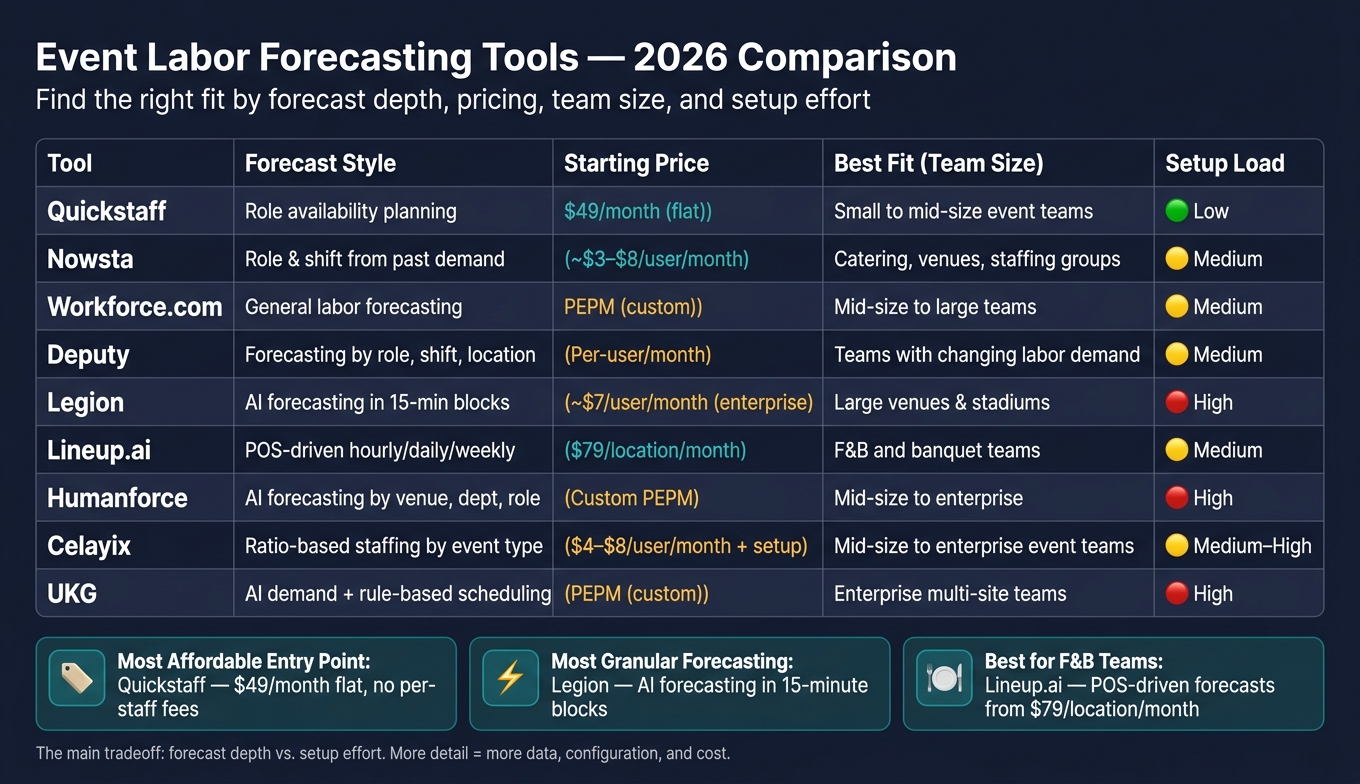
Event Labor Forecasting Tools Compared: 2026 Guide
| Tool | Forecast Style | Pricing Style | Best Fit | Setup Load |
|---|---|---|---|---|
| Quickstaff | Role availability planning | Flat monthly, from $49/month | Small to mid-size event teams | Low |
| Nowsta | Role and shift forecasting from past demand | Mixed public pricing, custom/annual in many cases | Catering, venues, staffing groups | Medium |
| Workforce.com | General labor forecasting | PEPM | Mid-size to large teams | Medium |
| Deputy | Forecasting by role, shift, location | Per-user monthly | Teams with changing labor demand | Medium |
| Legion | AI forecasting in 15-minute blocks | Enterprise contract | Large venues and stadiums | High |
| Lineup.ai | POS-driven hourly/daily/weekly forecasts | Per location, from $79/month | F&B and banquet teams | Medium |
| Humanforce | AI forecasting by venue, department, role | Custom PEPM | Mid-size to enterprise | High |
| Celayix | Ratio-based staffing by event type | Tiered, about $4-$8/user/month plus setup | Mid-size to enterprise event teams | Medium to high |
| UKG | AI demand forecasting with rule-based scheduling | PEPM, custom | Enterprise multi-site teams | High |
In this comparison, I’m looking at forecast depth, pricing, team size fit, workflow links, common scheduling problems, and setup effort so you can see which tool matches the way your event business works.
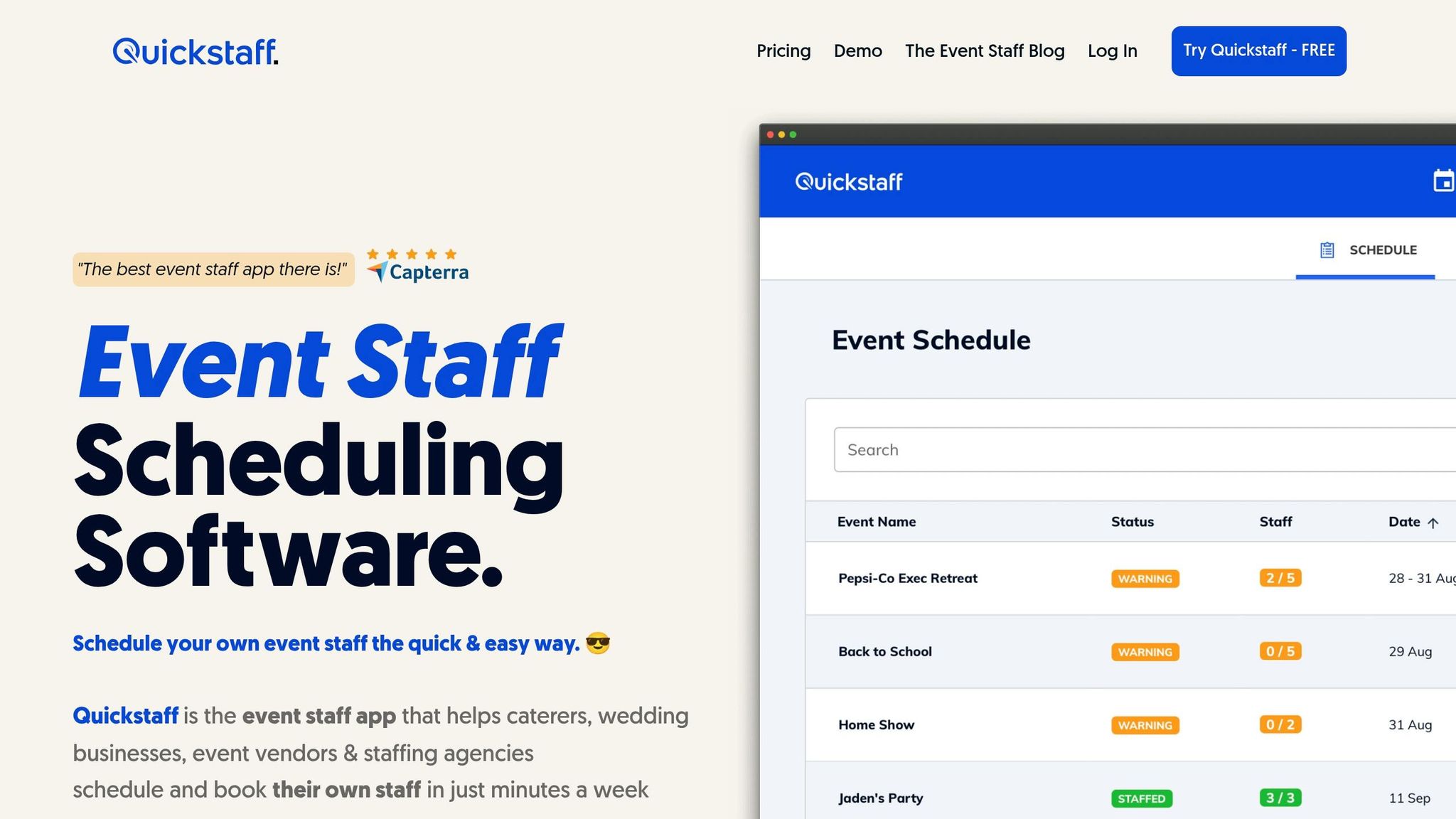
Quickstaff is an event staff scheduling platform for caterers, wedding businesses, event vendors, and staffing agencies. The big focus is temporary and part-time crews, not full-time employees.
Quickstaff tracks staff availability by role up to three months in advance, which helps managers spot coverage gaps before they build the schedule.
Quickstaff uses flat monthly pricing based on your maximum staff count. There are no per-staff fees. Every plan includes all features, unlimited events, unlimited managers, and assisted onboarding.
| Plan | Monthly Price | Staff Limit |
|---|---|---|
| Boutique | $49 | Up to 35 staff |
| Growing | $99 | Up to 70 staff |
| Large | $249 | Up to 175 staff |
| Custom quote | Contact for quote | 175+ staff |
Annual billing saves the equivalent of two months, and there’s a 14-day free trial with no credit card required.
This setup works well for small to mid-sized event teams that want predictable monthly costs as their roster grows.
Quickstaff ties forecasting, booking, and team communication into one flow. Managers can create events with set roles, send email invitations, and let staff accept or decline with one click. That response updates staffing status right away.
A couple of details make day-to-day scheduling easier. Teams can duplicate past events to reuse staffing needs for repeat event types, and waitlists help when more staff are invited than needed. Staff can also sync events to Google Calendar, iCal, Outlook, or Yahoo so they can catch conflicts early.
Quickstaff handles scheduling and communication well, but payroll, HRIS, and POS integrations may fall outside the main workflow. So it makes the most sense for teams that need a clear view of availability, role coverage, and fast schedule changes.
Nowsta is built for caterers, venues, staffing agencies, and hospitality groups that rely on hourly crews. It brings forecasting, scheduling, and workforce management into one platform. That setup is especially useful when staffing shifts with event size, season, or location.
Nowsta uses historical schedules, event calendars, seasonality, event size, and location trends to forecast staffing needs at the role and shift level. Managers can also track labor spend against budget in real time, which helps them spot overtime risk before it turns into a bigger problem.
Public pricing for Nowsta is inconsistent. Reported models include per-user monthly plans and annual enterprise quotes, with published starting points from $3 to $8 per user per month and around $18,000 per year. It’s best to treat those numbers as rough benchmarks, not fixed rates.
Nowsta works for teams that manage variable hourly labor, from smaller rosters to large venue operations.
Once forecasting is done, Nowsta moves straight into schedule creation and labor execution. The platform ties forecasting to scheduling, time and attendance, payroll, and team communication in one workflow.
Managers can:
Customer reports also point to major time savings in scheduling and payroll processing.
Workforce.com leans toward compliance-heavy scheduling for larger teams. That matters if you run a big operation with lots of staff, rules, and moving parts. But for event teams, one point stands out right away: it’s not clear how much event-specific forecasting detail the platform gives you.
Forecasting is just one part of an event day checklist that ensures smooth operations.
Available sources do not specify event-level forecast depth by location, role, shift, or time window.
That missing detail matters. If you’re staffing events, you usually need to plan at a much finer level than “overall labor demand.” You may need to know who’s needed, where, and for exactly which time block.
Workforce.com uses a per employee, per month (PEPM) subscription model. PEPM pricing scales with headcount.
In plain English, your cost goes up as your team gets bigger. That setup can make sense for larger companies, but it may feel less suited to smaller event crews that staff up and down depending on the season or the job.
It fits mid-size to large organizations better than small event teams.
That makes Workforce.com more of a match for companies with a steady employee base than for lean event businesses that need a lot of flexibility.
Available sources do not detail its links between forecasting, booking, availability, or communication. For event businesses, that gap matters as much as pricing.
Why? Because forecasting on its own only tells part of the story. In event work, the day-to-day job is often about connecting the forecast to who’s available, who gets booked, and how updates get shared with the team.
Deputy goes deeper on demand forecasting for teams that need more than a basic schedule builder. It uses past demand data, such as attendance, bookings, or event volume, to forecast staffing by role, shift, and location.
Deputy forecasts staffing by role, shift, and location. It also uses Labor Optimization to suggest staffing levels that line up with demand and budget. For teams watching labor cost closely, that link matters a lot.
Deputy uses per-user, per-month pricing. Its Flexi plan includes a small base fee and only charges for staff who were scheduled or worked during that period. That setup works well for event teams with labor demand that goes up and down.
The provided sources do not show how Deputy connects forecasting to shift creation, availability tracking, or team communication.
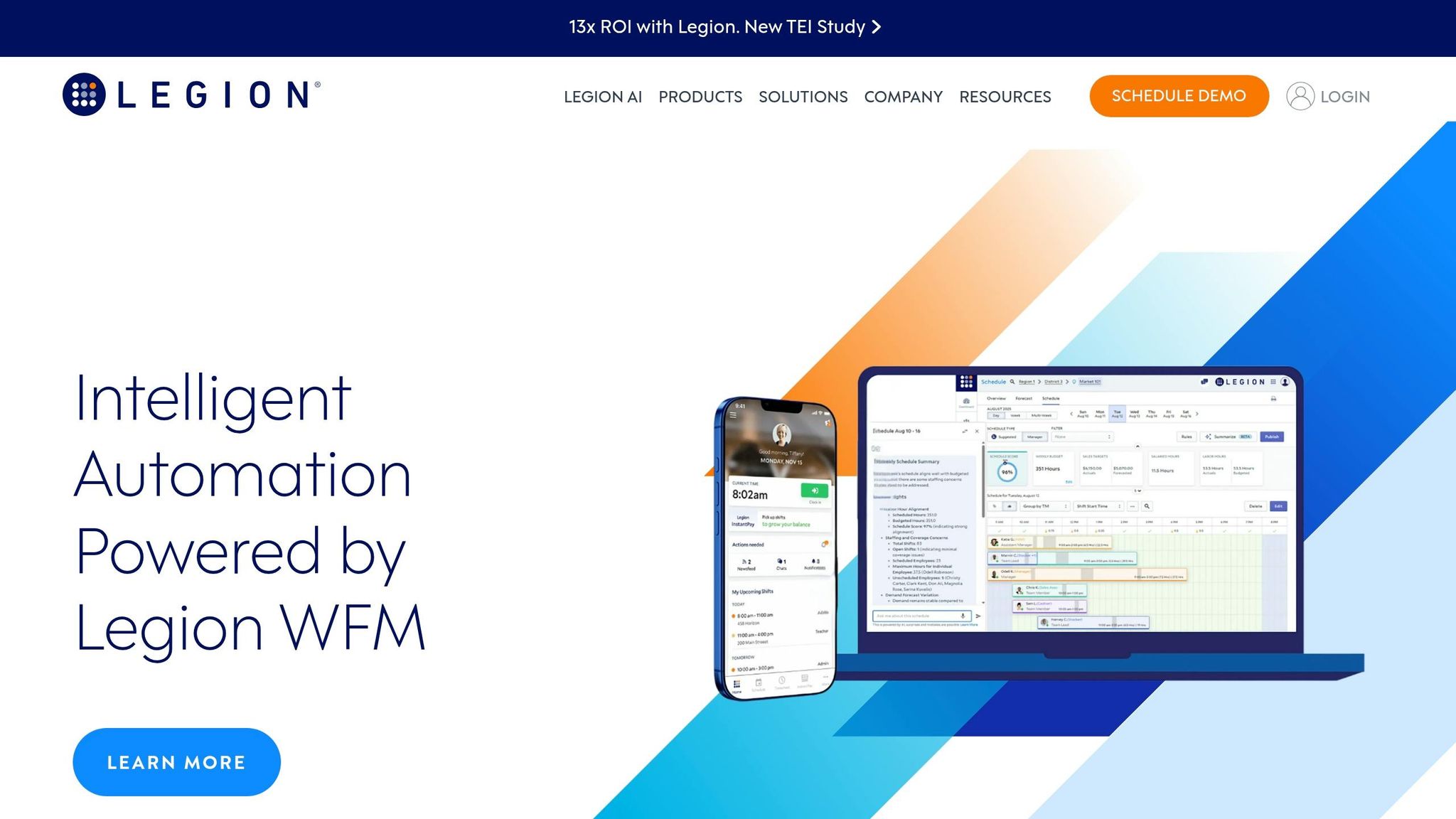
Legion goes deeper than Deputy when it comes to forecast detail and automation. It’s built for larger, busier event operations, where staffing needs can change hour by hour and rough headcount estimates just don’t cut it.
For event businesses, Legion turns expected attendance, ticket sales, bar sales, or catering orders into staffing needs by role and by hour. Its forecasting engine runs in 15-minute blocks and creates location-level demand models using local inputs like historical sales, transactions, foot traffic, weather, holidays, and local events.
It also supports what-if planning, so teams can compare different attendance or sales scenarios before locking in a staffing plan. That matters in events. A small shift in turnout can change how many bartenders, servers, ushers, or kitchen staff you need at different points in the day. Instead of stopping at total headcount, Legion helps teams map staffing by role, by hour.
Legion is sold through enterprise contracts. Public references put pricing at around $7 per user per month on SAP Marketplace, while large deployments have also been reported at about $300,000 per year.
Legion is a fit for large venues, stadiums, convention centers, hotel groups, and high-volume caterers. For a single-location wedding venue or a boutique caterer, this is often more system than the team needs.
Mid-sized operators can still get a lot from it if they deal with enough volume and enough swings in demand. In those cases, AI-based forecasting can help teams keep a closer handle on labor costs without guessing.
The 15-minute forecast feeds straight into shift plans and open-shift matching. Legion’s Shift Marketplace shows available shifts and matches staff based on skills and availability, which can help managers fill event shifts with less back-and-forth, similar to other top tools for last-minute catering staff scheduling.
It also connects with Workday HCM and SAP SuccessFactors, which helps tie scheduling into HR and payroll flows. In the Forrester study, manager admin time dropped sharply, and most deployments went live in 4 to 6 months.
For teams that want lighter forecasting and less enterprise overhead, the next tool takes a simpler path.
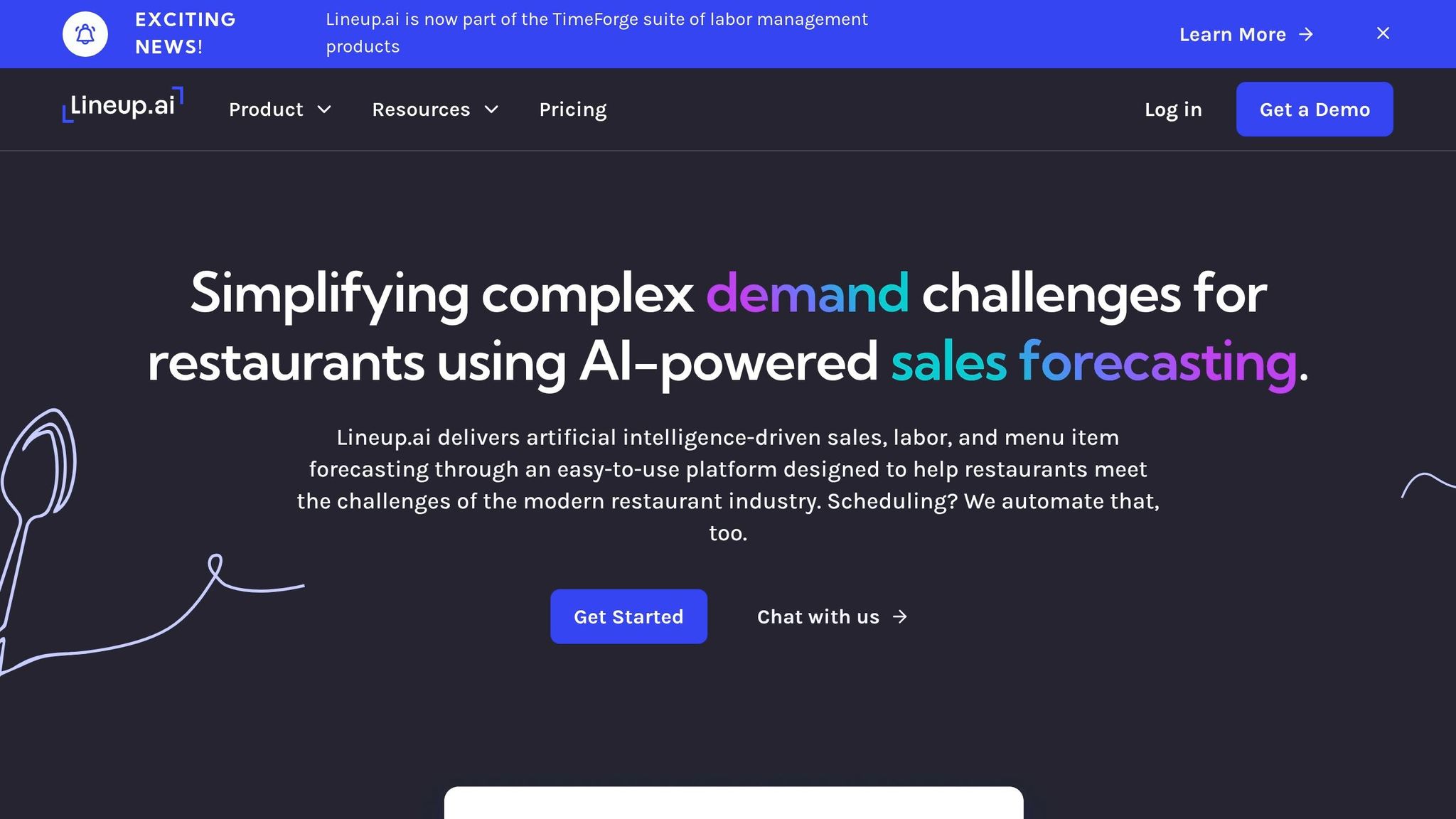
Lineup.ai is built around forecasting first. In plain English, that means the system starts with demand data and uses it to drive scheduling. For event businesses with a lot of food-and-beverage volume, that matters. Staff planning comes from projected demand instead of rough guesses or gut feel.
Lineup.ai produces hourly, daily, and weekly forecasts using historical POS sales, weather, local events, holidays, and foot traffic. It also forecasts menu items, which gives caterers and venues a better handle on prep and back-of-house staffing up to four weeks in advance.
That extra layer is a big deal for food service. It’s one thing to know sales may spike on Saturday. It’s another to know which items are likely to move, how much prep that creates, and how many people you need in the kitchen to keep things from going sideways.
A Cabo Bob's case study said its forecasts came within 2% to 3% of actual sales after a few months.
Lineup.ai uses a per-location, per-month pricing model with two plans:
Both plans include unlimited users and employees. The lower-priced plan makes sense for teams that already use scheduling software and just want forecasting.
Lineup.ai fits best with restaurant and food-service teams. That includes banquet venues, hotel catering operations, wedding venues with in-house F&B, and multi-location groups that handle private events.
The flip side is just as important. Because the platform leans on POS-based sales data, it’s a weaker fit for mobile crews and non-transactional event teams, like AV or production crews. If your work doesn’t run through sales tickets, the forecasting engine has less to work with.
Lineup.ai connects with major POS and booking systems like Toast, Square, Tripleseat, 7shifts, and UKG. That lets sales and reservation data feed into the forecasting engine automatically.
The mobile app covers the day-to-day side too, with schedule visibility, availability updates, shift swaps, time-off requests, and manager announcements. So the platform doesn’t stop at prediction. It helps teams turn those forecasts into actual schedules and team communication.
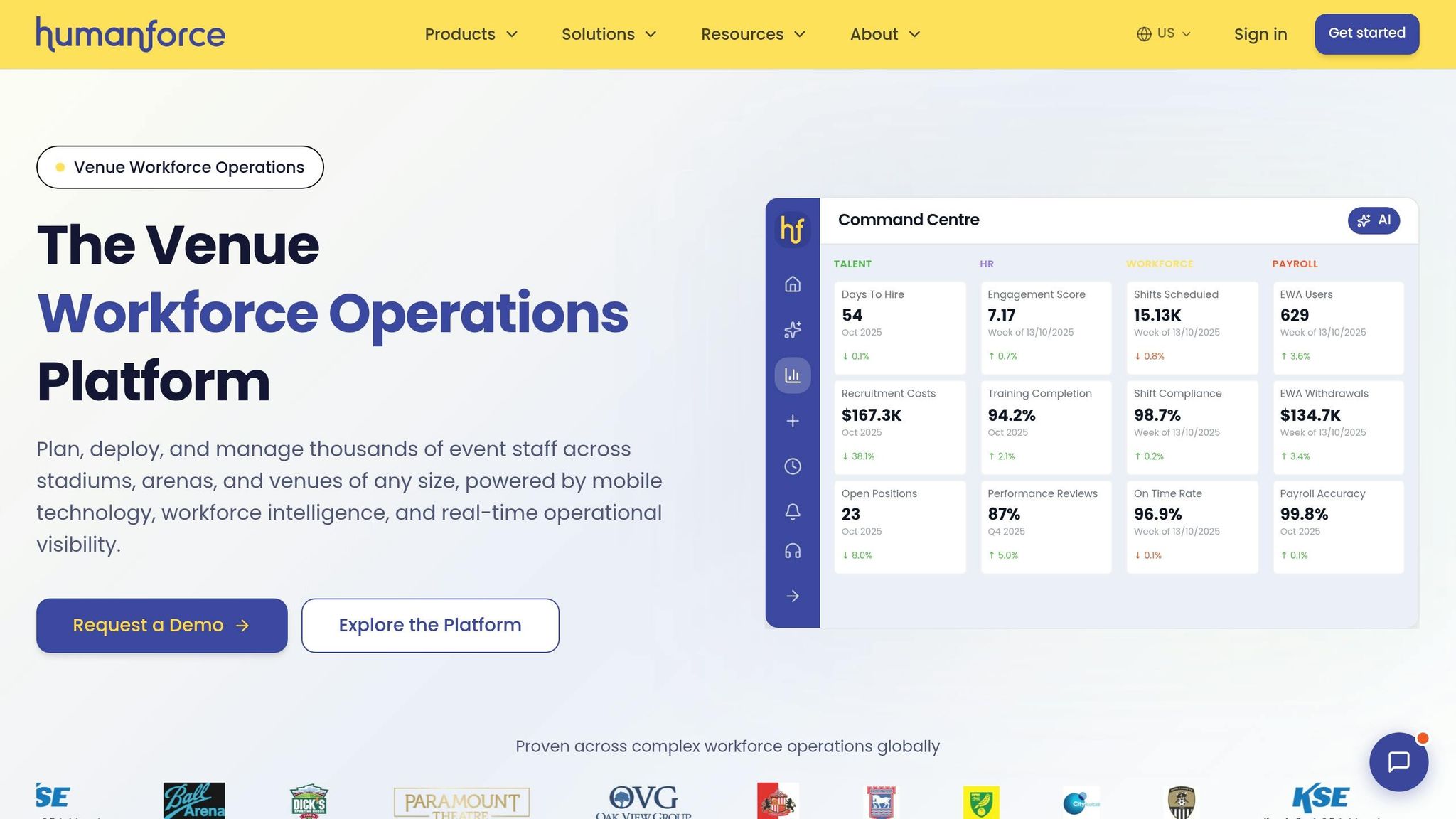
Humanforce is a strong fit for mid-sized and enterprise event operators that need demand forecasting tied directly to roster planning. That matters most when labor demand shifts by venue, department, and role.
Humanforce uses AI-driven forecasting that pulls from POS and ERP data to predict labor needs. Managers can forecast by venue, department, and role, with models that factor in historical booking patterns and seasonal swings. That kind of planning usually comes with enterprise-level pricing.
Humanforce uses custom PEPM pricing, and total cost goes up based on module selection and headcount.
Humanforce is best for mid-sized to enterprise operations. Smaller teams often don’t need the setup work or custom pricing structure. If you are evaluating options, use a checklist for choosing shift assignment software to prioritize your needs.
Humanforce turns forecasts into schedules. Teams can convert labor forecasts into draft schedules and shift templates, which helps keep staffing levels in line with predicted demand. If you need deeper HR and compliance controls, UKG is the next enterprise option.
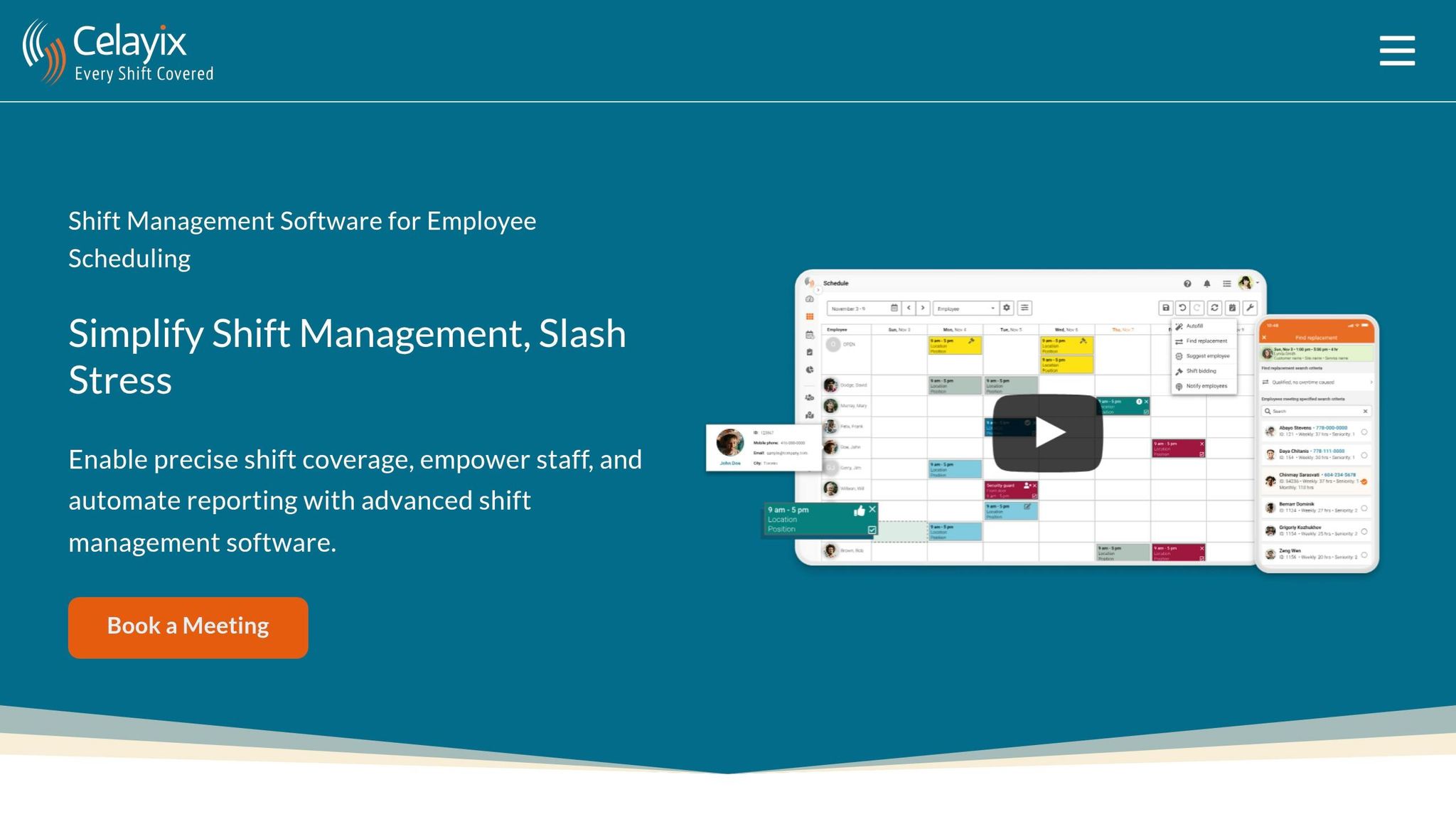
Celayix uses rule-based staffing ratios for repeat event formats like banquets, weddings, and concerts.
Some platforms try to predict demand with AI. Celayix takes a different route. It lets operators set staffing ratios by event type and attendance, then plug in the expected guest count to auto-calculate shifts by role.
That means you get staffing at the shift and role level, not just a rough total of labor hours. The system also supports minimum coverage for key roles, like kitchen leads or security supervisors. And if past labor results show the numbers are off, teams can fine-tune those ratios over time.
Celayix uses tiered pricing based on headcount, package, and implementation needs. Core scheduling pricing usually lands around $4-$8 per user per month, with implementation and training fees added on top. Annual terms come with a minimum of 25 employees.
Celayix is a strong fit for mid-sized to enterprise event operations. Think multi-venue hospitality groups, regional caterers, and staffing agencies running large on-call teams.
After forecasts turn into shifts, managers can assign staff, publish schedules, and send notifications through mobile tools like Team Xpress and Schedule Xpress. Actual hours can then export to payroll systems such as QuickBooks, ADP, and Paychex.
Case studies point to fewer payroll errors and faster schedule creation. The catch? You need to overcome common event staff scheduling challenges during the initial setup. Rules, ratios, and integrations all need to be configured up front for the system to work well.
Teams that need broader HR and compliance controls usually look next at UKG.
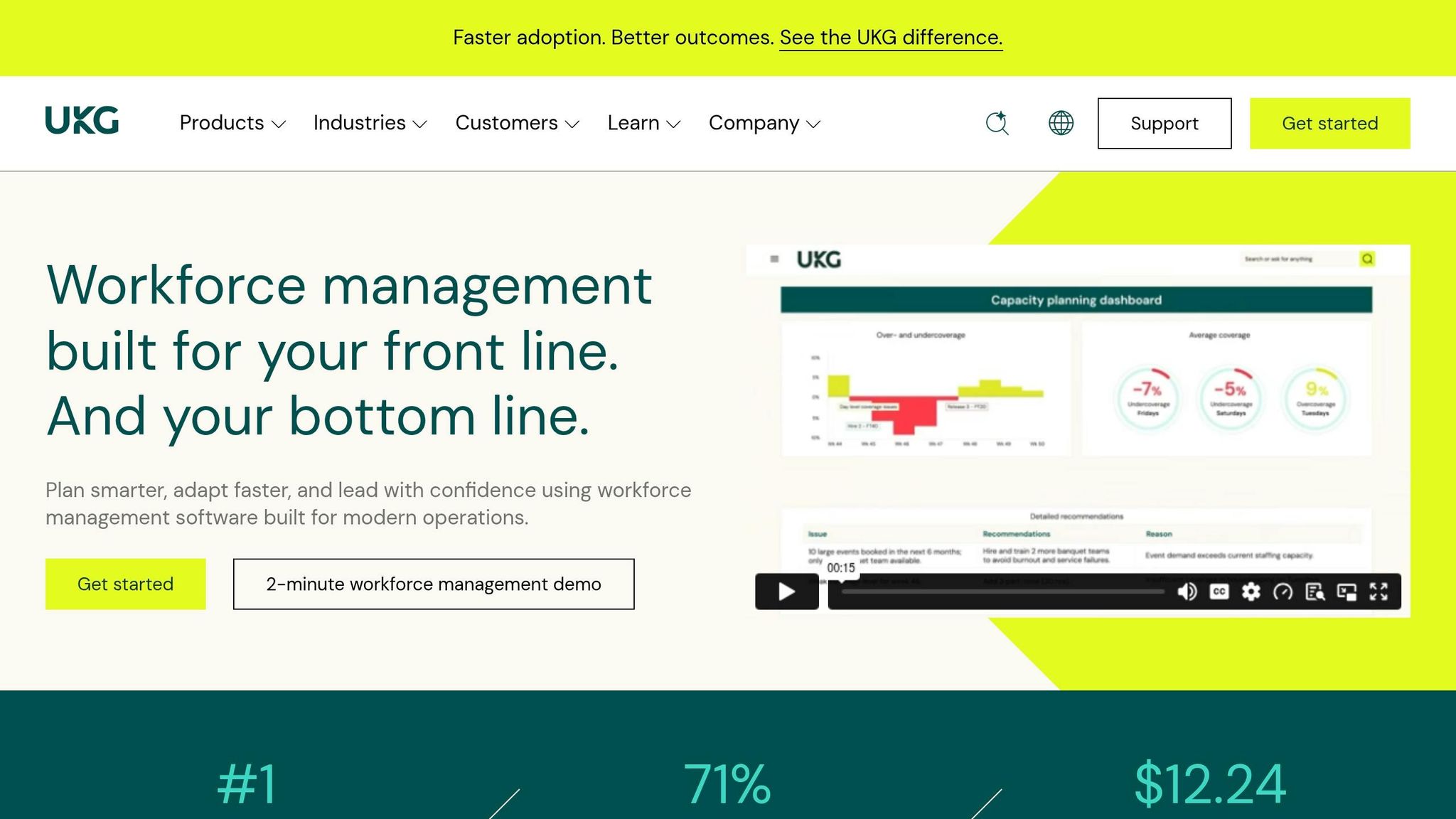
UKG sits on the enterprise side of the market. UKG Pro Workforce Management uses UKG Bryte AI to predict labor demand based on historical volume, seasonality, bookings, and event volume. Those predictions then turn into shift needs. From there, the platform can apply automated assignment rules tied to availability, skills, and labor laws and compliance.
That setup makes UKG a strong match for large venues, hotel groups, and multi-site operators dealing with complex compliance rules.
UKG uses PEPM pricing, which scales based on headcount and the modules you choose. Implementation usually takes 3 to 9 months because of data migration, integrations, and training. Forecasts feed into scheduling workflows and staff notifications, but the platform is built for enterprise control rather than fast event-level booking.
For event operators, UKG makes sense for large teams that want forecasting, scheduling, and compliance in one system and can handle a longer rollout. It's a better fit for teams that need deep workforce controls than for teams that want a fast setup.
The right tool comes down to three things: your business size, how tricky labor planning gets, and how far ahead you need to plan. Put simply, the main question is this: how much forecasting does your operation actually need? The easiest way to compare options is by looking at team size, forecast depth, and setup effort.
Small caterers and wedding teams usually don't need heavy demand forecasting. Their day-to-day problems are more practical: tracking who's free, avoiding double bookings, and locking in staff. Quickstaff fits that kind of workflow because it focuses on scheduling, availability, and team communication instead of a long setup process. It also uses fixed monthly pricing, which helps smaller teams keep costs predictable. For crews that need fast scheduling more than deep forecasting, that's often the better match.
Growing staffing agencies and event vendors tend to hit the limits of lighter tools once they start juggling overlapping client events and bigger rosters. At that stage, mid-size operators usually need stronger scheduling and demand forecasting, along with enough forecast depth to protect margins.
Venue, stadium, and multi-site enterprise teams need more than that. They often need attendance-based demand forecasting, rule engines for union agreements and overtime, multi-property financial connections, and compliance controls. At that level, platforms like UKG, Legion, and Humanforce are usually the better fit.
The table below maps each business type to realistic tool expectations and budget patterns:
| Business Type | Labor Forecasting Needs | Recommended Tool Type | Budget Pattern (USD) |
|---|---|---|---|
| Small Caterer / Wedding Team | Basic availability and shift confirmation | budget-friendly staff scheduling tools | Fixed monthly tiers starting at $49/month |
| Growing Staffing Agency / Event Vendor | Multi-client scheduling, waitlists, and margin visibility | Mid-market workforce management platform | Tiered monthly or per-user pricing |
| Venue / Stadium Operator | Attendance-driven demand forecasting and union rules | Forecasting-heavy platform | Custom enterprise pricing |
| Enterprise Hospitality Group | AI-driven multi-property forecasting, compliance, and ERP integration | Enterprise WFM suite | Custom enterprise pricing |
The main tradeoff is forecast depth vs. setup effort. Forecasting-heavy platforms need clean historical data, plus someone on the team who can handle configuration and integrations. If you don't have that in place yet, a lighter tool will often work better for one simple reason: your team is far more likely to use it.
The next section breaks down the pros and cons of each tool.
Here’s the short version: what each tool does well, where it falls short, and who it fits best.
| Product | Pros | Cons | Best For |
|---|---|---|---|
| Quickstaff | Event-specific scheduling for temporary staff; accept/decline invitations; waitlists fill last-minute gaps; flat monthly pricing with no per-staff fees | No AI-driven demand forecasting; standard plans cap at 175 staff; communication centers on email invitations, reminders, and event notes | Small-to-mid-size caterers, wedding vendors, and boutique staffing agencies |
| Nowsta | Strong hospitality and catering workflows; real-time shift acceptance tracking; payroll integration reduces manual processing | Harder for small teams to adopt; implementation more complex; better suited to mid-to-large operations | Mid-to-large caterers and large hospitality and venue operations managing multiple events each day |
| Workforce.com | AI labor forecasting tied to historical shift data; strong multi-location support; built-in U.S. labor compliance | Less event-specific; requires consistent data to stay accurate | Multi-location hospitality operators and event companies focused on cost control |
| Deputy | AI-powered demand forecasting using POS and booking data; solid time, attendance, and payroll integrations | Not built for one-off event staffing; irregular event patterns reduce forecast accuracy | Restaurants and hotels that host recurring private events |
| Legion | AI-native forecasting in 15-minute increments; strong labor cost optimization; robust compliance controls | High complexity; needs clean historical data; too much system for small or irregular event operations | Large hospitality chains and multi-venue operators with data-rich staffing needs |
| Lineup.ai | Specialized AI forecasting for sales and labor up to 4 weeks out; uses weather and local event data; automated schedule generation | Restaurant-centric; less suitable for staffing agencies or pure event vendors; sparse historical data hurts accuracy | Restaurant groups with event-like demand peaks and strong historical data |
| Humanforce | Purpose-built venue and stadium modules for demand-based shift planning; FLSA compliance built in; manages large crews at scale | Significant configuration required; custom pricing; too much setup for small event vendors | Large venues, stadiums, and enterprise hospitality groups with complex crew needs |
| Celayix | Flexible event-oriented scheduling with shift automation and mobile check-ins; handles complex shift rules and union environments | Less focused on predictive forecasting than Legion or UKG; steeper learning curve | Mid-sized venues, security staffing teams, and unionized event staff operations |
| UKG | Advanced AI-powered forecasting with scenario planning; deep integration with HR, payroll, and ERP systems; strong long-range workforce planning | Enterprise-grade complexity; not practical for small or mid-size event businesses; custom pricing requires a sales process | Large convention centers, enterprise hospitality brands, and production firms with complex operations |
Use this summary to match forecast depth and setup effort to your team size.
The best tool comes down to four things: how deep the forecast goes, how fast you can get set up, what it costs, and how well it fits the way your team already works. For event businesses, the biggest gap between tools is simple: does forecasting connect cleanly to booking and staffing, or not?
In practice, event teams usually fall into two camps. Small and mid-sized teams tend to need faster booking, fewer no-shows, and simple day-to-day communication. Larger operators with multiple locations usually need deeper labor forecasting and payroll integration.
Shortlist two or three tools that line up with your current workflow. Then compare them against your team size and pricing tier. Check whether each one actually forecasts demand or just handles schedules. Also look at setup and communication. If those parts feel clunky, your team probably won’t use the tool every day.
The real test is pretty straightforward: does the tool help you get the right people booked, informed, and ready for event day? Start with the option that fits your current size, then run it through a real event cycle before you commit. The best tool isn’t the one with the longest feature list. It’s the one your team will actually use before the event starts.
It depends on your event’s complexity, guest count, and service style. Good forecasting helps you move from reactive scheduling to planned staffing, so you’re less likely to end up short-handed or paying for more labor than you need.
Start with a baseline for your core staffing needs. Then look at past payroll records and shift lengths to find patterns in overtime, labor gaps, and role-specific trends. Adding a 10% to 20% buffer can help cover uncertainty without throwing off your budget.
Forecasting tools do their best work when the data behind them is solid. That means pulling in accurate historical and day-to-day operating data, such as past payroll, actual hours worked, and trends by role.
They also need event-specific details, including guest counts, service style, event length, and venue capacity. Without that context, a forecast is mostly guesswork.
It also helps to factor in market conditions like local wage growth, inflation, and union fees so budgets stay grounded in current costs. And when records are kept in one place - staff availability, confirmed shifts, and post-event performance reports, for example - you get a much stronger baseline for forecasting.
Setup is built to be fast and simple. Managers can create a new event in under five minutes just by adding the event name, date, time, location, and required roles.
For recurring events, templates can cut setup time by 70% to 80%. Onboarding for new temporary workers can also drop from 45 minutes to under 10 minutes.