Event Staffing Needs Analyzer
December 3, 2025


Organizing an event, whether it’s a wedding, corporate gathering, or community festival, comes with a laundry list of decisions. One of the trickiest? Figuring out how many people you need on your team to keep things running smoothly. That’s where a tool to calculate staffing requirements can be a game-changer. It takes the guesswork out of building your crew by analyzing key details like guest count and event style.
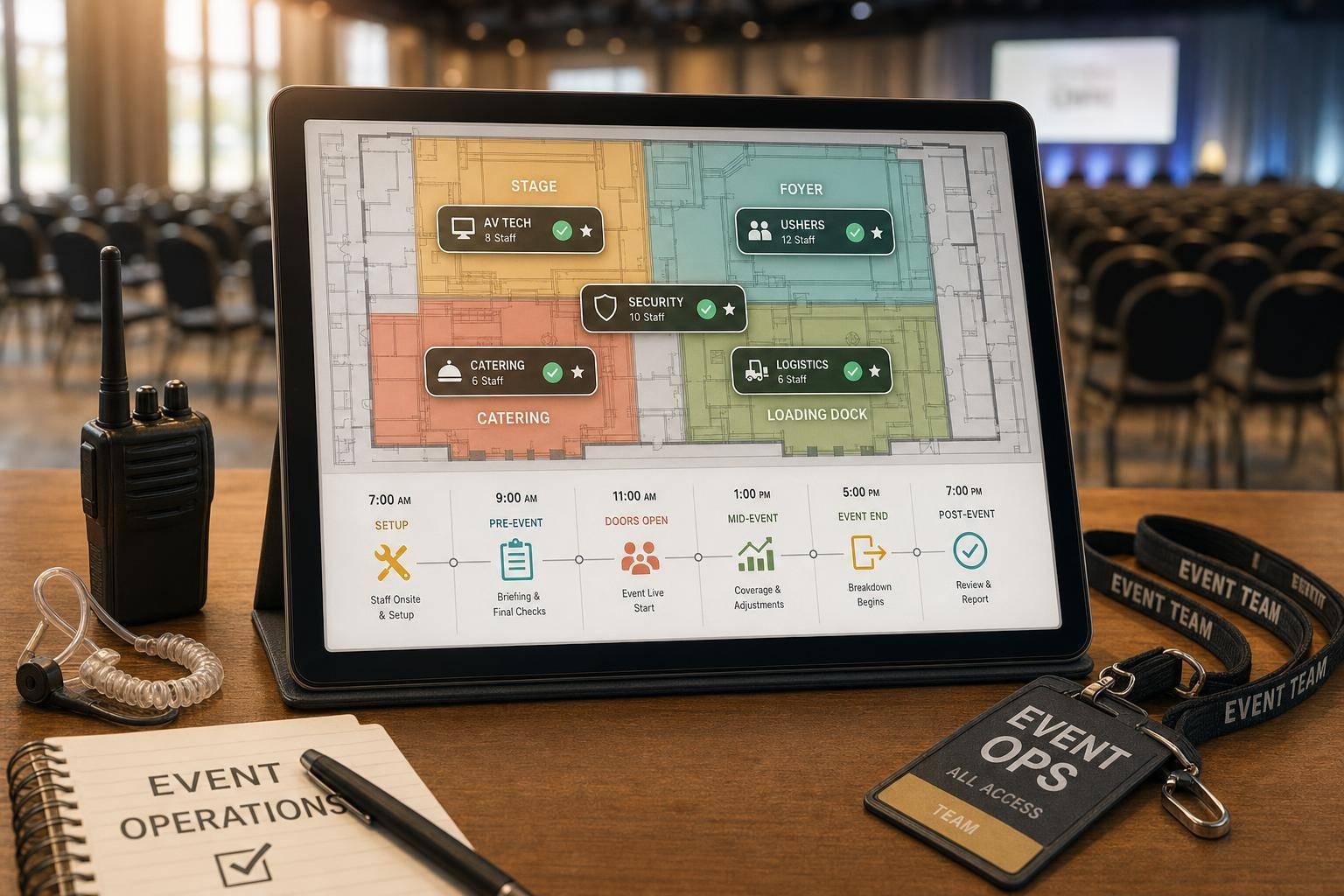
Understaffing can lead to chaos—long lines, frustrated guests, or safety concerns. On the flip side, hiring too many people eats into your budget unnecessarily. A well-designed planner for event team sizing helps strike the right balance. By inputting specifics like duration and roles (think security or bartending), you get a clear picture of what’s needed. This isn’t just about numbers; it’s about creating an experience where everything clicks. From small parties to large expos, having the right headcount ensures your vision comes to life without a hitch. So, next time you’re mapping out logistics, let a smart tool guide your staffing decisions for peace of mind.
Great question! Our analyzer uses established industry guidelines and ratios tailored to different event types—like weddings or corporate conferences. For example, a wedding might need one server per 20 guests, while a conference could require one usher per 50 attendees. We factor in your input on attendance, duration, and specific tasks to create a customized breakdown. It’s not just a random guess; it’s based on what works in real-world event planning.
Absolutely, we’ve got you covered. Whether you’re hosting a small backyard gathering or a niche art exhibit, the tool adapts to a wide range of event sizes and types. Just input the details that apply to your setup, and if you’ve got unique tasks or roles, add those too. The analyzer will still provide a practical starting point, which you can tweak as needed based on your specific vibe or vision.
Yes, and that’s one of the best parts! Events evolve—maybe your guest list grows or you add a new activity. Just come back to the tool, update your inputs, and generate a fresh report in seconds. It’s designed to be flexible, so you’re never locked into an outdated plan. Think of it as a living guide that keeps pace with your planning process.