Event Role Assignment Generator
January 27, 2026

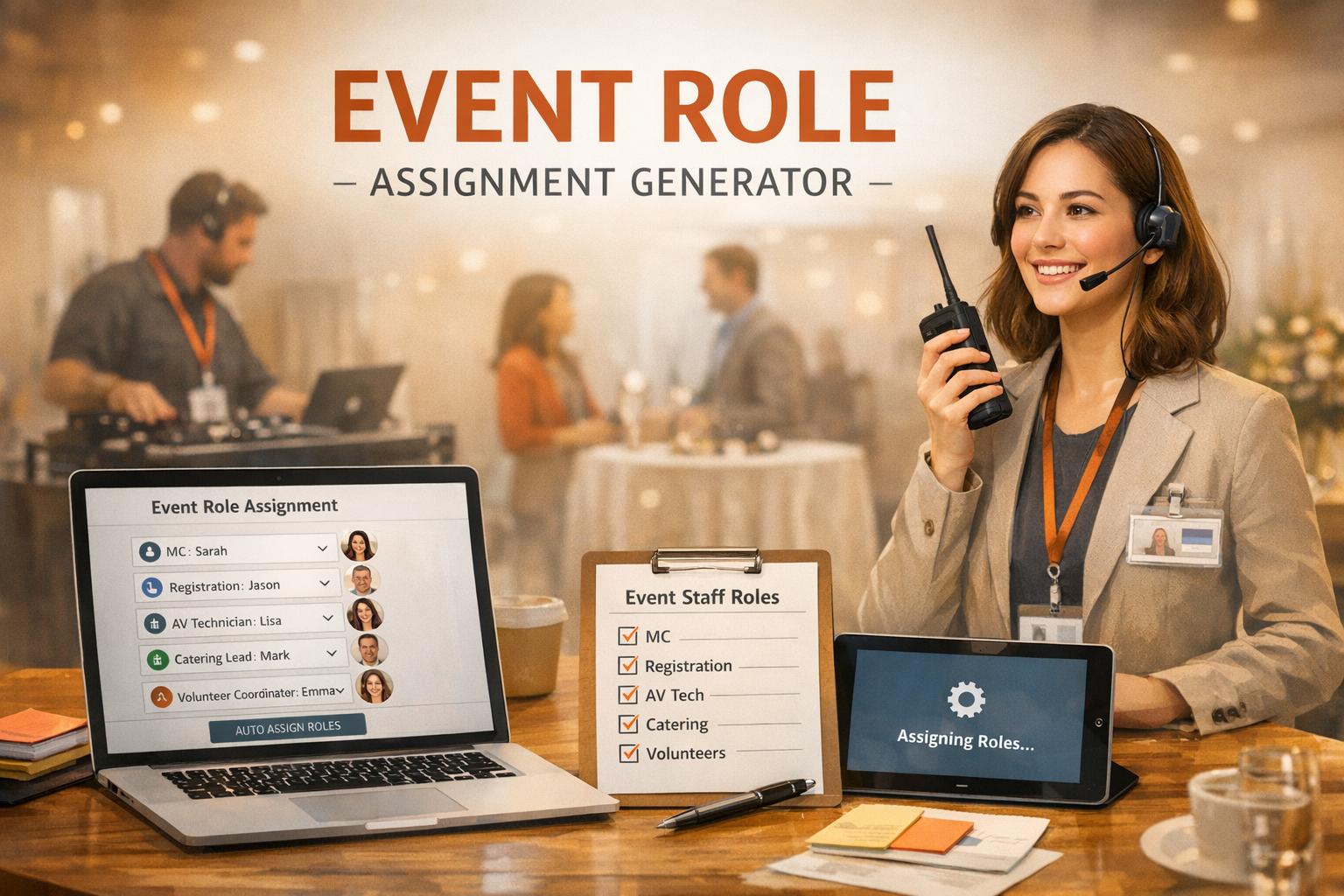
Organizing an event, whether it’s a small community gathering or a large corporate conference, comes with a laundry list of tasks. One of the trickiest? Figuring out who’s doing what. That’s where a staff allocation tool steps in to save the day. This handy solution takes the guesswork out of assigning roles, letting you focus on the bigger picture—like making sure your guests have a blast.
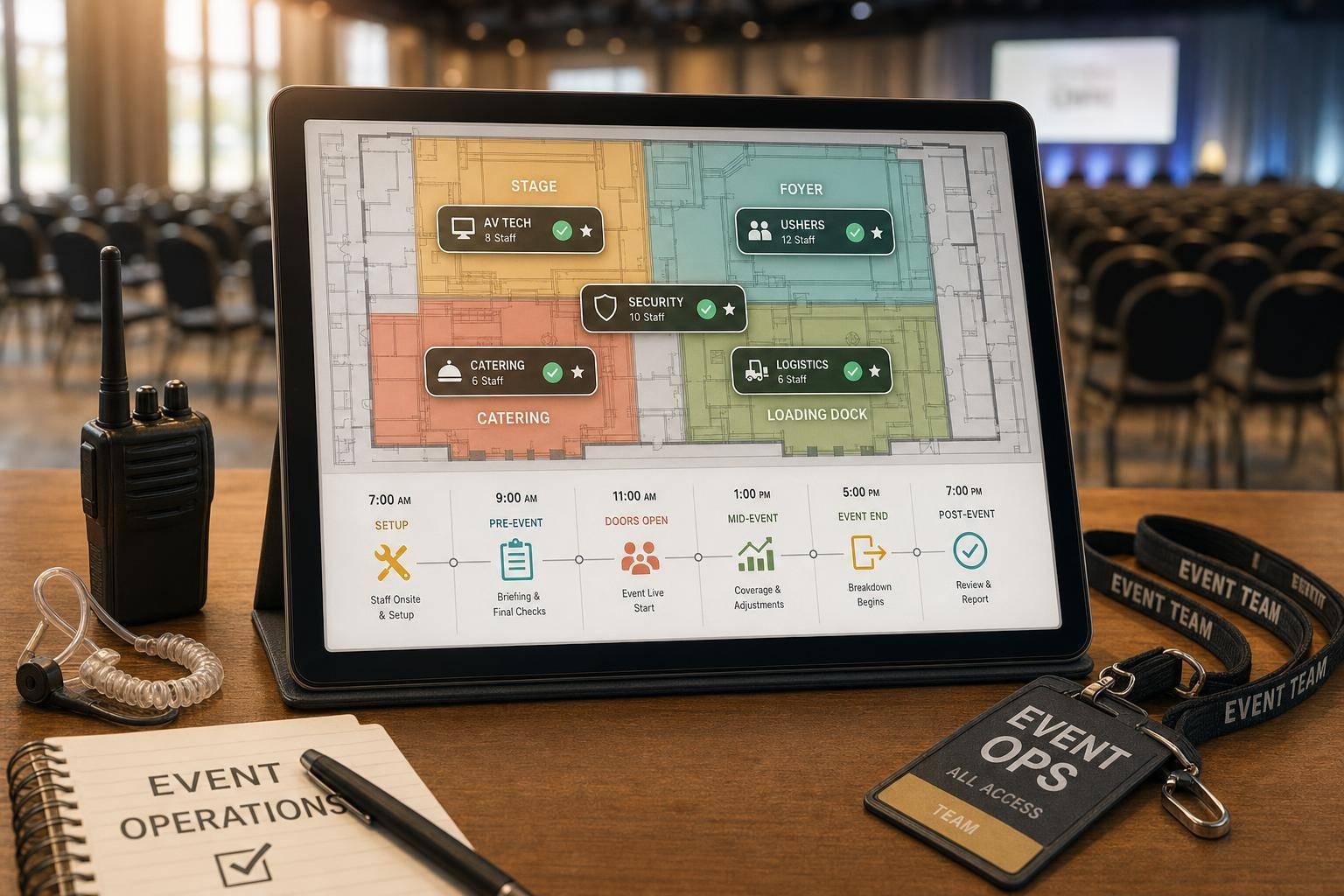
A well-organized team is the backbone of any successful event. Without clear assignments, you risk confusion, overlap, or even critical tasks being overlooked. By using a digital helper to map out roles like greeters, tech support, or cleanup crews, you ensure everyone knows their job. It’s not just about efficiency; it’s about creating a seamless experience for attendees. Plus, with features that warn you about staffing shortages, you can tackle issues before they become headaches.
Next time you’re knee-deep in event logistics, don’t stress over team assignments. A tool designed for this purpose can handle the heavy lifting, giving you a clear, organized plan in minutes. Try it out and see how much smoother your planning can be!
Absolutely! You don’t need specific names to use the generator. Just input the total number of staff and the roles you need filled. The tool will assign placeholders (like Staff 1, Staff 2) to each role, so you can still see the distribution. Later, you can swap in real names as you finalize your team.
No worries—we’ve got you covered. If the number of staff you enter is less than what’s needed for all roles, the tool will prioritize filling roles based on an even spread or any priorities you’ve set. Plus, it’ll pop up a friendly alert letting you know you’re short on people, so you can adjust your plan or recruit more help.
Yes, that’s one of the cool features of this tool! When you input your data, there’s an option to add staff names or specific skills (like ‘audio setup’ for a technician role). The generator will try to match those skills or names to the right spots, ensuring your event runs as smoothly as possible with the best-fit team.