Top 7 Tools for Last-Minute Catering Staff Scheduling
December 8, 2025

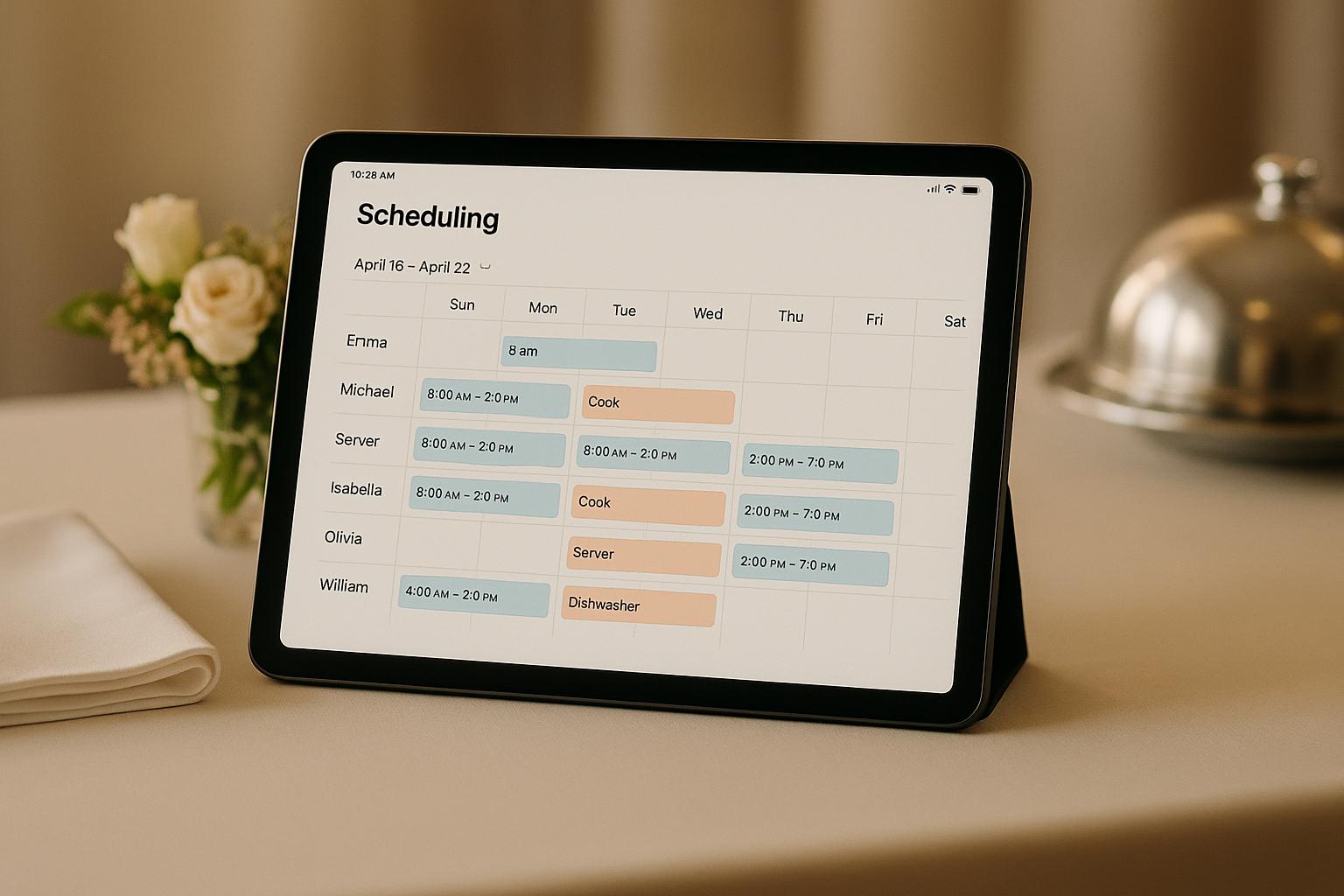
When it comes to last-minute catering staff scheduling, having the right tools can save you time, reduce stress, and ensure smooth event operations. Whether you're dealing with unexpected no-shows, sudden guest count increases, or last-minute client changes, these tools can help you fill shifts quickly, manage availability, and stay compliant with labor laws. Here's a quick look at the top options:
These tools cater to different needs, from small catering businesses to larger operations handling multiple venues. Each offers unique features to help you manage last-minute changes efficiently.
| Tool | Best For | Key Features | Pricing (USD) |
|---|---|---|---|
| Quickstaff | Event-based scheduling | Waitlists, mobile access, cost insights | $49–$249/month |
| Sling | Multi-event management | Drag-and-drop, notifications, labor tools | Free–$5/user/month |
| 7shifts | Hospitality-specific operations | Scheduling, labor compliance | Contact for pricing |
| When I Work | Small teams | Time tracking, mobile app | Free–$3.50/user/month |
| ZoomShift | Shift-based teams | Templates, notifications, cost tracking | Per-user/month, contact for details |
| Humanity | Large teams, compliance needs | Real-time updates, labor forecasting | Contact for pricing |
| Homebase | Small businesses | Open shifts, budget tracking | Free–Paid plans start at $20/month |
Each platform has its strengths, so choose based on your team's size, event complexity, and budget. For example, Quickstaff is great for event-specific needs, while Homebase works well for small teams with simple scheduling requirements. Test free trials to see which tool fits your workflow best.

When you're choosing scheduling software for catering, it's crucial to focus on features that can handle the chaos of last-minute changes. The right tool should let you adjust schedules in minutes, not hours, while keeping everyone informed without endless calls and texts. Here's what to look for when evaluating these tools.
Speed of schedule changes is absolutely essential. Features like drag-and-drop editing, bulk shift updates, and one-tap reassignments are game changers. Imagine this: a wedding's guest count jumps from 120 to 170 the night before. You need a tool that lets you quickly adjust roles, add staff, and share the updated schedule with the team instantly. Look for software that provides immediate notifications - via push alerts, email, or SMS - so everyone stays in the loop.
Availability tracking is another must-have. The best tools let staff manage their own availability and time-off requests through their phones, and this information should automatically sync with your scheduling. You should be able to filter by "available now", specific skills (like banquet server or bartender), and location to quickly find someone to fill a gap. It’s also important that the system flags potential conflicts, such as double-bookings, overtime risks, or approved time off, so you don’t accidentally assign someone who can’t work.
Mobile functionality is critical for catering teams, who are often working off-site. Your team needs full-featured mobile apps for both iOS and Android that allow them to view schedules in real time, receive push notifications for updates, and communicate directly through the app. Features like mobile clock-in/out with GPS are also helpful when staff report directly to venues. The app should support quick responses, enabling staff to accept or decline shifts and join waitlists on the go. And, since catering events happen in diverse locations - from hotels to outdoor spaces - the app needs to work reliably over cellular networks and display times and dates in formats familiar in the U.S. (e.g., 4:30 PM, 03/15/2025).
For catering businesses, event management capabilities are what set specialized tools apart from generic scheduling software. Your system should allow you to organize work by event - whether it's a wedding, corporate gala, or fundraiser. Features like event-based scheduling, linking roles and call times to specific events, and storing key details (like venue address, dress code, and client notes) in one place are invaluable. Centralized event views also help you balance staffing across overlapping functions, showing which events are overstaffed and which need more coverage. The ability to adjust headcounts and shift assignments within an event without starting from scratch is another key feature.
Waitlist and on-call features can save you from scrambling to fill last-minute shifts. Look for tools that let employees join waitlists for specific dates, roles, or venues and automatically notify them when a shift opens up. Ideally, you should be able to sort waitlisted staff by factors like experience, reliability, or overtime status. For example, if you need a bartender for a Saturday night event in New York, the system should let you send shift offers to a group of qualified staff and confirm responses in minutes. Manager-approved shift swaps are another useful feature, allowing employees to handle gaps themselves while keeping you in control.
Labor cost and budget tracking is essential for staying profitable when plans change unexpectedly. Choose software that provides real-time labor cost estimates, including hourly rates, overtime, and total costs for each event or day. For catering, it's helpful to see these costs compared to event revenue or budget, so you can avoid overspending. Tools that use color-coded alerts for budget overruns or overtime risks can help you make smarter decisions on the fly, especially when guest counts or staffing needs fluctuate.
Communication and collaboration features are vital during fast-paced events. The software should centralize communication around events and shifts, offering in-app messaging or chat, team-specific announcements (e.g., "Saturday weddings – front-of-house only"), and read receipts so you know who’s seen updates. Features like shift comments and event notes can document last-minute details, like menu changes or load-in times. Automated notifications for reassignments ensure everyone gets the latest information without relying on group texts.
Integration and reporting capabilities are also important for catering businesses. The software should integrate with key systems like timesheets and invoicing, so schedule changes automatically update without manual re-entry. Robust reporting tools should let you track metrics like labor costs per event, overtime trends, no-shows, and the success rate of filling last-minute shifts. For businesses operating across multiple states, compliance reporting - covering breaks, overtime, and fair scheduling rules - is particularly important to avoid legal issues.
Finally, ease of use is a dealbreaker. Take advantage of free trials to test the software in real scenarios. Set up events, import staff, and simulate last-minute changes. Pay attention to how quickly you can adjust schedules, notify staff, and fill shifts from a waitlist. Get feedback from managers and lead staff on the mobile app’s usability, clarity of event details, and notification speed. A tool that performs well under the pressure of real catering operations - not just in theory - is the one you want.
For caterers managing event-based, highly variable work - like weddings, galas, and off-site functions - it's crucial to choose tools tailored to this unique environment. Platforms designed with event scheduling, availability tracking, and centralized event management in mind will save time, reduce headaches, and improve communication. Generic restaurant scheduling tools may work for recurring weekly shifts but often fall short when it comes to the unpredictable, high-stakes world of catering.

Quickstaff is designed specifically for caterers, wedding planners, and event vendors who need to manage staff for events happening at various locations, times, and with unique requirements. Unlike generic scheduling tools tailored for restaurants with fixed locations, Quickstaff focuses on organizing work around individual events - whether it's a wedding, corporate gala, or fundraiser. This approach aligns perfectly with the dynamic nature of catering and event planning.
The backbone of Quickstaff is its event-focused scheduling board. Here, each booking becomes a dedicated staffing project. To create an event, you simply define roles (like server or bartender), set the date and call time, and include venue details, dress codes, and client notes. This structure reflects how catering businesses operate - staffing for distinct events rather than filling recurring shifts.
Managers can easily drag and drop staff into roles, adjust headcounts, and notify the team about updates in just seconds. This eliminates the need for cumbersome spreadsheets or multiple phone calls.
Jennifer Manley, Staffing Coordinator, shared, "My time spent scheduling has shrunk majorly, leaving me more time to focus on recruiting, onboarding, and training. The calendar makes it really easy for me to see what my week looks like. The sorting function helps me isolate events to more easily see events."
Quickstaff simplifies the process of handling last-minute changes. If someone calls out on the day of an event, you don’t need to redo the entire schedule. Just open the event, review assignments, and filter by role, skill, or location to find an available replacement. The system also flags potential conflicts, like double-bookings or overlapping events, ensuring a seamless transition.
Staff members can update their availability and blackout dates directly in their profiles, giving managers a live snapshot of who’s available even before creating an event schedule.
Jaime S., VP at Lisa's Catering, remarked, "Prior to Quickstaff, I was using Excel spreadsheets to track my employees and their shift availability. My life changed the day I started using Quickstaff!"
Quickstaff’s mobile interface ensures that event details, shift confirmations, and invitations are easily accessible on any smartphone. Updates like new call times, parking instructions, or uniform changes are automatically sent to all assigned team members. Built-in messaging allows managers to send bulk updates, eliminating fragmented communication.
To prepare for unexpected changes, Quickstaff lets you create waitlists or assign backup staff for each event. This pre-approved pool ensures that if someone cancels or if there’s a sudden increase in guest count, notifications go out in priority order. Replacements can be confirmed quickly without the hassle of manual outreach. These features not only improve resource management but also provide greater visibility into labor costs.
While Quickstaff isn’t a full payroll or forecasting tool, it offers clear insights into staffing levels for each event. Managers can see how many people are assigned to each role and identify gaps or overstaffing. By combining this data with internal pay rates and event budgets, you can estimate labor costs more accurately and make adjustments as needed.
Quickstaff offers three subscription tiers based on staff count:
All plans include unlimited events, assisted onboarding, and full access to features like scheduling, availability tracking, waitlists, and messaging.

Sling is a scheduling platform tailored for restaurants, hospitality, and service businesses, including catering companies juggling staff across multiple venues and events. While it isn’t specifically designed for event planning, its drag-and-drop scheduling, real-time notifications, and labor cost tools make it a handy solution for managing last-minute staffing changes.
Imagine this: a bartender cancels just two hours before an event, or an unexpectedly large guest list requires extra servers. With Sling’s user-friendly interface, managers can adjust shifts in just a few clicks. Drag-and-drop editing, shift copying, and bulk adjustments make it simple to modify schedules on the fly. Real-time push and email notifications ensure employees stay updated when shifts are added, changed, or canceled, minimizing confusion. Managers can also approve or deny shift swaps directly, speeding up the process of filling gaps.
For instance, a catering company handling three weddings on a busy Saturday can easily create labeled shift groups for each event. If one wedding runs longer than planned, the manager can reassign staff between events in seconds. Should a bartender call out that morning, the manager can post an open shift via the app, notifying a list of qualified bartenders. The first to accept gets the spot, and the schedule updates instantly.
This efficiency keeps staffing smooth, even during hectic moments.
Sling allows employees to submit their availability, preferred hours, and time-off requests within the platform. Managers can then see up-to-date information alongside the schedule, avoiding conflicts like assigning shifts to someone on pre-approved leave. By setting rules and deadlines for availability updates, managers can rely on accurate data rather than scrambling through spreadsheets or text messages.
With Sling’s mobile app, employees can view schedules, accept or decline shifts, and request swaps on the go. Built-in messaging supports group chats and private conversations, making it easier for managers to handle last-minute coverage without switching between platforms. Push notifications ensure that updates and messages reach staff quickly, keeping everyone in the loop.
Although primarily a shift scheduling tool, Sling’s flexibility shines for event-based planning. Managers can tag shifts with event names, venues, or client details, making it easy to filter schedules and ensure proper staffing for each function. Reusable shift templates for recurring event types simplify planning for similar occasions, reducing the time spent on repetitive tasks.
These tools make it easier to adapt staffing plans when unexpected gaps arise.
To prepare for emergencies, managers can create a pool of on-call employees by tagging them appropriately. Open shifts can be posted for eligible team members to claim on a first-come, first-served basis. For high-priority events, scheduling backup staff as "on-call" and notifying them through the app adds an extra layer of security against being short-staffed.
Sling’s labor cost tools allow managers to estimate wages based on scheduled hours and hourly rates, breaking down costs by day, week, or location. Dashboards track overtime, total hours, and wage trends, providing insights to help operators make smarter staffing decisions. This could mean reallocating shifts or tweaking schedules to avoid costly overtime.
Sling offers a Free plan that covers basic scheduling and communication for unlimited employees, though advanced features are limited. Paid plans include:
Pricing is based on active users, making Sling adaptable for both small teams and larger hospitality operations. A free trial is available for paid plans, allowing businesses to explore its capabilities before committing.

7shifts is designed with restaurants and the hospitality industry in mind, offering scheduling tools that simplify staff management in high-pressure settings. These features can come in handy when catering operations face unexpected last-minute staffing changes. While its primary focus is restaurant scheduling, some of its tools could potentially support catering teams dealing with sudden staffing adjustments.
That said, there’s limited information available about how well 7shifts handles the specific needs of catering, particularly for last-minute scheduling. It’s worth exploring the latest updates and resources to see if it aligns with the unique challenges of catering operations.
This highlights an important consideration: when choosing a scheduling tool, it’s essential to evaluate whether its core functionality matches the demands of event-driven staffing, where schedules are built around individual events rather than regular, recurring shifts.
When I Work is tailored for small to medium-sized teams, focusing exclusively on scheduling and time tracking - making it a great fit for fast-paced, last-minute catering events. Like other leading scheduling tools, it offers quick adjustments and clear communication, perfect for managing last-minute staffing needs.
The pricing is simple and budget-friendly for smaller teams. A free plan covers up to 10 users, while paid plans start at $20 per month for the first five employees. Each additional employee costs $3.50 per month.
When I Work allows managers to make quick schedule changes using drag-and-drop editing, templates, and automated suggestions. Updates are sent instantly via real-time notifications, eliminating the hassle of making multiple phone calls to inform staff.
Employees can directly update their availability and request time off through the app. This gives managers an up-to-date view to avoid scheduling conflicts or over-assigning shifts.
The mobile app ensures employees can check their schedules, get shift alerts, and clock in using GPS. In-app messaging makes it easy to share urgent staffing needs, and employees can claim open shifts right away.
Managers can customize shifts for specific events by adding positions, tags, and shift notes (e.g., "Smith Wedding – Servers"). Venues can be treated as separate locations, ensuring accurate staffing without needing full event production details.
The platform simplifies shift swaps and allows open shifts to be posted for qualified staff to claim. This ensures smooth coverage and avoids last-minute gaps in staffing.
Real-time dashboards provide a clear view of labor costs by comparing scheduled hours to revenue expectations. This helps managers make quick adjustments to avoid overtime. Payroll integration also allows for accurate pay rate tracking, ensuring precise labor reporting.
When I Work has earned praise from professional reviewers as an effective scheduling tool for small restaurants and hospitality teams on a budget. Its strong scheduling and time tracking features, combined with ease of use and mobile accessibility, make it a standout option. However, it focuses solely on scheduling and excludes broader HR tools. For businesses needing in-depth event management or comprehensive HR features - such as handling menus, banquet orders, or rentals - additional tools would be necessary.
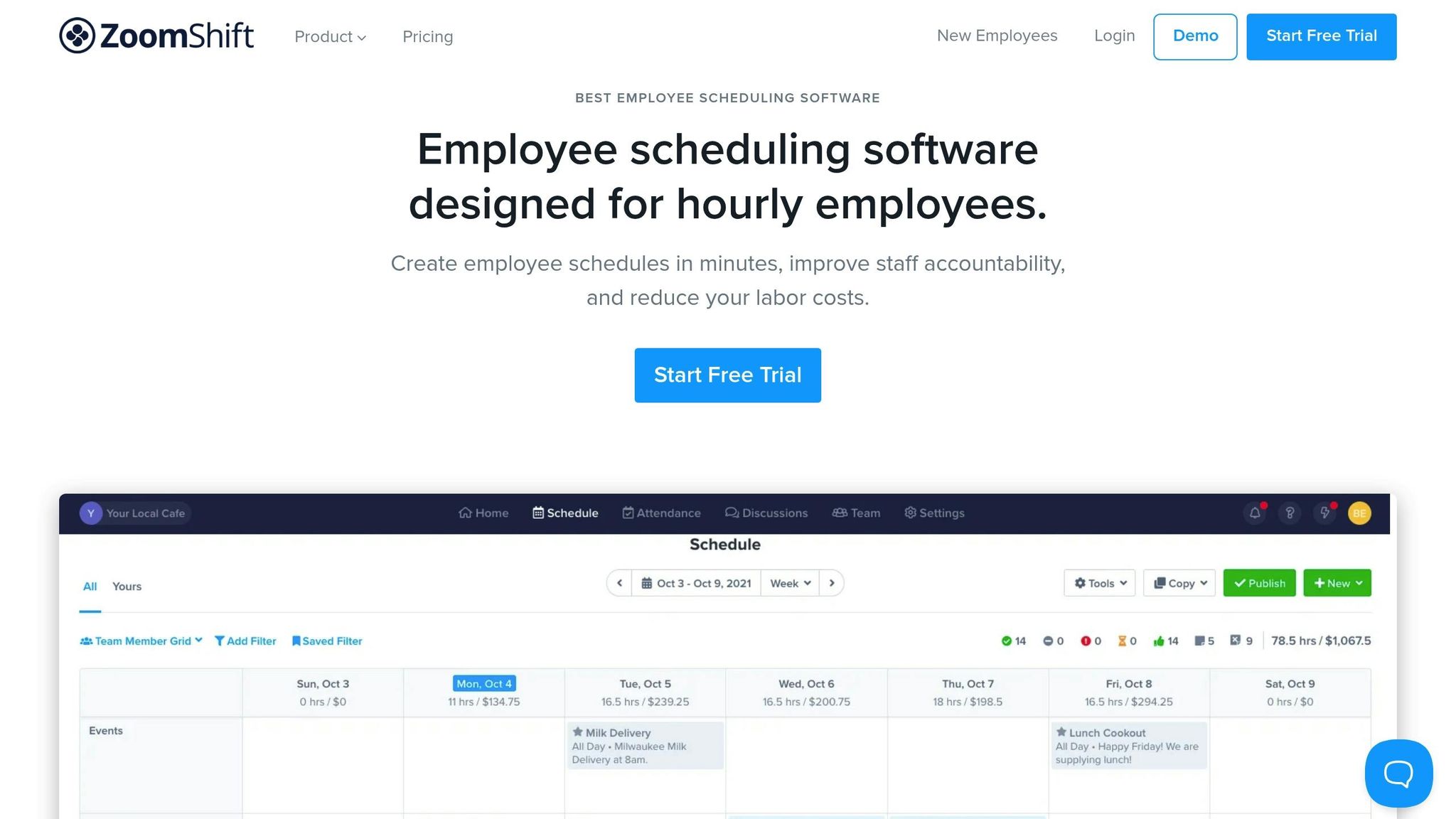
ZoomShift is a scheduling tool designed for shift-based teams in restaurants, retail, and hospitality. It’s particularly handy for catering managers who need to make quick staffing decisions. With a clean, color-coded interface and tools to track labor costs, it’s well-suited for the fast pace of catering events.
Though not exclusively built for catering, ZoomShift’s strengths - like quick schedule adjustments, labor forecasting, and its mobile-friendly design - make it a solid choice for managing last-minute staffing needs.
When it comes to last-minute changes, ZoomShift makes life easier. Its color-coded shifts allow managers to quickly identify coverage gaps across multiple events without digging through spreadsheets or endless group chats.
One standout feature is the template system. Managers can create role-based templates for common event setups - like weddings or corporate luncheons - and tweak them as needed. For example, if a wedding suddenly adds more guests, a saved template can be adjusted by simply increasing headcounts instead of starting from scratch.
Real-time notifications ensure any schedule updates, like added or removed shifts, are immediately sent to employees’ phones. This reduces the need for frantic calls or texts during busy times. Over time, refining these templates for specific venues and event types can save even more time and effort.
ZoomShift lets staff submit availability and time-off requests directly through the app, giving managers up-to-date information when assigning shifts. This helps avoid double-booking employees or scheduling someone who’s unavailable.
The platform also flags conflicts, such as assigning someone beyond their availability or exceeding their weekly hour limit. For example, if a server marks themselves unavailable for a Saturday evening shift, the system alerts the manager before finalizing the schedule.
To streamline the process, managers can set a recurring deadline for staff to update their availability (e.g., every Thursday for the next two weeks). This approach not only reduces scheduling errors but also encourages employees to keep their information current.
The mobile app is a game changer for catering teams. Employees can view schedules, accept or decline shifts, and even clock in - all from their phones. For teams constantly moving between event sites, this level of access is incredibly convenient.
In-app messaging and push notifications make it easy to communicate urgent updates. Features like read receipts let managers see who’s received critical messages. Imagine a situation where two servers cancel just hours before a wedding. The manager can filter for available staff, post the open shifts (e.g., "Garcia Wedding – 5:00–11:00 p.m."), and send push notifications to alert the team. Once the shifts are claimed, the schedule updates in real time, and a group message ensures everyone has the details they need.
Even though ZoomShift is built around shifts, catering managers can adapt it to event planning by setting up "locations" or "job sites" for specific venues or event names (e.g., "Smith Wedding – Riverside Hall"). Managers can use these locations to create templates based on event needs, like assigning a certain number of servers per guest count or bartenders per bar.
Shift notes can store important event details, such as the client’s name, menu, timeline, and special requests. For recurring clients or venues, saved templates simplify staffing for similar events, allowing managers to adjust headcounts as guest numbers are finalized. This approach ensures staffing aligns with each event’s specific requirements without extra guesswork.
While ZoomShift doesn’t include a formal waitlist feature, managers can designate certain employees as on-call. For example, a group labeled "on-call banquet servers" can be created within the app. When a gap arises, an open shift can be sent to this group, allowing the first available staff member to claim it.
Another option is to pre-schedule flexible shifts under a generic location (e.g., "On Call – Saturday PM") and assign them to specific events as needed. Over time, managers can identify reliable staff who frequently accept these shifts and build a trusted backup pool for busy periods like holidays or wedding season.
ZoomShift includes tools to forecast labor hours and costs by day, week, or event location. This helps managers evaluate the impact of adding extra staff or extending shifts, even at the last minute, to stay within budget.
The platform’s reporting dashboards can track labor costs as a percentage of sales or event revenue when integrated with POS systems. For example, a manager might set target labor cost percentages for different event types (e.g., plated dinners vs. buffets) and use these projections to avoid overspending on staffing.
With its per-user, per-month pricing model in U.S. dollars, ZoomShift is an affordable option for small- to mid-sized catering businesses. It’s especially useful for teams managing multiple event sites, offering mobile scheduling tools and clear labor cost tracking to make staffing decisions more efficient.
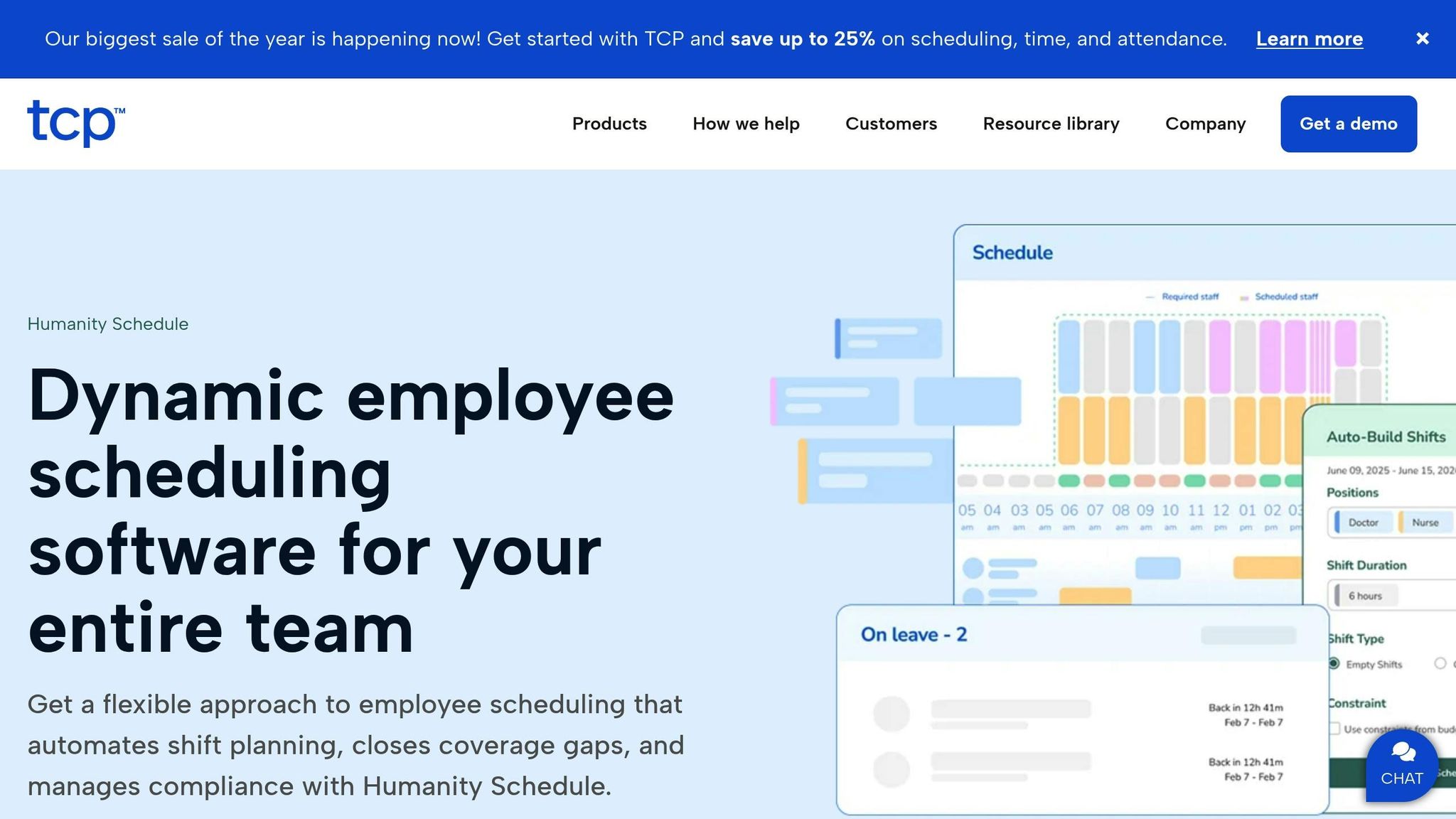
Humanity is a cloud-based workforce management tool tailored for catering operations that often face last-minute staffing challenges. With features like drag-and-drop scheduling, labor forecasting, and mobile access, the platform equips managers to adapt quickly to changing events and staff availability.
For catering teams handling multiple events with unpredictable staffing needs, Humanity serves as a centralized hub. It tracks staff availability, manages time-off requests, and provides real-time insights into labor costs. It's especially useful for businesses managing multiple locations or navigating complex labor compliance requirements.
Humanity's drag-and-drop interface allows managers to make quick adjustments to schedules. Shifts can be reassigned, duplicated, or edited in bulk within seconds, eliminating the need to start from scratch. Auto-scheduling tools further simplify the process by filling gaps based on predefined rules and staff availability, reducing scheduling time by up to 80% compared to manual methods like spreadsheets.
Real-time updates are instantly pushed to staff through web and mobile apps, bypassing the delays of emails or printed schedules. For example, if a gala on Saturday suddenly needs two more bartenders on Friday afternoon, a manager can easily duplicate an existing shift, adjust the timing, and post it as an open shift. Qualified staff are notified immediately, and interested employees can claim the shift directly from their phones.
Humanity consolidates staff availability and time-off requests into a single view, making it easier for managers to assign shifts. Employees can submit time-off requests through the app, and once approved, those dates are automatically blocked from scheduling. This minimizes the risk of double-booking.
For instance, if a server marks themselves unavailable for a Sunday brunch shift, the system alerts the manager before finalizing the schedule. This feature is invaluable for filling last-minute gaps, as managers can quickly filter to see which staff members - servers, bartenders, or banquet captains - are available for immediate coverage. This centralized system ensures seamless communication and scheduling adjustments on the go.
The Humanity mobile app keeps everyone connected with push notifications and in-app messaging. Staff can confirm or decline shifts on the move, which is essential for catering teams frequently traveling between event locations and prep kitchens.
Group announcements make it easy for managers to reach specific roles or teams. For example, if two servers cancel just hours before a corporate dinner, the manager can send a targeted message to all available servers with details like "Corporate Dinner – Hilton Downtown – 6:00–10:00 p.m." Staff can claim the shift directly through the app, and the schedule updates automatically once approved.
Although not exclusively designed for event scheduling, Humanity adapts well to the demands of event-based operations. Managers can set up locations as venues or catering branches and define roles like server, bartender, chef, or captain.
Custom fields or tags allow shifts to be labeled with event names, client details, or event types (e.g., wedding, corporate dinner, fundraiser). This makes it easier to organize and manage schedules for specific events. Recurring templates further streamline planning by standardizing staffing patterns for common event types, ensuring the right headcount as bookings are finalized.
While Humanity doesn't have a formal waitlist feature, it allows managers to post open shifts that qualified staff can claim through the app, effectively creating a self-serve backup pool. Managers can also maintain a list of on-call or part-time employees tagged for quick access. When gaps arise, targeted messages can be sent to this group, and managers retain control over final approvals to ensure quality and seniority are balanced.
For example, if a Saturday wedding adds a cocktail hour just two days before the event, the catering manager can duplicate an existing server shift, adjust the timing, and post it as an open shift labeled with the event name. Qualified servers are notified through the app, and the manager approves the best fit among those who respond.
Humanity tracks both scheduled and actual hours while providing real-time labor cost projections. This helps managers evaluate how last-minute changes impact budgets. Through reporting and dashboards, operators can compare labor costs against event revenue to monitor labor efficiency and identify overstaffing trends. Filters for location, role, or event help pinpoint which events consistently exceed budget, enabling better staffing adjustments.
The platform also ensures compliance with labor regulations, such as overtime rules, rest periods, and predictive scheduling laws. It alerts managers to potential violations, reducing the risk of costly penalties.
Humanity operates on a per-user, per-month SaaS pricing model in U.S. dollars, with multiple tiers based on features. While pricing typically requires contacting sales, the platform is positioned as a mid-range solution - more advanced than basic scheduling tools but competitive with enterprise-grade options that include forecasting and compliance features.
For U.S.-based catering businesses, Humanity supports U.S. date and time formats (MM/DD/YYYY and 12-hour time) and integrates with popular payroll and HR systems. This integration ensures approved hours and wage data flow directly into payroll systems, even when schedules change at the last minute, reducing manual corrections and payroll errors.
Homebase is a scheduling and time-tracking platform tailored for hourly workforces, making it a great fit for industries like restaurants, hospitality, and food service. For catering teams, where last-minute changes - like no-shows, unexpected bookings, or sudden staffing adjustments - are common, Homebase offers the flexibility needed to adapt quickly without disrupting operations. With features designed for immediate schedule updates and budget tracking, it’s built to handle the fast-moving nature of catering events.
The platform is especially suited for shift-based teams, addressing the high turnover and unpredictable schedules that catering businesses often face. Managers can create schedules in minutes, staff can claim shifts directly from their phones, and real-time labor cost tracking ensures budgets stay on track, even with last-minute staffing changes.
Homebase makes creating and updating schedules fast and simple with drag-and-drop tools, reusable templates, and the ability to copy previous schedules. Once changes are made, notifications are sent instantly to staff via the app - essential for handling no-shows or adding shifts for events booked on short notice.
Instead of starting from scratch, managers can duplicate existing schedules and tweak them as needed. For example, a catering company might save a "Corporate Lunch" template that includes roles like servers, bartenders, and kitchen staff, along with standard call times. When a new booking comes in, the manager can copy the template, adjust the timings, and publish the schedule. Staff are notified immediately, saving time and effort.
This streamlined process is a game-changer when a client calls late on a Friday to add 50 guests to a Saturday wedding. In such scenarios, managers can quickly add two servers and a bartender without the chaos of manual scheduling.
Homebase centralizes staff availability and time-off requests, helping managers avoid scheduling conflicts. Employees can update their availability or request time off through the app, which automatically adjusts scheduling rules to reflect these changes.
If an employee marks themselves unavailable for a Sunday brunch shift, the system alerts the manager before the schedule is finalized. This reduces the chance of double-booking or assigning shifts to unavailable staff. For last-minute gaps, managers can filter the system to see which team members are available and quickly fill the spot.
Keeping staff availability up-to-date is critical for catering teams that need to respond quickly to unexpected changes. Training employees to regularly update their availability ensures managers have accurate data when making urgent staffing decisions.
Homebase’s mobile app allows staff to view schedules, claim open shifts, and respond to requests from anywhere - perfect for teams constantly moving between venues, kitchens, and event locations. Managers can broadcast open shifts to eligible staff, send role-specific messages, and confirm replacements all within a single thread, eliminating the need for multiple text chains.
For instance, if two servers cancel just hours before a corporate dinner, the manager can post the open shifts in the app and send a targeted message to all available servers with details like "Corporate Dinner – Hilton Downtown – 6:00–10:00 p.m." Staff can claim the shift directly through the app, and the schedule updates automatically once approved.
Reviewers often highlight Homebase’s mobile-first approach, praising its ability to support real-time coordination and handle last-minute changes - key for catering teams that rely on agility.
While Homebase isn’t exclusively designed for event scheduling, catering teams can adapt it by organizing shifts around specific events. Managers can label shifts by event, role, and timing, making it easier to group staff for particular tasks.
Custom shift notes and role tags (like captain, server, or chef) help clarify expectations for each event. Tags can also mark different phases of an event, such as setup, service, and breakdown. For businesses juggling multiple events in a single day, this level of organization simplifies scheduling and ensures smooth operations.
Experts suggest standardizing naming conventions for events in Homebase, such as "Client – Venue – Service Type", to streamline communication and make open-shift postings more efficient.
Though Homebase doesn’t have a formal waitlist feature, it allows managers to post open shifts to a broader pool of staff and tag specific employees as backups. If a shift is dropped, managers can repost it or directly message the backup group to fill the vacancy quickly.
This system, combined with shift-swapping (with manager approval), helps fill gaps without relying on manual phone calls, ensuring catering teams can respond quickly to last-minute staffing needs.
Homebase provides real-time tracking of labor costs and overtime, showing estimated wages by day, role, or location based on scheduled hours and pay rates. Managers can see how last-minute staffing changes impact budgets and make adjustments to avoid exceeding targets - especially important for events with strict per-head labor budgets.
The platform tracks both scheduled and actual hours, helping managers assess the financial impact of last-minute changes before finalizing shifts. Homebase also includes tools to ensure compliance with U.S. labor laws, helping catering teams avoid costly violations.
Turning on overtime alerts and labor forecasting can help managers stay on top of wage costs, ensuring that adding extra staff for a rush event doesn’t derail the budget.
Homebase offers a free plan for one location with up to 20 employees, covering basic scheduling and time tracking - ideal for a single catering kitchen or event team. Paid plans are priced per location, with higher tiers offering advanced features like detailed labor forecasting, HR tools, and expanded reporting. This pricing model can be more cost-effective for catering teams with many part-time employees at a single site compared to platforms that charge per user.
The platform supports U.S. date and time formats and integrates with popular payroll and HR systems. This ensures that approved hours and wage data flow directly into payroll, even when schedules change at the last minute. By reducing manual corrections and preventing payroll errors, Homebase helps catering teams manage variable hours and off-site events more efficiently.
Handling last-minute staffing changes in catering requires quick, real-time scheduling solutions to keep events running smoothly. Using specialized scheduling tools can transform how catering businesses manage these challenges, cutting response times from hours to minutes and eliminating the stress of manual scheduling.
One of the biggest benefits of dedicated scheduling software is its ability to provide real-time visibility into staff availability. Managers can instantly see who’s free, send targeted shift requests through mobile apps, and confirm replacements well before the event begins. This speed and precision are impossible to achieve with manual methods. Automated notifications also ensure staff are updated immediately, reducing the risk of no-shows or miscommunications during critical moments. Additionally, labor forecasting features help managers understand the financial impact of adding extra staff, allowing them to stay within budget while meeting event needs.
Choosing the best scheduling tool depends on the size and complexity of your operation. For smaller catering businesses, simplicity, mobile access, and affordable pricing are key priorities. Larger or multi-location operations, on the other hand, often require features like multi-location management, automated scheduling, payroll integration, and advanced labor forecasting to handle frequent last-minute changes across venues.
The tools mentioned here cater to different needs. For example, Quickstaff is ideal for event-based businesses that rely on temporary or gig workers, offering features like availability tracking and waitlists for fluctuating headcounts. 7shifts works well for operations that need both scheduling and broader labor management tools. Meanwhile, platforms like Homebase are budget-friendly options for small teams, offering straightforward scheduling, time tracking, and basic HR tools.
When selecting a tool, it’s essential to consider factors like regulatory compliance and budget. To get the most out of your chosen platform, start by importing staff data, setting up roles, and creating templates for common event types. Encourage all staff to download the mobile app, enable notifications, and set their availability. This ensures that last-minute shifts can be filled efficiently without relying on manual outreach. Establish clear protocols for handling last-minute changes - like using in-app open shifts, waitlists, or broadcast messages - so everyone knows how to respond during busy periods.
To measure the tool’s effectiveness, track key performance indicators like time saved on scheduling or reductions in no-shows and overtime costs. Budget-conscious owners should evaluate tools based on cost-per-active-employee or cost-per-location, ensuring the savings in time and reduced admin work justify the subscription cost. Start with entry-level or free plans, then upgrade only if data shows that advanced features deliver clear value.
Run free trials of potential tools to test how they handle real-world scenarios, such as same-day cancellations or urgent replacements. Involve your frontline staff in the process to assess usability and communication features. Choose a system that balances ease of use, responsive support, and scalable pricing, ensuring it can grow with your business - from handling occasional last-minute fixes to fully optimizing your staffing operations.
When choosing a scheduling tool to handle last-minute catering staff management, it's essential to look for features that make the process smoother and adaptable. Some must-have features include the ability to create events, schedule staff, track availability, manage waitlists, and oversee everything from a central hub.
Tools like Quickstaff are a great example, offering mobile-friendly communication, automated reminders, and clear event organization. These capabilities make it easier to handle temporary staffing needs and adapt quickly to unexpected changes.
When it comes to scheduling catering staff, staying compliant with labor laws can be a challenge. That’s where tools like Quickstaff come in. Designed with catering and event professionals in mind, Quickstaff helps you manage schedules with ease while keeping key regulations front and center.
With features such as availability tracking and centralized event management, you can prevent overscheduling, ensure staff gets proper breaks, and keep clear records - essential steps for meeting labor law requirements. Plus, its built-in communication tools keep your team on the same page, minimizing the chances of confusion or mistakes.
Using a mobile app to handle last-minute catering staff schedules brings speed, ease, and better communication to the table. You can update schedules in seconds, notify your team instantly, and check availability on the fly - all of which help ensure smooth coordination, even when the clock is ticking.
With real-time notifications and the ability to access updates from anywhere, mobile apps minimize mistakes, save precious time, and keep everyone aligned. This kind of flexibility is a game-changer for catering businesses that often face unexpected changes and tight deadlines.





