Event Staff Communication Template Generator
February 3, 2026

Organizing an event takes a lot of coordination, and keeping your team in the loop is a big part of that. Whether you're sending out shift reminders or urgent updates, crafting the right message can eat up valuable time. That’s where a tool for generating event staff communication templates comes in handy. It lets you create polished, purpose-driven messages without starting from scratch every time.
Your staff is the backbone of any successful event, from weddings to corporate conferences. A well-worded message ensures everyone knows their role, shows up on time, and handles unexpected challenges. With a tailored template, you can set the right tone—be it professional or approachable—and include key details like meeting points or tasks. This not only boosts efficiency but also builds trust with your team. Imagine having a go-to system for every briefing or update, freeing you up to focus on the bigger picture. Tools like these are game-changers for event managers who want to stay organized and keep their crew aligned, no matter the scale of the project.
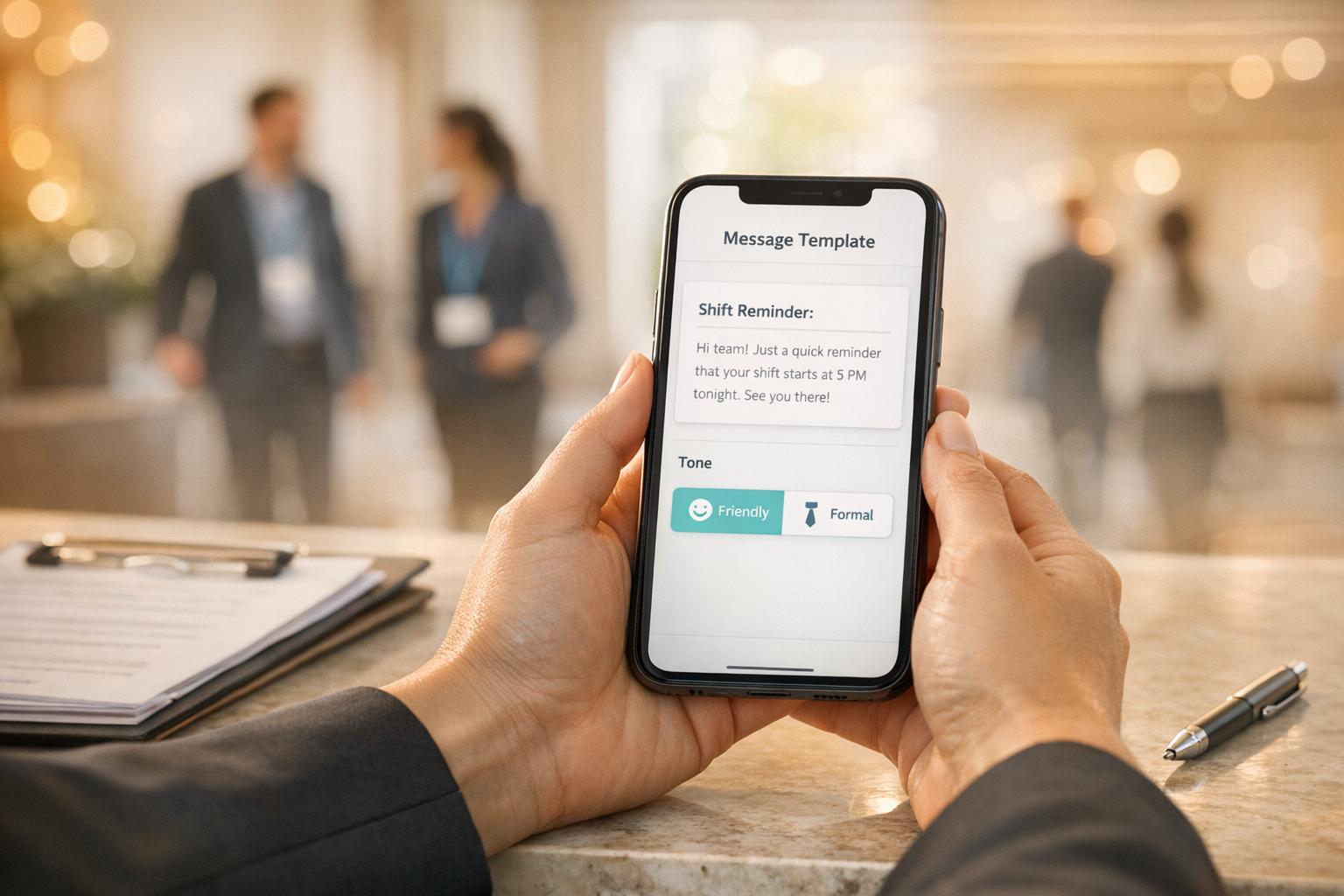
You can generate templates for a variety of event staff communications, including shift reminders, pre-event briefings, and urgent updates. Each type is designed with relevant structure and content in mind, so a reminder might include timing and location, while an emergency update prioritizes clarity and actionable steps. Just pick the option that fits your needs, and the tool does the rest.
Absolutely! We know every team dynamic is different, so you can choose between tones like formal, friendly, or even urgent. A formal tone works great for official briefings, while a friendly vibe might be better for casual reminders. The tool tweaks the language to match your selection while keeping the message clear and professional.
The template is ready to copy and paste into your email or messaging app, complete with placeholders for personal touches like staff names. That said, you’re welcome to tweak it further if you’ve got specific needs or want to add a personal flair. It’s designed to save you time while still giving you flexibility.