Event Staff Allocation Tools: 2026 Software List
August 11, 2026

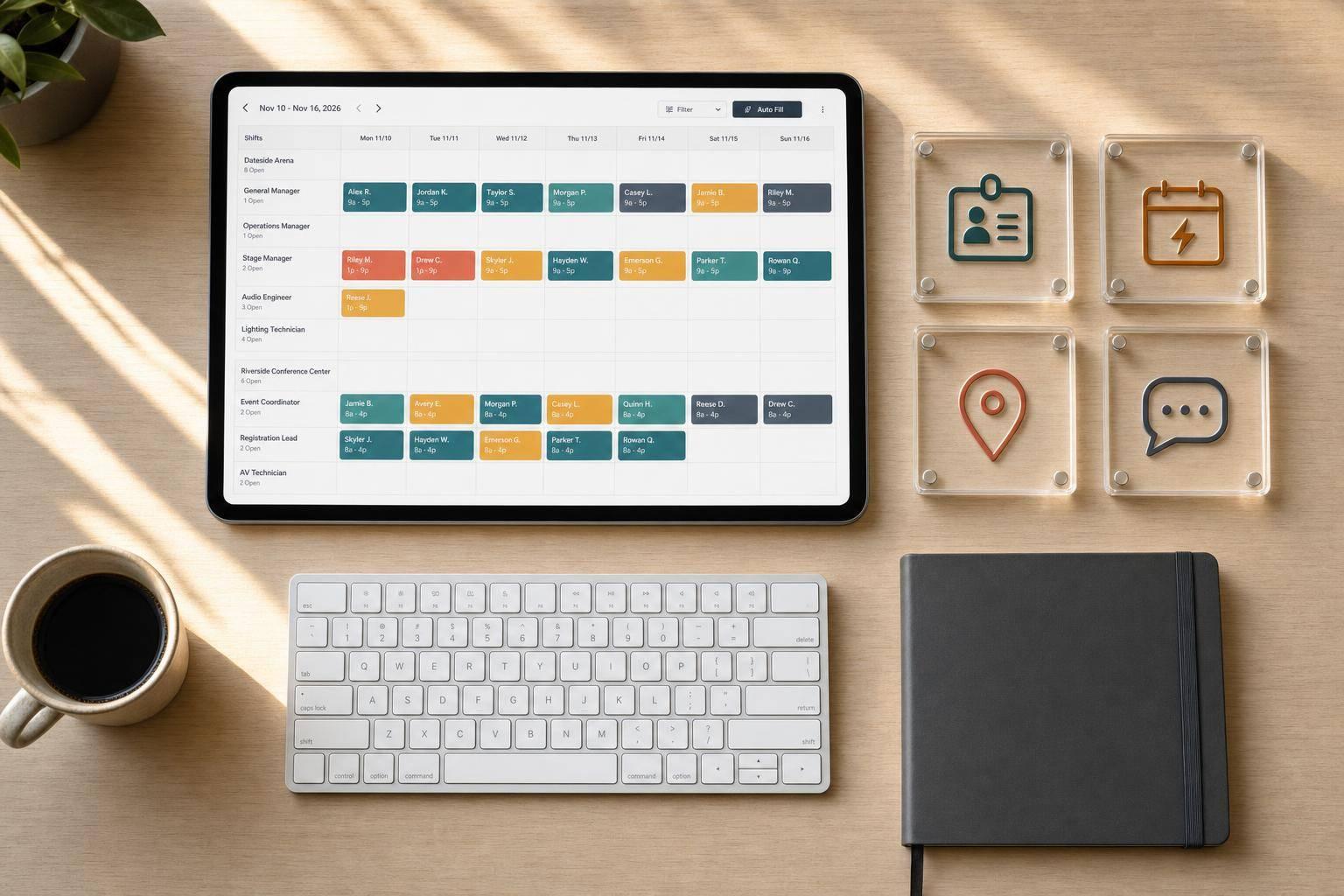
If staffing is where your event work breaks down, this list points to the tools worth checking first. I found that most of these 12 tools fall into four buckets: role planning, temp shift filling, attendance tracking, and crew messaging.
In plain terms, here’s what matters most in 2026:
I’d narrow the list like this:
The full list covers 12 tools: Quickstaff, EventSuite, Liveforce, EventCrew Pro, Humanforce, Nowsta, Eventkrew, Schedyl, Zelos, Run Sheets, LASSO, and Rentman.
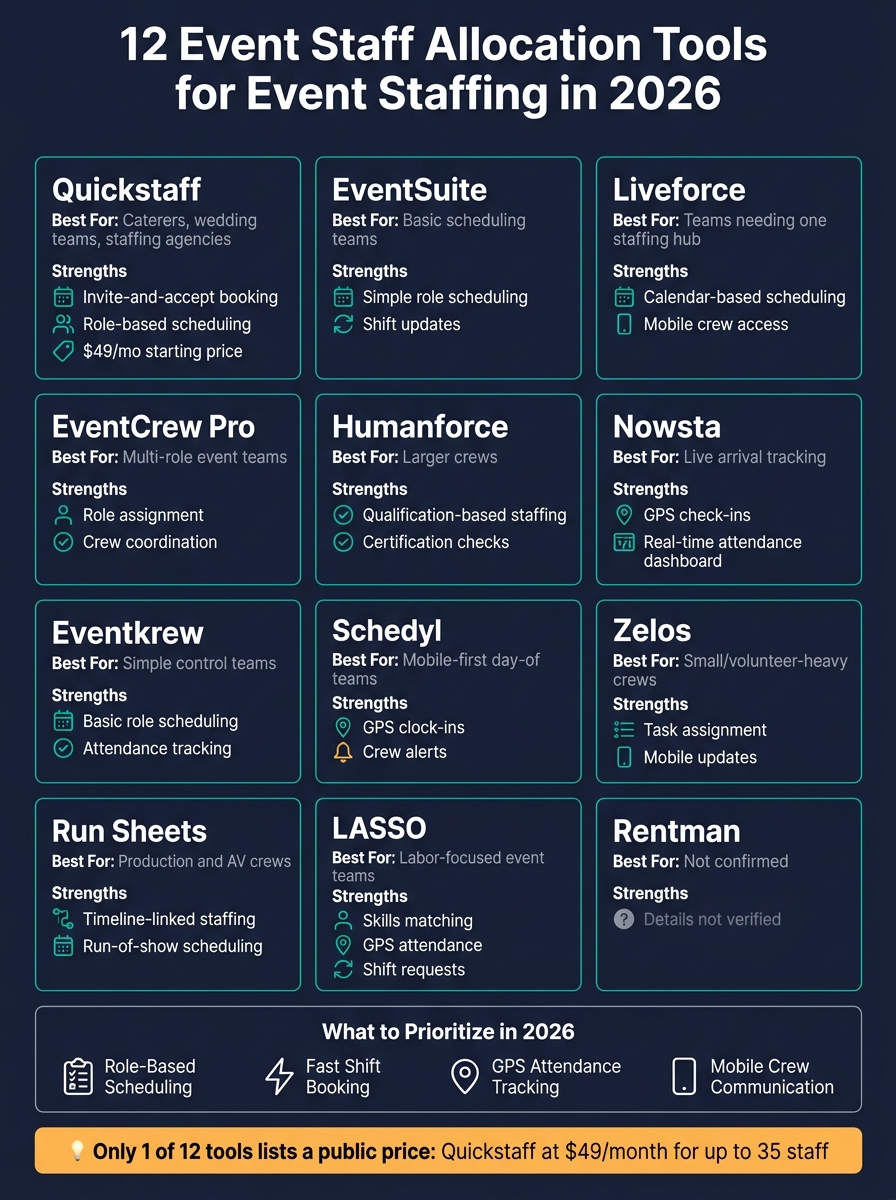
12 Event Staff Allocation Tools Compared: 2026 Quick Reference
| Tool | Best known use in this list | Main strength |
|---|---|---|
| Quickstaff | Caterers, wedding businesses, staffing agencies | Invite-and-accept booking, role scheduling, staff messaging |
| EventSuite | Event teams needing basic scheduling | Simple role scheduling and shift updates |
| Liveforce | Teams wanting one staffing hub | Calendar-based scheduling and mobile crew access |
| EventCrew Pro | Multi-role event teams | Role assignment and crew coordination |
| Humanforce | Larger crews | Qualification-based staffing |
| Nowsta | Teams tracking arrivals live | GPS check-ins and attendance view |
| Eventkrew | Teams wanting simple controls | Basic role scheduling and attendance |
| Schedyl | Mobile-first day-of teams | GPS clock-ins and crew alerts |
| Zelos | Small or volunteer-heavy teams | Task assignment and mobile updates |
| Run Sheets | Production and AV teams | Staffing tied to event timelines |
| LASSO | Labor-focused event teams | Skills matching, shift requests, GPS attendance |
| Rentman | Not confirmed in source | Not confirmed in source |
One quick stat stands out: only 1 of the 12 tools in the source includes a stated starting price - Quickstaff at $49/month for up to 35 staff. So if price is part of your short list, you’ll need to verify current plans before you choose.
Bottom line: I’d pick based on your biggest staffing problem first - filling open shifts, tracking show-ups, matching skills, or keeping crews updated from their phones.
The right software should do three things well: build the event staff scheduling plan, fill open shifts fast, and keep crews in the loop.
Events don’t run on headcount alone. They run on the right people in the right roles.
A wedding may need servers and bartenders. A production setup may need stagehands and technicians. Good allocation software lets you build rosters by role, then match people based on skills, certifications, and availability.
It should also help you avoid messy scheduling problems before they happen. Look for tools that let staff block out dates they can’t work, flag double-bookings on their own, and warn you when a shift clashes with rest breaks or labor rules. That keeps scheduling tied to skills instead of guesswork.
Open shifts need to move fast. When one comes up, you should be able to send it to your team by email or SMS and see the schedule update as people accept or decline.
Waitlist features help a lot here. You can invite more staff than you need, lock in the first people who confirm, and keep the others on deck in case someone drops out. For events that aren’t fully confirmed yet, a standby list gives you a simple way to keep staff available while the final details come together.
A staff member accepting a shift doesn’t always mean they’ll show up on-site. That’s why confirmation tracking and mobile clock-ins linked to the venue matter.
Managers should be able to see, at a glance, which shifts are accepted, pending, or still open. They should also be able to confirm that staff clock in from the venue itself.
Mobile check-ins help cut no-shows and time theft.
Event crews need mobile communication. In-app messaging, SMS, and push notifications make it easier to share schedule changes, directions, and reminders before staff arrive.
Managers also need a live schedule view so they can spot coverage gaps fast.
The tools below are measured against these four needs.
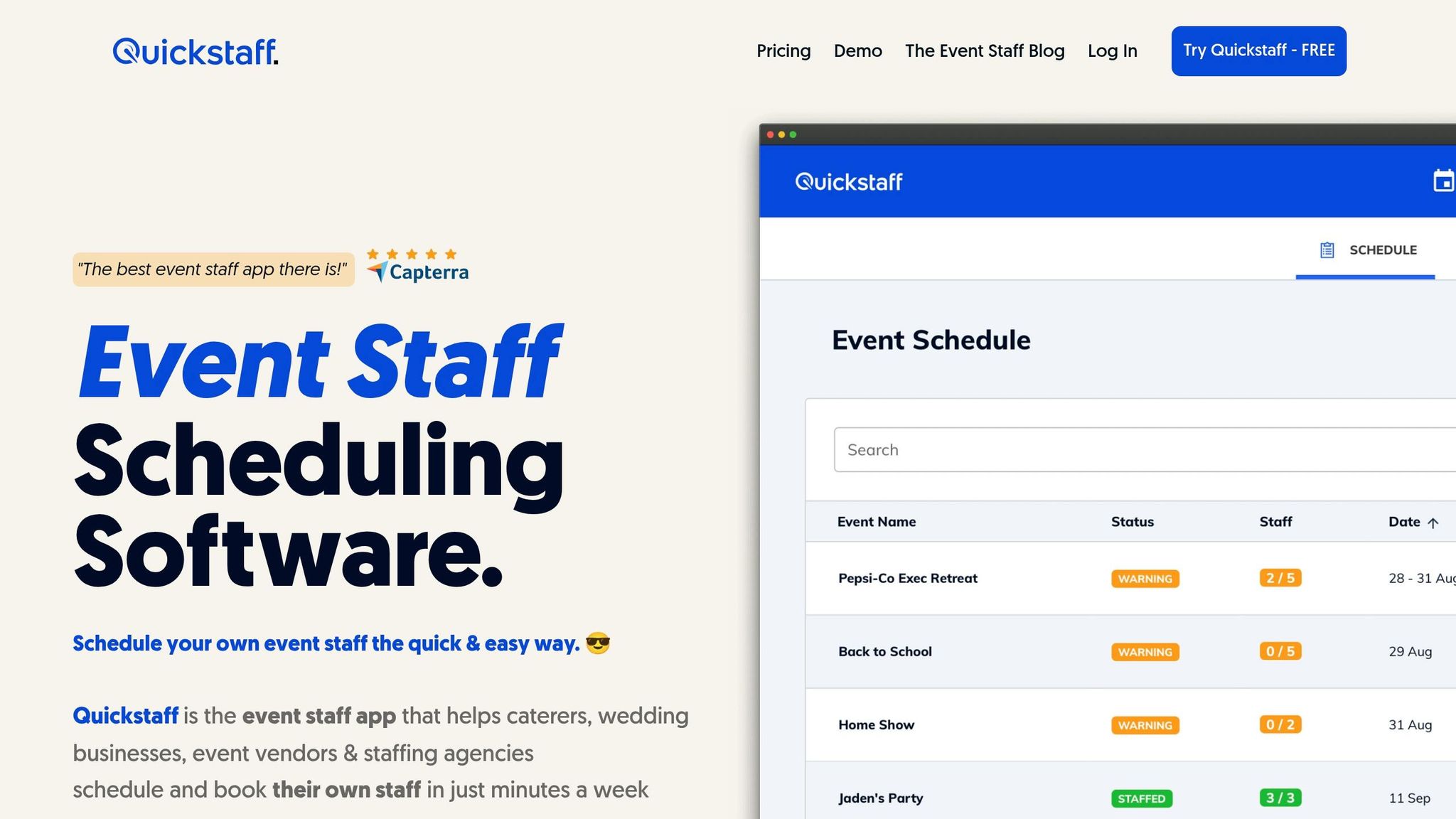
Quickstaff is a good fit for caterers, wedding vendors, and staffing agencies that book temporary crews. It covers the main workflow event vendors deal with every day: setting roles, booking staff fast, tracking attendance, and keeping crews in the loop.
Here’s how Quickstaff handles each part of that workflow.
Managers can create events and assign staff to custom roles like Server, Event Bartender, or Photographer. Each role can have its own call time, which helps when the kitchen team needs to start before the service crew. If you run similar events over and over, Quickstaff also lets you duplicate past events to rebuild schedules without starting from scratch.
Quickstaff uses an "Invite and Accept" model. Managers send work invites by email, and staff can accept or decline on their own. That setup is simple and fast, which matters when you're trying to lock in a crew without a long back-and-forth.
Managers can also invite extra staff to create backup coverage. And for events that aren’t fully locked yet, the On-Hold feature lets teams reserve staff internally until the final details are set.
The dashboard gives managers a clear view of open, pending, and filled shifts. Staff can block off dates when they aren’t free, which helps avoid booking conflicts before they happen. Managers can also send automatic reminders 24–48 hours before an event to help cut down on no-shows.
Managers can attach notes, PDFs, dress codes, and directions, then send updates to all staff, a single role, or one event team. Staff can check their schedules and update availability from their phones, which makes day-of coordination a lot less messy.
That makes Quickstaff a practical option for teams that need to fill roles fast and keep crews aligned on event day.
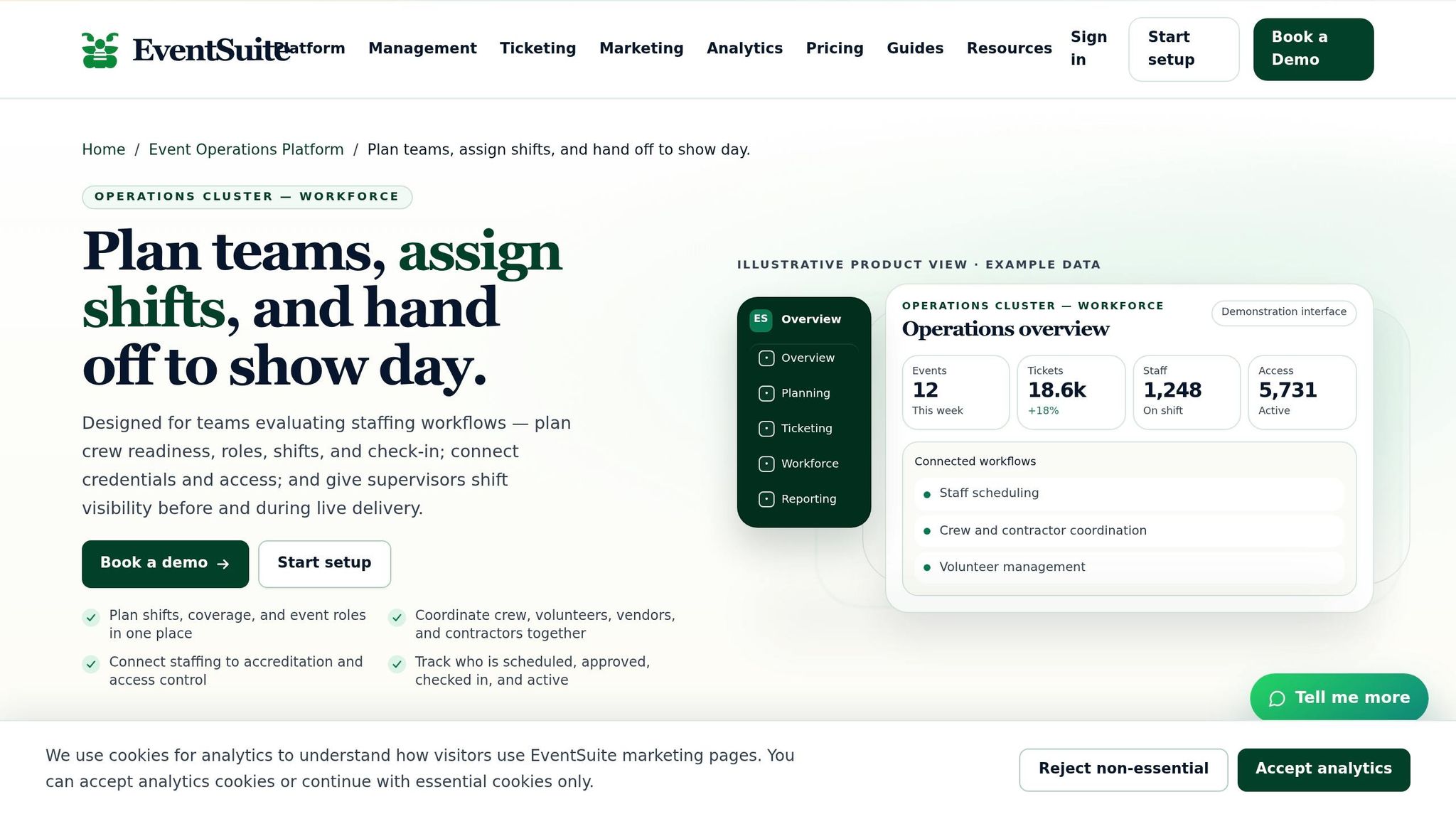
EventSuite is a good fit for event vendors that need basic role scheduling, shift tracking, and mobile crew updates in one place.
Managers can assign staff to roles and set different start times for staggered coverage. From a single dashboard, they can track confirmed shifts, open coverage gaps, and attendance. They can also send schedule updates and event details from one place instead of juggling separate text threads.
It’s best for teams that want a straightforward staffing hub without extra layers. If you need more advanced features, use a checklist for choosing shift assignment software to evaluate your options. In practice, it works well for teams that need simple scheduling across event-day roles.
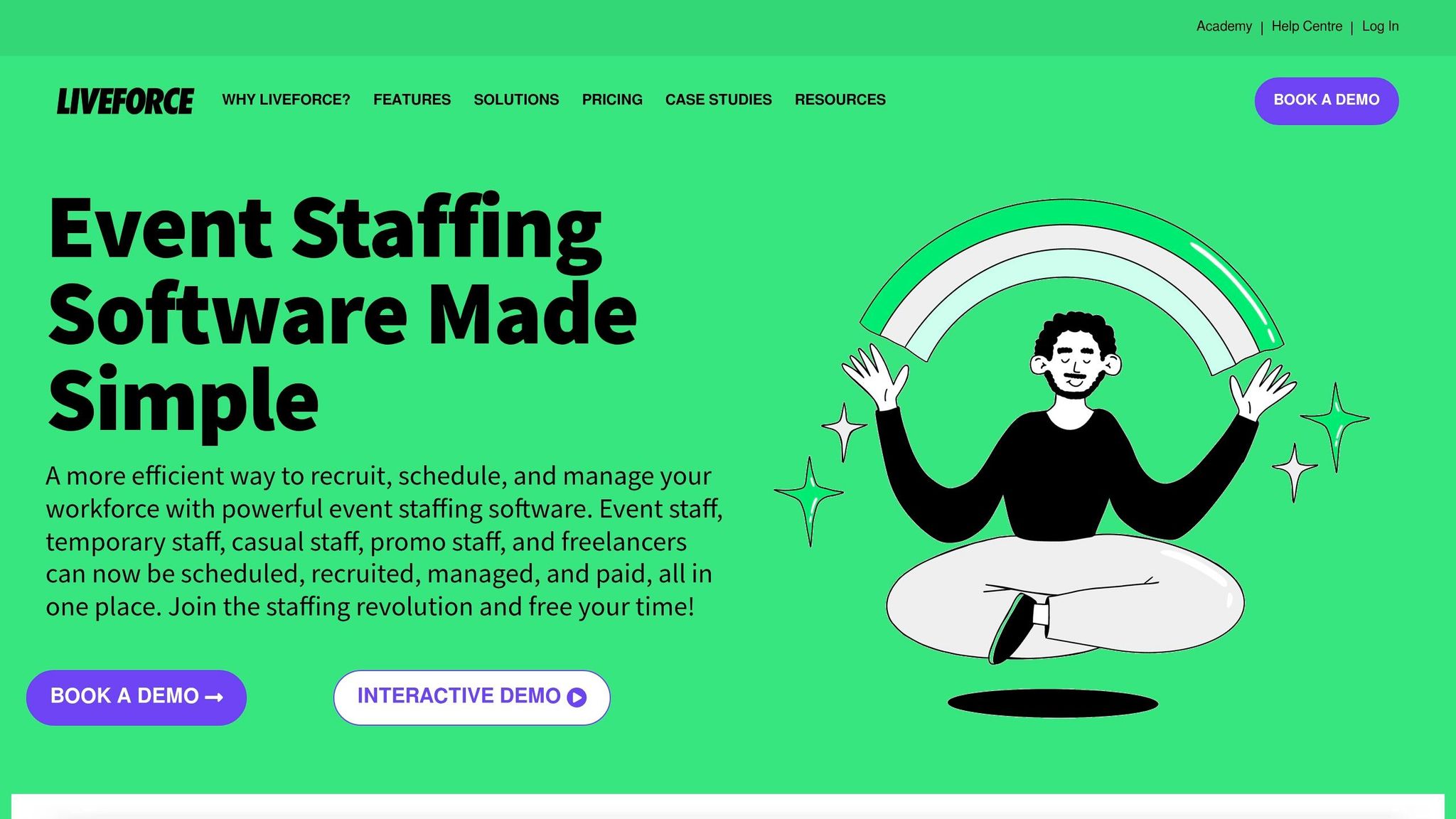
Liveforce works well for event teams that need one place for scheduling, role assignment, and mobile crew access. That matters when roles, call times, and crew updates all need to stay organized in a single system.
Teams can use a central calendar to assign roles, manage availability tracking apps, and track hours. From there, managers can fill open shifts without jumping between tools.
Liveforce is a good fit for vendors that want one system for scheduling, attendance, and mobile crew access.
EventCrew Pro is a strong fit for teams that need clear role assignments and smoother crew coordination. It supports role-based event planning, shift tracking, and mobile crew communication.
That makes it a solid pick for event vendors who are juggling multiple roles and call times within the same event. Instead of piecing things together by hand, teams can keep crew details, schedules, and updates in one place. This approach is essential for scalable event scheduling as your team grows.
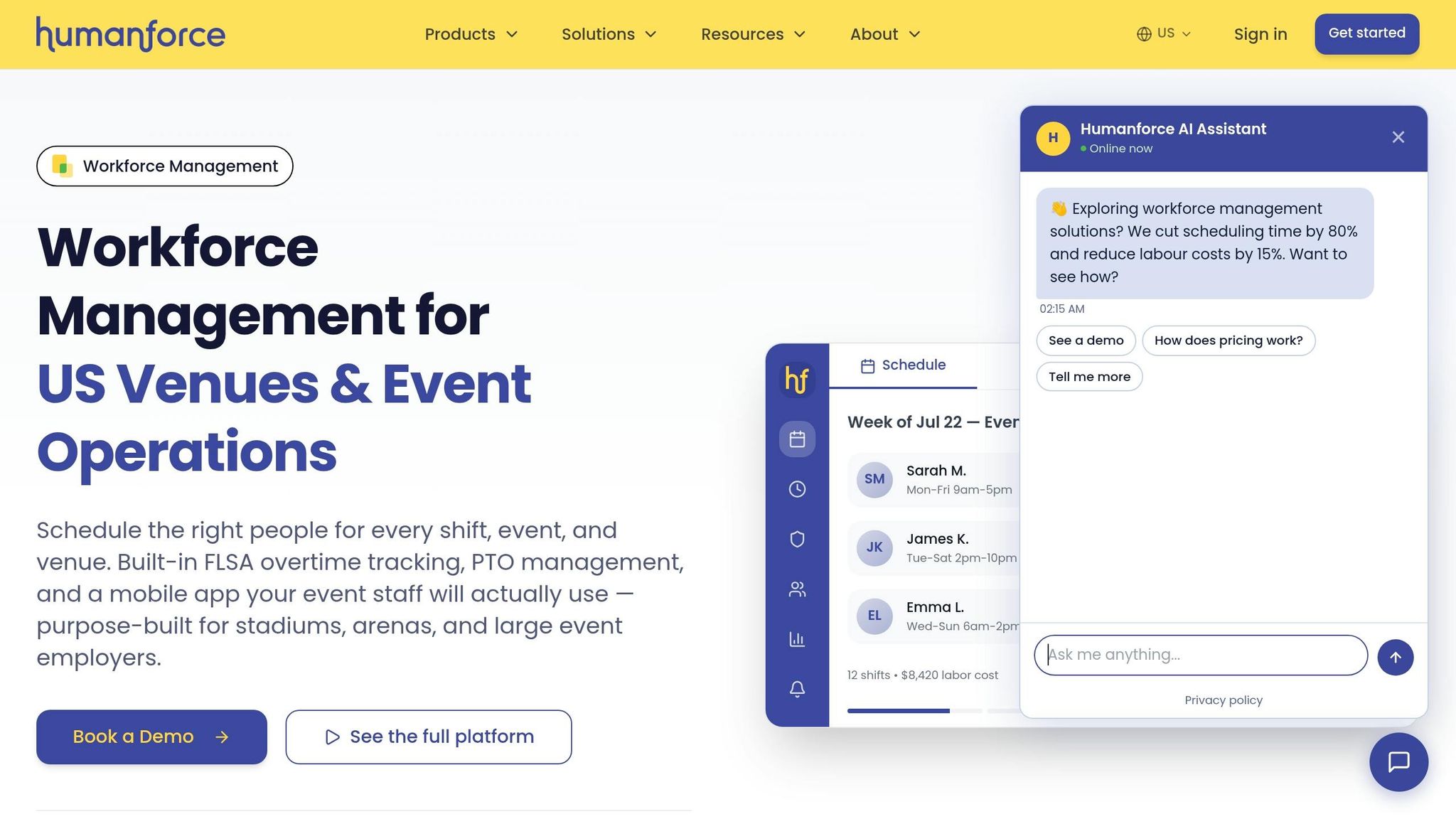
For event vendors with larger crews, Humanforce adds tighter role and qualification controls. It works well for teams that need to match people to jobs based on clear role rules and required credentials.
Humanforce lets managers set specific roles and required qualifications for each event before anyone gets scheduled. The system can then filter staff based on needed certifications, like bartending or safety training.
Managers can send open shifts to casual or temporary staff through the mobile app and see who accepted, declined, or still hasn't filled a shift at a glance. That's handy when staffing needs change fast across several event teams.
Nowsta helps managers make sure assigned crew members show up at the right venue on time. Its mobile app uses GPS-based clock-ins to confirm that staff are physically on-site.
Managers get a real-time attendance dashboard that shows who has arrived, who is late, and who is currently on shift. That means they can monitor arrivals as they happen instead of chasing updates.
The platform also sends automated push notifications and SMS reminders before shifts, helping keep crews in the loop and reducing missed check-ins.
Eventkrew is a good fit for teams that want simple role scheduling and attendance tracking.
The main idea is pretty clear: match staff to roles, track shifts, and confirm attendance without dealing with a heavy staffing system. This simplicity helps with retaining the best event staff by reducing administrative friction for your crew. If you need basic control and a setup that feels easy to manage, Eventkrew makes sense. If you're after a more complex platform, it may feel a bit too light.
Schedyl leans more toward day-of attendance and mobile updates than full-scale scheduling. It’s a mobile-first tool built for teams that care most about GPS check-ins and same-day crew communication.
Crew members can clock in and out from their phones with GPS verification. That gives managers a live view of attendance as the day unfolds.
Schedyl also helps with crew alerts through mobile messaging. Push notifications and in-app messages can send schedule changes, shift assignments, and updated call times.
Best for teams that need GPS-based attendance and simple mobile crew communication.
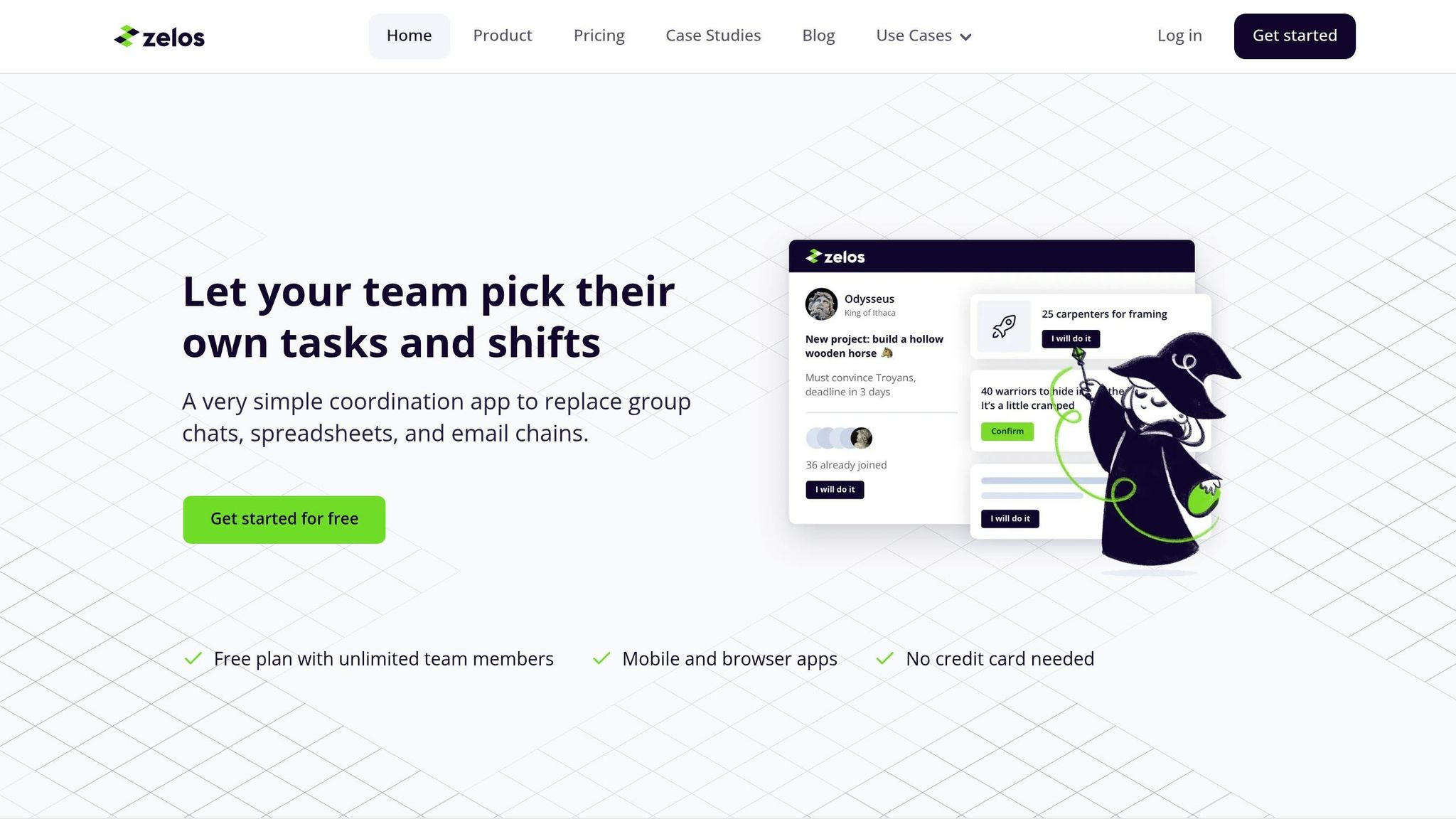
Zelos is a team coordination tool built for event crews that need simple task assignment and mobile communication. It fits smaller event teams and volunteer-heavy setups where the main goal is to keep people informed and moving, not to run a deep shift-planning system or solve complex scheduling problems.
Managers can assign tasks and roles, send updates through the mobile app, and see who picked up each assignment. That makes it a solid pick for event vendors that want a simple, mobile-first way to coordinate crews without a heavy scheduling system in the background.
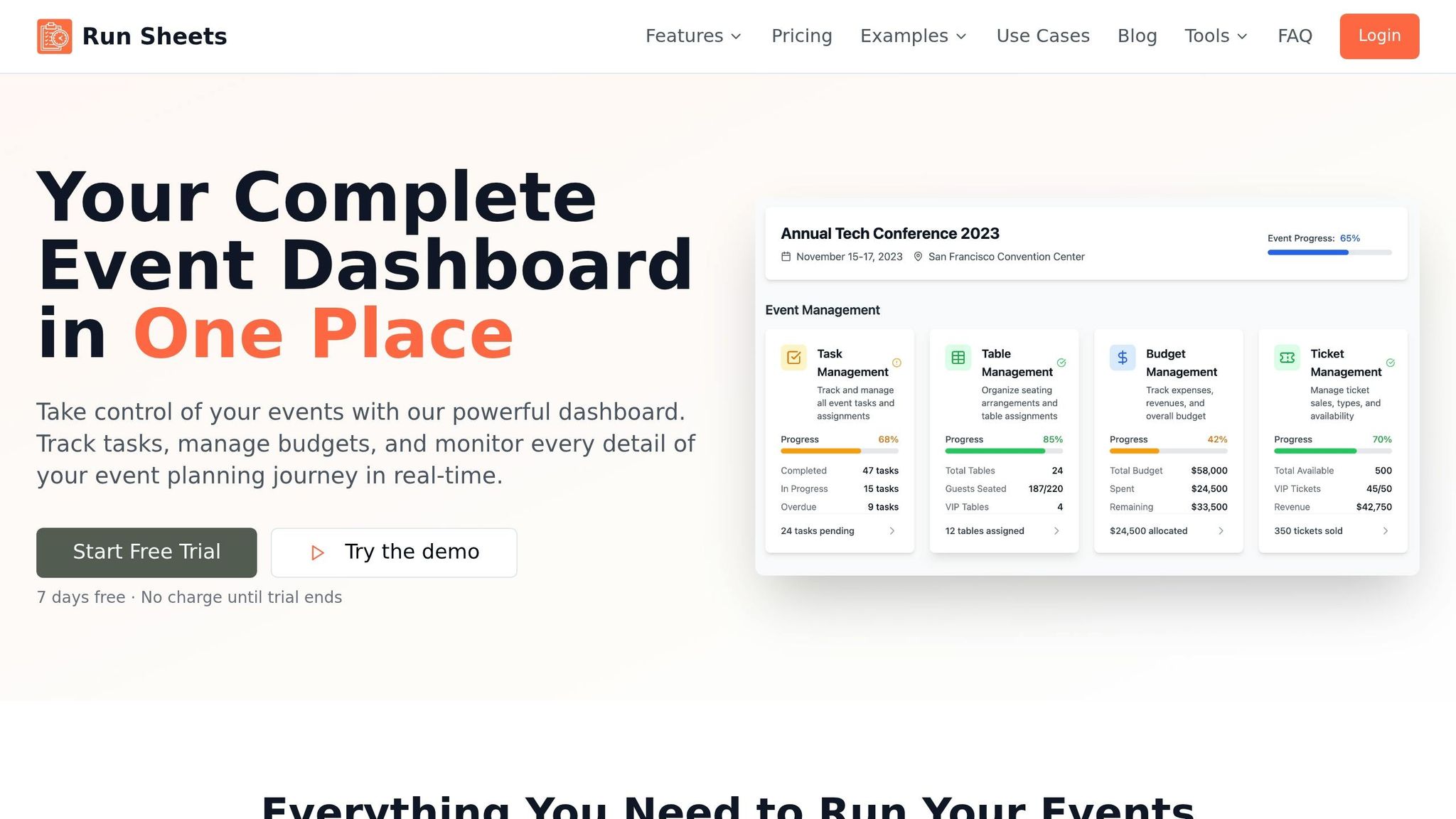
If your crew works on a tight schedule, Run Sheets keeps staffing lined up with the event timeline. It works well for production-heavy events where staffing needs to follow the run of show.
Run Sheets connects staff assignments to event timelines, roles, and call times. It also lets teams handle venue-specific schedules from one calendar, which cuts down on back-and-forth.
Run Sheets keeps call times, shift notes, and timeline updates in one place. That makes it a solid fit for teams dealing with changes during a live run-of-show.
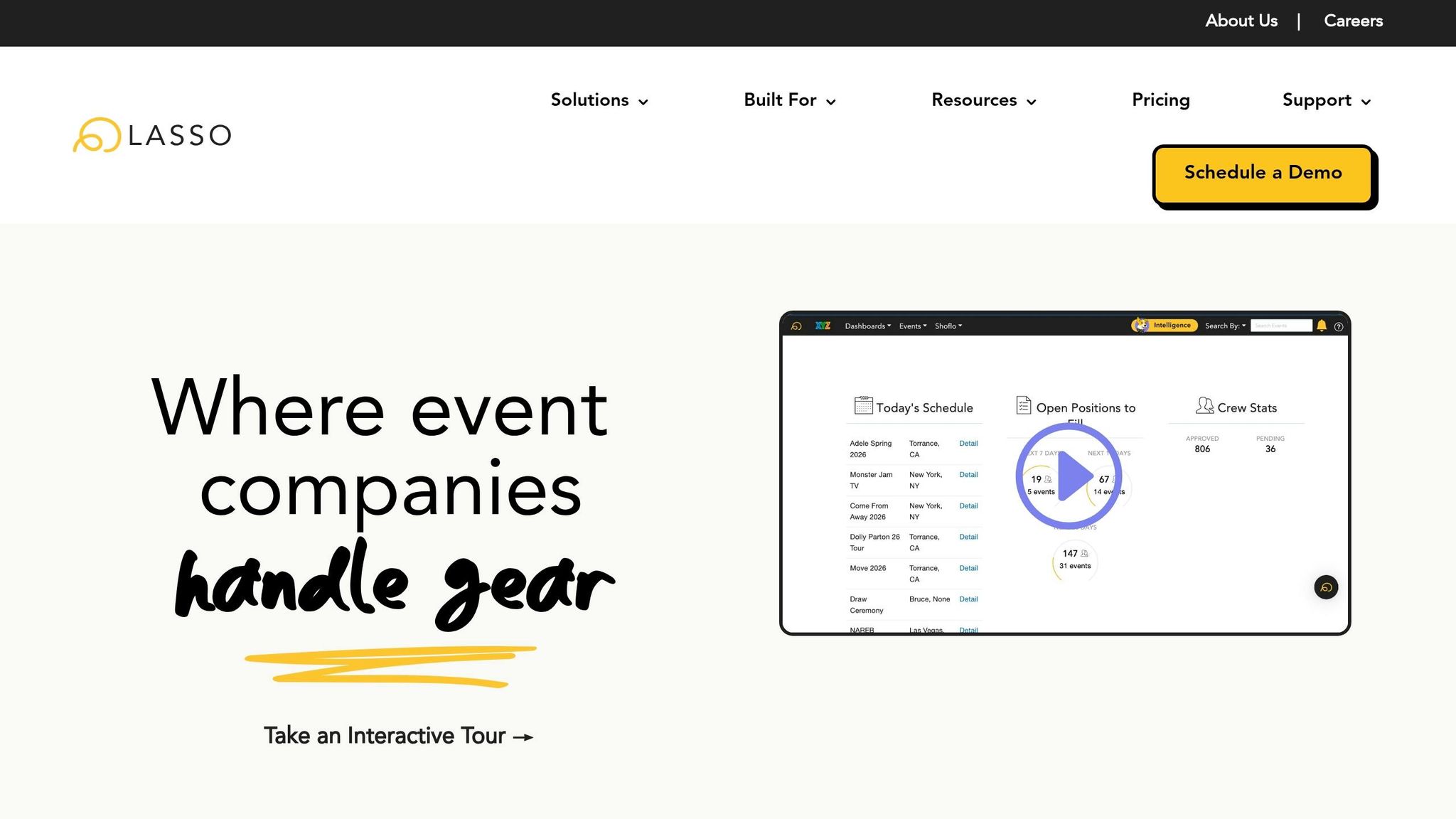
For event teams that want staffing tied to labor management, LASSO leans more toward day-to-day operations.
LASSO is built for event labor management. It covers role planning, shift requests, and attendance tracking.
It matches staff to roles based on skills and availability.
Managers send shifts to selected staff, and those staff members can accept or decline.
GPS clock-in and clock-out helps verify that people are on-site.
Staff can manage schedules and get updates in the mobile app. Managers can also send crew messages there.
Next, compare these tools by staffing workflow and event type.
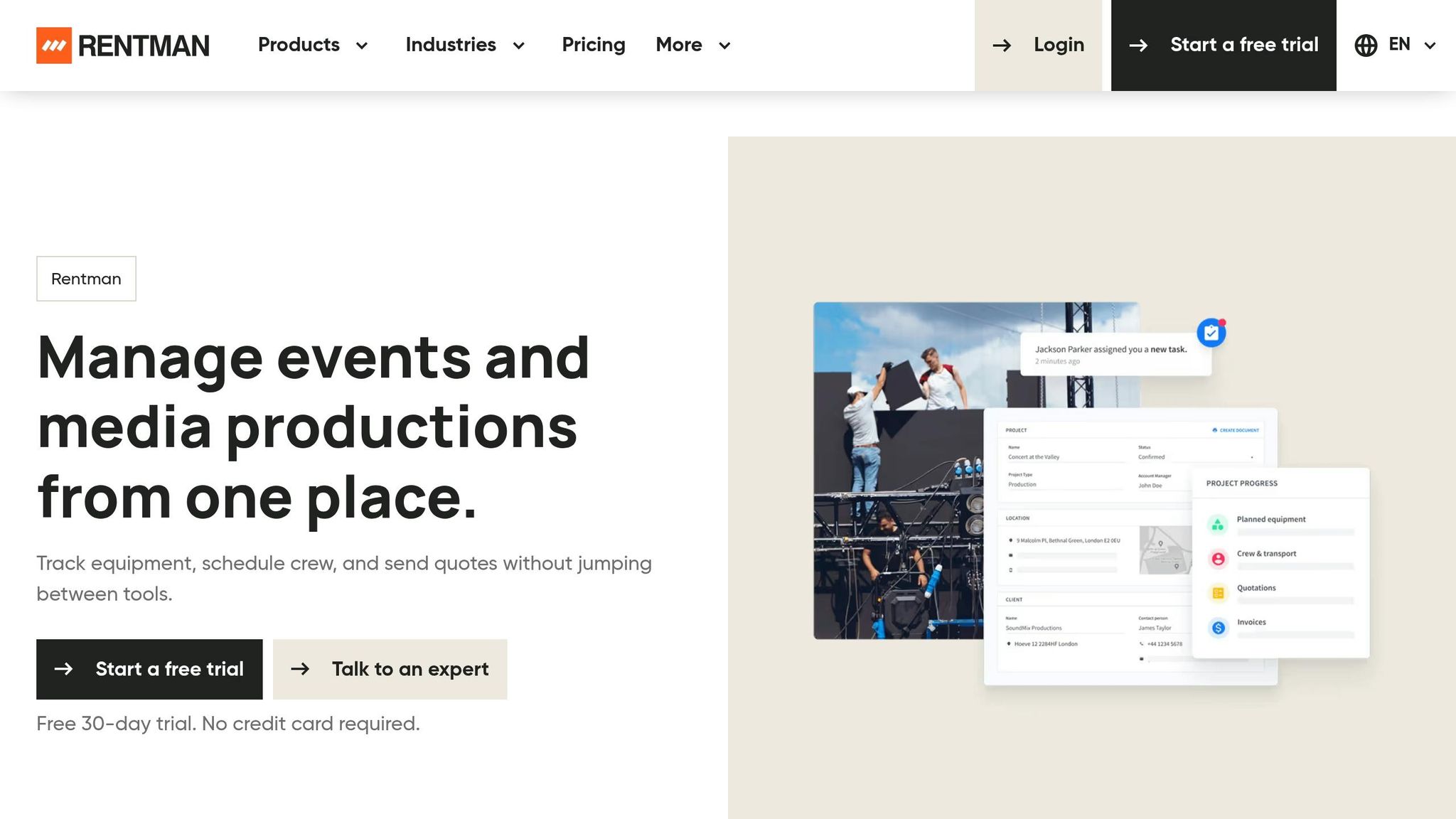
Verified staffing details for Rentman are not available in the source material.
Next, calculate your staffing needs or compare the tools by staffing workflow and event type.
After the tool-by-tool reviews, this snapshot lays out the clearest verified differences in one place. Use it for a fast scan. Only confirmed details are included.
| Tool | Best for | Role Planning | Temp Staff Booking | Shift Tracking | Crew Communication | Starting Price (USD) |
|---|---|---|---|---|---|---|
| Quickstaff | Caterers, wedding businesses, staffing agencies | Role-based scheduling | Invite-and-accept booking | Shift confirmation tracking | Unlimited messaging | Starting at $49/month (up to 35 staff) |
| EventSuite | Not verified | Not verified | Not verified | Not verified | Not verified | Not verified |
| Liveforce | Not verified | Not verified | Not verified | Not verified | Not verified | Not verified |
| EventCrew Pro | Not verified | Not verified | Not verified | Not verified | Not verified | Not verified |
| Humanforce | Not verified | Not verified | Not verified | Not verified | Not verified | Not verified |
| Nowsta | Not verified | Not verified | Not verified | Not verified | Not verified | Not verified |
| Eventkrew | Not verified | Not verified | Not verified | Not verified | Not verified | Not verified |
| Schedyl | Not verified | Not verified | Not verified | Not verified | Not verified | Not verified |
| Zelos | Not verified | Not verified | Not verified | Not verified | Not verified | Not verified |
| Run Sheets | Not verified | Not verified | Not verified | Not verified | Not verified | Not verified |
| LASSO | Not verified | Not verified | Not verified | Not verified | Not verified | Not verified |
| Rentman | Not verified | Not verified | Not verified | Not verified | Not verified | Not verified |
The comparison table gives you the raw data. This section turns that into a short path you can use. Pick based on how your team works day to day, not just team size. Start with the closest fit below and narrow your options fast.
Quickstaff is a strong match for caterers and wedding teams that work in fast-turnaround, client-facing settings. It works well for teams that need fast temp booking, role-based scheduling, and Automagic Waitlists to fill confirmed slots without extra manual follow-up.
If you manage a large freelance pool, Quickstaff stands out here too. Its On-Hold feature lets agencies reserve staff for tentative events, while staff can block dates they can’t work before invites go out. That helps keep the roster clean and cuts down on the usual back-and-forth.
Production and AV teams usually deal with setup, show, and teardown shifts that all start at different times. For that kind of workflow, focus on tools that support staggered call times by role and let managers attach floor plans or dress codes right inside shift invites, so crew members show up with the details they need.
Large venues and stadiums often run several events at once in different spaces. In that case, put crew scale first. The right tool should support large teams, GPS-verified clock-ins, and double-booking checks across overlapping events.
For festivals and other multi-day events, the day-to-day strain adds up fast. The key features here are rest-period tracking, double-booking checks across multiple days, plus mobile reminders and GPS check-ins to keep crews in sync for the full run.
No single tool works for every event business. Pick the one that matches the bottleneck slowing down your staffing the most, whether that’s role planning, fast booking, attendance, or crew communication.
Once you’ve pinned down the main issue, test the mobile workflow where the work happens. Check how easy it is to handle assignments, update availability, and get reminders from a phone.
Also look closely at pricing based on your active staff count. Flat-rate plans are easier to predict. Per-staff pricing can climb fast during busy seasons. Price matters, sure, but for freelance crews, workflow fit matters more.
If you run a freelance-heavy catering company, wedding business, or staffing agency, focus on tools with event-based availability and fast accept/decline actions.
Use the fit guide above to narrow your list to two or three tools. Then trial them with the people who’ll use them every day. A staff-led trial will tell you more than any feature list.
Choose the right staff allocation tool by starting with your biggest day-to-day problems, not a long feature list.
Focus on the issues that slow your team down most, like last-minute no-shows, trouble tracking staff availability, or assigning people to the right roles.
A tool like Quickstaff can help with invitation-based scheduling for freelance or temporary crews. As you compare options, pay close attention to features like mobile access, role-based filtering, and clear team communication.
For freelance or temp event crews, clarity and easy access matter most. A mobile-friendly portal lets staff check assignments, event notes, and call times in one place.
Availability tracking helps avoid scheduling conflicts. Automated invites and reminders cut down on back-and-forth and help crews stay informed and organized for event day.
During your free trial, put your attention on the features that matter most in day-to-day work: real-time staff availability, shift assignment, and mobile communication.
A simple way to test the software is the “Monday Morning Test.” Open it up and check whether you can quickly see the week’s events, whether they’re fully staffed, who still hasn’t confirmed, and who’s free as backup. Then run the software alongside your current system for one week. That side-by-side check makes it easier to spot gaps and see how it handles last-minute changes.





