Top Tools for Event Staff Time Management
June 7, 2026

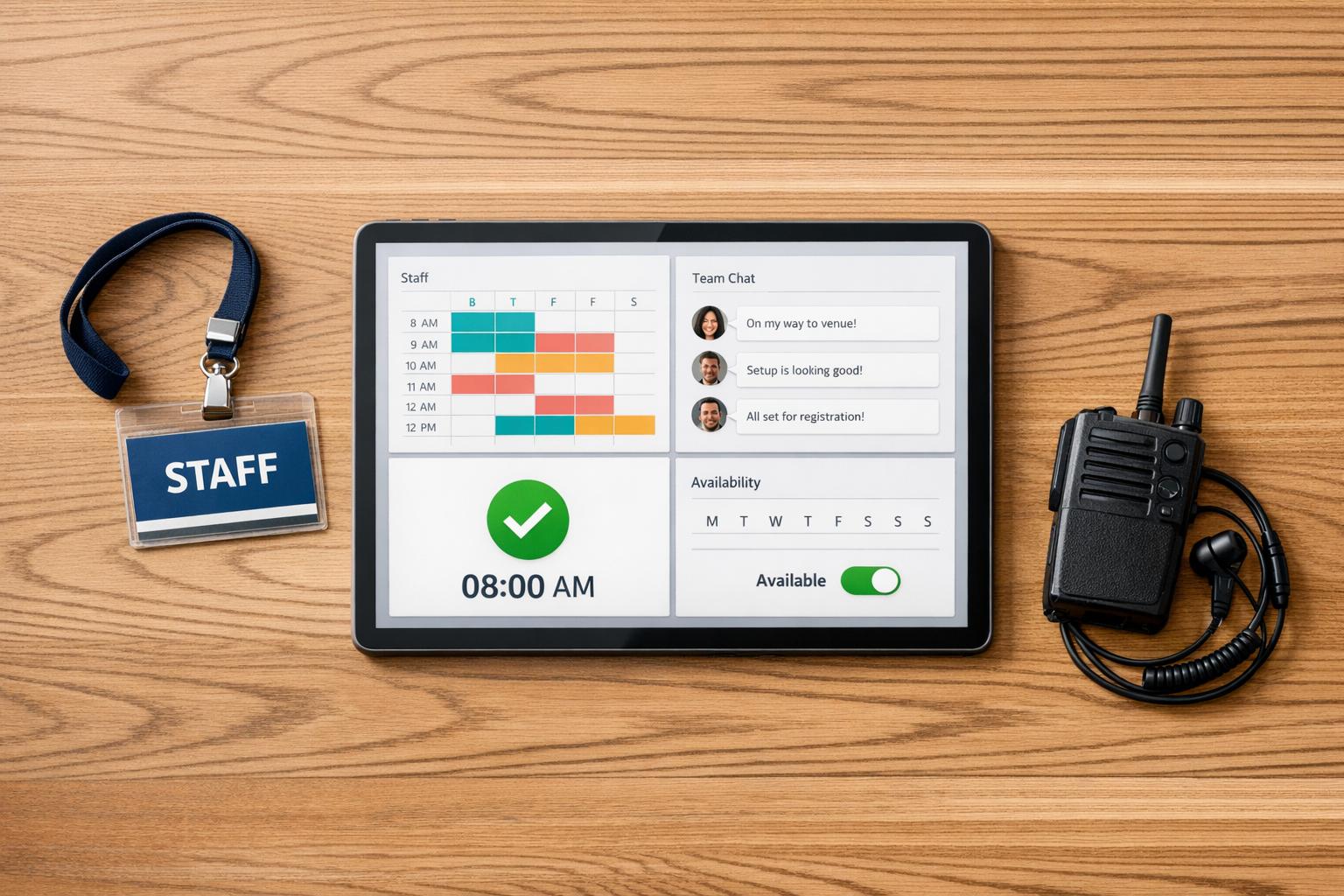
Managing event staff efficiently can make or break an event. The right tools simplify scheduling, boost communication, and reduce last-minute chaos. Here’s what you need to know:
For teams handling multiple roles and venues, platforms like Quickstaff offer specialized features like automated waitlists and geofenced clock-ins, starting at $49/month. Whether you're managing 20 or 200 staff, these tools help events run smoothly.
After grappling with the challenges of traditional scheduling, it's clear that modern event staffing tools need to address the unique demands of the industry. Unlike general team management tools, event-focused platforms are tailored for fast-paced environments where precision and efficiency are critical. Here’s what to prioritize when choosing the right tool.
A good scheduling tool should allow you to group staff by roles - like bartenders, servers, or security - ensuring you have the right coverage for every event. An even better option? Tools with automated shift broadcasting. These systems notify your entire talent pool about open slots, letting staff claim shifts themselves. This feature has been shown to push shift coverage rates above 95% during busy periods.
Conflict detection is another must-have. Automated systems that flag issues like double bookings or overtime violations can save you from last-minute headaches. For added accountability, look for geofenced clock-ins. These use GPS or QR codes to confirm staff are on-site, something spreadsheets just can’t manage.
And don’t overlook the importance of streamlined communication.
Miscommunication can throw even the best-planned event off track. Tools that combine in-app chat, push notifications, and automated SMS reminders ensure everyone stays informed without the chaos of personal group chats. In fact, these features have been shown to cut no-show rates by 67%.
Another game-changing feature is the ability to attach event details - like site maps, dress codes, or role-specific instructions - directly to shifts. When staff have all the info they need on their phones before the event, you’ll spend less time fielding "where do I go?" calls. This can reduce day-of errors by as much as 40%.
In the fast-moving world of event staffing, easy access to tools is just as important as their functionality.
If your staff need a training session just to confirm shifts, the tool is working against you. A mobile-first design is crucial because events happen on the ground, not in an office. Managers need to handle last-minute changes at the venue, and staff should be able to update availability or clock in without hassle.
"The Event Staff App makes scheduling those employees simple. Our managers and employees love the software because they can find all of the information they need in one place, cutting my time communicating information to everyone down by half." - Tracy O., Catering Company Manager
Platforms specifically built for event staff scheduling, like Quickstaff, excel in this area. Unlike general project management tools, these systems are designed for shift work realities. Features like quick confirmations, real-time updates, and on-site check-ins align perfectly with the fast pace of live events.

Top Event Staff Management Tools Compared: Features & Pricing
Here’s a closer look at some of the best tools available for managing event staff. Each one brings unique strengths to the table, whether it’s simplifying scheduling, improving communication, or enabling quick updates for your team.
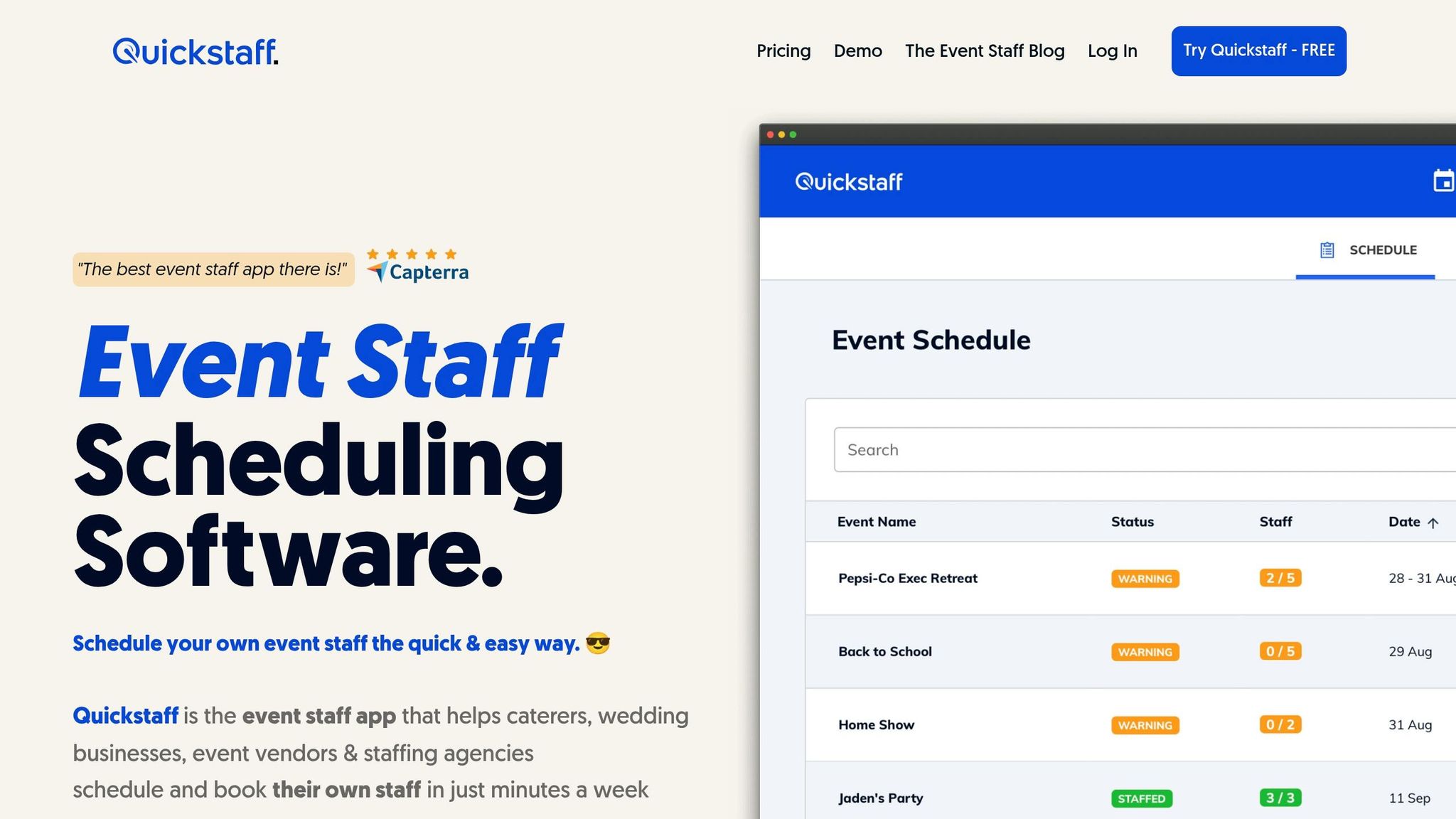
Quickstaff is specifically designed for event staffing, making it a standout choice compared to general-use tools. It allows managers to create events, assign roles (like Server, Bartender, or Setup Crew), and send invitations that staff can confirm or decline directly - eliminating the need for endless email threads.
Its automated waitlist ensures that cancellations are filled quickly, so you’re not left scrambling on event day. Plus, its availability tracking prevents double-bookings before they happen.
Another helpful feature? You can attach files - like dress codes, site maps, or role-specific instructions - directly to the event page. This ensures staff have all the details they need before showing up. Built-in communication tools also keep everything centralized, removing the need for personal group chats.
Plans start at $49/month for up to 35 staff (Boutique), $99/month for up to 70 staff (Growing), and $249/month for up to 175 staff (Large). All tiers include unlimited events and assisted onboarding.
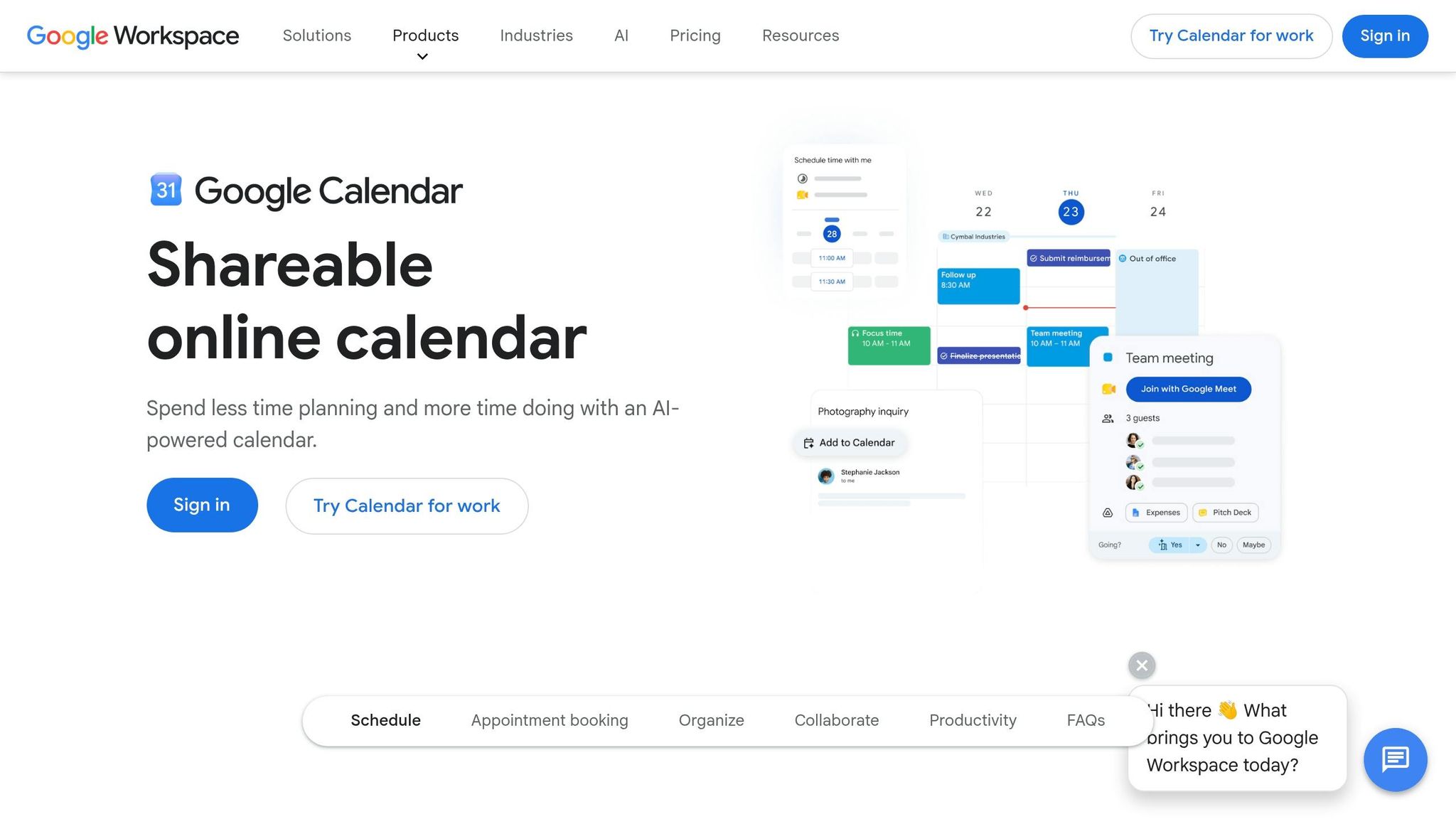
Google Calendar offers a simple, familiar solution for teams needing basic scheduling. It supports shared calendars, event reminders, and visibility into upcoming schedules - all at no cost. It syncs seamlessly across devices and integrates with Gmail and Google Meet.
However, it has its limitations. It’s not built for shift-based work, so features like role-specific scheduling, availability tracking, or managing last-minute changes are absent. It works best as a supplementary tool alongside a dedicated staffing platform.
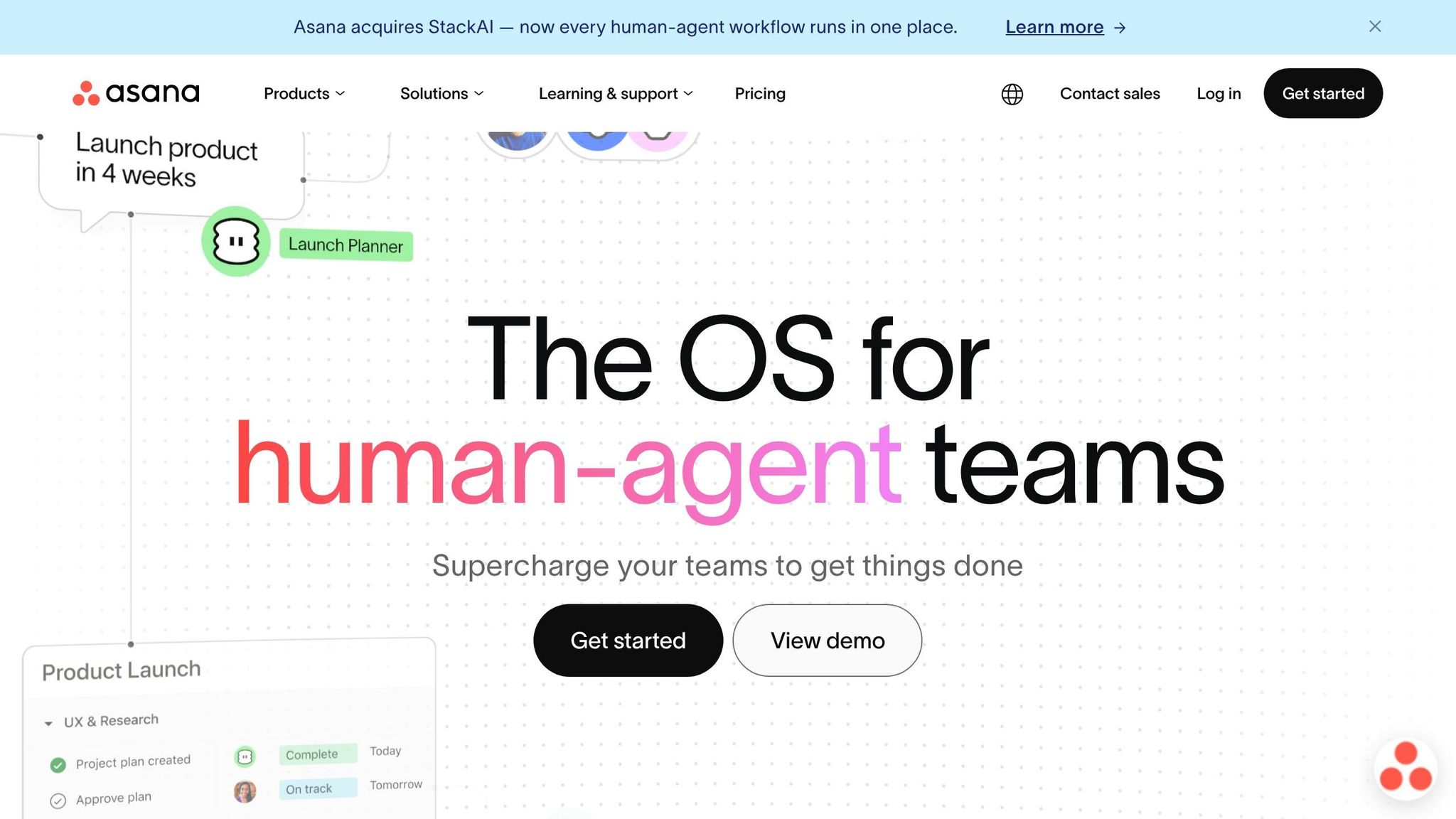
Asana goes beyond scheduling to provide a full project management solution. It’s ideal for event managers juggling multiple moving pieces, from coordinating vendors to planning logistics and internal team tasks.
The project timeline view is particularly useful for tracking progress and staying organized during the lead-up to an event. While it’s less helpful for managing shifts on the event day, it’s a powerful tool for the weeks of preparation beforehand.
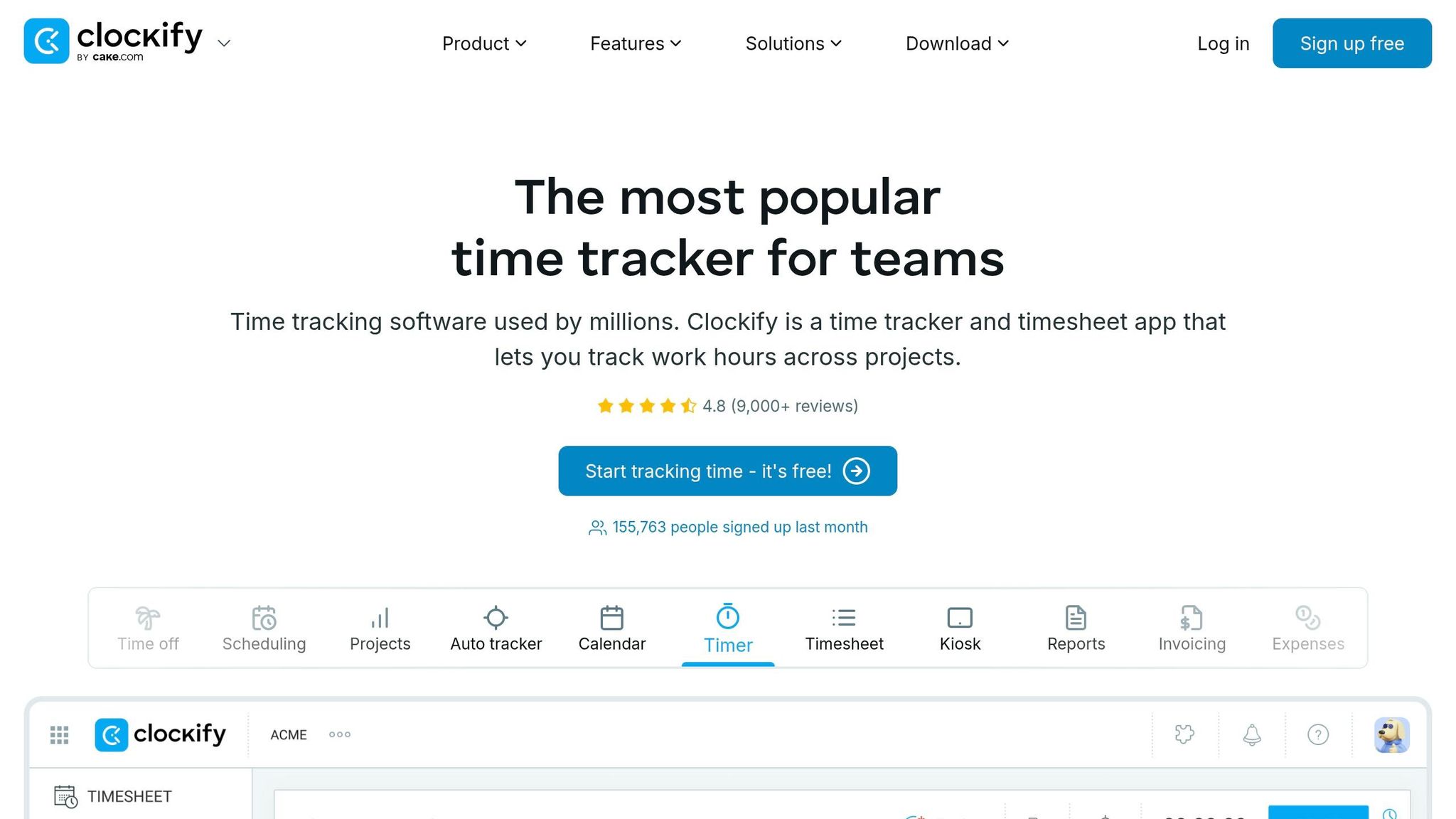
Clockify is a free time-tracking tool that allows staff to log hours manually or through a timer. It generates detailed timesheets and reports, making it especially useful for post-event analysis.
For example, if your setup crew consistently exceeds their estimated hours, Clockify can help identify patterns. While it’s not a scheduling tool, it pairs well with one to provide deeper insights into time management and budgeting.
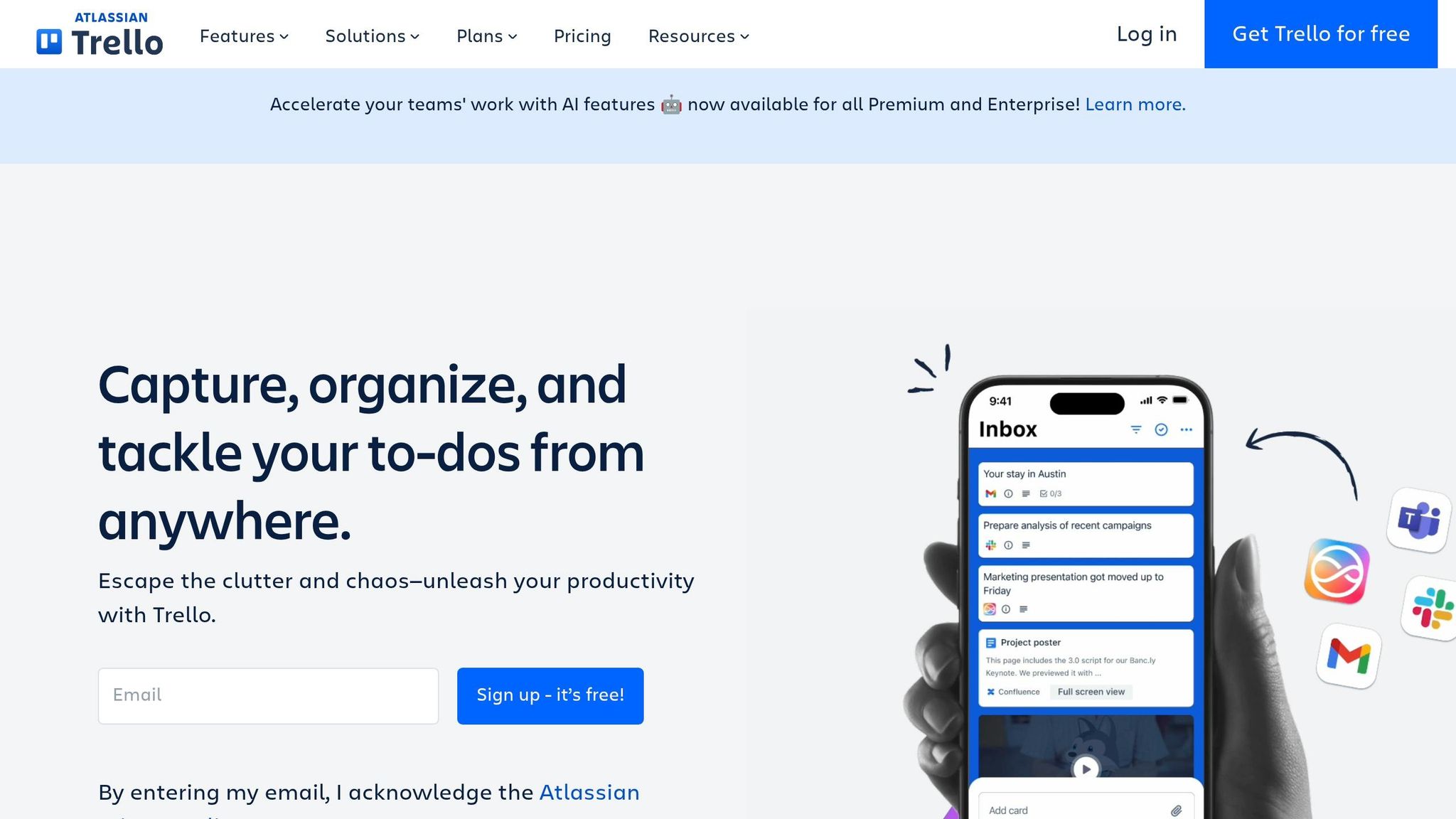
Trello uses a card-and-board system that visually organizes tasks. Each card can represent a task, shift, or checklist item, and you can move cards between columns like "To Do", "In Progress", or "Done" as work progresses.
For event teams, Trello is great for managing pre-event checklists and tracking vendor responsibilities. However, like Asana, it’s not equipped for staffing-specific needs like availability conflicts or shift coverage.
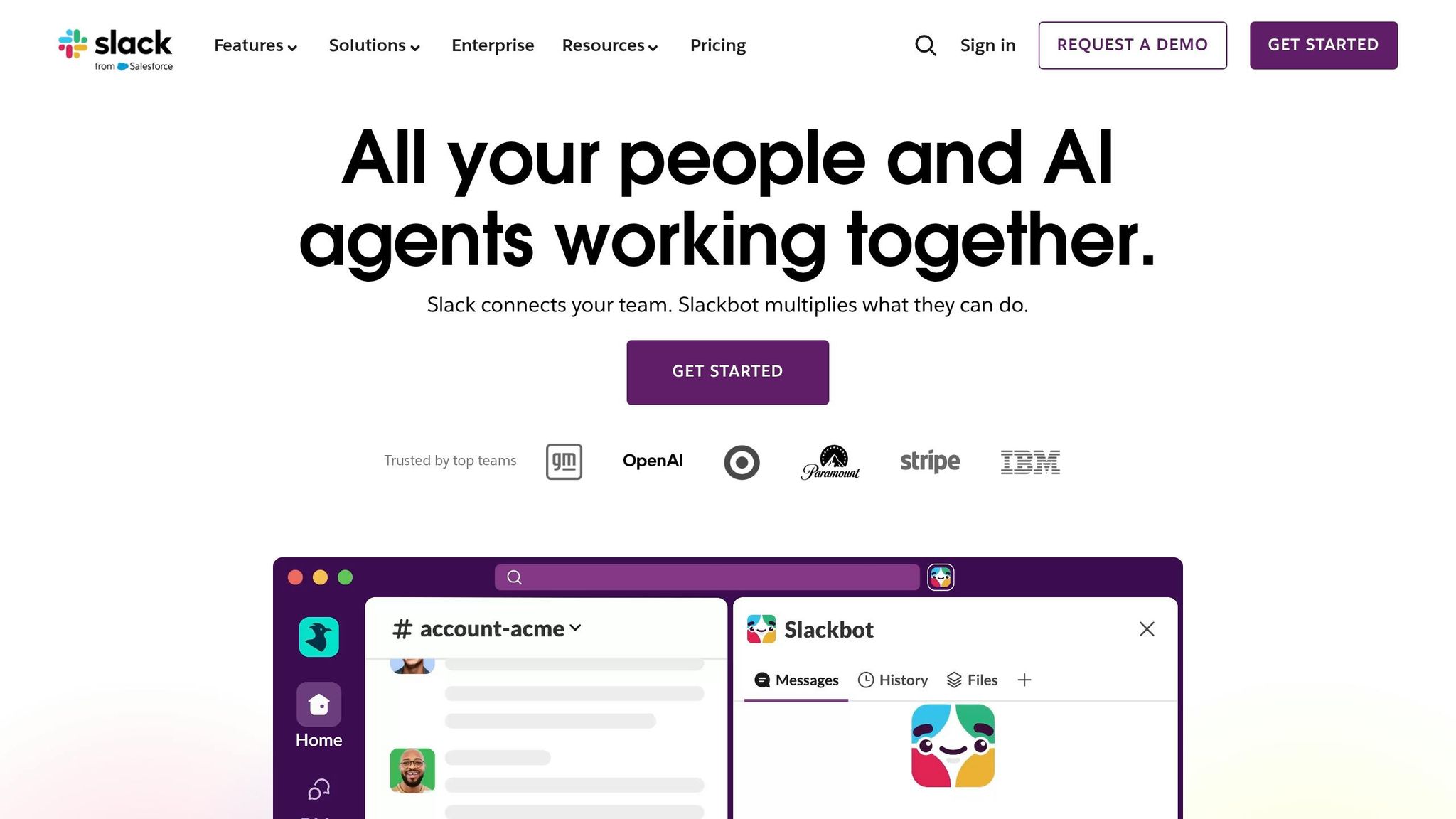
Slack is a communication tool that organizes conversations into channels based on event or role. Instead of chaotic group texts, you can have separate channels for bartenders, setup crews, and managers handling logistics.
It supports file sharing, direct messaging, and integrations with tools like Google Calendar and Asana. For teams already using multiple platforms, Slack acts as a central communication hub. The free plan covers basic messaging, while paid plans offer access to message history and additional integrations.
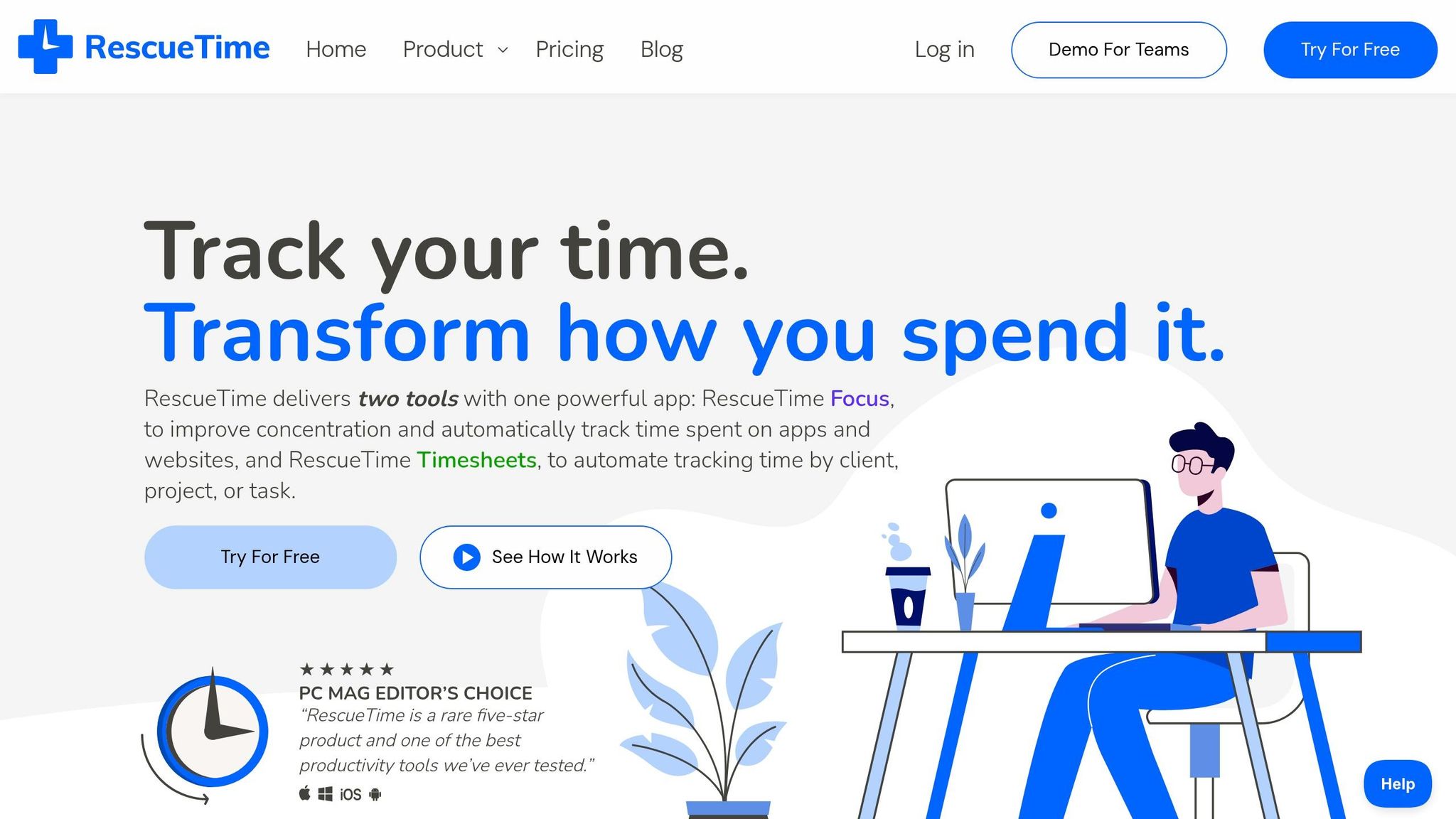
RescueTime is designed for individual productivity rather than team management. It automatically tracks activity across apps and websites, helping event managers understand where their time is going.
If you’re spending hours on emails instead of planning, RescueTime will highlight that. While it’s not a team tool, it can help managers reclaim their time by pinpointing inefficiencies.
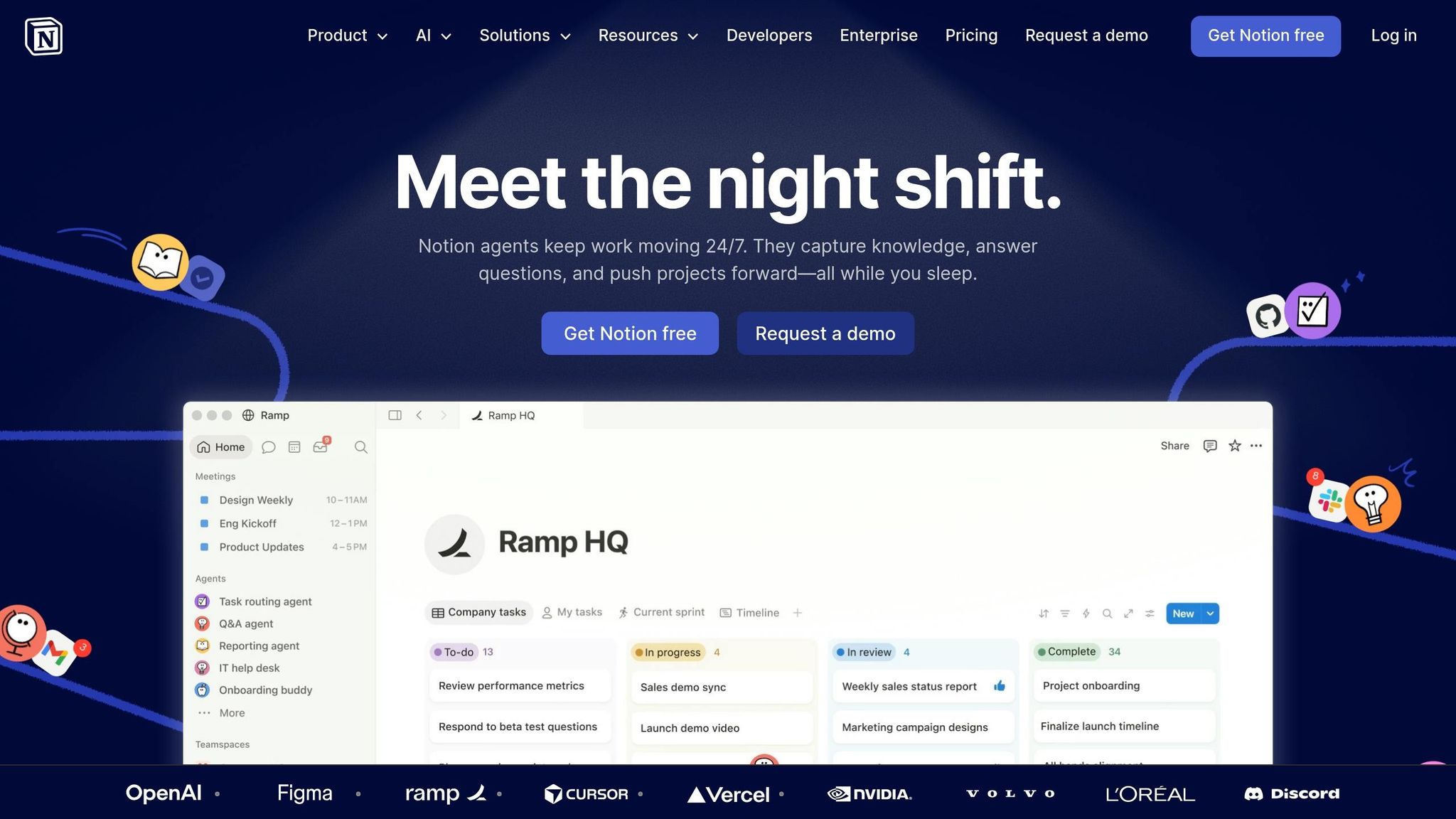
Notion is an all-in-one workspace that allows teams to write notes, create databases, build wikis, and track tasks - all in one platform. Event teams use it to centralize important information, such as vendor contacts, run-of-show documents, onboarding new event staff, and post-event debriefs.
Its flexibility requires some setup time, but once configured, it becomes a go-to resource for organizing all event-related documentation. Like Trello and Asana, it’s not a staffing scheduler, but it complements one by keeping supporting materials easily accessible.
When choosing a tool for your event team, start by considering your team's size and how often you host events. For smaller teams managing fewer than 50 events annually, a mix of free, lightweight tools might do the job. But if you're organizing 50 or more events a year - especially with multiple roles, locations, and inevitable last-minute changes - you’ll need a platform designed to handle that level of complexity. The demands of managing diverse roles and quick adjustments require capabilities that go beyond basic scheduling.
Next, think about how the complexity of your events influences tool performance. For example, if your team includes servers, bartenders, setup crews, and security personnel, you’ll need a tool that supports role-based scheduling and provides real-time updates to address coverage gaps. General scheduling tools often fall short when it comes to managing common scheduling problems like last-minute cancellations or unexpected changes.
Scalability matters, too. As your operations grow, your tool should handle an increase in staff seamlessly - whether you're scaling from 20 to 80 team members. Features like reusable event templates, automated reminders, and conflict detection can save you hours of administrative work as your event volume rises. In fact, adopting the right technology stack can cut your administrative workload by 40–60%. That’s a major time-saver when you’re juggling multiple events and coordinating large teams.
"The time that we have been able to save by using this staff scheduling software has allowed us to tackle the other issues that we face thereby improving our overall events!" - Kelly, The Abbot KC
Lastly, don’t underestimate the importance of support and onboarding. Event staffing moves quickly, and if something goes wrong during a packed weekend, you’ll need fast, reliable help. Before committing, take advantage of free trials to test the tool’s interface and customer support. A user-friendly platform with responsive support will always outperform a flashy system that’s difficult to navigate or slow to resolve issues.
Managing event staff without proper tools can quickly become chaotic. Important details might slip through the cracks, and efficiency can take a serious hit. The tools highlighted here tackle common scheduling challenges - whether it's communication, task tracking, time logging, or scheduling - helping to turn disorganized processes into smooth operations.
Achieving effective time management comes down to having clear visibility over operations. Knowing who's confirmed, who's on their way, and where there are gaps is crucial for keeping an event on track. As Jennifer Manley, a Staffing Coordinator, shared:
"My time spent scheduling has shrunk majorly, leaving me more time to focus on recruiting, on-boarding and training."
For teams juggling temporary or freelance staff across various events, Quickstaff provides the clarity you need. Features like automated waitlists, role-based scheduling, and availability tracking bring everything together in one platform. Plans start at $49/month for teams of up to 35, and there's a 14-day free trial to get you started. With Quickstaff, you can take back your time and ensure every event runs like clockwork.
The right tools don’t just save time - they let you focus on creating unforgettable events.
When faced with last-minute cancellations, Quickstaff's mobile dashboard offers a fast and efficient solution. You can quickly locate and contact available staff by filtering based on roles like server or bartender. From there, send out invitations and monitor responses in real time. Plus, the automated waitlist feature ensures you always have backup options lined up, helping you save time and avoid unnecessary stress during these situations.
Use Quickstaff to bring all your event details and staffing schedules into one convenient calendar. Staff members can mark their unavailable dates, and these updates instantly reflect in your scheduling view, helping you avoid double-bookings. Before assigning shifts, you can easily review staff availability to ensure only those who are free are scheduled. Once shifts are assigned, the platform tracks commitments, keeping everything organized and eliminating scheduling conflicts.
To confirm that staff are on-site, you can use location-based clock-in tools like GPS tracking or geofencing. These features ensure employees can only clock in when they are within a designated area. Another option is QR codes, where staff scan a unique code to log their arrival, or have their presence verified by a supervisor. These approaches help maintain precise attendance records and prevent off-site or unauthorized clock-ins.