Top Features to Look for in Event Staff Apps
May 22, 2026

When managing event staff, the right app can save time, reduce stress, and ensure smooth operations. Whether you're coordinating a wedding, corporate event, or festival, these tools simplify scheduling, communication, and on-site management. Here's a quick breakdown of the best options:
Each app has unique strengths, so choose based on your team size, event type, and specific needs.

Best Event Staff Apps Compared: Features & Pricing at a Glance
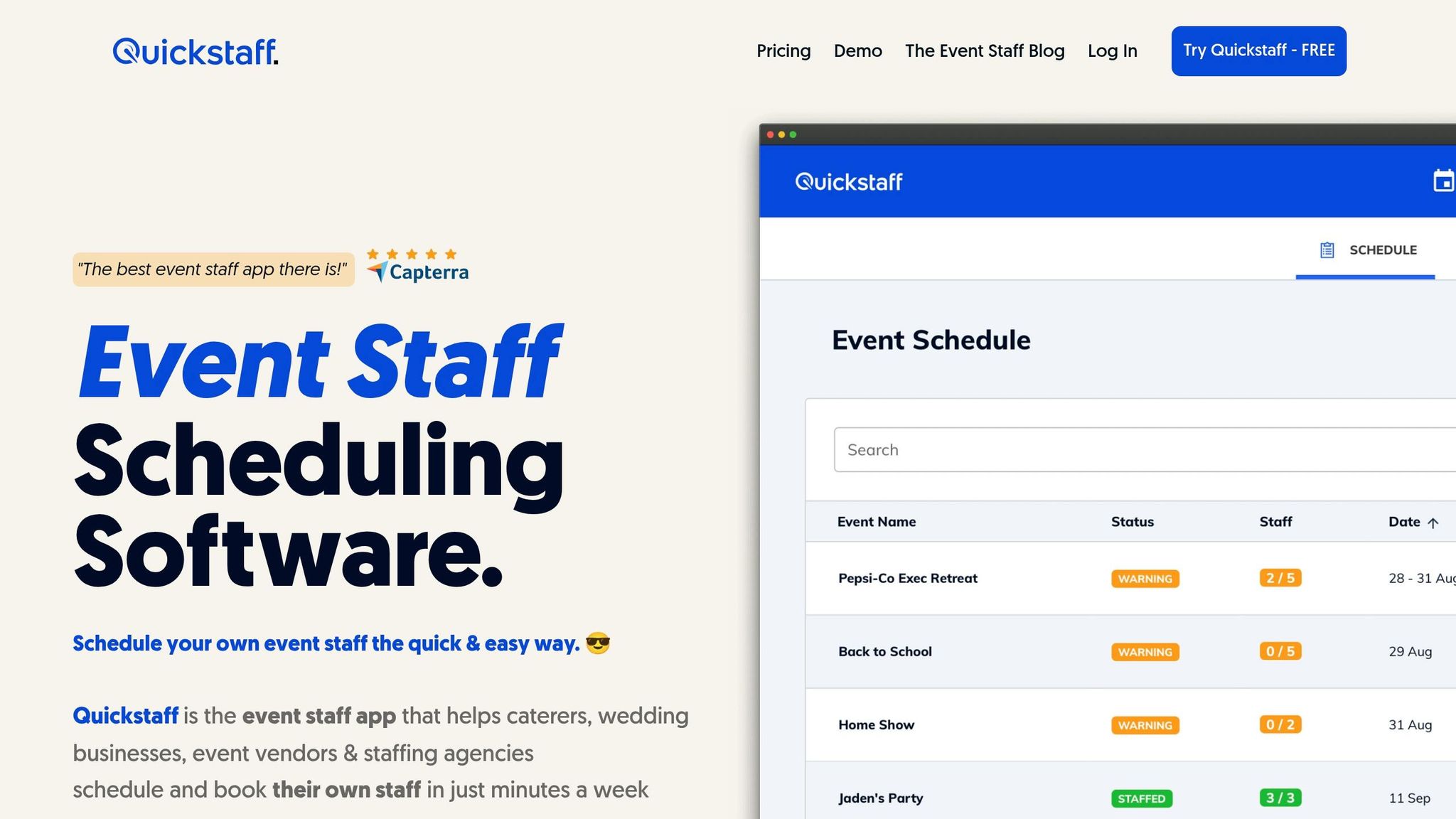
Quickstaff is tailored for event-based businesses like caterers, wedding vendors, and staffing agencies that rely on temporary staff. Its design reflects this focus, making it a practical tool for managing event-specific needs.
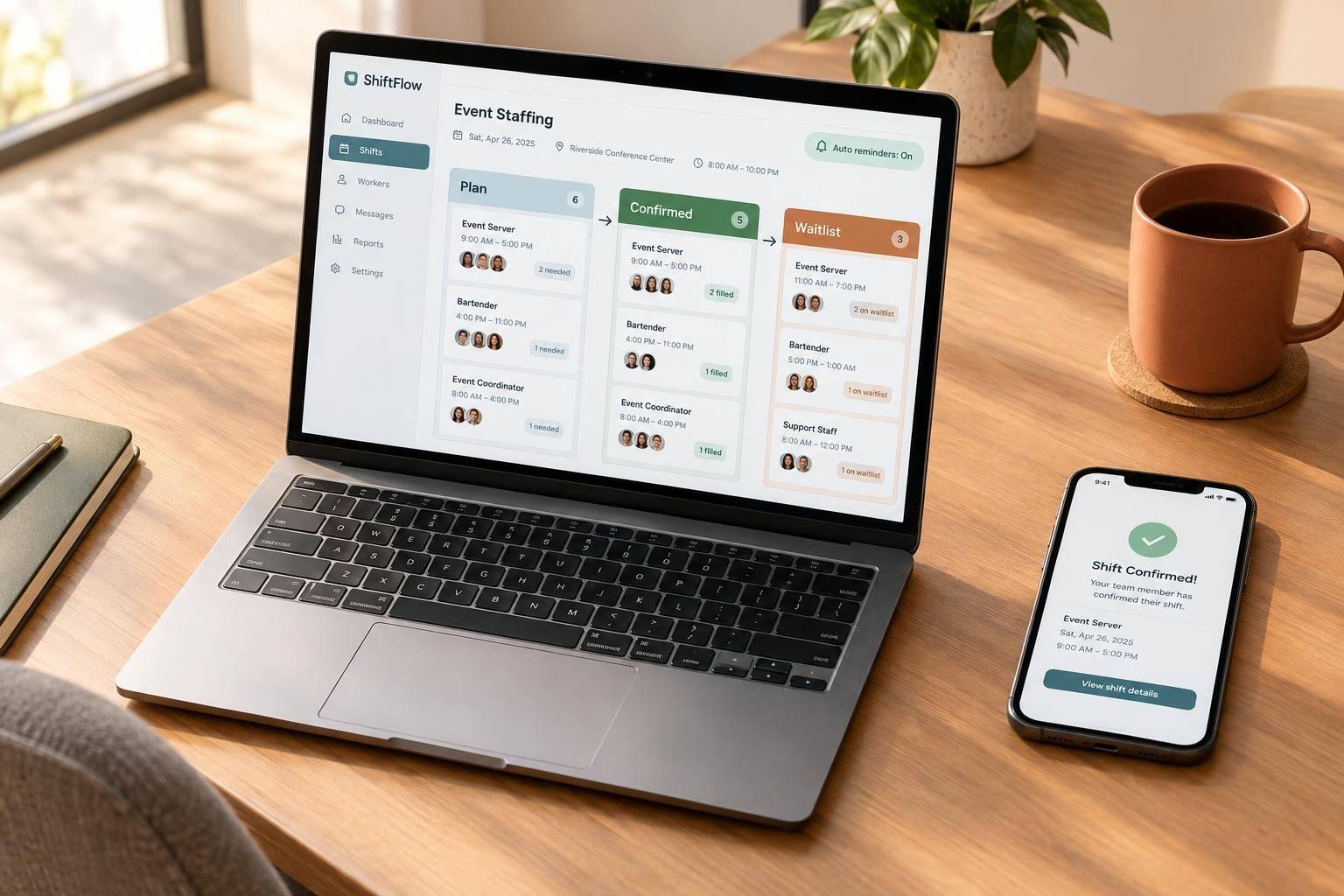
With role-based assignments, scheduling becomes much easier. You can assign roles like servers, bartenders, or photographers separately, ensuring responsibilities don’t overlap. Before sending out invitations, you can check staff availability, avoiding unnecessary back-and-forth. The Automagic Waitlist is a standout feature, automatically handling extra staff when events are overbooked. This helps you deal with no-shows without the stress of last-minute replacements. Additionally, the Duplicate Event feature lets you quickly replicate previous events, saving time for recurring setups. Jennifer Manley, a Staffing Coordinator, shares her experience:
"My time spent scheduling has shrunk majorly, leaving me more time to focus on recruiting, on-boarding and training."
These tools make Quickstaff a strong choice for simplifying event planning and staffing.
Communication is another area where Quickstaff shines. Managers can send unlimited messages to the entire team or specific groups, like just the bartenders. Need to share important details? You can attach files such as dress codes or venue layouts. Staff receive automated email invitations with all the event specifics and can easily access schedules, maps, and notes on their phones.
The platform is fully mobile-friendly, allowing staff to stay updated on schedules, directions, and event notes directly from their devices. Pricing starts at $49/month for teams of up to 35 staff. Plus, there’s a 14-day free trial, and no credit card is required to get started.
Homebase is a dependable tool for scheduling and communication, making it a strong choice for event management. With over 150,000 small businesses relying on it, it’s especially suited for teams working in shift-based or hourly roles. Its features are tailored to keep things running smoothly in fast-paced event settings.
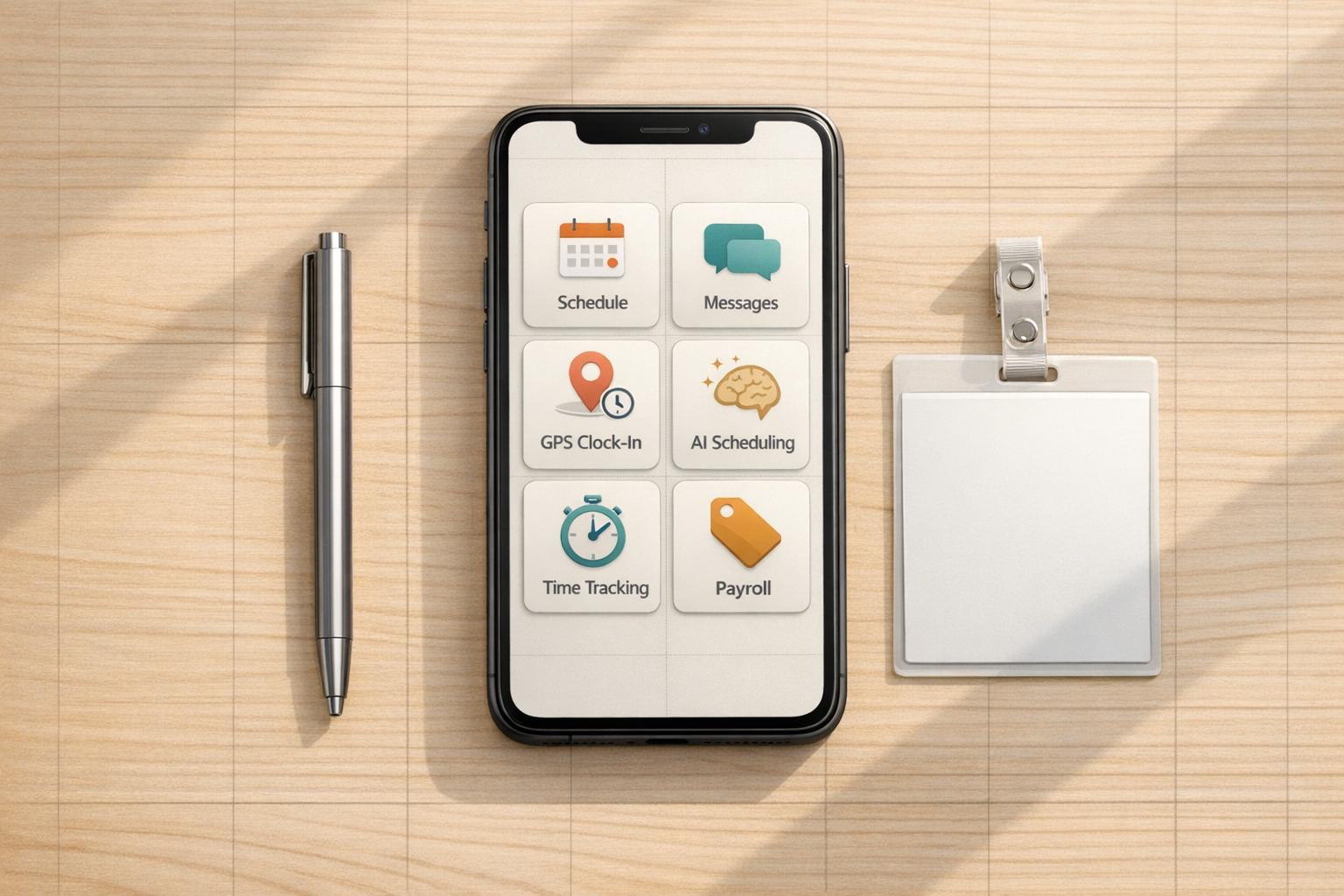
One standout feature is GPS-based mobile clock-ins, which is perfect for off-site events. This allows staff to clock in at the event location using GPS, removing the need to stop by a central hub first. Matthew Marcom, Franchisee & Territory Development Manager at Pelican's SnoBalls, highlights the benefit:
"With the mobile GPS clock-in feature in Homebase Essentials, I can just have my employees clock in once they get to the event location, rather than having them clock in at the store first, lowering my labor costs."
For those looking for smarter scheduling, the Plus plan offers an AI-driven auto-scheduler. It matches roles, employee availability, and labor goals in minutes. Team members can easily submit availability and time-off requests through the app, which integrates directly into the scheduling tool to avoid scheduling conflicts. Managers also get instant notifications if someone is late or nearing overtime.
Communication is seamless with Homebase’s built-in messaging system, which lets managers create role- or shift-specific groups without needing to share personal contact information. Event-specific details, like venue addresses or instructions, can be included in shift notes, ensuring staff are fully prepared. Theresa Fouquette, Owner of Bliss Small Batch Creamery, shares her experience:
"Homebase gives [students] an easy way to communicate their availability that translates into an easy to see grid of available workers when we do our scheduling. Priceless!"
Homebase’s pricing starts at $0/month for one location with up to 10 employees. Paid plans begin at $24/month (billed annually) for the Essentials tier, which includes team messaging, GPS clock-ins, and advanced scheduling for unlimited employees. The Plus plan, at $56/month (billed annually), adds features like AI scheduling and PTO management. For a more comprehensive solution, the All-in-One plan costs $96/month (billed annually) and includes onboarding tools, labor cost tracking, and HR compliance features. These tools are essential for building a scalable event scheduling system as your business grows.
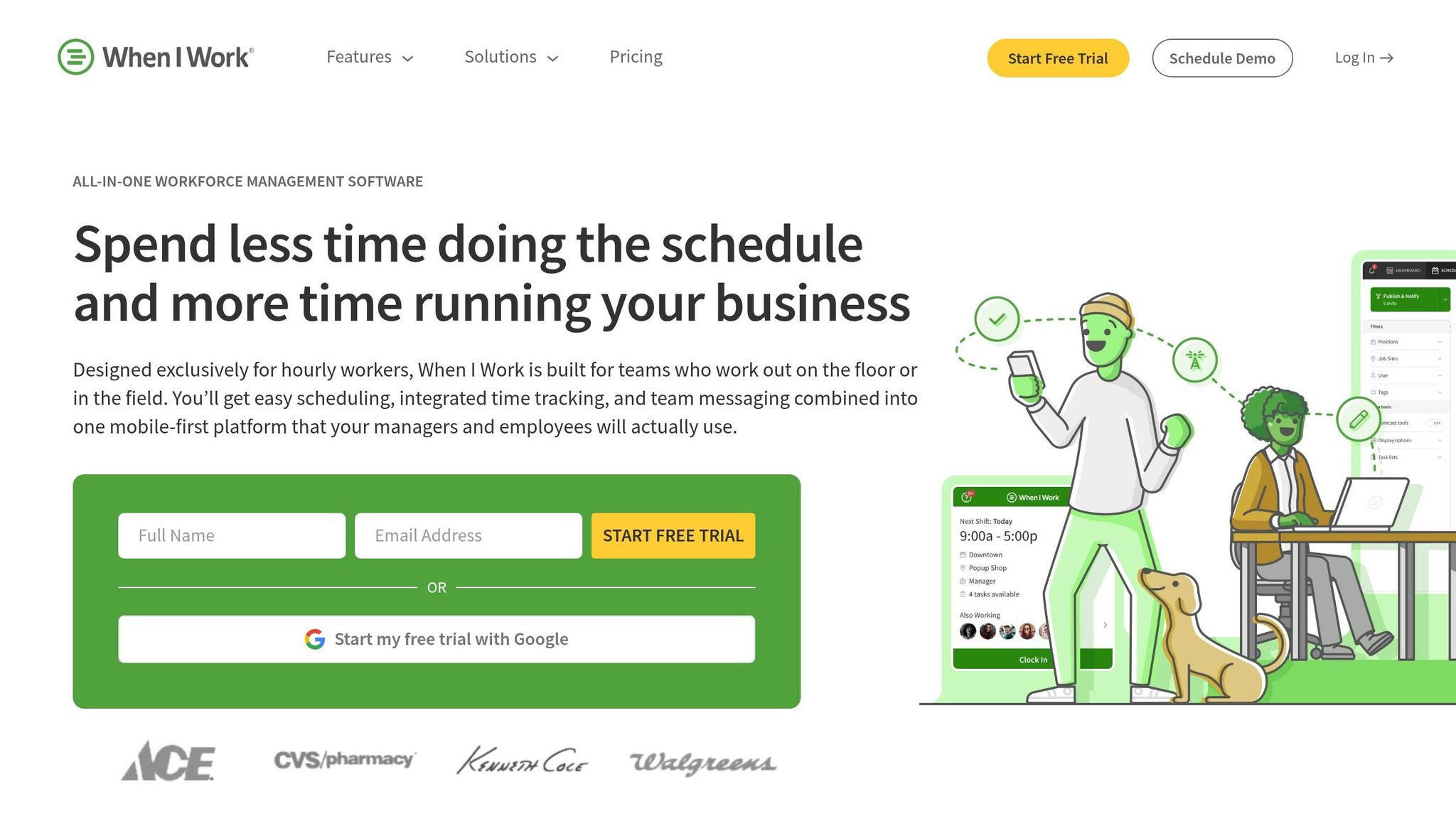
When I Work is designed with one clear goal: making scheduling and communication as smooth as possible for teams that are always on the move. With over 200,000 workplaces worldwide relying on the platform, it’s a favorite among event-centered businesses. Its efficiency shines through its mobile-friendly features.
The app’s mobile-first design allows staff to check schedules, swap shifts, and message teammates directly from their phones. Managers can post unfilled shifts as "OpenShifts," enabling qualified employees to claim them on a first-come, first-served basis, cutting down on frantic, last-minute coordination. Brian Jackson, President and COO of Studio 33, sums it up well:
"When I Work isn't only a scheduling app for me. It's also a team communication tool so I can quickly share information - a vital part of my business."
The scheduling tools are practical and intuitive. Features like color-coded availability, conflict alerts, and real-time overtime notifications help managers avoid scheduling mishaps and stay within weekly limits by using budget-friendly staff scheduling tools. For businesses managing events across multiple locations, the Job Sites feature allows managers to assign staff to specific venues and track who’s where in real time. These tools deliver real results: David Porto, co-owner of Blue Plate Catering in Madison, WI, reduced his weekly scheduling and payroll prep time from 15–20 hours to just 20 minutes and saved his company over $10,000 annually in overtime costs. The app also holds an impressive 4.8/5 rating on Google Play from more than 75,200 reviews as of April 2026, with users frequently praising its shift-trading simplicity and mobile time clock.
When I Work scales seamlessly, keeping everyone on the same page through its centralized dashboard and automated notifications. Whether you're managing 54 employees across two businesses like Studio 33 or over 400 staff across 12 departments like Lanier World Resort, the platform ensures managers don’t have to chase people down to stay organized.
Shiftboard stands out with its mobile-first scheduling system, called "ScheduleFlex", designed specifically for field staff who need adaptability. The app empowers employees to manage their schedules directly - whether it's picking up open shifts, swapping with coworkers, submitting leave requests, or checking availability updates. To ensure no one misses important changes, Shiftboard uses multi-channel alerts, including SMS, email, push notifications, and even automated voice calls, for last-minute schedule updates.
On the management side, Shiftboard's automation engine simplifies schedule creation. By setting rules based on company policies, union agreements, and compliance requirements, managers can let the platform handle the heavy lifting. It not only builds schedules but also identifies and fills coverage gaps in real time by assigning available workers. The results? Companies using Shiftboard report creating schedules 30% faster, achieving 88% better shift coverage, and cutting labor costs by 21%.
For event operations or teams with complex roles, Shiftboard scales effortlessly to handle large, multi-role teams. Its open API and pre-built integrations connect seamlessly with payroll and HR systems, reducing the need for duplicate data entry. Larry Heasley, an HR Manager at Shell, shared his experience:
"Shiftboard saved us ~$3M in costs and is a proven solution for API RP 755 compliance. Employee scheduling was a vital concern at an executive level - they went over and above the call of duty to meet our needs."
With an 86% boost in worker satisfaction, the platform also enhances transparency and control over schedules - an essential feature for managing temporary staff across dynamic, ever-changing venues.
Deputy brings together scheduling, communication, and time tracking in one platform, making it a go-to solution for teams that are always on the move. With over 390,000 workplaces worldwide relying on it, Deputy is equipped to handle everything from a small team at a single location to a sprawling multi-site operation.
One standout feature is Deputy's AI-powered auto-scheduler. It factors in staff availability, training, labor costs, and even "stress profiles" to avoid overworking employees - all with just one click. For event managers needing to fill shifts quickly, the platform's shift-filling tool sends instant mobile alerts to all qualified and available team members at once. Michael Finch from Harper Logistics summed it up perfectly:
"Deputy's auto-scheduling feature made schedules in just minutes, all while checking each drivers' stress profile & availability so no one was assigned a shift they weren't able to make."
Deputy's News Feed acts as a central hub for sharing announcements, documents, and video briefings. It even includes read confirmations to ensure critical updates are seen. The integrated task manager allows managers to assign digital checklists to individuals or entire shifts. As Vero's iCloud Business Owner shared:
"The task feature in particular has been a huge upgrade from sticky notes; we've built custom opening and closing checklists that keep each location organized and accountable." These lists are essential components of a comprehensive event day preparation kit.
Another useful feature is micro-scheduling, which enables staff to cover multiple roles within a single shift - perfect for events that require rotating responsibilities like registration, floor support, and teardown. As teams grow, communication groups and access levels are automatically updated. Plus, with over 300 integrations - including ADP, QuickBooks, and Square - Deputy ensures that payroll and other administrative tasks are seamless.
Deputy has earned high praise from users, boasting a 4.7/5 rating on both the App Store (3,000+ ratings) and Google Play (18,600+ reviews). Users frequently highlight the convenience of having schedules, timesheets, and messaging consolidated in one place. With its wide range of features, Deputy proves to be a strong choice for managing dynamic event staffing needs.
ZoomShift caters to mobile teams, offering essential tools for scheduling, communication, and time tracking, specifically tailored to the challenges of event staffing. Its iOS and Android apps allow staff to manage availability and shift swaps directly from their phones, while managers can approve changes without needing a computer.
The scheduling process is simple and efficient. Managers can use a drag-and-drop interface to quickly create rosters, and features like Week Templates save time by removing repetitive tasks. This is especially helpful in fast-paced event environments. Once a schedule is set, the platform sends instant notifications through push alerts, SMS, and email simultaneously. Shannon McCarthy, who transitioned from spreadsheets to ZoomShift, shared:
"Staff was submitting request off's and preferred work days, etc. and spreadsheet management proved inefficient. I knew there had to be a more efficient scheduling process... I haven't looked back since!"
For tracking time and attendance, the platform includes a location-enabled time clock, allowing staff to clock in and out at specific event sites. Managers can cross-check shifts against scheduled hours or actual hours worked, ensuring payroll accuracy and minimizing disputes. Additionally, the system sends alerts for potential overtime, which is particularly useful during multi-day events with large teams.
ZoomShift is designed to grow with your team, offering pay-per-active-user pricing that adjusts as headcounts change. It also supports multi-location scheduling, making it easier to manage events across different venues. Anne Long emphasized the importance of this functionality, saying, "With about 90 employees, it's so important to have everyone connected and ZoomShift keeps us all on the same page." These features integrate seamlessly, ensuring smooth coordination no matter the scale of the event.
However, the app's mobile ratings are moderate, with a 2.8/5 on the App Store (60 ratings) and 3.6/5 on Google Play (234 reviews). Some users have reported occasional issues with login and GPS functionality.

Sling stands out as a scheduling tool that combines communication and organization - key elements for managing event staff in the U.S. With Sling, managers can build schedules, send out announcements, and monitor attendance, while staff can message teammates, swap shifts, or even bid on open slots, all through their mobile devices.
One of Sling’s standout features is its smart scheduling. It automatically flags double-bookings and overlapping shifts, helping managers avoid conflicts before they become issues. For recurring events, the platform offers schedule templates, allowing users to replicate schedules in just minutes. Kenneth Taylor, Supervisor of System Operations at Expeditors, shared his experience:
"I post weekly schedule in minutes and it replicates to future weeks. No more do I need to create schedules from scratch. Additionally, I can make updates from anywhere."
Sling also simplifies time and attendance management. Staff can clock in and out through their phones, and geofencing ensures they’re on-site before their shift officially starts, reducing the risk of time theft. For those managing larger teams across multiple locations, the Business plan ($3.40 per user per month, billed annually) includes attendance reports and no-show tracking. Smaller teams can start with the Free plan, which supports up to 30 users and includes features like shift scheduling, available shifts, and private messaging.
With robust tools like these, it’s no surprise that Sling consistently earns high praise. It boasts a 4.7/5 rating from over 21,000 users and a 4.8/5 rating from more than 2,100 reviewers. In 2021, it was even recognized as "Best Value." Eddie Dyer, Owner and Managing Partner of Vessel NOLA, highlighted its practical benefits:
"Sling provides a consistent view of all schedules, both to all management and staff. It also allows us to predict labor costs, warn of overtime, and easily make adjustments."
Choosing the right event staff app boils down to one key question: Does it fit your team's workflow? A catering company handling weekend weddings has vastly different needs than a staffing agency coordinating hundreds of temp workers across multiple venues. The right features can streamline operations and make the difference between an event that runs like clockwork and one that feels like chaos.
Relying on spreadsheets and text messages just doesn’t cut it anymore. Purpose-built apps are designed to simplify the process. That’s where solutions like Quickstaff shine.
Quickstaff is an all-in-one platform tailored for caterers, wedding vendors, and staffing agencies. It offers tools for event creation, role-based staff scheduling, availability tracking, waitlists, unlimited messaging, and a mobile-friendly interface. With plans starting at $49/month for teams of up to 35 staff, it’s designed to give you more time to focus on delivering unforgettable events.
Effective event staff scheduling relies on a few critical features to ensure everything runs smoothly. These include flexibility, mobile access, real-time updates, team messaging, and cloud-based access.
These features work together to simplify scheduling while keeping the team aligned and ready for any changes.
An app can reduce no-shows and last-minute scheduling gaps by offering tools for staff to manage their work preferences. Features like accepting or declining work invitations, tracking availability, setting blockout dates, and managing waitlists make it easier to fill open shifts quickly. This streamlines communication and keeps scheduling more organized.
To make sure staff are present on-site, focus on real-time attendance tracking tools. Features like live entry monitoring, mobile app clock-ins, and automatic time logs give you instant updates on attendance. These tools make it easier to confirm who's on-site and help prevent any unexpected absences.