FAQs About Mobile Shift Management Tools
March 19, 2026

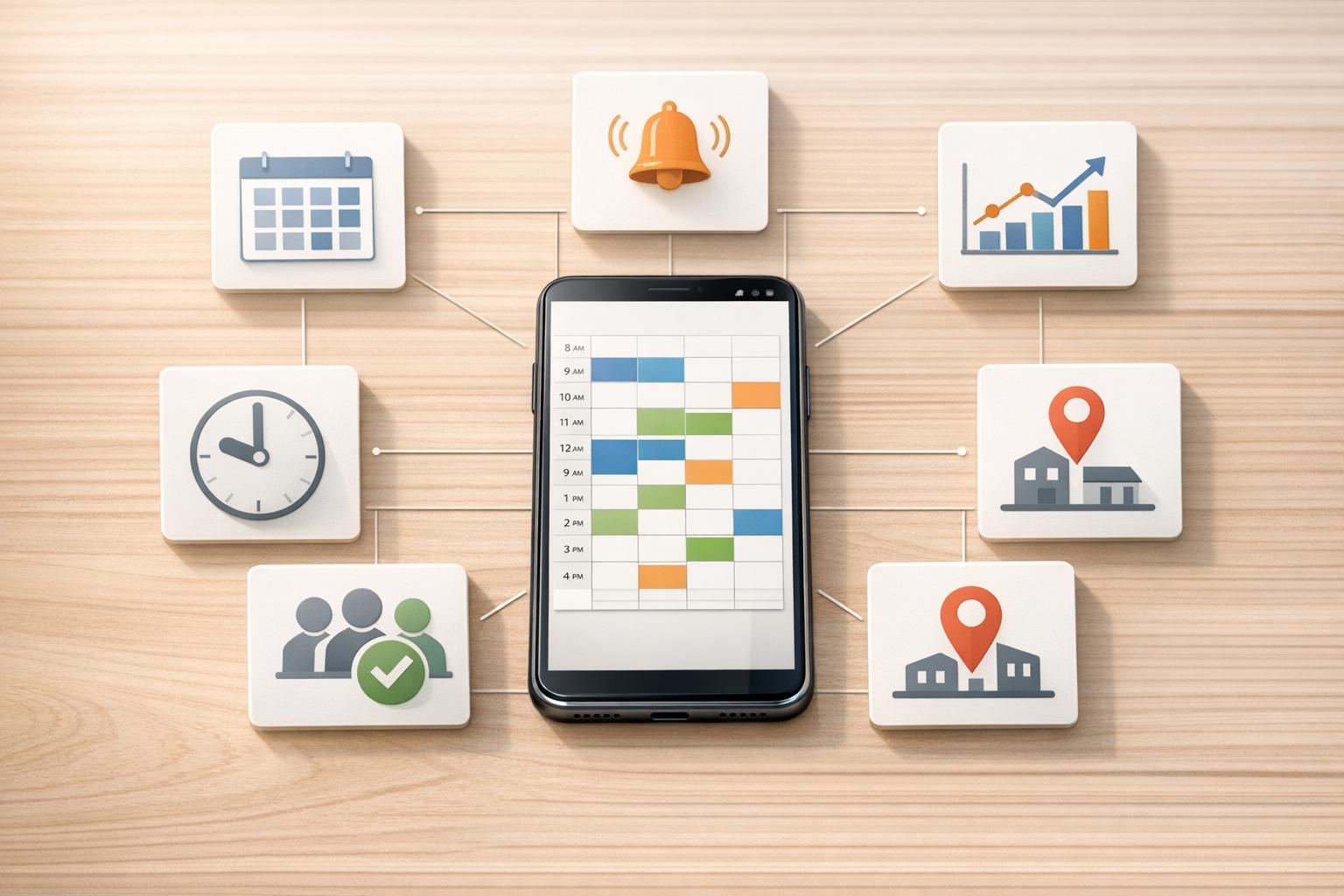
Mobile shift management tools simplify scheduling for event-based businesses by replacing outdated methods like spreadsheets and phone calls. These platforms allow managers to schedule shifts, track availability, and send automated notifications, all from a centralized, mobile-friendly dashboard. Staff can accept or decline shifts directly through emails or apps, reducing communication delays and errors. Tools like Quickstaff improve efficiency and help prevent scheduling conflicts, no-shows, and burnout.
Quickstaff offers plans starting at $49/month and includes features like assisted onboarding, calendar sync, and waitlist management. Try their 14-day free trial to streamline your event staffing process.
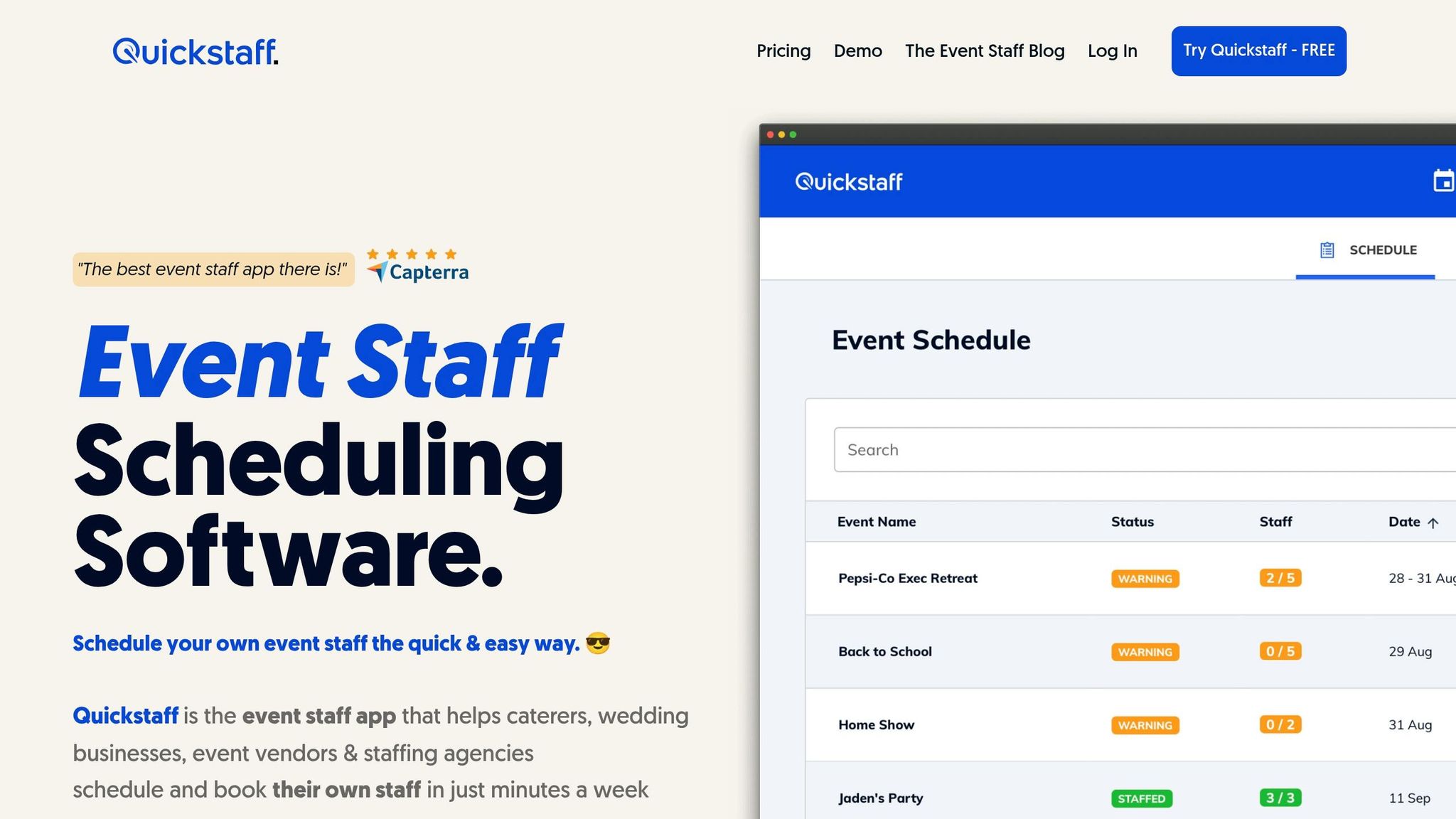

How to Set Up Quickstaff Mobile Shift Management in 3 Steps
Getting started with Quickstaff is simple and fast. Begin with their 14-day free trial - no credit card needed. Once you're signed up, start by onboarding new staff profiles. Include key details like their name, role (e.g., server, bartender), location, and email address. These details come in handy for sending targeted messages or invitations later on.
Next, ask your team members to mark any unavailable dates. This step ensures you can see real-time availability when scheduling. Once availability is updated, you're ready to create your first event. Quickstaff will show you current staffing levels and availability as you plan.
All paid plans include assisted onboarding, making it easier to set up staff lists and event templates. Pricing starts at $49/month for the Boutique plan (up to 35 staff), $99/month for the Growing plan (up to 70 staff), and $249/month for the Large plan (up to 175 staff). If you choose annual billing, you'll save the equivalent of two free months.
After setting up your account, the next step is configuring notifications to keep everyone in the loop.
When you create an event, Quickstaff automatically sends email notifications to your team. These emails include everything they need to know: event name, location, date, call time, their role, and any custom notes. Staff can accept or decline shifts with a single click directly from the email - no need to log into a dashboard or make phone calls.
To prevent scheduling conflicts, encourage your team to enable the calendar sync feature right away. Quickstaff integrates seamlessly with Google Calendar, iCal, Outlook, Yahoo, and Hotmail. This ensures that shifts appear on their personal devices, reducing the risk of double-booking.
You can also send unlimited messages to your team. Want to share kitchen-specific instructions? Filter by role and send those details directly to your kitchen staff. With notifications in place, you’re ready to focus on training your team to use the system effectively.
To get the most out of Quickstaff, train your team on three essential tasks: marking unavailable dates, responding to shift invitations, and accessing event-day details. Start by showing them how to confirm shifts using the "Accept" or "Decline" buttons in email notifications - it’s quick and intuitive.
Emphasize the importance of updating unavailable dates in advance. This keeps scheduling smooth and avoids last-minute surprises. On event days, ensure everyone knows how to access critical details like notes, directions, and call times right from their mobile devices.
After rolling out the system, gather feedback from your team. Use meetings or brief surveys to identify any technical hiccups or areas for improvement. The time saved with Quickstaff’s automated scheduling can be reinvested in valuable activities like one-on-one training and professional development.
"My time spent scheduling has shrunk majorly, leaving me more time to focus on recruiting, on-boarding and training."
- Jennifer Manley, Staffing Coordinator
With automated availability tracking, you can quickly see who’s free for upcoming shifts. Team members can mark their unavailable dates directly in the system, helping to avoid scheduling conflicts before they happen.
Quickstaff simplifies this process with a centralized event calendar that shows all upcoming events, staffing levels, and any unmet scheduling needs. For example, if a client wants to book an event months in advance, you can immediately check your team's availability using the "Check Availability" tool. The dashboard replaces scattered spreadsheets with a real-time, easy-to-read system, so you can instantly see who’s assigned to each event.
This feature transforms manual scheduling into an efficient, real-time process. But scheduling is only part of the equation - effective communication plays a big role in managing shifts, too.
Mobile shift management tools centralize communication by automating emails and notifications. Quickstaff, for instance, sends automatic email invitations when an event is created, allowing staff to accept or decline shifts with a single click. Their responses are tracked in real time, so you’re always up to date on who’s confirmed.
Role-specific messaging ensures the right updates go to the right people. For example, you can send kitchen instructions exclusively to cooks. Plus, calendar synchronization with platforms like Google Calendar, iCal, and Outlook ensures shifts are added directly to personal schedules, minimizing the risk of double-bookings.
These features eliminate unnecessary back-and-forth communication and ensure everyone has the details they need to perform their roles effectively.
Beyond scheduling and communication, advanced analytics offer insights into workforce trends and staffing needs. Real-time dashboards provide an overview of current activity across multiple event locations, allowing for quick adjustments to last-minute changes.
Trend analysis helps identify patterns in work hours, giving you a clearer picture for future planning. For example, you can use this data to determine how many servers are typically needed for a 150-person wedding versus a corporate lunch. Some platforms even include predictive analytics, which estimate staffing needs based on past data, weather forecasts, and local event schedules.
These insights empower event managers to make smarter staffing decisions, avoid conflicts, and handle shift management more efficiently, ultimately leading to smoother event operations.
Dealing with staff absences, especially last-minute ones, can disrupt operations, overwork your team, and hurt your reputation. The key is to act fast and have contingency plans in place.
One solution is to maintain a "floater" roster - a list of on-call professionals who can step in when needed. Tools like Quickstaff’s waitlist feature make finding available replacements much easier. Focus on filling critical roles first, such as catering, bar service, or AV, before addressing less urgent positions.
Cross-training your team is another smart strategy. For instance, if a server doesn’t show up, someone who’s trained in both serving and setup can step in. To minimize no-shows, use automated confirmations and pre-shift reminders to keep everyone on track.
If syncing issues arise, ensure your app and device are properly configured to prevent further disruptions.
Syncing problems are often caused by outdated software, incorrect settings, or missing permissions. Start by updating both your app and your device’s operating system (iOS or Android). Also, set your device to "Set Automatically" for date and time to ensure GPS works correctly.
If shifts aren’t visible, double-check that your email and phone number match your login credentials. For clock-in issues, make sure Location Services are enabled and that you’re within the designated radius (typically 0.5 miles to 1 km) of the shift location. Poor mobile reception can also interfere with syncing - try toggling Airplane mode on and off to reset your connection. If problems persist, force close the app, reopen it, or perform a clean reinstall to remove any corrupted cache files.
Once syncing is resolved, focus on ensuring smooth integration with other essential systems.
Efficient scheduling and communication are just the beginning. To get the most out of Quickstaff, integrate it with payroll and credential tracking systems. This reduces manual data entry and ensures real-time updates across platforms.
When setting up integrations, prioritize systems that handle critical tasks like payroll processing and certification management. Regularly check staff credentials - such as food safety or liquor licenses - to avoid compliance issues. If integration errors occur, gather details like Shift IDs, error messages, and the systems involved, and share them with support for faster resolution.
Quickstaff provides an online dashboard that makes event staff management straightforward for caterers, wedding planners, and event vendors. With this tool, you can oversee every event, staffing level, and role assignment in real time. Setting up an event is simple - just input the date, time, location, and required roles, then assign staff based on their skills and certifications. For recurring events, like weekly weddings, the event duplication feature is a game-changer. It lets you replicate a standard template, adjust times automatically, and send reminders without having to recreate schedules from scratch. This streamlined system not only saves time but also reduces the effort of juggling multiple tools or spreadsheets.
Quickstaff pairs its centralized dashboard with mobile tools that keep teams connected wherever they are. Staff members can update their availability, view personalized schedules, and accept shifts instantly - all from their phones. Managers, on the other hand, can monitor real-time updates, such as when staff are "en route", thanks to GPS integration. This feature is especially helpful for teams working across multiple venues. Features like in-app chat, push notifications, and SMS reminders ensure that everyone stays informed about shift confirmations or last-minute changes, such as extended hours.
"I used to be on the phone all the time to schedule staff. Now, within a few minutes, I can schedule all the staffing I need for my events." - Steven Townsend, Event Manager
Quickstaff's system is designed to eliminate headaches caused by manual scheduling. It automates shift assignments by considering factors like availability, skills, and preferences, while also flagging potential conflicts, such as double-bookings, before finalizing the schedule. Staff can even request shift swaps, with manager approval, and the waitlist feature ensures no-shows are quickly replaced to maintain coverage. These automation tools help avoid the common pitfalls of overstaffing or understaffing.
"My time spent scheduling has shrunk majorly, leaving me more time to focus on recruiting, onboarding, and training." - Jennifer Manley, Staffing Coordinator
With the employee scheduling software market projected to hit $5.6 billion by 2032, tools like Quickstaff are not only cutting down on labor costs but also helping reduce turnover expenses, which can cost thousands of dollars per employee.
Mobile staffing tools are a game-changer for event management. They simplify scheduling by replacing outdated methods, saving managers hours of coordination time. What used to take hours can now be done in minutes, allowing managers to focus on bigger priorities like recruiting and training. Features like automated push notifications and SMS updates keep everyone informed about shift confirmations, changes, and event details in real-time. Plus, with accessibility from mobile devices, both managers and staff can update schedules, swap shifts, and track availability from anywhere.
These tools also address common staffing headaches like no-shows and last-minute cancellations. Automated reminders and waitlist features ensure gaps are filled quickly, keeping events running smoothly. Beyond convenience, the benefits are measurable - 68% of employees consider workplace flexibility a top priority. Giving your team control over their schedules directly boosts satisfaction and reduces turnover. The growing demand for such solutions is evident, with the employee scheduling software market expected to hit $5.6 billion by 2032. For event professionals juggling temporary staff across multiple venues, these tools prevent double-bookings, resolve scheduling conflicts, and ensure every event is staffed with the right people for the job.
These advancements streamline staffing processes, making them more efficient and reliable.
Ready to take your staffing management to the next level? Start by trying Quickstaff with a 14-day free trial - no credit card needed. Use the centralized dashboard to set up your first event, assign roles, and let the system handle invitations and confirmations automatically. Train your team on the basics, like checking schedules, blocking unavailable dates, and requesting shift swaps. Most platforms are intuitive, so staff can easily accept or decline shifts through automated emails.
Mobile tools give you back your time and offer the flexibility your team values. By centralizing scheduling and automating communication, Quickstaff transforms how you manage event staffing. Whether you're running a small catering business or a large staffing agency, these tools let you handle more events without piling on extra administrative work. Visit Quickstaff today to simplify your staffing process and focus on what matters most.





