Employee Availability Form
July 24, 2026

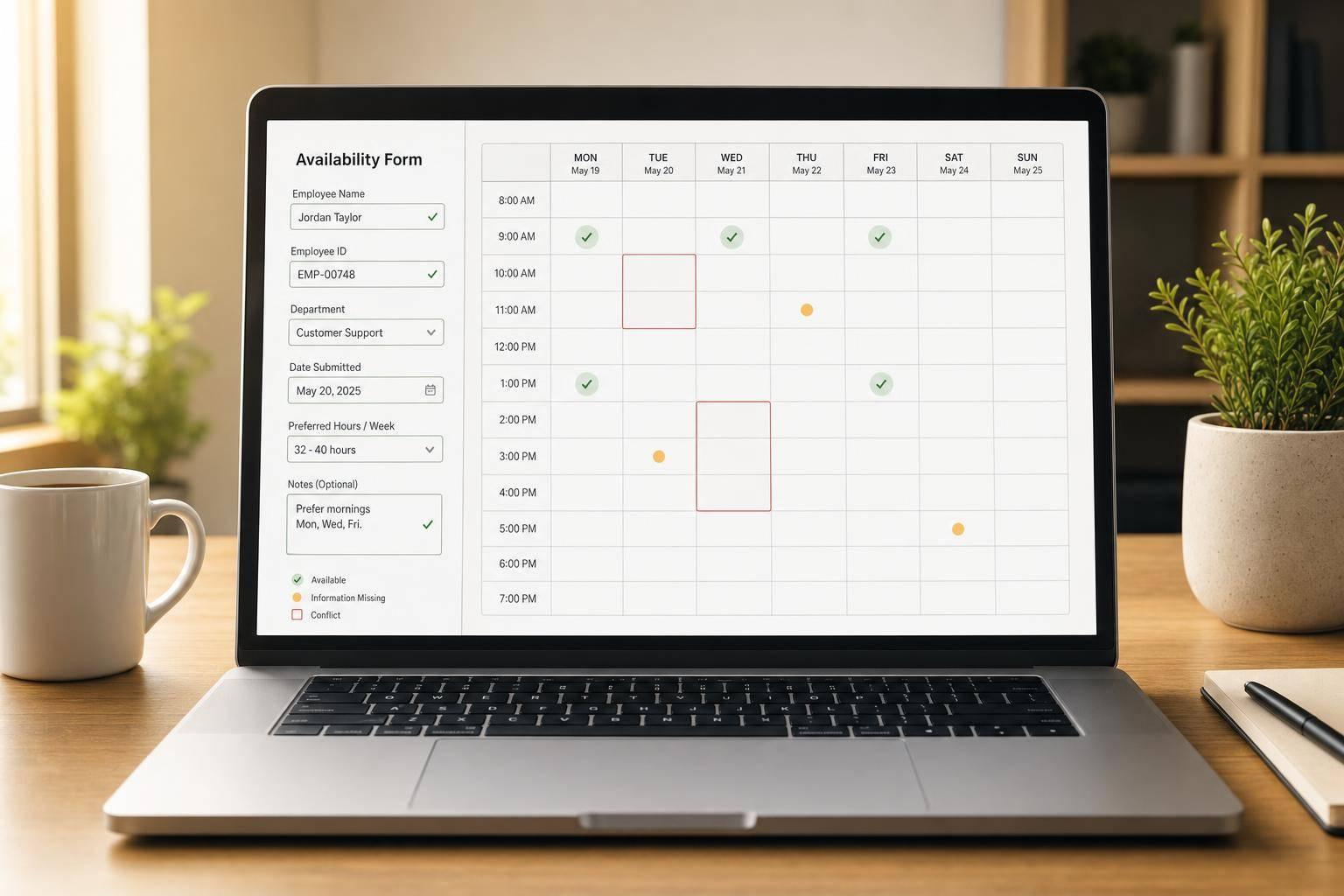
Keeping staff scheduling organized starts with collecting availability in a format everyone can understand. This Employee Availability Form gives employers a simple way to gather weekly availability, unavailable dates, preferred shifts, and recurring constraints without relying on scattered emails or inconsistent spreadsheets.
Employees can mark each day as available, unavailable, or limited, then add one or more time windows for split availability. That makes it easier to capture real-world work patterns, especially for teams with part-time staff, rotating shifts, or changing responsibilities across departments.
On the admin side, submissions are summarized by day so managers can quickly scan who is available and when. The review view also highlights missing information, conflicting entries, and upcoming blackout dates, helping teams catch issues before schedules are drafted.
Whether you're collecting responses for a small business, retail team, restaurant, or office department, this staff availability tracker keeps the process straightforward. It focuses on what matters most: clean form setup, accurate availability entry, and an easy-to-read summary that supports better scheduling decisions.
Yes. The form supports multiple availability windows for a single day, which is useful when someone can work in the morning and again later in the evening but not in between. Each window is stored separately, so the final summary stays clear and easy to review.
The tool checks the basics that matter most for clean scheduling data. It validates that end times are later than start times, unavailable dates are entered as valid dates, and maximum weekly hours are numeric when that field is used. It also helps admins spot missing required information and entries that may conflict with standard business hours.
No. This tool is focused on collecting and reviewing employee availability in the browser, not building full schedules. Its job is to give employers a consistent, organized view of when staff members can and can't work, so scheduling decisions can be made with better information.





