Best 7 Cloud Staff Scheduling Platforms 2026
August 15, 2026

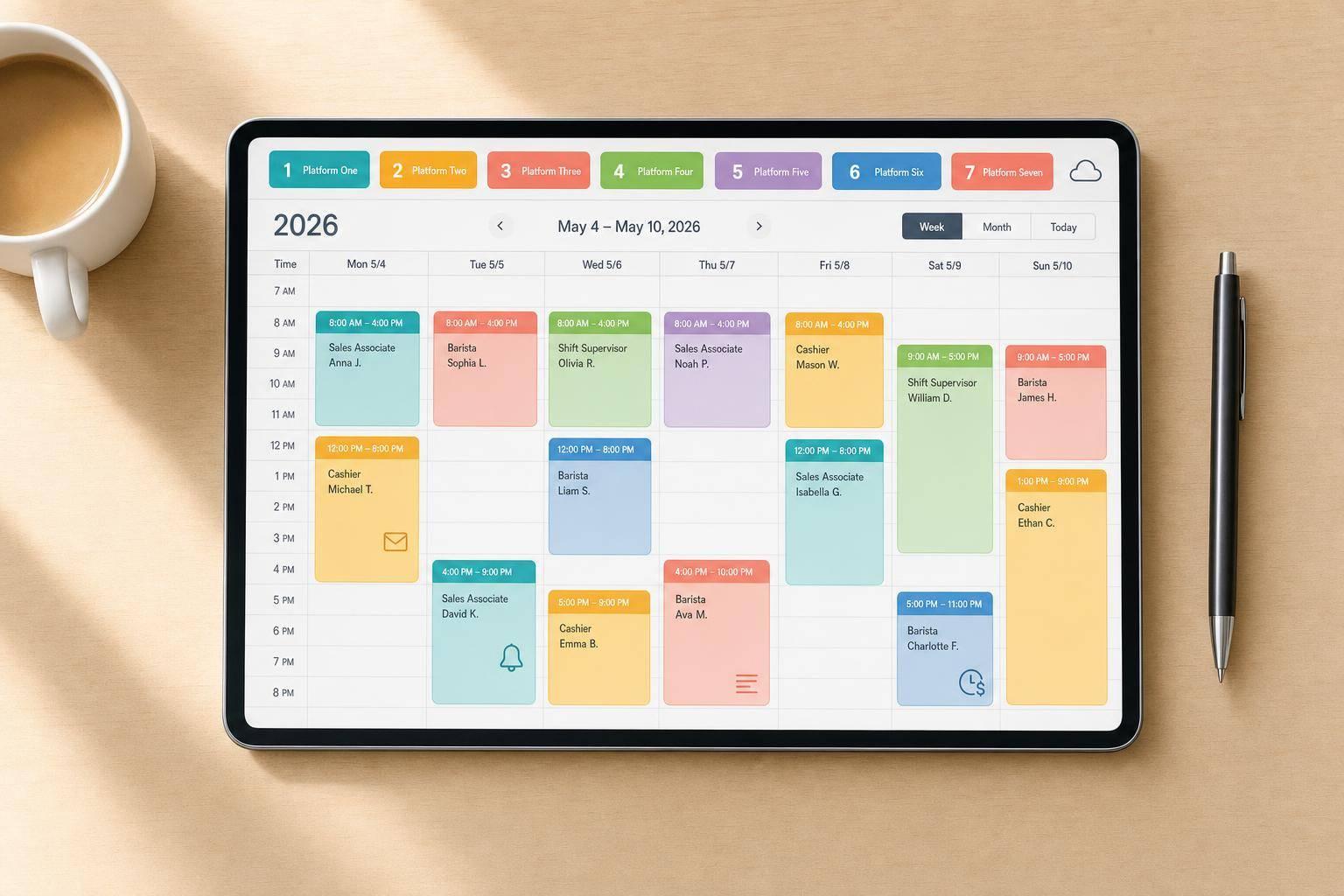
If you schedule freelancers or temp event staff, invite-based scheduling matters more than almost anything else. I’d narrow this list by six things first: mobile access, shift offers, event staff availability tracking apps, reminders, backup fill tools, and payroll-linked time tracking.
Here’s the short version:
The main split is simple: if your team works like employees on fixed rosters, one type of tool makes sense. If your staff can accept or decline each event, you need software built for that flow.
Quick facts from the list:
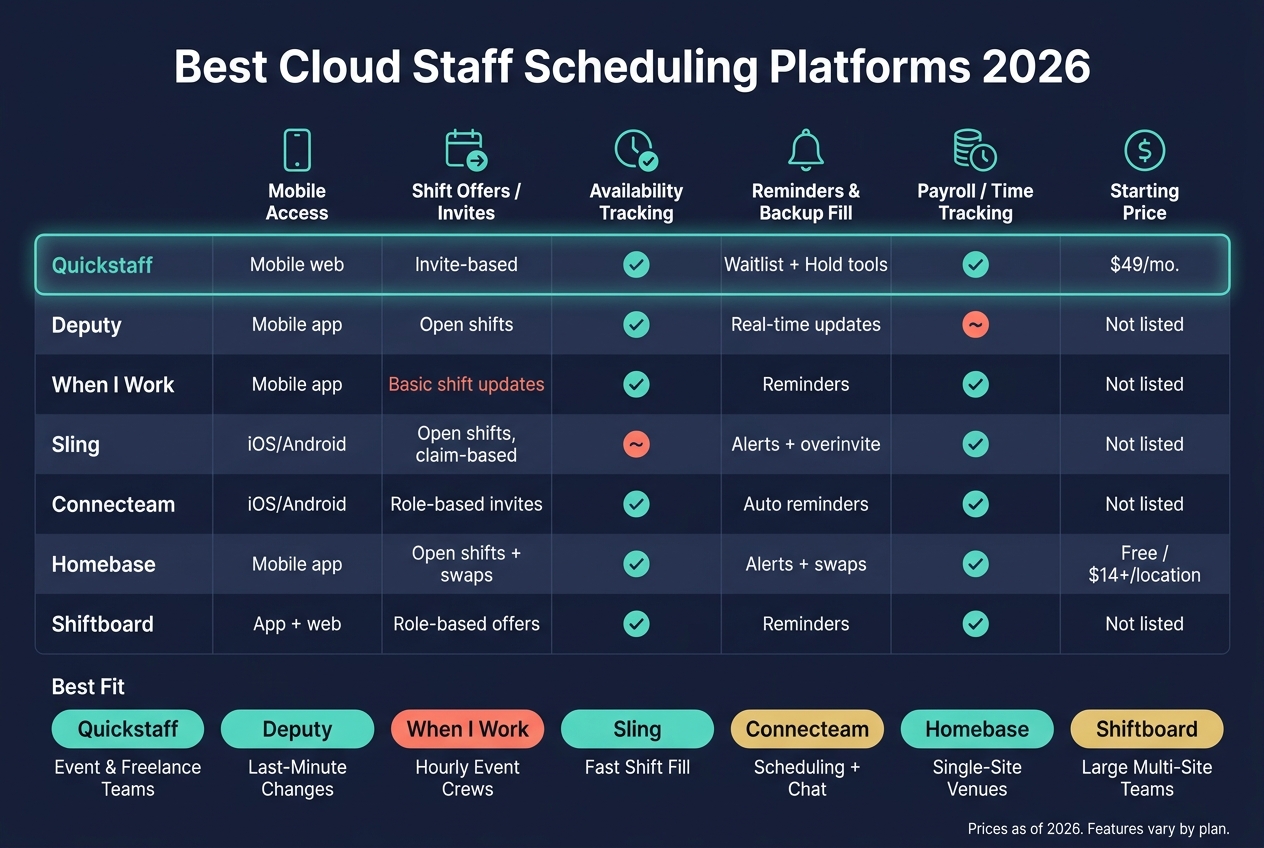
Best Cloud Staff Scheduling Platforms 2026: Side-by-Side Comparison
| Platform | Mobile Access | Shift Offers | Availability Tracking | Reminders / Backup Fill | Payroll / Time Tracking | Best Fit | Starting Price |
|---|---|---|---|---|---|---|---|
| Quickstaff | Mobile web | Invite-based | Yes | Waitlist, hold tools | Yes | Event teams using freelancers | $49/month |
| Deputy | Mobile app | Open shifts | Yes | Real-time updates | Not the main focus here | Teams handling last-minute changes | Not listed |
| When I Work | Mobile app | Basic shift updates | Yes | Reminders | Yes | Hourly event crews | Not listed |
| Sling | iOS/Android | Open shifts, claim-based | Basic | Alerts, overinvite style fill | Yes | Teams filling shifts fast | Not listed |
| Connecteam | iOS/Android | Role-based invites | Yes | Auto reminders | Yes | Teams wanting scheduling plus chat | Not listed |
| Homebase | Mobile app | Open shifts, swaps | Yes | Alerts, swaps | Yes | Single-site venues and caterers | Free / $14+ per location |
| Shiftboard | App + web | Role-based offers | Yes | Reminders | Yes | Larger multi-site teams | Not listed |
My takeaway: this comparison is less about who has the longest feature list and more about how each platform fills last-minute shifts. If you need invite-first scheduling for event staff, Quickstaff stands out. If you need broader employee scheduling, tools like Homebase, Deputy, or When I Work may fit better. These alternatives can help address common scheduling problems found in general workforce management.
That’s the lens I’d use for the full review below.
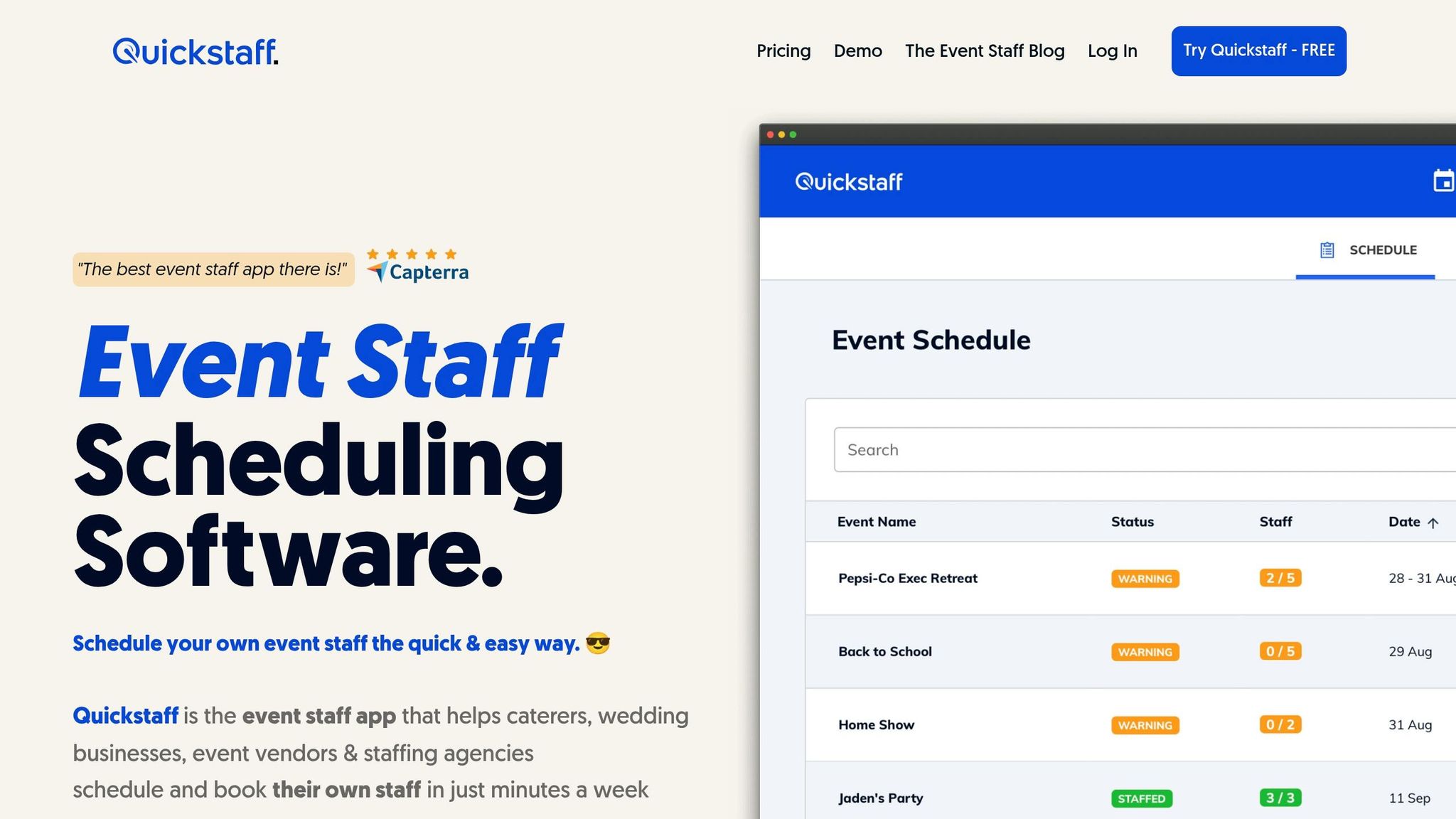
Quickstaff is built for event teams that hire freelancers and need a simple way to run invite-based scheduling.
Quickstaff runs in any browser on mobile or desktop, so staff don’t need to download an app. From any device, they can check event details, directions, dress codes, and PDFs. Managers also get a calendar dashboard to track staffing across upcoming events. As Jennifer Manley, Staffing Coordinator, put it:
"The calendar makes it really easy for me to see what my week looks like. The sorting function help me isolate events to more easily see events."
Instead of assigning shifts outright, Quickstaff sends email invites. Staff can accept or decline, and managers can overinvite when they need to fill spots fast. Open shifts are then claimed on a first-come, first-served basis.
Staff can block off dates when they aren’t free. Managers can then filter by role and date range before sending invites, which cuts down on back-and-forth. The Automagic Waitlist deals with overbooking on its own: if someone replies after all spots are taken, they’re placed on an automatic waitlist. On-Hold can also reserve staff for tentative events, so they don’t get booked elsewhere in the meantime.
For one-off event work, mobile check-in and check-out record actual hours worked for payroll and compliance. Quickstaff also connects with Google Calendar, iCal, Outlook, Yahoo, and Hotmail, which helps both managers and staff avoid double-booking.
Since 2013, Quickstaff has helped caterers and event vendors schedule staff for more than 20,000 events. Pricing depends on team size:
| Plan | Price | Staff Limit |
|---|---|---|
| Boutique | $49/month | Up to 35 staff |
| Growing | $99/month | Up to 70 staff |
| Large | $249/month | Up to 175 staff |
All plans come with unlimited events, unlimited managers, and assisted onboarding. There’s also a 14-day free trial, and no credit card is required.
Deputy works well for teams that deal with last-minute schedule changes, quick shift decisions, and mobile coordination across multiple locations. Staff can check schedules on their phones and get real-time messages for on-site updates.
Managers can send open shifts to staff, who can then accept or decline them using shift assignment software. From there, managers can adjust schedules based on live availability to fill open work fast.
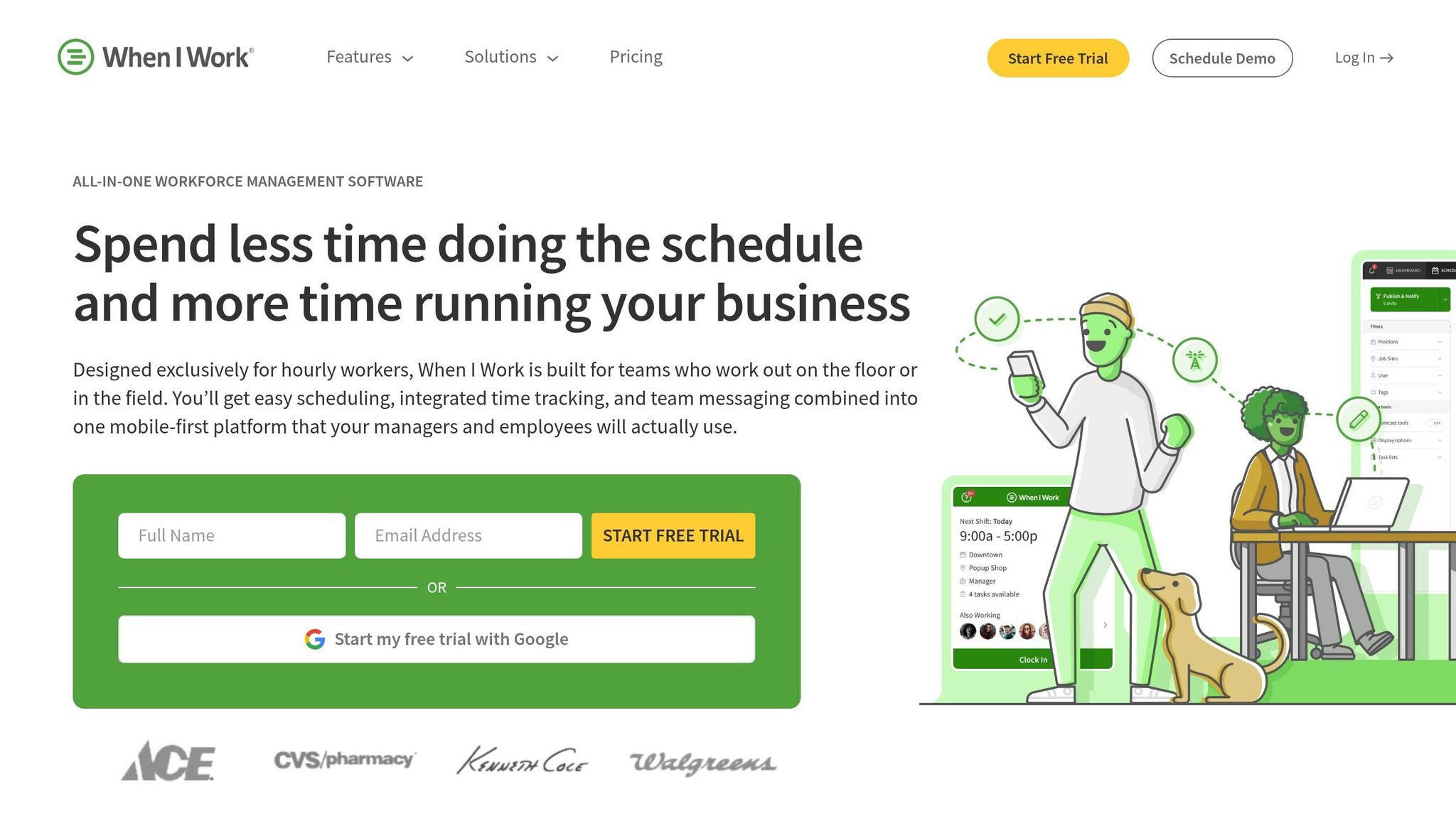
When I Work is built for hourly teams that need fast mobile scheduling. It gives hourly staff mobile access to schedules and shift updates.
That matters a lot for event businesses where crews change often and schedules can shift at the last minute. When I Work fits caterers, event venues, and staffing agencies that manage hourly crews.
As one of the budget-friendly staff scheduling tools available for event managers, its Its main draw comes from a few practical features:
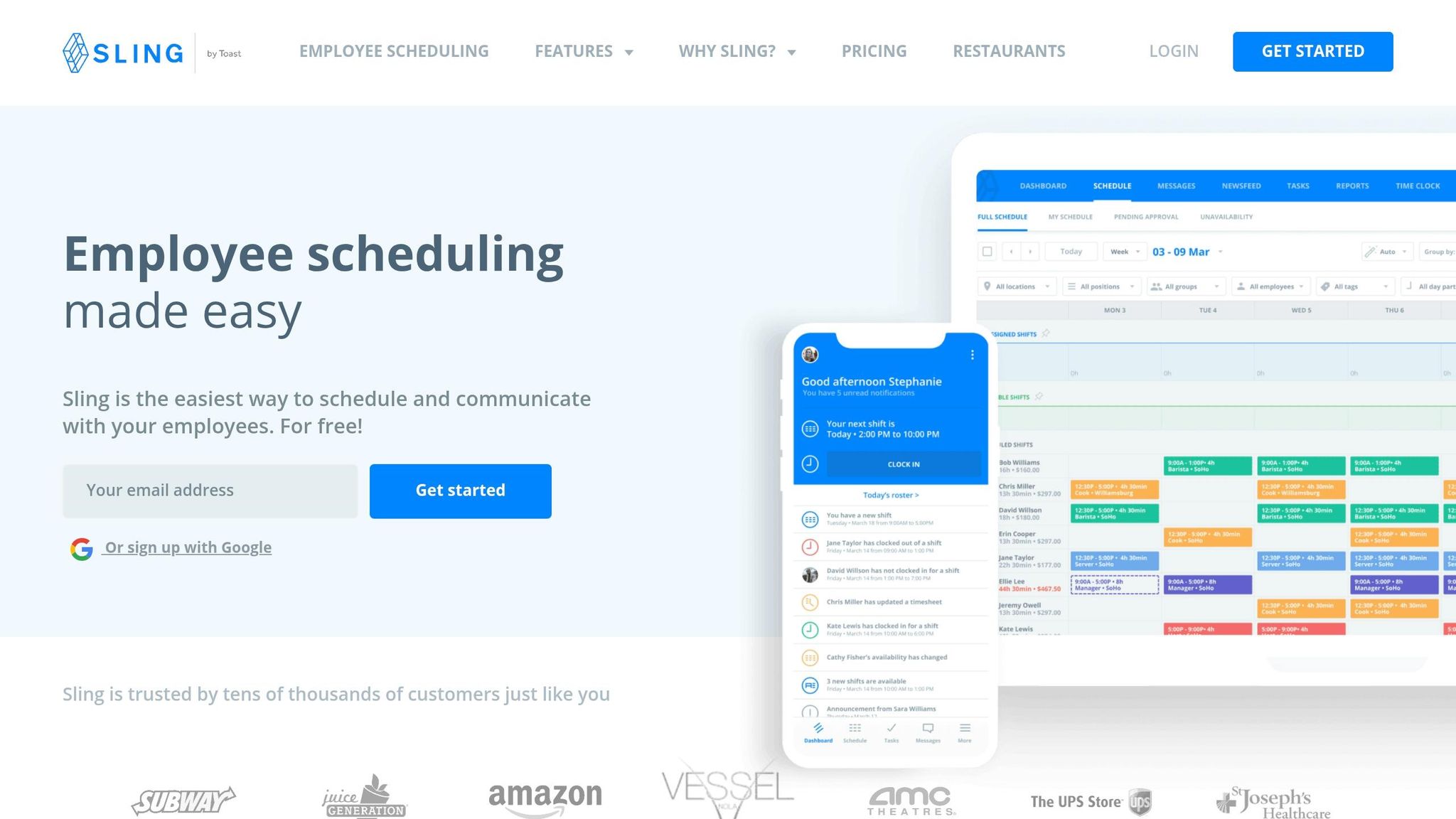
For teams that fill shifts through open calls, Sling keeps the process mobile and fast. Its iOS and Android app makes open-shift scheduling easy on the go, with push alerts that let staff know about new schedules, shift changes, and urgent messages.
Managers can post open shifts to all qualified staff or to a specific role group. Staff can then claim those shifts on a first-come basis or wait for manager approval, depending on how the team wants to run it.
When someone calls out at the last minute, managers can overinvite staff and give the shift to the first person who accepts. Sling also includes reminders and timesheet tracking, which helps event teams keep a close eye on hours worked across shifts.
Sling works well for caterers, planners, and staffing agencies that need fast fill-in scheduling across one or more locations.
Connecteam is a strong fit for teams that want shift invites inside a broader mobile staff app. For caterers, planners, and staffing agencies handling temporary crews, that setup keeps scheduling and team communication in one place, following the principles of scalable event scheduling.
Connecteam works on iOS and Android, so staff can check schedules, see shift changes, and read team messages from anywhere.
Connecteam uses Work Invitations to send open shifts by role, like Server or Bartender, so managers reach only the staff qualified for each event position. That keeps role-based fills clean and cuts down on noise for staff who don’t match a given booking.
Managers can filter available staff by date range before sending invites, which helps fill roles faster for one-off events and last-minute gaps. Connecteam also supports automated reminders, so staff get alerts before their shifts without managers having to chase people down.
Connecteam includes timesheet tracking tied to clock-in and clock-out, which gives event teams a payroll-ready record of hours worked for each shift. That makes it easier for staffing agencies and caterers to hand off accurate hours without rebuilding timesheets later. For event teams that need role-based scheduling inside a full mobile workforce app, Connecteam covers the core workflow.
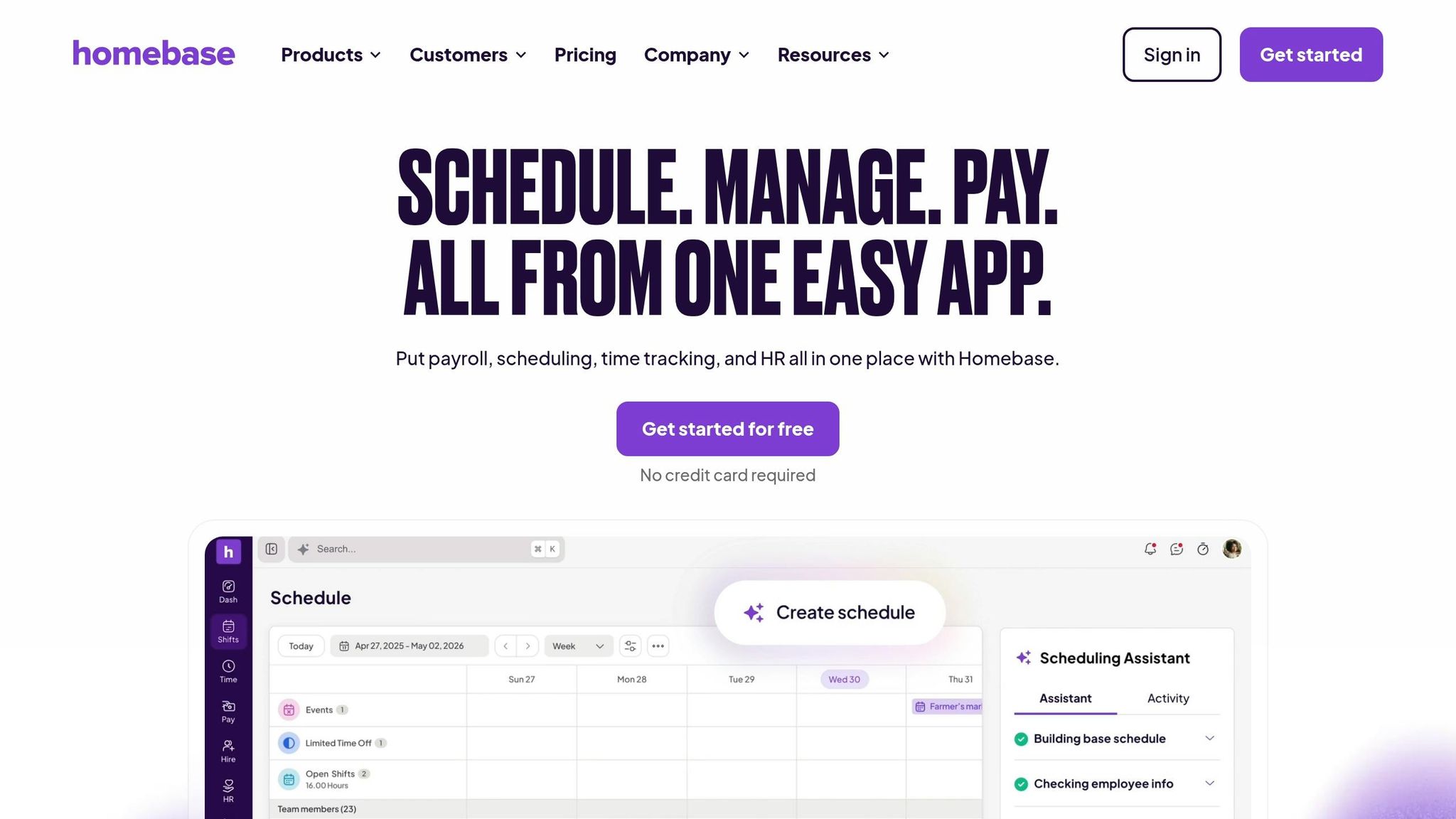
Homebase uses per-location pricing, which makes it a solid fit for single-site event venues and caterers. It’s also widely used: more than 100,000 U.S. businesses rely on it for scheduling and payroll reporting.
Staff can get reminders and clock in from the mobile app. For off-site setups, GPS clock-in helps confirm that team members arrived at the right place.
Managers can post schedules and send alerts by email or SMS. From the app, employees can ask to swap shifts or pick up open ones, and managers can approve or decline those changes right away.
Staff can submit their availability in the app, and auto-scheduling can resolve scheduling conflicts by building shifts by role. There’s no dedicated waitlist feature, but shift swaps and open offers help cover last-minute gaps.
Homebase ties together scheduling, time tracking, and payroll. It also syncs with QuickBooks, ADP, and Gusto to track hours, flag overtime, and export timesheets.
Pricing starts with Basic, which is free for one location. Paid plans include:
Higher-tier plans add GPS clock-in, labor cost controls, and auto-scheduling.
Teams dealing with more complex labor rules or multi-site scheduling may want to look at Shiftboard next.
Shiftboard is built for larger teams with more moving parts.
Shiftboard gives staff mobile app access plus a responsive web experience. On their phones, team members can check their own schedules, look through open shifts, and review event details like maps and dress codes.
Managers can send open shifts to staff who are qualified for the role, and staff can accept or decline those shifts in the app.
Shiftboard becomes more useful when a team needs rules around availability, reminders, and payroll-ready time tracking. It includes availability tracking, automated reminders, and timesheet exports tied to hours worked, which makes it a strong fit for staffing agencies, venues, and caterers handling recurring rules, multiple locations, and payroll reporting.
Quickstaff’s biggest strength is pretty simple: you invite the right people, and the platform deals with overflow on its own.
That matters more than it sounds. For event teams, last-minute staffing gaps can turn into a mess fast. Quickstaff leans into that problem with event-based rules, availability tracking, a mobile-friendly setup, reminders, unlimited events, and Automagic Waitlists.
Here’s the quick recap before the final verdict:
| Platform | Best Pros | Main Limitations | Best For | Starting Price (USD/mo) |
|---|---|---|---|---|
| Quickstaff | Event-specific logic, availability tracking, mobile-friendly interface, reminders, unlimited events, Automagic Waitlists | Staff caps by plan | Caterers, wedding businesses, event vendors, staffing agencies | $49 |
The trade-off is pretty clear too: while Quickstaff gives event teams a lot of control, staff caps by plan may be a sticking point for larger crews or fast-growing agencies.
For caterers, wedding businesses, event vendors, and staffing agencies, though, the fit is easy to see.
After looking at all seven platforms, the choice comes down to one thing: how your team fills shifts.
For event teams, the best option is the one that fits the way your crew works day to day. That means how shifts get filled, how availability is tracked, and how payroll data gets recorded. If your staff are freelancers or temporary workers who accept or decline shifts, you need software made for that setup. Quickstaff is built for event teams that send shifts as invitations, not assignments.
Fixed monthly pricing also makes cost planning easier when staffing needs change from one event to the next.
Use this checklist to narrow it down:
| Your Priority | What to Look For |
|---|---|
| Mobile access | Mobile app or mobile web access |
| Shift invites and availability | Invite-based shifts and availability blocks |
| Reminders and waitlists | Automated reminders and waitlist support |
| Time tracking and payroll | Time tracking and payroll integrations |
At the end of the day, it’s about workflow: assignments fit employee crews, while invitations fit freelance or temporary staff. For caterers, planners, vendors, and staffing agencies, the better fit is the platform built for temporary staff from the start.
Choose the right scheduling workflow by starting with your team’s biggest day-to-day problem. Maybe it’s last-minute no-shows. Maybe people keep getting assigned to the wrong roles. Or maybe small but important event details keep slipping through the cracks.
For one-off weddings or private parties that rely on freelance crews, an event-first, invitation-based workflow usually makes the most sense. It gives you a clean way to build each event, invite the right people, and track who’s in.
For repeat catering drops or recurring shifts, speed matters more. In that case, look for a setup built for fast scheduling and easy reuse.
It also helps to check for a few practical features that can save a lot of back-and-forth:
The most important features help you handle shifts in staffing and keep everyone on the same page. Role-based scheduling makes sure each event has the right mix of people and the right headcount, while availability tracking lets you check who can work before invitations go out.
Other key features include automated waitlists, one place for event notes, set call times, and mobile access so staff can see assignments, get reminders, and accept or decline invitations.
Invite-based scheduling works best for teams made up mostly of freelance or part-time workers, not fixed-schedule employees.
It’s a strong fit for one-off events where roles, call times, and locations can change from job to job. Instead of assigning shifts first and sorting out conflicts later, you confirm availability up front.
That simple change helps in two big ways:
For teams with changing rosters, that can save a lot of back-and-forth.





