Real-Time Scheduling Tools for Event Staff
August 11, 2026

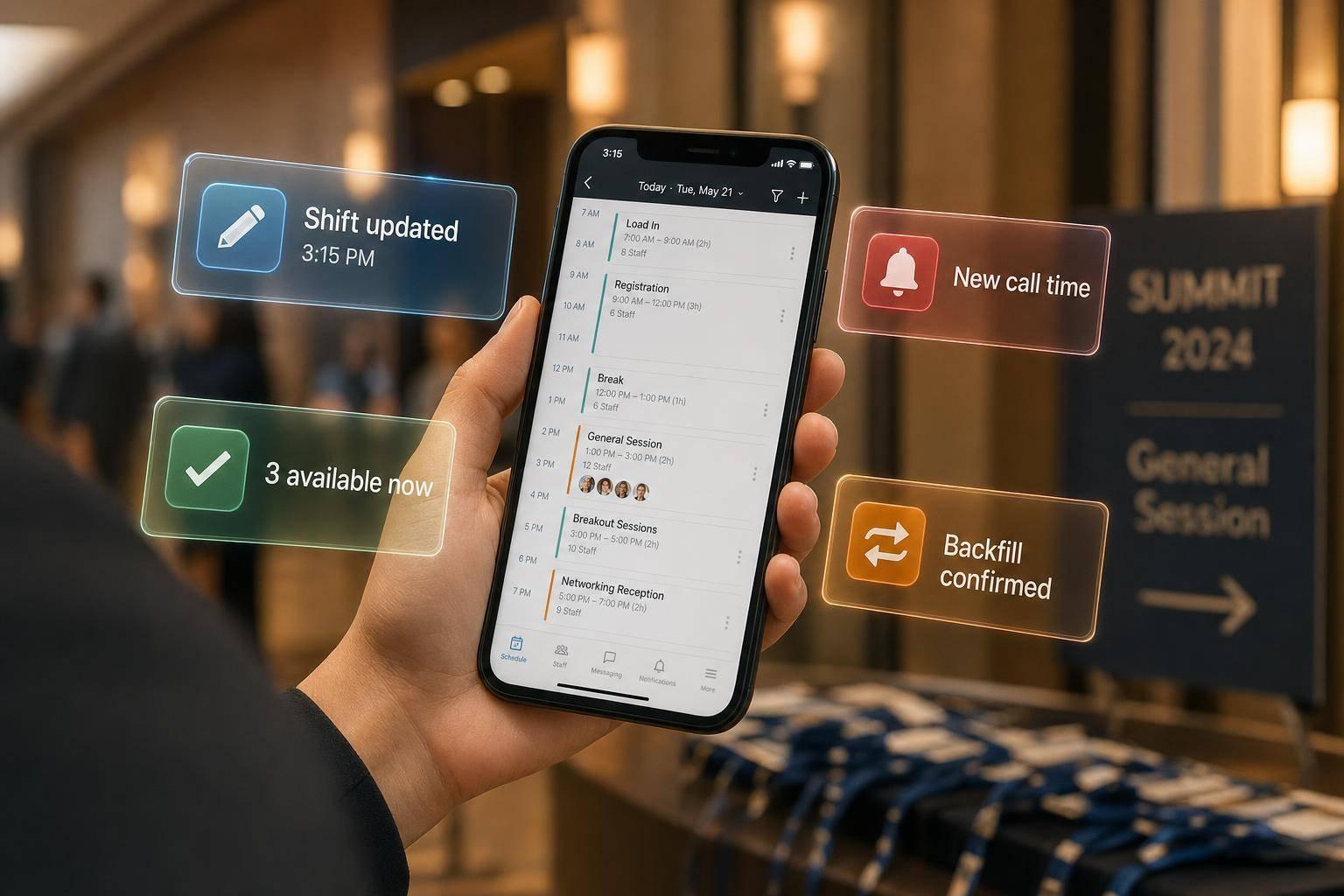
If your event schedule changes the same day, the best tool is the one that lets you edit shifts from your phone, alert staff at once, check who can work, and fill open spots without a long text thread.
I’d break this comparison down into five tools - Quickstaff, Connecteam, When I Work, Deputy, and Homebase - and judge them on four things that matter most during day-of changes:
My main takeaway is simple: Quickstaff is the best fit for event staffing teams that use invite-and-accept scheduling, while Connecteam, Deputy, and Homebase cover core shift-editing needs well, and When I Work looks weaker for last-minute backfill.
A few details stand out right away:
If I were summarizing the whole article in one line: for event teams, backup coverage and live mobile updates matter more than basic scheduling alone.
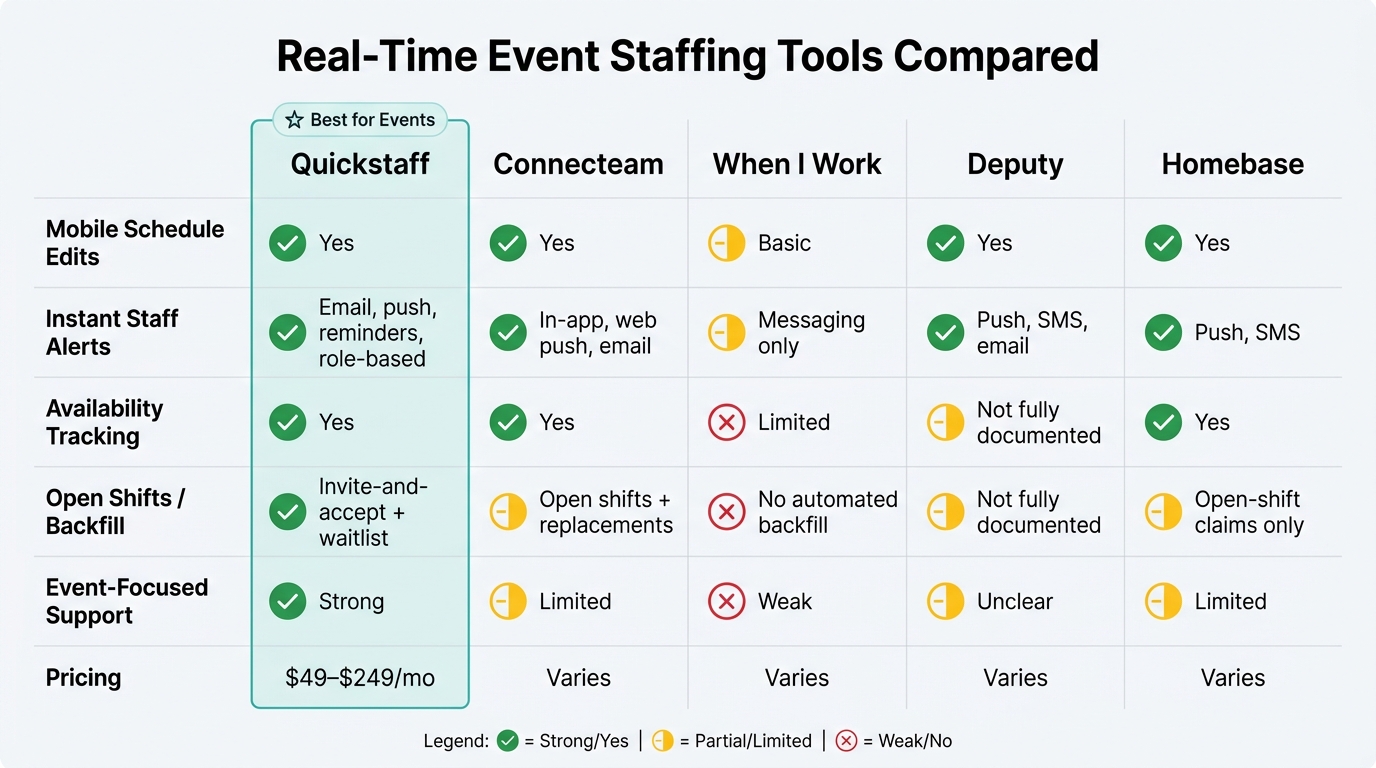
Real-Time Event Staffing Tools Compared: Features That Matter Most
| Tool | Mobile edits | Alerts | Availability tracking | Open shifts / backfill | Event-focused support |
|---|---|---|---|---|---|
| Quickstaff | Yes | Email, push, reminders, role-based messages | Yes | Invite-and-accept + waitlist | Strong |
| Connecteam | Yes | In-app, web push, email | Yes | Open shifts + replacements | Limited |
| When I Work | Basic | Messaging only | Limited in this review | No clear automated backfill | Weak |
| Deputy | Yes | Push, SMS, email | Not clear in this review | Not clear in this review | Unclear |
| Homebase | Yes | Push, SMS | Yes | Open-shift claims | Limited |
So if you need to cover same-day callouts, venue changes, or last-minute headcount jumps, I’d focus first on how each tool handles alerts, claims, and backfill, not just how it builds a schedule.
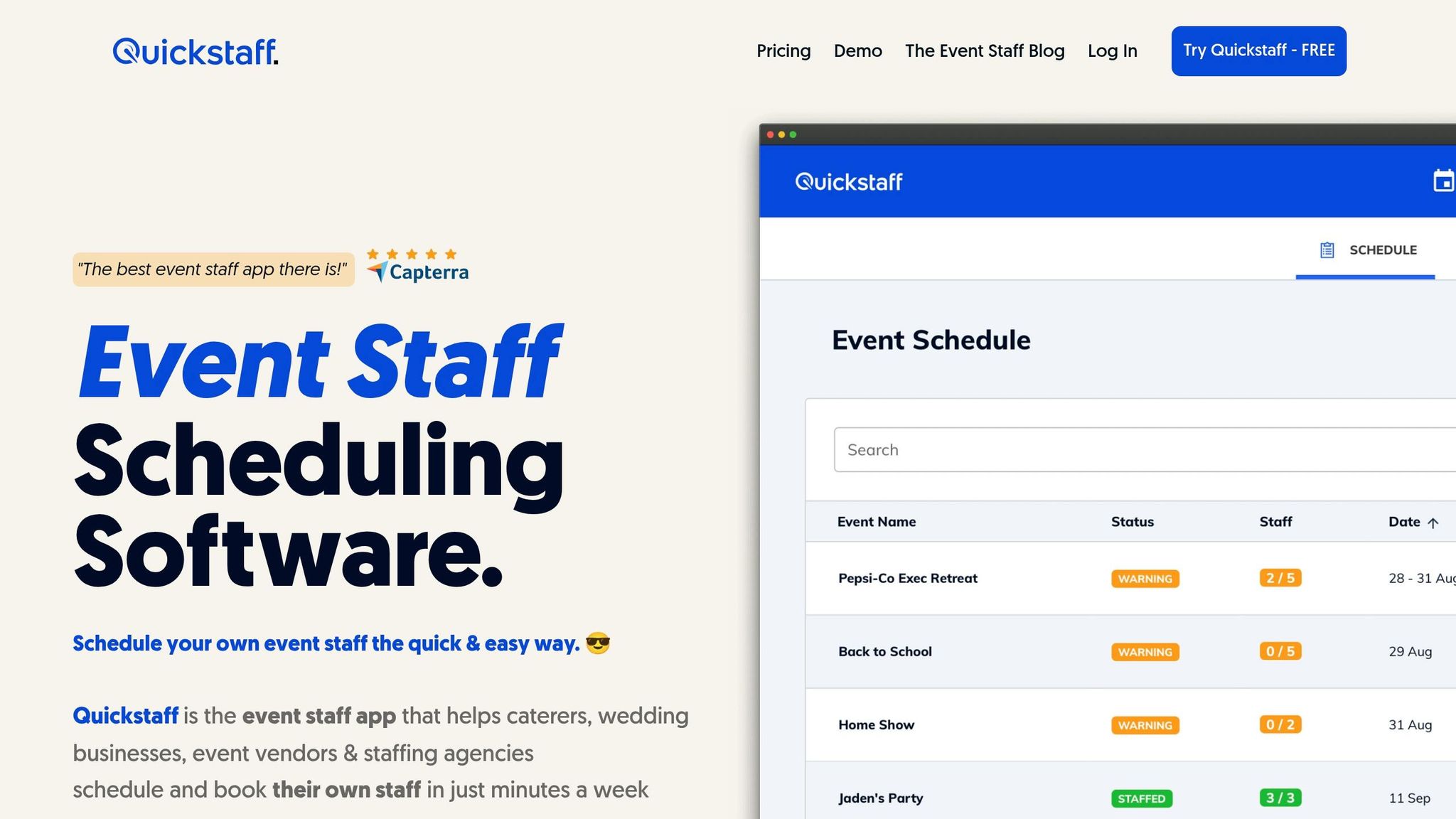
Quickstaff is built for event-based businesses that depend on flexible temp staff. For live events, speed matters most: update the schedule, notify the team, and fill open spots from one place.
Quickstaff keeps schedule changes mobile. Managers can create or edit events and roles from their phones, while staff can browse shifts, chat with employers, and track check-in and check-out status.
When plans shift, Quickstaff helps teams move fast. Managers can send alerts to the full roster or just certain roles. Staff get shift invites by email, can accept or decline, and receive reminders 1 to 2 days before the event.
To cut down on scheduling conflicts, staff can update their own availability. They can block off dates they can't work, and managers can spot conflicts before invites go out. Staff can also sync events with their personal calendars.
When coverage falls apart, the waitlist helps patch things up. Quickstaff's Automagic Waitlist lets managers invite more staff than a shift needs. If extra people accept, they move to the waitlist on their own. If someone drops out, the system can fill that opening.
The dashboard and event calendar give managers a clear view of staffing levels for upcoming events. Each event can include notes, PDFs, dress codes, and directions. Custom roles also make it easier to invite only the staff needed for that job.
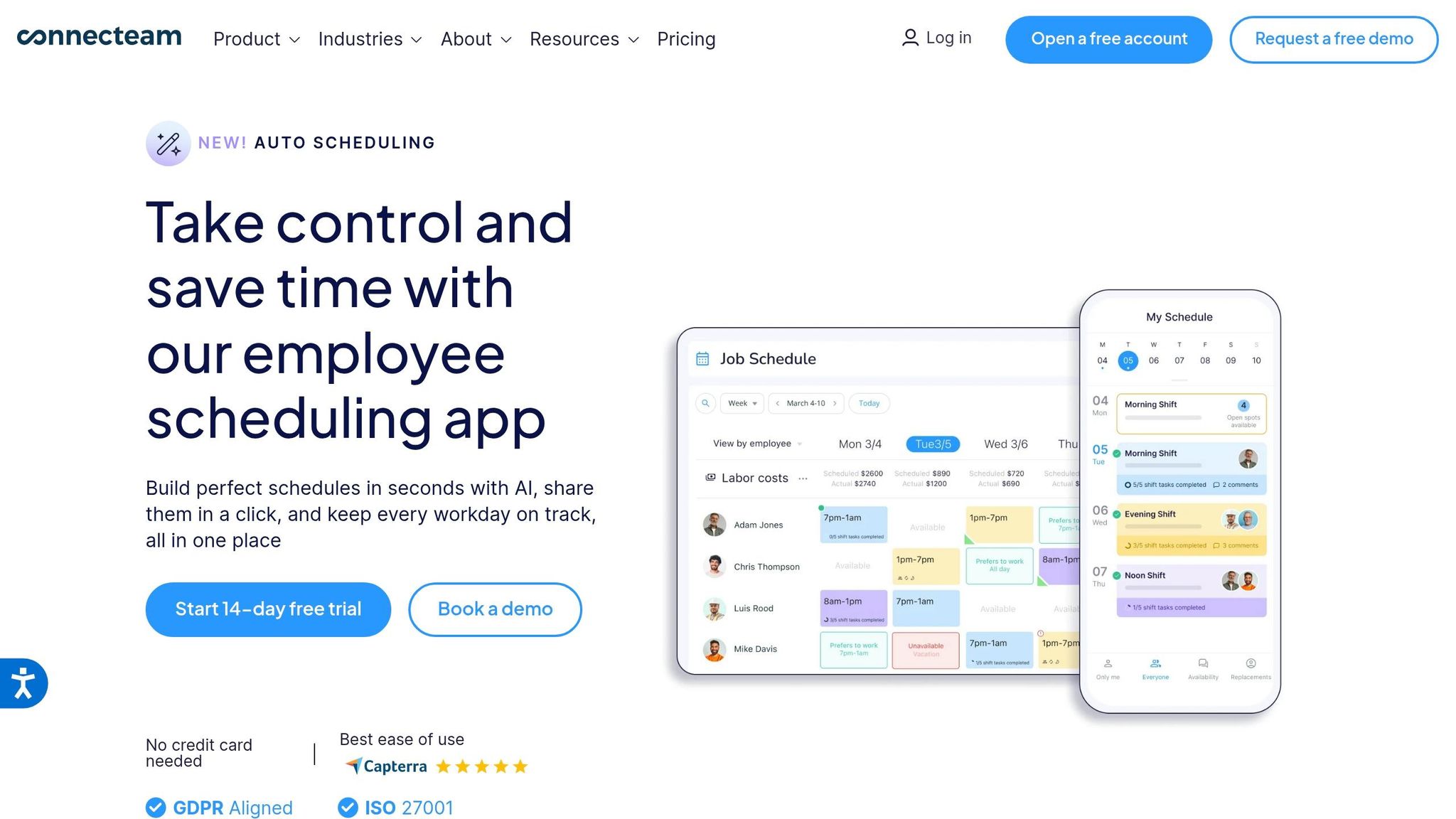
Connecteam is a mobile-first employee scheduling platform built for hourly event teams. When you’re judging a tool like this, the big test is pretty simple: how fast can a manager fix a shift after the day is already in motion?
Managers can edit schedules from the mobile Admin tab, which shows daily and weekly schedules, assigned shifts, open shifts, drafts, and unavailability. That matters on event days, when no one wants to run back to a laptop just to swap one person out.
Staff can also handle key schedule tasks in the app. They can view updates, accept or reject shifts, check in, and mark shifts complete. Managers can assign replacements when someone drops out. Of course, speed only helps if people see the change right away.
Connecteam sends in-app, web push, and email alerts for confirmations, rejections, check-ins, completions, and replacement requests. So if a shift changes at the last minute, there’s a clear path for getting that message out.
Managers can also choose which alerts they want through a central notification center. On a busy event day, that kind of control can keep things from slipping through the cracks. It works even better when managers can spot unavailability before they assign anyone.
Staff can block off dates they’re unavailable right in the app, and the schedule view shows that unavailability alongside shift status badges. That gives managers a cleaner view of who can work and who can’t.
In plain English: it helps catch scheduling problems before they turn into day-of issues. The next issue is visibility - how easy is it to spot coverage gaps across the full day?
Connecteam supports open shift posting, which lets eligible employees claim open shifts. That’s useful when a schedule has holes and managers need to fill them without texting everyone one by one.
The Requests tab also separates "Shift claims" from "Replacements," so managers can review last-minute coverage requests in one place.
The Admin schedule view gives managers a real-time picture of shift statuses, open shifts, and unavailability across the day. For day-of changes, that’s a strong setup.
Still, there’s a gap here. While Connecteam handles live schedule edits well, it lacks deeper event-level role rules and automated shift backfilling. For teams looking to grow, implementing a scalable event scheduling system can help bridge these gaps.
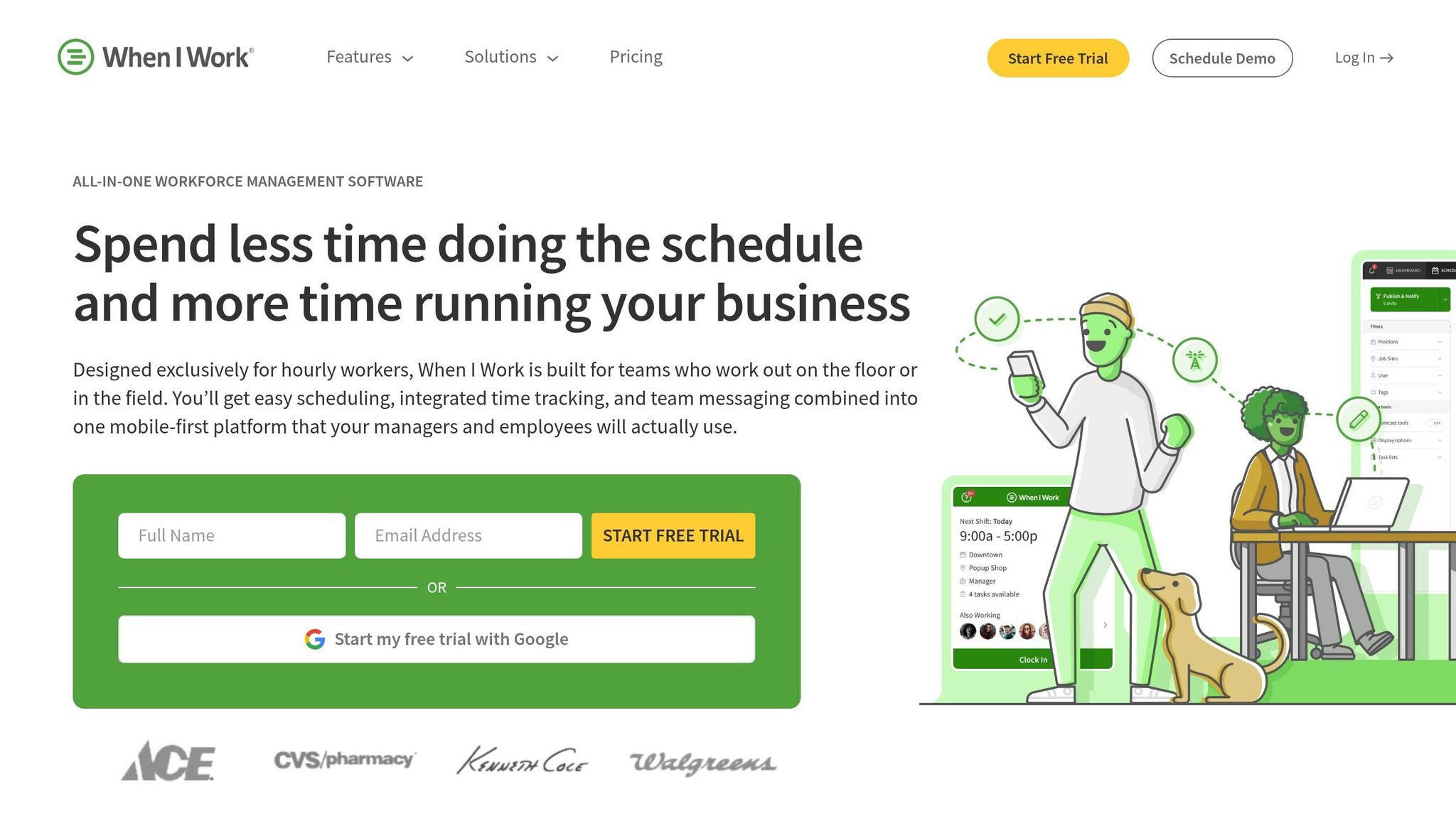
When I Work covers the basics of shift scheduling and team messaging. But its more old-school assignment setup can be a poor fit when event plans change at the last minute. That gap shows up most when a shift opens just a few hours before call time.
Managers can take care of basic scheduling from mobile. That said, the app feels better for checking schedules and sending updates than for editing assignments or moving shifts around in the moment.
The platform has messaging tools, but it doesn’t offer clear support for fast live alerts during day-of changes.
Managers assign shifts directly, which makes last-minute coverage tougher to handle. If someone drops out close to call time, there’s no automated backfill that brings in a replacement. For event teams, that can make same-day coverage harder to manage.
Deputy stands out when managers need to change shifts fast and make sure staff actually saw the update. Its iOS and Android app lets managers create, edit, or delete shifts while they’re on the move, and those changes sync at once across devices.
After a schedule update, Deputy can send push, SMS, or email alerts to the right staff. Shift Pulse shows who has viewed the update, so managers can track acknowledgment as it happens.
Deputy’s availability tracking and waitlist-based backfill aren’t documented here. For event teams dealing with last-minute gaps, that leaves a key piece unanswered: can the platform handle coverage when someone drops out close to call time?
So while Deputy looks strong for live schedule edits, its workflow for availability and backfill is still hard to pin down.
The main open question is how far Deputy goes with self-service availability and fast backfill.
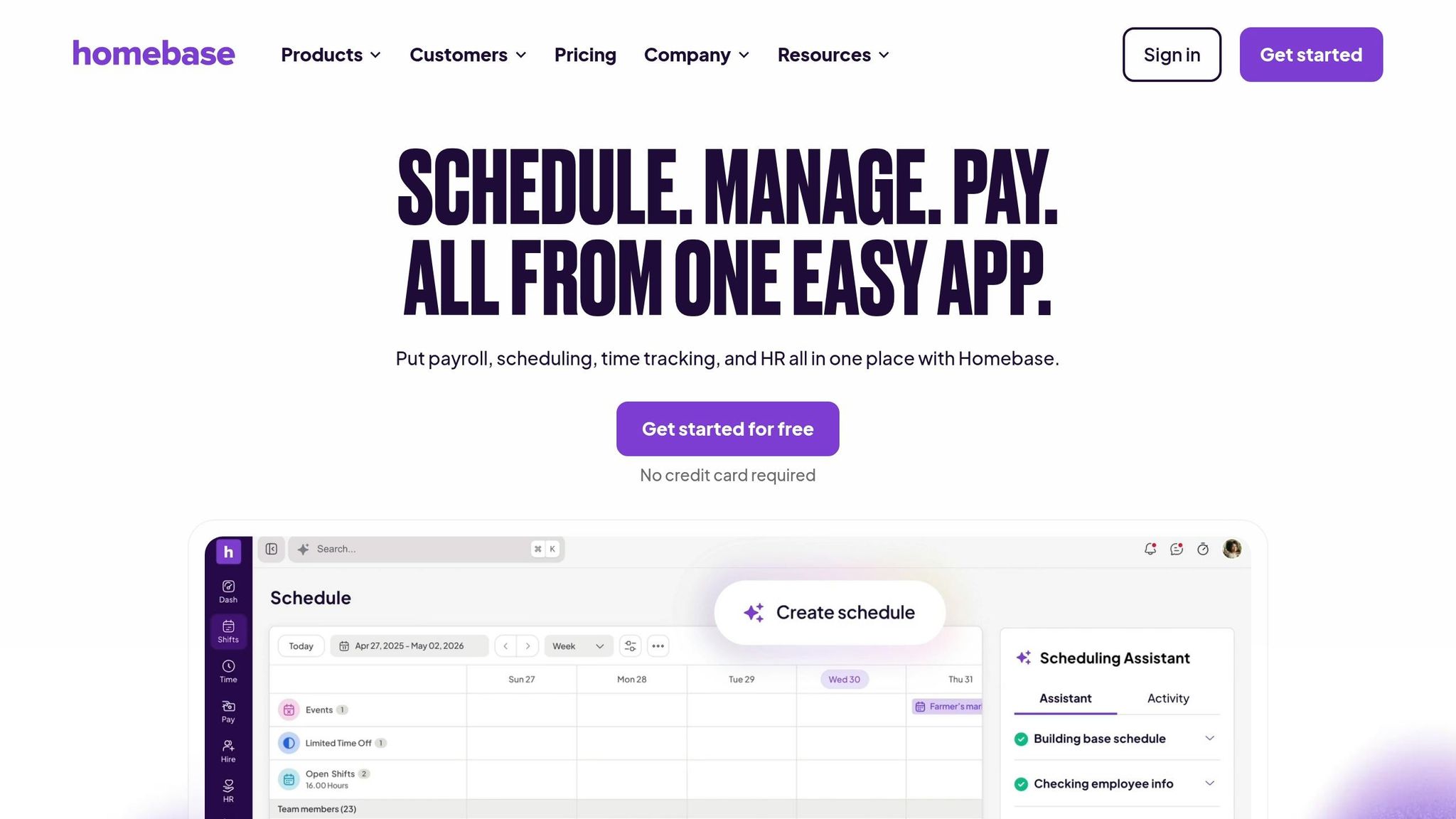
Homebase handles the core scheduling stuff well: live edits, alerts, availability, and open shifts. Managers can build, edit, and publish schedules right from the mobile app. Updates sync across devices, so the team sees changes without the usual back-and-forth.
When a manager publishes a new shift or updates an existing one, Homebase sends push and SMS alerts to the staff affected.
Employees can add their availability and submit time-off requests in the Homebase mobile app. Managers can check that availability while building schedules, which helps cut down on conflicts. If a shift opens up, managers can post it as an open shift. Employees get a mobile alert and can claim it on a first-come, first-served basis or wait for manager approval.
Where Homebase starts to fall short is event staffing. It doesn’t offer documented event-focused workflows, role groupings, or waitlist support. So while it works well for basic live schedule changes, it’s a weaker fit for more complex event coverage.
When a schedule changes in the middle of an event, a few things matter fast: mobile edits, alerts, availability checks, backup coverage, and a clear view for managers. This section brings those live-change tools together in one place.
Quickstaff is mobile-friendly, which means managers can edit schedules while they're away from a desk, and staff can respond on the go.
Quickstaff sends email invitations, push notifications, reminders, and role-based messages. That helps teams get updates fast when the time, venue, or staffing plan shifts.
Staff can block unavailable dates, and managers can spot conflicts before invitations go out. That cuts down on back-and-forth and helps avoid sending offers to people who can't work.
Quickstaff uses Automagic Waitlists, which let managers invite extra staff to build a backup pool. If someone drops out, there's already a group ready to step in.
Quickstaff gives managers a visual Red/Yellow/Green coverage indicator so they can check each event's coverage at a glance. Managers can also attach PDFs, dress codes, and directions right inside event invitations.
The table below condenses the same features for quick scanning.
| Feature | Quickstaff |
|---|---|
| Mobile Access | Mobile-friendly web access; staff can respond by app or email |
| Instant Alerts | Email invitations, push notifications, reminders, and unlimited role-based messaging |
| Availability Tracking | Staff can block out unavailable dates; managers can see conflicts before scheduling |
| Shift Backfill | Automagic Waitlists and Invite and Accept workflow |
| Event-Specific Workflows | Role-based staffing, coverage indicator, and attached notes, dress codes, directions, and PDFs |
These strengths matter most when staffing changes hit close to call time.
Quickstaff is built for event staffing that runs on shift acceptance, not fixed assignments. That makes it a good match for caterers, servers, bartenders, and other event crews that move from one booking to the next.
Its waitlist workflow stands out for fast same-day backfill. Managers can invite extra staff as backup, and the first people to confirm take the shift while everyone else stays on the waitlist. Role-based messaging also helps managers contact only the people who can cover a certain gap.
The coverage-status dashboard gives managers a fast way to check coverage.
On-Hold keeps staff reserved while final event details are still pending.
The main tradeoff is simple: speed still depends on how fast staff reply.
Last-minute coverage still depends on how quickly staff open and accept invites. There are also reported mobile app language and interface issues.
| Product | Pros | Cons | Pricing (USD) |
|---|---|---|---|
| Quickstaff | Automagic waitlists; coverage-status dashboard; On-Hold reservations; role-based messaging; availability tracking; mobile-friendly interface | Backfill speed depends on how fast staff respond; reported mobile app language and interface issues | $49–$249/mo |
The flat-rate plans keep costs predictable for teams that need waitlist automation. The Boutique plan costs $49/month for up to 35 staff, the Growing plan costs $99/month for up to 70 staff, and the Large plan costs $249/month for up to 175 staff.
The main difference comes down to how your team fills shifts. For event teams, the best option is the one that updates schedules fast, alerts the right people, and fills open spots before the event begins.
When plans change in the middle of an event, speed matters. So does backup coverage. And managers need control right then and there. In practice, that means checking availability before assignments go out, using automated waitlists to refill open shifts without manual follow-up, and giving staff a mobile-friendly way to see updates as schedules change.
Quickstaff fits event teams that need fast schedule changes, clear availability, and automated backfill. It also uses budget-friendly staff scheduling tools to keep pricing simple. Quickstaff’s flat-rate plans make costs easier to predict as teams grow.
For event staffing, the right setup is the one that turns same-day changes into fast, visible action.
Waitlists make same-day callouts a lot easier to handle because they give you an instant pool of backup staff when someone drops out.
With Quickstaff, extra accepted staff can be moved to a waitlist automatically. So if there’s a last-minute cancellation, managers can fill the open spot fast using that pre-confirmed list instead of manually reshuffling names.
Yes. Staff can update their availability from their phones with Quickstaff’s mobile-friendly platform.
They can manage their schedules and block off dates they can’t work. That gives managers a real-time view of who’s available and helps cut down on scheduling conflicts when shifts need to be filled.
Event teams should focus first on features that solve day-to-day problems fast, especially last-minute no-shows and scheduling mistakes. When plans change on the fly, real-time availability tracking and automated waitlists can help prevent conflicts and fill open shifts without the usual scramble.
It also helps to put role-based scheduling near the top of the list, along with centralized dashboards for a clear view across multiple events. Add communication tools that keep event details, reminders, and updates in one place, and the whole process gets a lot easier to manage.