Why Role-Based Scheduling Matters for Event Success
February 16, 2026

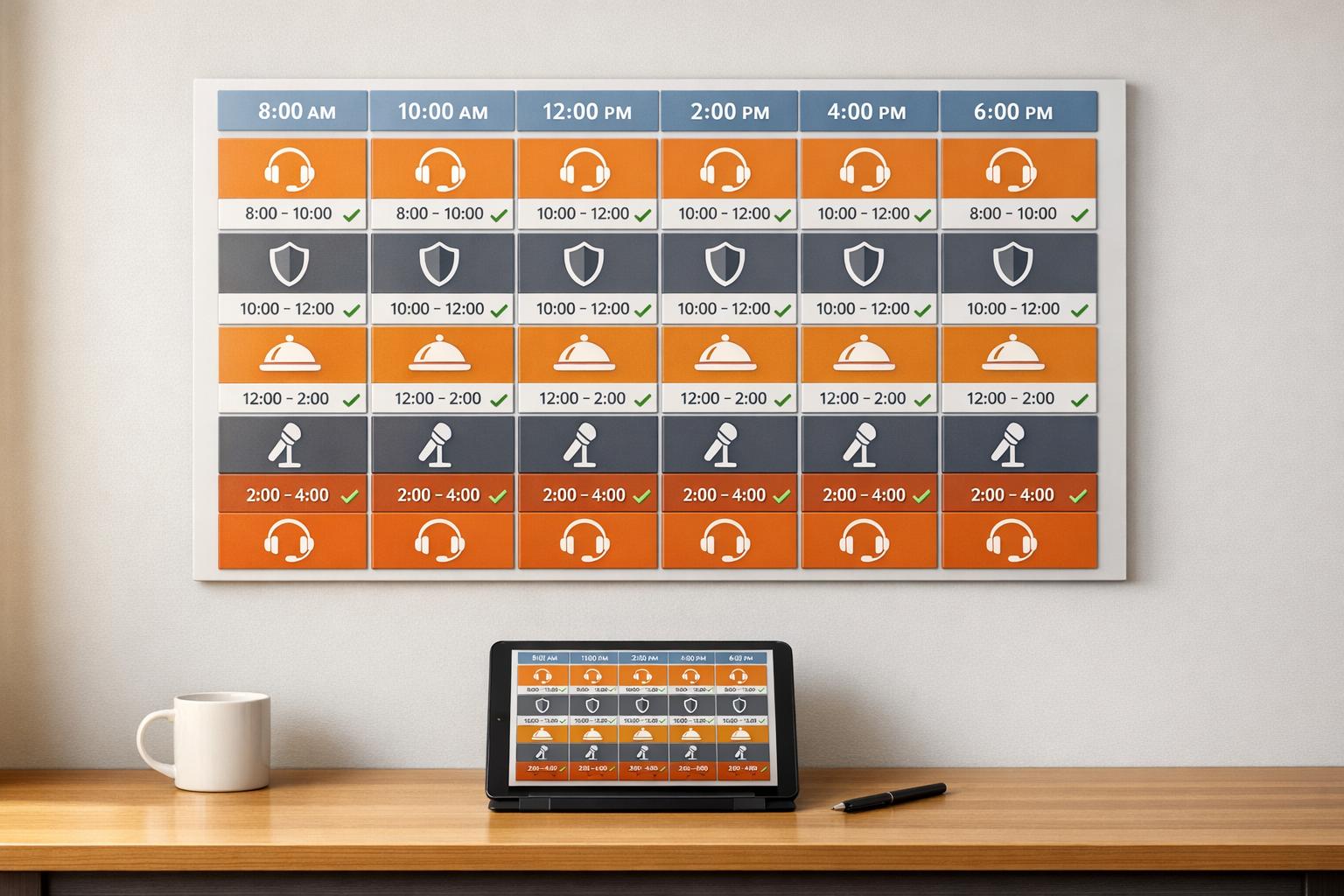
Role-based scheduling ensures the right people, with the right skills, are assigned to the right tasks - making events run smoothly while reducing errors, saving time, and cutting costs. Unlike manual vs digital staff scheduling comparisons suggest, this method uses tools to match staff qualifications to specific roles, ensuring compliance and efficiency. Here’s why it works:
In contrast, manual and generic methods are less precise, prone to errors, and time-consuming. Role-based scheduling not only simplifies staffing but also improves the overall event experience for both teams and attendees.
Role-based scheduling is a game-changer in staffing, ensuring that the right skills align with the right tasks. For example, a bartender is only scheduled if they hold a valid liquor license, security personnel are assigned only if they’ve completed crowd management training, and equipment operators are scheduled only if they meet safety certification requirements.
The core of role-based scheduling lies in maintaining a robust skills inventory - a centralized database that tracks certifications, training, and strengths for each team member. Modern tools leverage smart algorithms to analyze this inventory, recommending the best fit for each role by factoring in predefined qualifications, availability, and even past performance data.
As Irfan, Sales Specialist at Arrivy, puts it:
"The visual scheduling system distributes tasks evenly among available team members based on skill match and availability."
This approach not only simplifies operations but also ensures compliance by verifying that staff meet all necessary qualifications automatically. The result? A smoother, more efficient workflow.
Role-based scheduling platforms give managers instant access to staff availability and allow them to notify qualified team members about last-minute openings. For instance, a security firm handling large-scale concerts filled 99% of last-minute shifts within minutes using such a system.
Automated scheduling also saves time - managers can reclaim 5 to 10 hours of administrative work per week. Tools like Quickstaff, which has supported scheduling for over 20,000 events since 2013, streamline communication by centralizing it and eliminating the confusion of scattered text chains. Real-time dashboards further enhance efficiency by helping managers identify understaffed areas and quickly reassign team members to critical tasks, such as managing busy check-in lines. This level of organization significantly reduces the chances of scheduling mistakes.
By automating verification processes, role-based systems ensure that only qualified staff are scheduled for specific roles, eliminating errors like double-bookings or assigning unqualified personnel.
Additionally, integrated labor cost forecasting tools provide real-time insights into budget impacts while schedules are being created, preventing overstaffing, which can inflate labor costs by 15% to 20%. Digital timesheets also minimize payroll errors, saving 2% to 5% on total payroll expenses. Automated shift reminders further reduce no-show rates by over 50%.
As noted in the Resgrid Blog:
"The real value here is flipping the script from reactive firefighting to proactive management. Good scheduling software stops problems before they even start."
The benefits of role-based scheduling extend beyond cost savings. A mid-sized company, for example, cut labor costs by 18% in its first year using scheduling software equipped with budget forecasting. Enhanced labor cost visibility also helped the company avoid unnecessary overtime.
Moreover, this scheduling method improves staff morale. Research from the Harvard School of Public Health shows that allowing employees to select their own shifts reduces stress and turnover. Cross-training staff to handle multiple roles adds flexibility to the team while maintaining high levels of expertise.
The numbers back up this shift in scheduling practices. In 2024, the global event management software market was valued at $6.63 billion and is expected to reach $13.4 billion by 2033. Similarly, the staff scheduling software segment is projected to grow from $2.5 billion to $5.8 billion within the same timeframe. By optimizing staffing decisions, role-based scheduling plays a key role in delivering seamless event execution.
Generic scheduling takes a different approach compared to role-based scheduling. Instead of aligning specific skills with tasks, it treats staff as interchangeable resources. This method focuses on filling shifts rather than ensuring the right expertise is matched to the right job. For example, a bartender might be scheduled to work alongside a setup crew member, regardless of whether they have the required certifications or relevant experience.
One of the biggest limitations of generic scheduling is its inability to track and verify skills automatically. Systems like these lack built-in tools to ensure staff meet qualifications such as first-aid training, A/V expertise, or crowd management certifications. This forces managers to manually track these details, which can lead to errors and oversights. For instance, if a VIP host role requires specific experience or a stagehand needs lifting certifications, generic scheduling offers no way to filter candidates based on these criteria. The result? Managers are left juggling time-consuming updates while risking unqualified personnel being assigned to critical roles.
Generic scheduling often leans on outdated tools like spreadsheets or basic communication platforms. These tools weren't designed for the complexities of event staffing, leaving managers stuck in a cycle of phone calls, emails, and texts to confirm staff availability using event staff availability tracking apps. This manual back-and-forth might work for smaller events, but it becomes unmanageable as teams grow and business needs expand. The inefficiency of this process consumes a significant amount of time and energy.
The lack of automation in generic scheduling increases the likelihood of errors. Without tools to flag conflicts, double bookings and coverage gaps often go unnoticed until the day of the event. Fragmented communication - spread across emails and text messages - only adds to the confusion, with critical details frequently lost in the process. This disorganization can lead to emergency hires for specialized roles, which can be mitigated by using last-minute staffing tools, which are not only stressful but also costly. In fact, last-minute replacements can increase costs by 50%, while emergency hires for critical roles may double expenses.
The inefficiencies of generic scheduling clearly affect event outcomes. Managers often resort to guesswork when determining staffing levels, leading to overstaffing by as much as 20% "just in case". This approach inflates labor budgets by 15% to 20% per event. Beyond the financial impact, poor scheduling can result in service disruptions, long lines, and bottlenecks that harm the attendee experience. Unlike role-based scheduling, which reduces errors and improves efficiency, generic scheduling often leads to higher costs and operational headaches.
As Shiftboard puts it, "Traditional event staffing often relies on disjointed tools and manual efforts... These manual systems are inefficient and increase the chance for human error".
Manual scheduling has been the go-to method for event staffing for years, but it comes with challenges that grow exponentially as events become more complex and teams expand. Unlike automated systems, manual scheduling often struggles to align staff skills with event needs effectively.
Tracking staff qualifications manually is a headache. Without a centralized system, managers rely on memory or scattered notes to recall who has the certifications needed - whether it’s heavy lifting, safety training, or A/V expertise. This lack of organization makes it tough to confirm that team members meet specific requirements. And when you’re scrambling to find last-minute hires for specialized roles, costs can soar - sometimes doubling the standard rate.
Manual scheduling eats up a lot of time. Managers typically spend about 5 hours each week juggling phone calls, emails, and text messages just to finalize schedules.
Mark Ballance, a Resource Scheduling Specialist at Schedule it Ltd, explains that manual scheduling is "prone to errors, such as double-bookings, over-allocations, or overlooking employee availability".
Switching to scheduling software can save organizations up to four hours per user in their first month alone compared to manual methods. The time spent on manual scheduling not only drains productivity but also increases the chance of mistakes that could derail event planning. Many organizations struggle with these common scheduling problems before finding a solution.
Manual systems don’t automatically flag conflicts, which leads to issues like double-bookings and payroll mistakes. These errors can add up, costing 2% to 5% of total payroll. Important details often get lost in fragmented communication, and without a centralized system, the success of an event can hinge on one person managing scattered spreadsheets - a risky "single point of failure".
The ripple effects of manual scheduling can be costly, both financially and operationally. Managers often overstaff by as much as 20% to account for uncertainties, inflating labor budgets by 15% to 20% per event. Replacing staff at the last minute can cost 50% more than usual rates, and high no-show rates force teams into reactive problem-solving instead of proactive planning.
Beyond the numbers, these inefficiencies can hurt team morale and damage client relationships.
Resgrid sums it up perfectly: "Trying to wrangle everything manually is a recipe for pure chaos, not to mention inflated costs and a seriously stressed-out team".
These challenges highlight the trade-offs between sticking with manual scheduling and adopting event staff scheduling software and other automated solutions.

Comparison of Event Scheduling Methods: Role-Based vs Generic vs Manual
Selecting the right scheduling method is essential for seamless event management. Each method comes with its own strengths and weaknesses, so understanding these trade-offs can help you align your choice with your team's specific needs. Below, we'll explore how each approach stacks up in terms of precision, efficiency, and error management.
Role-based scheduling stands out for its ability to align staff skills with specific tasks, significantly cutting down on errors. Thanks to automated conflict detection, it can help teams save up to 30–40% of time on staffing administration. Additionally, this method can reduce missed shifts by an impressive 98% through proactive scheduling. However, it requires detailed staff data to function effectively, and managing this complexity manually - like through spreadsheets - can quickly become unmanageable. Many teams find that investing in specialized software is necessary for this approach to work at scale.
Generic scheduling is quicker than manual methods but lacks the precision of role-based systems. Without matching staff to their qualifications, this approach risks misassignments - like placing bartenders in usher roles or scheduling untrained staff during peak times. While it’s faster than manual scheduling, it still requires significant oversight and can lead to inconsistent event outcomes, including potential gaps in service.
Manual scheduling avoids the cost of software but comes with major downsides. It’s highly labor-intensive and prone to errors like double-bookings or over-allocations. Important details can easily get lost in a sea of emails or text messages, making this method unreliable for larger teams or complex events.
Here’s a quick comparison of the three approaches:
| Feature | Manual Scheduling | Generic Scheduling | Role-Based Scheduling |
|---|---|---|---|
| Skill Matching | Poor; relies on the manager's memory | Low; fills slots based only on availability | High; matches certifications/skills to roles |
| Efficiency | Low; requires significant follow-ups | Moderate; faster but less precise | High; cuts admin time by 30–40% |
| Error Risk | High; prone to double-bookings and missed details | Moderate; risks role mismatches and overlaps | Low; automated conflict detection |
| Event Outcomes | Unpredictable; high likelihood of no-shows | Variable; oversight can lead to service gaps | Reliable; ensures better guest experience |
| Scalability | Low; becomes unmanageable as teams grow | Moderate; lacks depth for larger operations | High; ideal for large-scale deployments |
Each method has its place, but the choice ultimately depends on your team’s size, complexity, and the resources you’re willing to invest in scheduling tools.
Role-based scheduling stands out as a smarter alternative to manual and generic methods when it comes to event staffing. By aligning staff qualifications with specific role requirements, this approach ensures smoother event execution, boosts guest satisfaction, and reduces the risks associated with assigning unqualified personnel.
Manual scheduling is often tedious and prone to mistakes, while generic methods fail to address the nuances of matching roles to the right people, leading to service gaps and inefficiencies. Role-based scheduling, on the other hand, uses automation to resolve conflicts, streamline staffing, and ensure the right fit for every position. The choice becomes clear: efficiency and reliability are key to successful event management.
To harness these benefits, consider tools like Quickstaff for event staff scheduling. It simplifies role-based scheduling by automating invitations and tracking real-time availability. Building a skills database to document staff certifications and strengths can further refine the process, allowing you to tailor assignments to the unique demands of each event. Additionally, cross-training staff for critical roles can provide flexibility when unexpected challenges arise.
Since its launch in 2013, Quickstaff has helped caterers and event vendors manage staffing for over 20,000 events, proving that the right tools can revolutionize team operations.
As Edin Pandur from Liveforce explains, "Understanding how to manage event staff properly starts with recognizing that this is an operational systems challenge, not a people problem".
With the U.S. events market projected to hit $538.6 billion by 2030, adopting role-based scheduling not only optimizes current operations but also positions your business for long-term growth.
Start by clearly defining the roles and permissions within your team. For example, you might have roles like event requestor, administrator, or staff member. Each role should have specific access rights to ensure team members only interact with the parts of the schedule that are relevant to their responsibilities.
Using scheduling tools like Quickstaff can make this process much easier. These platforms allow you to quickly set up roles, manage permissions, and simplify the overall event planning process. It’s a straightforward way to keep your scheduling organized and efficient.
To effectively manage a skills database, start by setting up a system that tracks employees' skills, certifications, and work experience. Make it a habit to update this information regularly, especially when employees complete new training programs or earn additional qualifications.
Choose tools that make data entry and retrieval straightforward - this could be anything from specialized software to an organized spreadsheet. To ensure accuracy, verify skills through assessments or official certifications. Keeping the database up-to-date not only streamlines shift assignments but also highlights training gaps and simplifies role-based scheduling, all of which are essential for running successful events.
When managing small teams with steady, recurring schedules, manual scheduling can be a practical choice. It works best in straightforward scenarios where the risk of errors is minimal. In such cases, manual methods can streamline the process while maintaining precision.





