How Data Improves Event Staff Scheduling
June 8, 2026

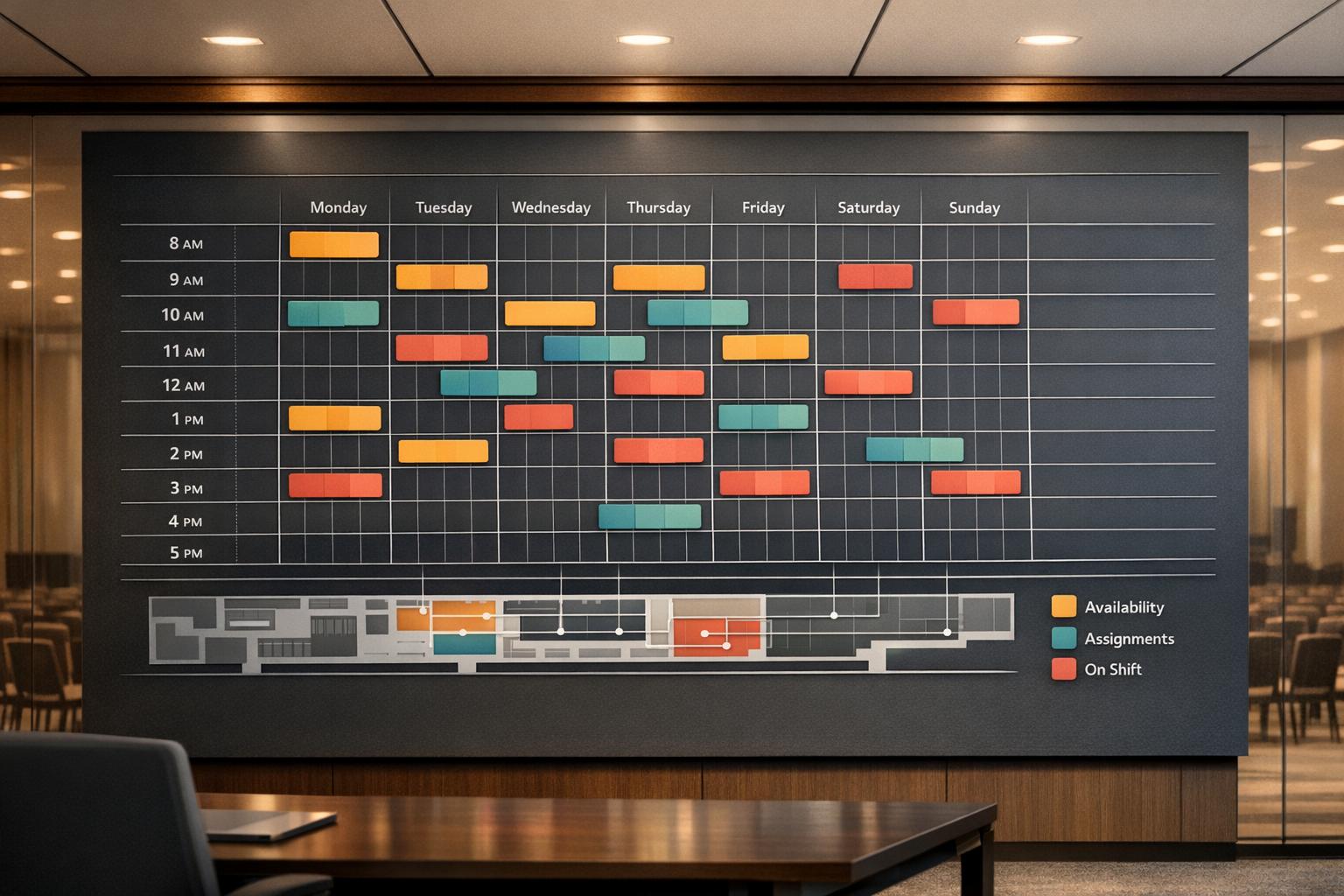
Scheduling event staff is no longer about guesswork. Using data, you can cut costs, reduce errors, and improve team reliability. Here’s how:
Switching to data-driven tools like Quickstaff simplifies the process further by offering availability tracking apps, automated reminders, and centralized event management - all starting at $49/month. This approach reduces no-shows, overtime costs, and last-minute chaos, making event execution smoother.

Manual vs. Data-Driven Event Staff Scheduling: Key Differences
Manual scheduling often leads to common scheduling problems and confusion. When managers rely on separate spreadsheets, it's easy for different versions to circulate at the same time. One person might be referencing Tuesday's file while another is working off Thursday's update. The result? Staff can end up arriving at the wrong time, in the wrong role - or not showing up at all.
Without a centralized system, identifying double-bookings or cross-event conflicts becomes a game of chance. By the time the problem is noticed, it's often too late to fix. Edin Pandur of Liveforce explains it clearly:
"The agencies most likely to struggle with last-minute gaps are not the ones with the smallest rosters. They are the ones without a centralised view of upcoming demand."
To make matters worse, shift changes communicated through group texts or scattered emails often go unnoticed. This leaves staff in the dark and managers scrambling to fill gaps. These inefficiencies highlight the need for a data-driven solution that minimizes errors and improves communication.
Using data transforms scheduling from a chaotic task into a streamlined process. Instead of relying on guesswork, managers can use historical data and proven metrics to make informed decisions. For example, staffing ratios from past events can guide headcount planning and ensure adjustments are based on real-world outcomes.
Data also provides insight into staff reliability. By tracking metrics like confirmation rates, response times, and attendance history, managers can prioritize dependable team members for critical shifts. Backup lists can be ranked by reliability rather than just availability, making the process quicker, more accurate, and less stressful.
| Feature | Manual Scheduling | Data-Driven Scheduling |
|---|---|---|
| Schedule Accuracy | Multiple versions, prone to errors | Single, real-time source for all stakeholders |
| Gap Detection | Often identified last-minute | Spotted weeks ahead of time |
| Staff Reliability | Based on memory or assumptions | Measured through attendance and response data |
| Communication | Disorganized texts and emails | Centralized notifications reduce confusion |
| Reporting | Manual cleanup post-event | Automated reports on attendance and fill rates |
To make the most of data-driven scheduling, focus on gathering three essential types of information: staff availability, performance history, and event-specific requirements. Without these inputs, even the most carefully planned schedules can face common scheduling challenges. Let’s dive into how each category contributes to smarter scheduling.
Keeping staff availability up to date is crucial, especially since schedules often shift weekly. The best way to handle this? Give employees a way to manage their own availability in real time.
It’s also important to track details like staff locations, certifications (e.g., food handler permits, first aid), and the expiration dates of those credentials. Assigning someone to a role they’re no longer certified for isn’t just a mistake - it’s a compliance risk that could easily be avoided with proper tracking.
"Discovering a compliance gap after deployment is more expensive than any software subscription." - Edin Pandur, Liveforce
Availability tells you when someone can work, but performance history shows whether they should. By tracking attendance, punctuality, and feedback from past events, you can make more informed scheduling decisions.
For high-pressure or critical roles, prioritize staff with a strong record of reliability and positive performance. You can also categorize experience by event type - like corporate dinners, outdoor festivals, or brand activations - to match employees with roles where they’ve already excelled.
Each event comes with its own unique staffing needs. For example, a sold-out stadium event might require over 1,000 workers, while a small corporate dinner may need just a handful. To avoid overstaffing or understaffing, collect data on event type, expected attendance, venue layout, and the specific roles required.
Don’t overlook labor laws and compliance details, either. Factors like FLSA overtime thresholds, blended pay rates, and predictive scheduling laws play a direct role in creating a schedule that’s not only efficient but also legally sound.
Transform raw data into actionable schedules by analyzing past events, predicting staffing needs, and creating flexible shift plans.
Start by examining data from similar events. Look at metrics like staff-to-guest ratios, no-show rates, and peak traffic times. For example, if you notice that check-in often gets congested at the start of an event, that’s a clear sign to allocate more staff during that critical period.
"I don't build staffing plans for the easy hours. I build them for the 15 minutes where check-in backs up, the client's asking questions, and everyone's looking at us to fix it." - Daniel Muersing, Founder, Eventstaff
Keep a centralized report to document event outcomes, staffing performance, and areas needing improvement. This way, every event becomes a learning experience. Context is key - planning for a high-touch holiday gala will differ significantly from organizing a logistics-heavy outdoor spring event.
Once you’ve reviewed historical data, use it to forecast staffing requirements. Plan for confirmed and potential events 4–6 weeks in advance, or even up to 12 weeks during busy seasons, and compare event needs with your workforce availability. This proactive approach reduces the risk of scrambling to fill gaps at the last minute.
Use past staff-to-guest ratios as a starting point, but adjust based on event complexity. For example, a VIP reception or an event with payment processing stations might require more staff than a simple buffet setup. By combining your internal data with external seasonal trends, you can create a more accurate staffing plan. These forecasts allow schedules to adapt to real-time changes.
When creating the schedule, assign roles strategically. For high-pressure periods, pair experienced staff with newer team members to maintain performance. Stagger shift start times - setup crews should arrive first, registration staff before doors open, and floaters just ahead of peak arrival times. This method ensures efficient coverage while keeping labor costs under control.
Include overlapping shifts to avoid handoff issues, and for events with over 100 guests, schedule 1–2 flex staff. These unassigned team members can step in to cover no-shows or unexpected guest surges. For sudden changes, redeploy floaters within 15 minutes, activate standby staff within 30 minutes, and secure replacements using scheduling tools within an hour.
Once you’ve built a schedule based on solid data, the right tools are what ensure everything runs smoothly. Even the best plan can crumble if the execution relies on outdated methods like spreadsheets or manual updates. These approaches often leave managers chasing availability through texts or emails, manually updating rosters, and scrambling to gather event history. Purpose-built scheduling platforms solve these headaches by consolidating staff data, event details, and communication into one streamlined system.
The most effective scheduling tools focus on practicality over flashy add-ons. Take availability tracking, for example. This feature allows staff to update their schedules directly from a mobile device, giving managers an up-to-date view of who’s available at any given time. Add automated reminders to the mix, and you’ve got a way to reduce no-shows. These reminders, sent 24–48 hours before a shift, prompt staff to confirm their attendance, giving managers enough time to find replacements if needed.
Another handy feature is a waitlist system. When the main roster is full, pre-screened backup staff are queued up, ready to step in if someone cancels. Over time, tracking how often waitlisted staff are called upon can highlight patterns, like which events or dates are more prone to cancellations - valuable insights for future planning.
Centralized event management is another must-have. This feature brings all event details, confirmed staff, role assignments, and communication history into one dashboard. It helps managers spot gaps quickly, review past events with accuracy, and build schedules based on reliable data instead of guesswork. And with mobile-friendly access, temporary staff can stay updated, confirm shifts, and check event details wherever they are.
| Feature | What It Does for Scheduling |
|---|---|
| Availability tracking | Shows who is free for specific dates and times |
| Automated reminders | Reduces no-shows by prompting staff to confirm attendance |
| Waitlists | Fills last-minute gaps without rebuilding the roster |
| Centralized event management | Keeps all event and staff data in one accessible view |
| Mobile-friendly access | Keeps field staff connected and responsive |
These features are the backbone of scheduling software that blends data with seamless execution.
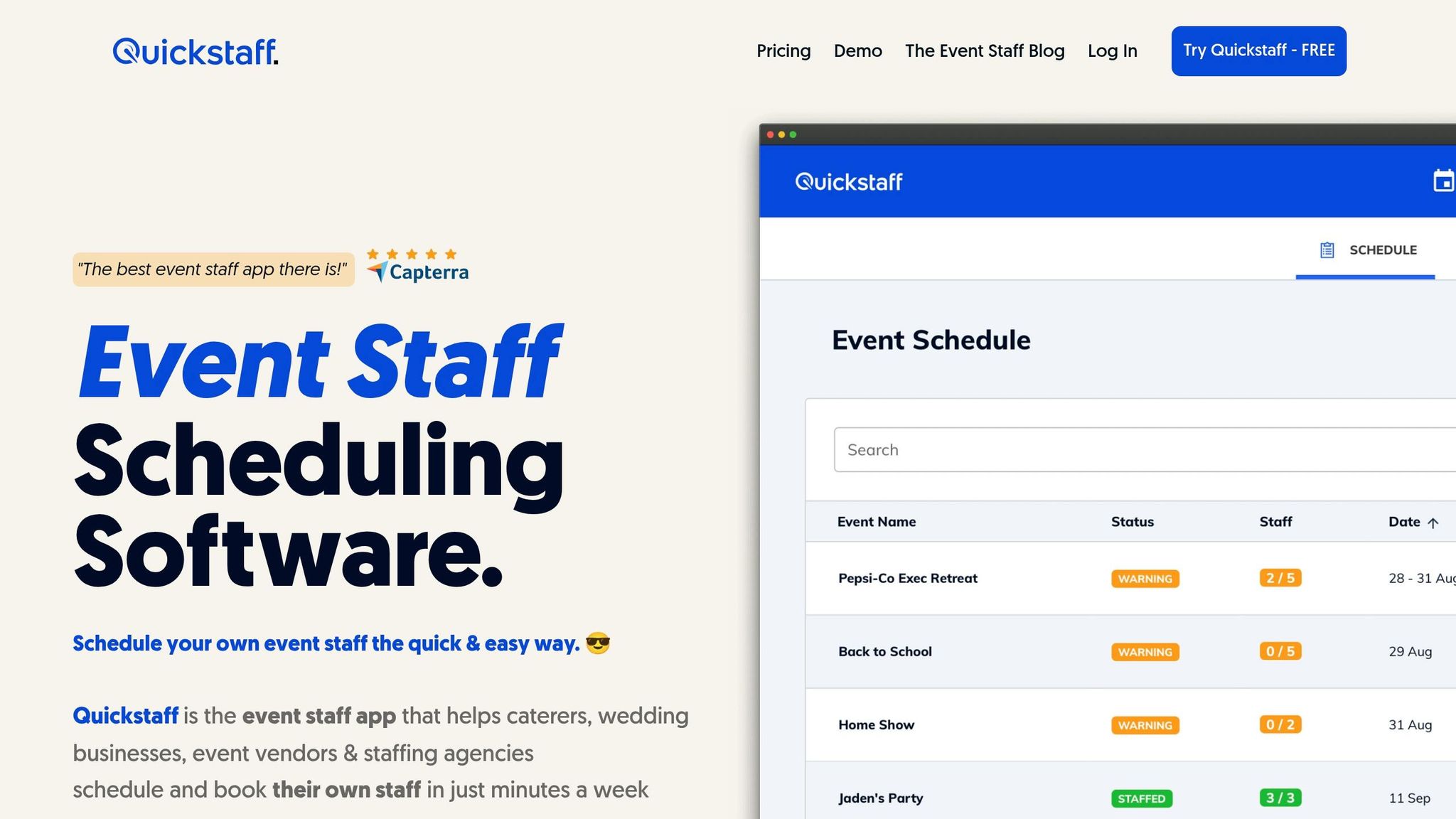
Quickstaff takes these essential features and packages them into an easy-to-use scheduling platform tailored for event-driven businesses. Quickstaff is designed with caterers, wedding vendors, staffing agencies, and event companies in mind, offering tools to tackle common scheduling challenges. Managers can create detailed events, assign roles, and invite staff based on their availability - all within a single platform. Staff can respond through a mobile-friendly interface, and Quickstaff tracks responses - whether they’re acceptances, declines, or no replies - building a reliable history for future planning.
With its built-in waitlist and centralized event management tools, Quickstaff makes handling last-minute changes stress-free. Automated reminders ensure staff stay informed and accountable, while unlimited messaging keeps communication clear both before and during events. For teams managing high volumes of temporary staff, Quickstaff offers pricing plans starting at $49/month for up to 35 staff, scaling up to $249/month for teams of up to 175. Whether you’re running a boutique operation or managing a large event team, Quickstaff offers a practical solution to streamline your scheduling process.
Data-driven scheduling only works if you measure its impact. Without tracking improvements, you're just guessing.
Focus on four main areas: attendance reliability, operational efficiency, financial impact, and staff quality.
For reliability, monitor these metrics: no-show rate, confirmation rate (how often staff accept shift invitations), and response speed. Faster confirmations and better attendance signal that your scheduling process is on the right track. When it comes to efficiency, compare your actual staff-to-guest ratios with industry standards. For instance, a plated dinner typically requires 1 server per 15–20 guests, while a full open bar might need 1 bartender per 50–75 guests. If your ratios are off, it could indicate overstaffing or understaffing.
Financially, keep an eye on overtime costs, idle-time pay, and how often you’re scrambling to fill last-minute gaps. These metrics highlight how effective scheduling can reduce unnecessary expenses. On the quality front, track guest satisfaction scores after events and look for patterns in complaints - do they align with specific roles or time slots?
The best way to gauge success is to establish a baseline before implementing data-driven scheduling. Document how often staffing gaps occurred, how long it took to fill them, and how frequently no-shows disrupted operations. After making changes, reassess these metrics to see measurable improvements.
| Metric | Reactive Approach | Data-Driven Approach |
|---|---|---|
| Gap Detection | Days before the event | Weeks in advance |
| Availability Checks | Manual calls or texts | Centralized, real-time view |
| Staff Quality | Whoever is available last-minute | Matched to roles using performance history |
| Labor Costs | Frequent overtime and idle pay | Optimized through predictive forecasting |
| No-Show Rate | High without confirmation systems | Reduced with automated reminders and tracking |
Regularly reviewing these metrics is key. Include them in post-event debriefs - brief meetings where you compare actual results to expectations. Over time, this process can lead to real gains. For example, consistent scheduling has been shown to boost labor productivity by 5%. These improvements don’t happen by chance; they’re the result of analyzing outcomes and fine-tuning your approach based on data.
"Data gives you a solid foundation. It helps you cut through the guesswork and make choices with more confidence and less risk." - IBM
Scheduling event staff can feel like piecing together a puzzle, but relying on data instead of guesswork makes the process far easier to manage. Moving away from reactive, manual methods to a data-focused strategy isn’t just about saving time - it’s about creating a system that can handle the demands of any event, whether it’s a 50-person wedding or a 500-guest corporate gathering.
Here’s a compelling fact: organizations that rely on data-driven decisions are 19 times more likely to be profitable. Plus, consistent scheduling practices can increase labor productivity by 5%. What does this mean for you? Fewer last-minute crises, reduced overtime costs, and events that run like clockwork. By collecting data, planning ahead, and tracking outcomes, every event becomes a stepping stone toward smoother operations.
Tools like Quickstaff make this approach even more accessible. With features like centralized availability tracking, automated reminders, and a single platform for all event details, you can ditch the chaos of scattered texts and spreadsheets. Starting at $49/month, it’s designed specifically for temporary, event-based staffing, where having clear, reliable data is a game-changer.
Start by using historical event data as your foundation. Pay attention to key metrics like attendance by event type, staff-to-guest ratios, and no-show rates. It’s also important to track peak traffic periods and evaluate role-specific performance.
A tool like Quickstaff can centralize all this information, making it easier to spot trends and patterns. This approach helps you avoid common pitfalls like overstaffing or understaffing. Instead of relying on last-minute adjustments, you’ll be able to make well-informed, strategic scheduling decisions.
To get ahead with staffing needs, start examining your event pipeline about 4–6 weeks before the events. Lay out all confirmed and potential events for the next 4–8 weeks, and compare their staffing requirements with your current team’s availability. Tools like Quickstaff make this process smoother by centralizing schedules and tracking availability. This way, you can spot any gaps early and line up the right team well in advance, avoiding last-minute headaches.
To see how well data-driven scheduling works, keep an eye on a few important metrics after every event. Start with schedule adherence rates to measure punctuality, shift fill rates to see how successfully shifts are staffed, and attrition rates to track no-shows. Dive deeper into staff performance by gathering feedback and reviewing productivity data. Regularly analyzing these metrics can reveal patterns, fine-tune your planning process, and cut down on costs. Tools like Quickstaff make this easier by automating tracking and organizing reports in one place.





