5 Wage Compliance Mistakes Event Managers Make
April 27, 2026


Managing temporary event staff can lead to costly wage compliance errors. Here's what you need to know to avoid fines, audits, and reputation damage:
Key Stats:
Mistakes are expensive, but adopting digital solutions can help you stay compliant and protect your business.

5 Wage Compliance Mistakes Event Managers Make: Costs and Consequences
A common wage compliance mistake is misclassifying temporary staff as independent contractors. The key factor here isn’t job titles or contract wording - it’s all about who controls the work.
If you’re dictating schedules and compliance checks, providing uniforms, or directing tasks like setting up tables or managing registration, those workers are considered employees under federal law. Megan Hayward, Founder & CEO of TempGuru, explains it clearly:
"The IRS doesn't care what your contract says. They care who controls the work. If you set the uniform and the schedule, that person is your employee".
Getting this wrong can lead to major financial consequences. For example, FedEx Ground paid $228 million in 2015 to settle a California case involving misclassified delivery drivers. These drivers wore uniforms, followed strict schedules, and used branded vehicles - similar to many event staff setups. Misclassification can cost between $15,000 and over $100,000 per worker when you factor in back taxes, unpaid overtime, damages, and penalties.
States like California, New York, Massachusetts, and New Jersey apply the strict ABC Test to determine worker classification. Under this test, a worker is only considered an independent contractor if they:
Most event roles fail the second criterion. For example, if your business involves running events, roles like registration staff, setup crews, and bartenders are part of your core operations - not work outside your business.
To protect yourself, document your classification decisions thoroughly. Gather evidence such as proof of the worker’s business insurance, invoices from their registered business entity, client lists showing other jobs, and ownership of their own equipment. If you can’t clearly establish their independence, it’s safer to classify them as W-2 employees right from the start. Utilizing budget-friendly staff scheduling tools can help automate these classifications and manage labor costs effectively.
Misinterpreting key FLSA (Fair Labor Standards Act) rules often leads to overtime pay errors. Federal law requires employers to pay non-exempt employees 1.5 times their regular hourly rate for any hours worked over 40 in a single workweek. A frequent mistake is averaging hours across two workweeks. For instance, if an employee works 50 hours during a Friday-through-Sunday event in the first week and only 30 hours in the second week, the employer is still obligated to pay 10 hours of overtime for the first week, even though the total hours for the two weeks add up to 80.
Another common error is calculating overtime based solely on the base hourly rate. This approach overlooks other factors like shift differentials and mandatory bonuses. For example, if an employee earns a $100 attendance bonus, that bonus must be factored into their regular rate before applying the 1.5× overtime multiplier.
It’s also essential to include all compensable time - such as setup, teardown, and mandatory training - when calculating total hours worked. These hours contribute to the 40-hour threshold, which can trigger overtime pay. While federal law mandates overtime after 40 hours in a week, some states, including California, Nevada, and Alaska, require overtime pay after 8 hours in a single day.
The financial consequences of these mistakes can be severe. In fiscal year 2023, the Department of Labor recovered $130.7 million in back wages for overtime violations. Employers found guilty of willful violations face penalties of up to $2,439 per violation, and employees may also receive liquidated damages, effectively doubling the amount owed. On average, DOL investigations recover around $1,200 per affected worker.
To avoid these costly errors, many businesses rely on automated payroll systems. These systems apply the correct overtime formulas in real time and account for state-specific rules. Additionally, digital timekeeping systems create an audit trail, reducing the risk of disputes and ensuring compliance.
The federal minimum wage is set at $7.25 per hour, but as of 2026, 30 states and Washington, D.C., require higher wages. Event managers who assume this single federal rate applies everywhere could face serious compliance issues.
When federal, state, and local minimum wage rates differ, you’re required to pay the highest rate. For instance, while the federal minimum is $7.25 per hour, Washington state mandates $16.66, and West Hollywood, California, requires $20.29 per hour. What matters most is where the work takes place - not where your company is based. If you’re running an event in Seattle, you’ll need to comply with the local wage laws, which, for large employers, means paying $20.76 per hour. Ignoring these regional variations can lead to expensive payroll errors.
Even for short-term events, wage laws demand strict compliance. Penalties for violations can be severe, with willful infractions resulting in fines of up to $2,439 per violation, along with possible liquidated damages.
Adding to the complexity, many states now use automatic indexing linked to the Consumer Price Index, which means wage rates adjust annually without the need for new legislation. To avoid surprises, always check local ordinances before planning an event.
Using event staff scheduling software can simplify this process by monitoring regulations and issuing real-time alerts if wages fall below updated standards. For event businesses operating in multiple locations, centralized payroll tools that account for regional differences are a must. These tools help ensure compliance, ultimately safeguarding your event’s financial stability.
Relying on manual timekeeping methods like paper logs or spreadsheets can lead to costly mistakes for event managers. These errors can open the door to audits, wage disputes, and even legal claims. The risks are particularly high when work hours go underreported, such as time spent loading equipment, setting up venues, or breaking down after events. This underreporting can lead to overtime violations, especially in states like California, where daily overtime rules are strictly enforced.
Failing to document breaks is another costly oversight. For instance, in California, missing just one meal break requires employers to pay an additional hour of premium pay per worker per day. For a crew of 50, this penalty can quickly add up to over $1,000 per day. On top of that, manual logs can't verify whether staff were actually on-site or working, leaving room for time theft - like clocking in without performing any tasks.
When records are incomplete or inaccurate, courts may even allow employees to provide their own "reasonable estimates" of hours worked. In such cases, the employer bears the burden of disproving these claims, which can be a challenging and costly process.
The solution? Digital timekeeping tools. Features like GPS verification, automated overtime alerts, and centralized record storage make it easier to track work hours accurately. These tools not only help ensure compliance with wage laws but also integrate seamlessly with payroll systems, reducing risks and improving efficiency.
Handling payroll manually often leads to costly mistakes. For example, manual systems frequently miscalculate overtime because they overlook non-discretionary bonuses or improperly average hours across weeks. They can also fail to account for compensable time, such as event setup, teardown, or even responding to work emails outside regular hours.
The consequences of payroll errors can be severe. Each year, the IRS penalizes about one-third of all employers for payroll-related mistakes, resulting in $7 billion in penalties. Late tax deposits come with escalating fines: 2% for being 1–5 days late, 5% for 6–15 days, 10% for over 16 days, and 15% if you’re more than 10 days late after receiving an IRS notice. Correcting payroll errors alone can cost small businesses between $845 and $5,000, not even counting penalties and interest.
"If the IRS or Department of Labor audits you and you can't produce records, the burden of proof shifts to you. Employees' claims are taken at face value when employers can't provide documentation." - BlueWave HR
Federal law under the Fair Labor Standards Act (FLSA) requires businesses to keep payroll records for three years and time records for two years. However, experts suggest keeping these records for at least seven years, as the IRS can audit up to six years back if there’s substantial underreporting. Without well-organized records during an audit, employers face the challenge of disproving employee wage claims.
Switching to digital payroll systems can help avoid these pitfalls. These systems reduce data entry errors, automatically apply up-to-date tax tables, and store searchable records indefinitely. They also integrate with timekeeping tools to ensure accurate overtime calculations and provide itemized wage statements, which can prevent disputes before they arise. By adopting digital payroll solutions, you not only minimize errors but also set the stage for seamless integration with tools like Quickstaff.
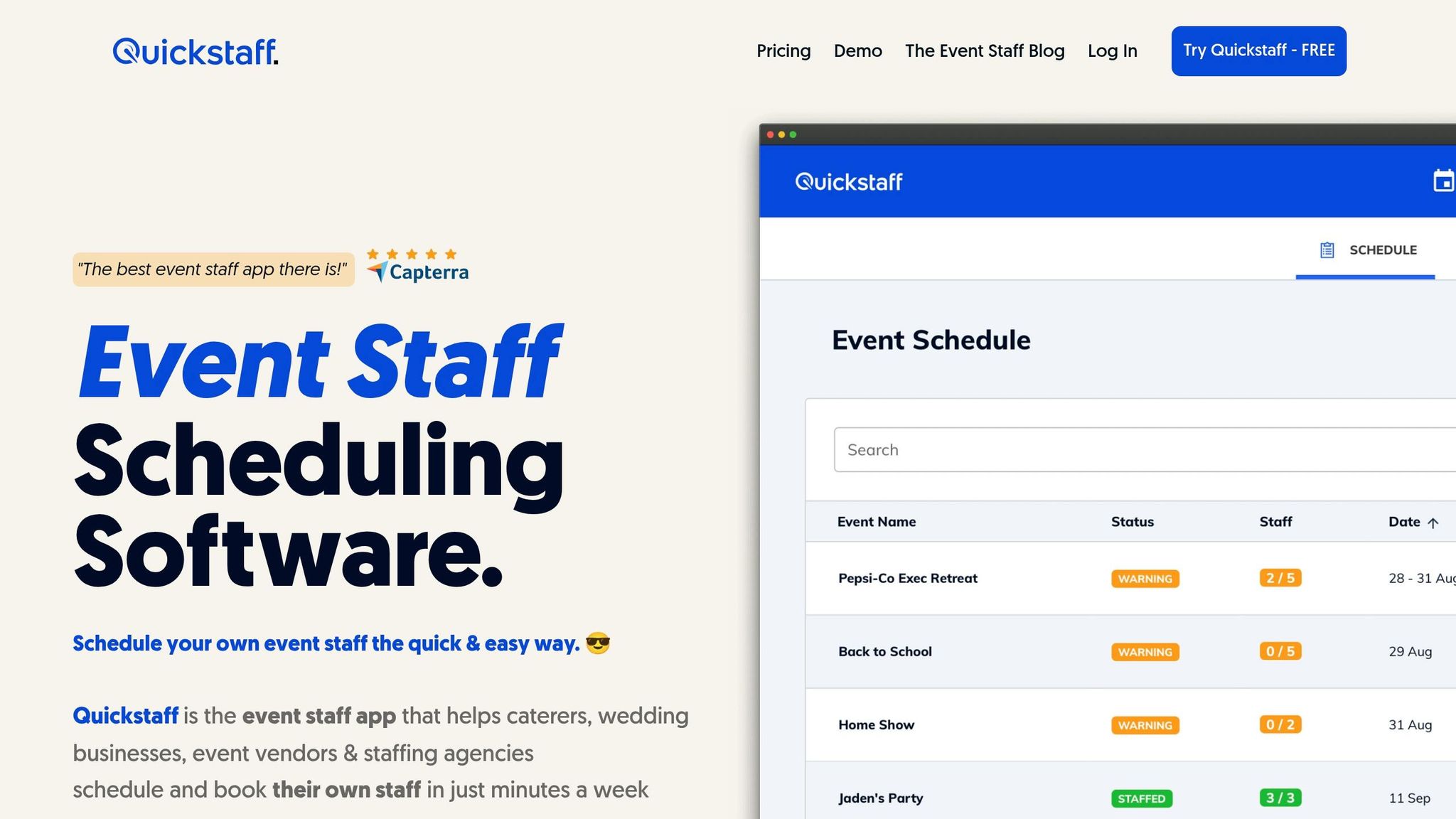
Quickstaff's event staff scheduling platform tackles wage compliance challenges head-on by automating processes and centralizing management. It replaces outdated manual methods with digital tools that ensure labor laws are consistently followed across all your events. Together, these features help close common compliance gaps.
One standout feature is the platform's GPS-verified check-in and check-out system. Staff use their mobile devices to clock in and out, providing accurate, real-time data and clear documentation - essential for resolving any wage disputes. Quickstaff also takes care of overtime calculations automatically. Whether it’s time-and-a-half for hours worked beyond 40 in a week or 8 in a day, the platform applies the correct local rules based on your jurisdiction.
| Feature | Manual Processes | Quickstaff Automated System |
|---|---|---|
| Overtime Calculation | Manual math prone to multi-day errors | Automatically applies local daily and weekly overtime rules |
| Time Tracking | Paper logs or honor system; prone to time theft | GPS-verified check-in/out for precise, real-time tracking |
| Record-Keeping | Fragmented physical files; difficult to access during audits | Centralized digital database with secure, organized records |
| Break Management | Relies on verbal reminders; difficult to document | Automated scheduling and reminders for mandatory breaks |
Quickstaff goes beyond just tracking time. It simplifies record-keeping by storing all data in a centralized, secure digital database. This ensures compliance with FLSA standards and makes audit preparation far less stressful. The platform also tracks staff availability and classifications, reducing errors from manual data entry.
For added convenience, Quickstaff includes features like automated invoicing and integrated tax calculations, further minimizing compliance risks. When managing events across multiple states, the platform automatically applies the most stringent minimum wage and break requirements for each location, ensuring you stay compliant no matter where your events take place.
Mistakes in wage compliance - whether it's misclassifying employees or payroll missteps - can put your event's legal and financial stability at serious risk. In FY2023, the Department of Labor recovered $274 million in back wages, with hefty penalties for violations.
These risks underscore the need for automated solutions. Relying on manual record-keeping or navigating complex multi-state regulations increases the chance of errors. Courts often turn to employee estimates when records are incomplete, which can further amplify your liability.
Quickstaff simplifies compliance by automating overtime calculations, providing GPS-verified time tracking, and storing centralized digital records that align with FLSA requirements. Whether you're handling a single event or managing staff across multiple states, it ensures you're applying the correct minimum wage and overtime rules for every location.
To stay compliant, evaluate your payroll processes, adopt dependable digital tools, and maintain thorough records. The cost of compliance is far less than the steep fines for violations - especially when state penalties can hit $25,000 for each misclassified worker.
When deciding whether your event staff should be classified as W-2 employees or 1099 contractors, the key factor is control.
If you're the one dictating their schedule, assigning specific tasks, or even requiring a uniform, they are most likely W-2 employees. On the other hand, if they operate independently - choosing how, when, and where to perform their work - they might fit the criteria for contractors.
The IRS relies on these distinctions to help determine proper classification, so it’s essential to evaluate the level of control you have over their work. Misclassification can lead to compliance issues, so it's worth taking the time to get it right.
Tracking "hours worked" for overtime at events isn't just about the event itself. It also includes time spent on setup, teardown, training, and travel. Under labor laws, these activities are usually considered compensable work hours. Keeping accurate records of this time is crucial for staying compliant.
To figure out the correct minimum wage, you need to look at both federal and local wage laws. Whichever rate is higher is the one you must follow. The federal minimum wage is currently $7.25 per hour, but many states and cities set their rates above this. Be sure to check the specific state and city laws where your event or work is taking place. By paying the highest applicable rate, you ensure compliance with legal requirements.