Event Shift Duration Converter
April 21, 2026

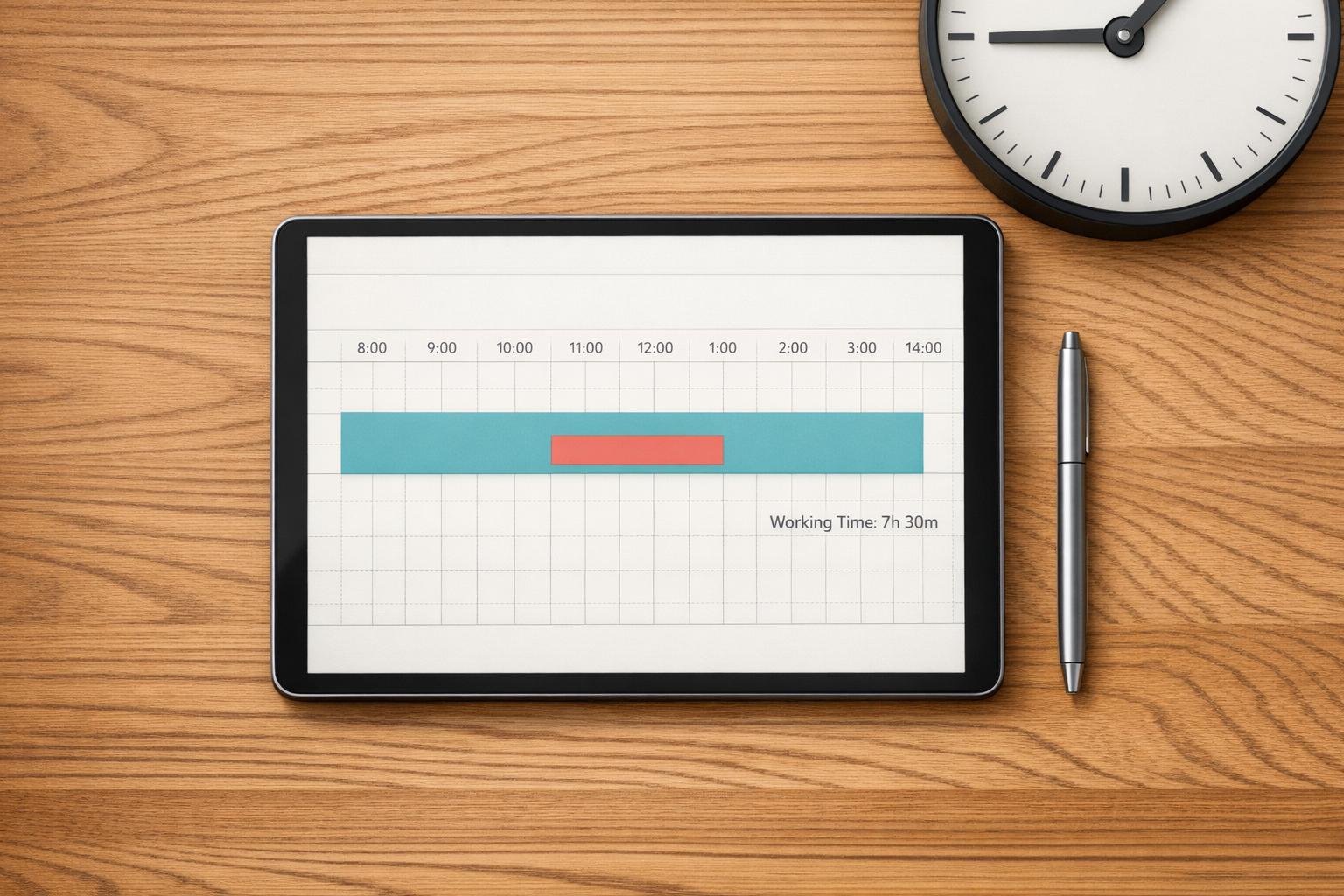
Event planning is a juggling act, and managing staff schedules is often one of the trickiest parts. Whether you're organizing a wedding, corporate conference, or music festival, knowing exactly how long your team will be on the clock—minus breaks—is crucial for smooth operations. That’s where a tool like the Event Shift Duration Converter comes in handy. It helps you calculate active working time by factoring in customizable break intervals, so you’re never left guessing.
For event coordinators, precision matters. A miscalculated shift can lead to overworked staff or unexpected gaps in coverage. By using a shift duration tool, you can input total hours, set break periods, and instantly see the net time your team will be working. This isn’t just about numbers—it’s about creating a balanced schedule that keeps everyone productive and compliant with labor guidelines. Plus, having results in both hours and minutes gives you flexibility to communicate plans clearly to your crew. Next time you’re mapping out a big event, let this simple utility lighten the load and keep your focus on delivering an unforgettable experience.
It’s super flexible! You can input your total shift time in either hours or minutes with a handy toggle to switch between them. The tool then converts everything and shows your total shift duration, break time, and net working time in both formats. This way, you’ve got a clear picture no matter how you prefer to plan.
We’ve set the maximum shift time at 48 hours to keep things realistic for most event planning scenarios. The minimum is just 1 minute, so you can use this tool for quick tasks or full-day shifts. If you’ve got something outside this range, feel free to reach out, and we can help tweak things!
Not directly, but we’ve got you covered with a reminder. The tool lets you input break intervals and the number of breaks, and it’ll subtract that from the total time to show net working hours. However, we always note that local labor laws might dictate specific break rules, so it’s a good idea to double-check regulations in your area.





