Role Allocation for Last-Minute Staff Changes
May 2, 2026

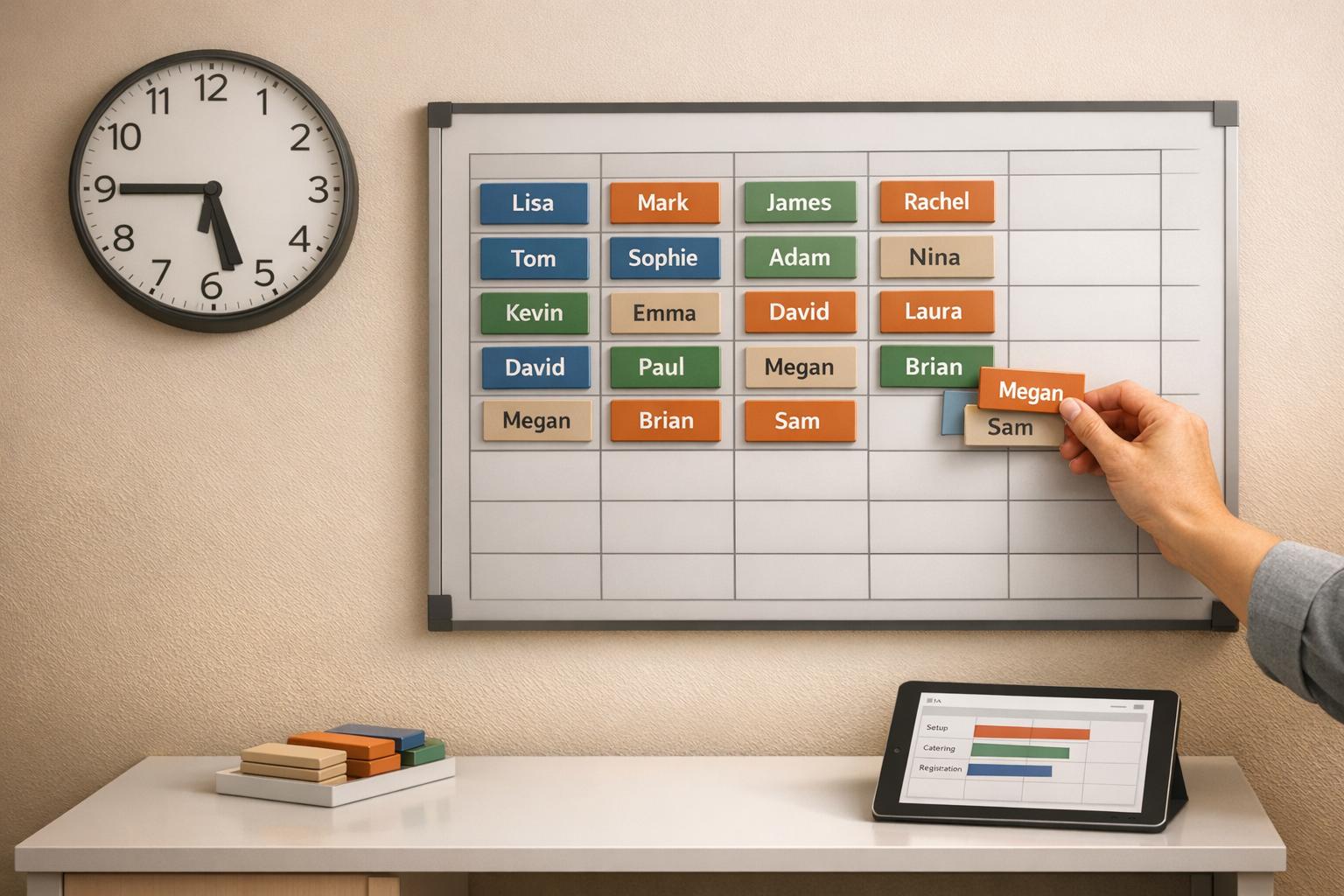
When someone doesn't show up to an event, it can cause chaos - delayed check-ins, stressed staff, and unhappy guests. For event organizers, quick role reassignment is critical to keeping everything on track. Here's how you can handle last-minute staffing changes effectively:
Using tools like Quickstaff can simplify this process by automating scheduling, tracking availability, and streamlining communication. When you’re prepared, even last-minute staffing gaps can be managed smoothly, ensuring your event runs without major disruptions.
When an event kicks off and a team member doesn’t show up, the ripple effects can be immediate and disruptive. Check-ins get backed up, setups are delayed, and the overall guest experience takes a hit. These staffing gaps don’t just cause minor hiccups - they can lead to significant operational breakdowns. The ability to quickly reassign roles becomes crucial to keeping things on track and ensuring the event runs as planned.
Sudden staffing shortages create common scheduling problems that lead to a domino effect of challenges. Not only are operations delayed, but the remaining staff often end up overwhelmed, scrambling to cover unfamiliar tasks. For instance, a no-show can turn check-in into a chaotic bottleneck, leaving guests frustrated and adding stress to the team.
Distance can also be a factor. Staff who live more than 30 miles from the venue are at higher risk for traffic-related delays. On top of that, miscommunications about shift times or event durations can lead to last-minute cancellations. These issues usually surface just hours before the event, often because staff discover scheduling conflicts too late. Beyond the logistical headaches, these gaps can drive up costs and damage trust within the team.
If staffing gaps aren’t addressed quickly, the consequences can hit both your budget and your reputation. Emergency hires come with a hefty price tag - rush fees, higher hourly rates, and unexpected overtime can pile up fast. For general event roles, which usually cost $25–$45 per hour, you might need to offer an extra $2–$3 per hour to secure last-minute replacements. For specialized roles that already command $35–$65 per hour, these surcharges can escalate costs even further.
Reputation takes a hit as well. Guests notice lapses in service, leading to negative reviews that tarnish your brand. Even within your team, mismanaged role changes can erode trust and morale. Without clear communication about why roles are being reassigned, the remaining staff may feel undervalued or overburdened. This can create a cycle of disengagement that doesn’t just affect the current event but spills over into future ones. The difference between a manageable setback and a full-blown crisis often lies in how quickly you can pinpoint gaps, align skills to needs, and deploy replacements effectively. Using event staff scheduling software can help managers automate these adjustments and maintain operational continuity.
The way you prepare for role changes can make the difference between a smooth recovery and complete chaos. When your team is trained to handle multiple responsibilities and you’ve already mapped out who can step into which roles, you’re working from a solid plan - not scrambling to find solutions at the last minute.
Cross-training helps employees build both specialized expertise and broader functional skills. This approach ensures that team members can step into critical roles when needed. For example, if someone doesn’t show up, a cross-trained employee can quickly take over tasks like managing the check-in desk.
Start by breaking down each role into its essential tasks through job analysis. Identify which responsibilities are most critical and figure out which employees have the foundational skills to take them on. Implement job rotation, where team members periodically switch between roles at the same level. For instance, rotating employees between registration, coat check, and guest services can help them gain a well-rounded understanding of event operations.
Another effective strategy is running absence scenarios - practice drills where a key team member is unavailable. These exercises can expose training gaps before they turn into real issues. Plus, it’s worth considering the financial benefits. Training an existing employee costs about $1,500, while hiring a new one averages $30,000. As 360Learning puts it:
"A crossed-trained employee can simply hop in and keep the company running without the employer having to crisis train or outsource work at a moment's notice".
Once your team has developed these versatile skills, the next step is to organize a reliable backup roster.
A backup roster isn’t just a generic pool of extra staff - it’s a thoughtfully segmented resource that matches specific skills to specific roles. For example, maintain separate lists for registration specialists, VIP attendants, security staff, and setup crew. This way, when a gap arises, you can quickly assign someone with the right expertise.
To avoid service disruptions, aim for a contingency ratio of one standby worker for every 15 active staff members. Focus on staff with proven flexibility - those who can step in themselves or recommend a qualified replacement. Keep a list of reliable performers from previous events so you can reach out to them first during emergencies. Additionally, offering an extra $2–$3 per hour for last-minute shifts can motivate employees to adjust their schedules when needed.

5-Step Process for Reallocating Event Staff Roles During Last-Minute Changes
When someone doesn't show up, you need a clear plan to handle the situation quickly and effectively. These five steps ensure you can fill gaps with the right person while keeping your event running smoothly. They build on pre-event preparations, making transitions during unexpected absences easier.
Start by checking your staffing schedule to figure out exactly which role is vacant - not just how many people are missing. Daniel Muersing, Founder of Event Staff, explains:
"Start by auditing your staffing sheet. Identify the exact missing roles, not just headcount".
Separate roles into two categories: essential positions like registration, security, and VIP service, and secondary roles like coat check or extra servers. Make sure all role-specific details are documented. Within 48 hours of your event, review your staffing list again to replace any "maybe" commitments with confirmed backups. Focus on roles that directly impact guest flow or safety - filling a registration desk is more urgent than adding an extra server.
Once you’ve identified the missing role, check your backup roster immediately. The quickest option is reaching out to previous staff who are already familiar with your event’s operations. If external help is needed, contact multiple staffing agencies - three to five at once - and set a firm callback deadline to encourage faster responses.
When contacting potential replacements, confirm their exact start and end times, including any post-event duties. This avoids last-minute cancellations due to misunderstandings about the time commitment. Offering scheduling incentives can also help secure replacements. To minimize delays, prioritize staff who live within 10 to 30 miles of the venue.
After identifying available staff, match their skills to the role's requirements. Megan Hayward, Founder & CEO of TempGuru, highlights the importance of prioritizing key roles:
"Identify which positions are most critical to your event success. Some roles are non-negotiable - event registration, security, VIP service".
For specialized roles, such as bartenders or security, confirm that all necessary credentials are in place before finalizing the replacement. If no external options are available for critical roles, consider reassigning someone from a less essential position, like a promotional assistant, to cover priority tasks such as registration.
Reach out to your chosen replacement and secure a firm commitment. Aim to confirm their availability at least 36 hours before the event, with a final check-in 12 hours prior. This ensures your staffing plan stays on track.
During this conversation, clearly outline expectations and consequences for no-shows. Provide a concise orientation packet detailing their role, key responsibilities, and emergency contact information. This should be part of a larger event day kit to ensure you are prepared for any situation. Include practical details like a map pin for the venue, parking instructions, and the name or photo of the supervisor they’ll report to. Ask them to arrive 15 minutes early to allow time for check-in and parking.
Immediately update your event management system with the new assignment. Keep all staff details - names, contact numbers, and roles - in a single, centralized document. Using budget-friendly staff scheduling tools as a "single source of truth" simplifies management and helps with post-event analysis.
After the event, conduct a quick debrief to document what worked and where gaps occurred. This information will help you refine your emergency roster for future events. Keep in mind that in some areas, such as San Francisco, last-minute schedule changes (within seven days) may trigger "predictability pay" requirements.
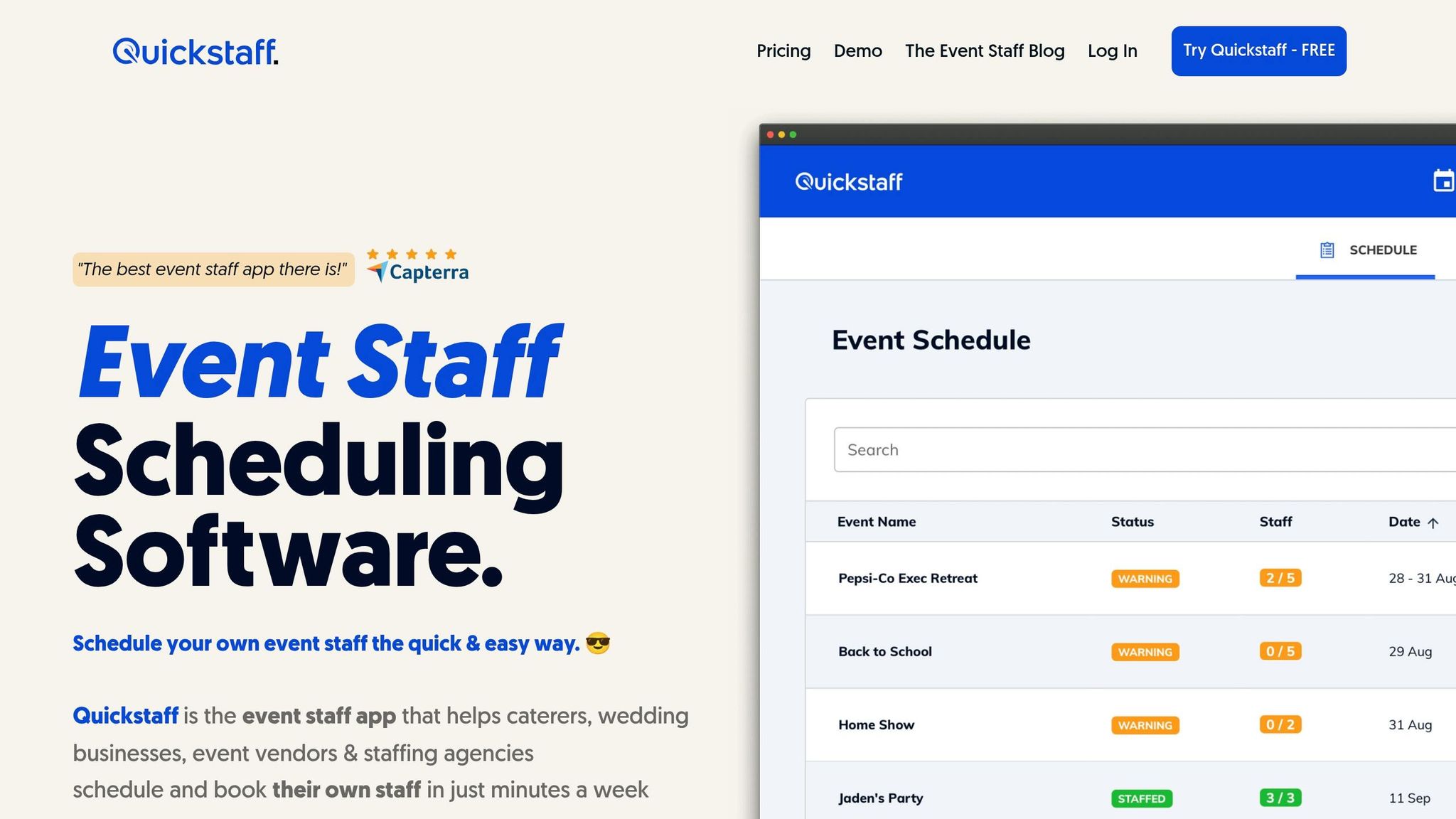
Quickstaff centralizes staffing details and automates essential processes, making it easier to reassign roles when someone cancels. Here's a closer look at the features that make staffing decisions faster and more efficient.
With automated waitlists, real-time tracking of availability, and role-based scheduling, Quickstaff ensures that backup staff for roles like Server, Event Bartender, or Photographer are ready to step in. The centralized dashboard provides a clear view of staffing levels, showing which events are fully staffed and which need attention.
"Prior to Quickstaff, I was using Excel spreadsheets to track my employees and their shift availability. My life changed the day I started using Quickstaff!" - Jaime S., VP at Lisa's Catering
Quickstaff's mobile-friendly design allows for immediate work invitations and instant confirmations. Targeted messaging further simplifies communicating with event staff, ensuring the right teams stay informed.
"I used to be on the phone all the time to schedule staff. Now, within a few minutes, I can schedule all the staffing I need for my events." - Steven Townsend, Event Manager
By using scalable event scheduling processes, Quickstaff reduces errors. Features like real-time updates, reminders, and automatic status changes ensure accurate and complete staffing information.
"The time that we have been able to save by using this staff scheduling software has allowed us to tackle the other issues that we face thereby improving our overall events!" - Kelly from The Abbot KC
When automation simplifies role reallocation, having a solid contingency plan ensures your event can stay on track, even under unexpected pressure.
Instead of overstaffing every shift, aim for a dependable backup pool. A good rule of thumb is maintaining one standby worker for every 15 active staff members. This approach keeps your team flexible while managing labor costs, which typically account for 25–40% of event budgets.
To make your backup pool effective, focus on two key factors: proximity and experience. Select workers who live within 30 miles of your usual venues to minimize delays caused by traffic. And prioritize individuals with prior event experience - they’re more likely to step in seamlessly when needed. After each event, conduct a quick 10-minute debrief to identify role gaps and recognize standout performers. Add those top performers to a dedicated emergency roster for future needs.
"The measure of any event partner is how they perform in a crisis. A last-minute gap requires calm, precision, and an insured bench... This turns today's crisis into a stronger foundation for future workforce planning." - Daniel Muersing, Founder, Event Staff
To improve your reallocation process, track metrics like fill rate, response time, and no-shows. Fill rate measures the percentage of emergency roles successfully staffed, while response time tracks how quickly replacements are secured and briefed. Monitoring late arrivals or no-shows adds another layer of insight. Interestingly, 62% of small business owners report seeing major efficiency improvements when they actively track performance data.
Go beyond just counting heads when documenting staffing gaps. For instance, if a licensed bartender role is covered by a general server, that’s a critical detail to note. This level of precision helps refine your hiring criteria and adjust reliability scores for your worker pool. It also ensures your most dependable staff are prioritized for urgent shifts.
Last-minute changes don’t have to throw your events off course. With the right preparation - like maintaining standby staff pools, cross-training your team, and documenting successful strategies - you can turn potential chaos into seamless action. Knowing which roles need filling and having backups ready puts you ahead of the game before a crisis even unfolds.
In emergencies, having a clear plan and the right tools is non-negotiable. This five-step framework offers a dependable way to reassign roles quickly. But even the best plans need support from tools like Quickstaff. Quickstaff simplifies staffing decisions by centralizing your data, providing real-time availability tracking, and automating confirmations with a simple "YES" reply. Say goodbye to juggling spreadsheets and frantic text threads when every second counts.
How you manage staffing emergencies directly affects client satisfaction and your brand’s reputation. When critical roles are filled by skilled professionals, your events run smoothly - even under tight deadlines. Guests remain unaware of the behind-the-scenes hustle, while clients remember your ability to deliver under pressure.
To keep improving, establish proximity filters, maintain a backup ratio of one standby for every 15 active staff members, and conduct quick post-event debriefs to fine-tune your approach. Monitor fill rates and response times to get better with each event. The aim isn’t perfection - it’s building resilience.
When planning an event, some roles are absolutely crucial to its success. These include event staff, caterers, bartenders, and hospitality staff. If someone in one of these positions doesn't show up - especially within 48 hours of the event - it can quickly disrupt operations. Focusing on these key roles helps ensure everything runs smoothly and keeps your guests happy.
To manage no-shows and last-minute changes effectively, maintain a standby staff pool that's 10-15% larger than your planned event crew. This extra buffer ensures operations run smoothly, even when unexpected situations arise.
A quick replacement briefing should include the following key points to keep things running smoothly:
Covering these essentials helps ensure the backup staff is ready to step in with minimal disruption, even during last-minute changes.





