How Automated Waitlists Save Time for Event Teams
February 17, 2026

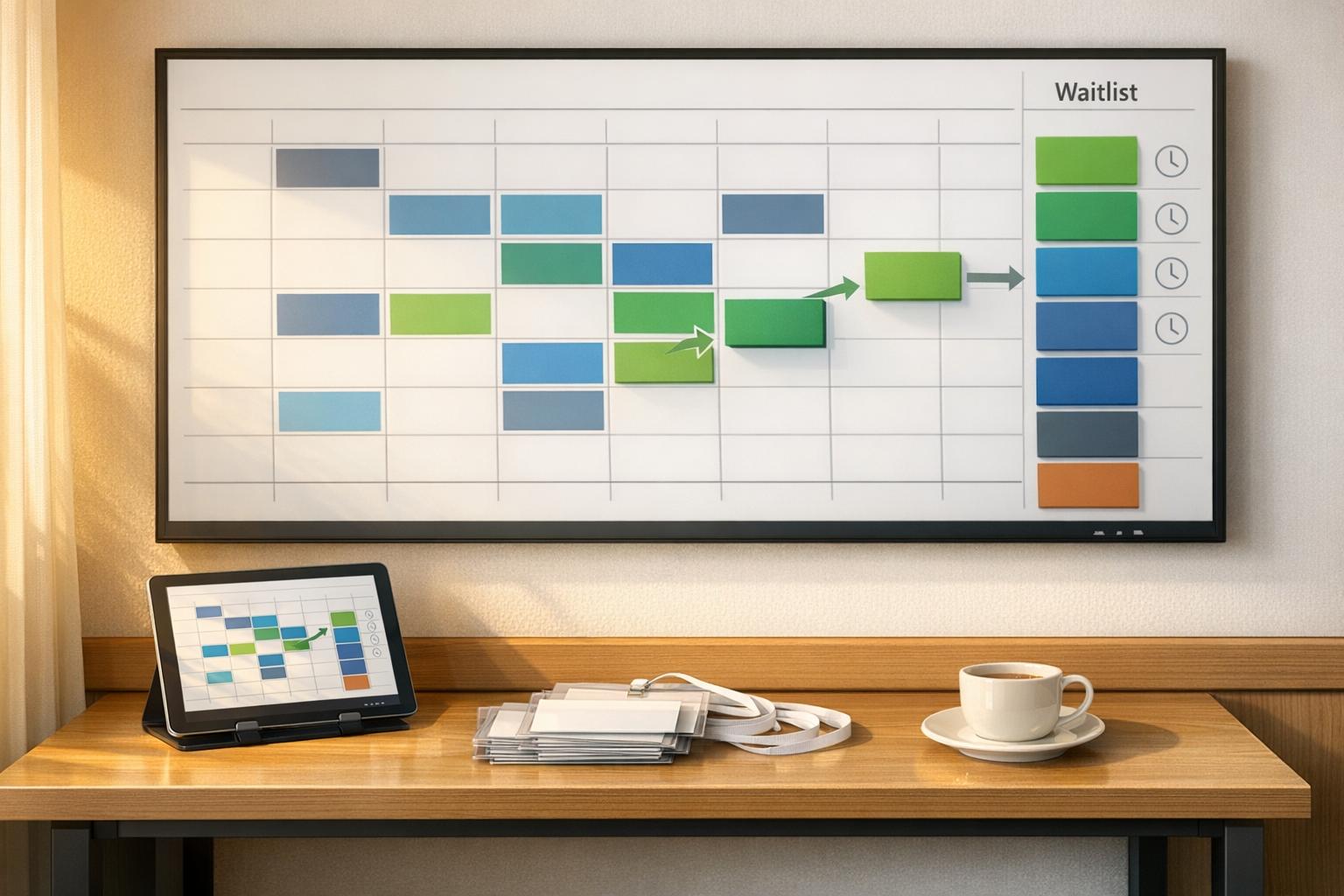
Managing event staff can be overwhelming, especially when juggling spreadsheets, emails, and last-minute changes. Automated waitlist systems simplify this process by centralizing scheduling, reducing manual tasks, and improving communication. Here's how they help:
Event teams using tools like Quickstaff report smoother operations and more time to focus on delivering outstanding events. These systems turn scheduling headaches into opportunities for growth.
Managing waitlists manually often involves juggling spreadsheets, calendars, sticky notes, emails, and phone calls to track openings and fill cancellations. Every time a cancellation happens, the process starts over - reaching out to fill the spot, updating records, and so on. It’s a tedious, repetitive cycle.
Automated waitlist systems take these tasks off your plate. When a spot becomes available, the software instantly notifies the next person in line (based on a first-come, first-served system) and updates their status in real time.
The impact? Research shows that automation can shrink an hour-long task down to just 10 minutes. Take the Wanderlust Festival as an example: automation helped them cut months of manual work, allowing them to double their events - from one to two festivals and eight triathlon events in just two years.
The time saved here isn’t just a convenience; it’s an opportunity to focus on what really matters.
With the time freed up, teams can shift their energy from tedious admin work to improving the overall quality of their events. Instead of scrambling to track cancellations or fill spots, they can focus on tasks that drive growth - like client engagement, event planning, and strategic initiatives. Automated systems handle follow-ups and schedule updates, meaning fewer calls and less data entry for managers.
Self-service tools also make a big difference. Staff can update availability or manage preferences through automated email systems, cutting down the daily flood of emails and calls. This streamlined approach not only reduces administrative burdens but also gives teams the bandwidth to deliver better events and build stronger client relationships. Platforms like Quickstaff make this process seamless, integrating waitlist automation to simplify event staff scheduling and operations.

How Automated Waitlists Reduce No-Shows and Save Time for Event Teams
No-shows can drain both time and money, but automated reminders help tackle this problem head-on. The moment someone joins a waitlist, they receive an instant confirmation email, reinforcing their interest and keeping them engaged. When a spot becomes available, automated notifications are sent immediately. Why is this so effective? Text messages boast an incredible 98% open rate within three minutes, compared to emails, which only see a 20-30% open rate over six hours.
Adding time-sensitive offers into the mix creates urgency. Waitlisted individuals often get a short window - usually 15 to 30 minutes for same-day openings - to claim their spot before it gets offered to the next person. Once a spot is confirmed, the system takes over, sending out confirmation texts and follow-up reminders, which significantly reduces the likelihood of no-shows.
Waitlist no-show rates are typically between 5-10%, much lower than the 10-18% average for general appointments. Take these examples: A solo physical therapy practice that switched to automated text notifications saw their cancellation fill rate jump from 20% to 48%, recovering $12,600 annually and saving staff 4 hours per week. Similarly, a specialty orthopedic clinic handling 40-60 patients improved their fill rate from 18% to 52%, reclaiming $34,000 in revenue.
Automated reminders aren’t just about reducing no-shows - they also work hand-in-hand with real-time updates to optimize staffing.
When a cancellation pops up, speed is everything. Manual processes often fail to fill 70-80% of last-minute cancellations, while automated systems can fill 40-50% of those same slots. The secret lies in instant action: the system notifies the next person in line - or even multiple people simultaneously using first-to-reply logic - and updates the schedule in real time, all without staff intervention.
This eliminates the need for lengthy follow-up calls. Instead of spending 15-30 minutes on calls, staff can mark a cancellation in just 30 seconds. From there, the system takes over, sending notifications across multiple channels, offering priority access to waitlisted individuals, and automatically making tickets available to others if the spot isn’t claimed.
Tools like Quickstaff integrate these real-time updates directly into their scheduling systems, making it easy for event teams to manage scalable event scheduling across multiple events without breaking a sweat. This kind of automation ensures that every cancellation becomes an opportunity, not a loss.
Automated waitlists are a game-changer when it comes to predicting staffing needs. By analyzing historical data, seasonal patterns, and real-time insights, businesses can accurately forecast how many team members are required for specific events, eliminating the usual guesswork. Tools like Power BI and Tableau make this process even easier by creating visual demand calendars that highlight peak periods. Local event intelligence also plays a role, helping businesses identify impactful events and prepare accordingly. As PredictHQ explains:
Until PredictHQ, labor optimization aligned with event-based demand prediction was impossible to perform effectively or at scale.
To focus on events that will likely drive the most attendance, filtering criteria like a minimum PHQ Rank of 30 for restaurants or 50 for retail can be applied. This approach ensures that staffing decisions are targeted and efficient, speeding up decision-making and reducing manual errors. Armed with these insights, businesses can dynamically adjust resources, as described in the next section.
When unexpected changes arise, automated systems allow teams to respond immediately. Real-time dashboards identify problem areas, enabling managers to reallocate staff from quieter zones to areas facing heavy traffic. This flexibility is crucial, especially since 82% of people avoid venues with visible queues. For instance, during a four-day event that welcomed 6,200 visitors on its first day, organizers used self-service kiosks to slash wait times by 71%.
These systems also simplify staff communication and shift management. Platforms like Quickstaff let employees view schedules, swap shifts on their own, and receive real-time updates, all without burdening managers with extra work. Automated attendance tracking combined with performance analytics offers a clear picture of staff efficiency and allocation. This data not only optimizes current operations but also informs better scheduling strategies for future events.
Streamlining communication not only eases the workload for staff but also boosts the efficiency of events. Automated waitlists handle notifications through SMS, email, and browser alerts, immediately informing the next person in line when a spot opens up. This eliminates the need for manual follow-ups. Add two-way messaging into the mix, and clients can respond directly to texts - whether to request more time, cancel, or ask questions. The system then updates the queue automatically based on their responses.
The results speak for themselves. The Tribeca Film Festival achieved an impressive 99% customer satisfaction rate by using automated queue management. This system provided real-time updates and eliminated the need for physical lines. Likewise, Scarefest Scream Park used automated two-way messaging to send thank-you notes and review requests, leading to a 179% increase in 5-star reviews compared to the previous year. Research further underscores these benefits: virtual queues can lower customer complaints by nearly 25% while boosting positive online ratings by 11%.
Platforms like Quickstaff integrate these communication tools to keep event staff and clients connected without adding extra managerial tasks. Nayan Vyas, Shipping & ERP Manager at SKAPS Industries, shared his perspective:
It has given us the freedom to communicate with drivers via SMS and process drivers in less time.
This kind of advanced communication system ensures clients can manage their status independently, reducing the need for constant staff intervention.
Self-service tools make a big difference by cutting down on manual inquiries. Guests can join waitlists via QR codes, text messages, or web links, instantly viewing their position and an AI-generated estimated wait time. Transparency like this is key: 68% of consumers prefer virtual queues, and 67% report feeling frustrated or impatient when stuck in physical lines.
The real advantage lies in letting clients manage their bookings themselves. When a spot becomes available, they receive an automated email or SMS with a unique booking link. From there, they can reserve the opening, cancel if necessary, or notify the system of delays - all of which automatically updates the queue for the next person. This flexibility is a game-changer, especially since 40% of consumers engage in other activities while waiting. Self-service not only enhances the guest experience but also frees up staff to focus on running the event smoothly instead of managing queues.
Automated waitlists are changing the game for event management by cutting out tedious manual tracking, reducing administrative headaches, and improving accuracy. These systems bring everything together in one place, making scheduling smoother, more precise, and easier to manage. Managers can handle tasks through a single dashboard, where attendee information is automatically collected, notifications are sent out when spots open, and guests can update their status using self-service links.
The time saved is substantial, eliminating hours spent on phone calls and follow-ups. As Steven Townsend, Event Manager, shared:
I used to be on the phone all the time to schedule staff. Now, within a few minutes, I can schedule all the staffing I need for my events.
But the benefits go beyond saving time. Automated systems help reduce no-shows by up to 30% and increase service capacity by 15–20%. Real-time availability tracking prevents double-booking, and calendar syncing ensures everyone stays on the same page. Kelly from The Abbot KC highlighted this advantage:
The time that we have been able to save by using this staff scheduling software has allowed us to tackle the other issues that we face thereby improving our overall events!
An automated waitlist works by assigning the next available spot according to specific rules, like ranking, seniority dates, or the order in which requests came in. This approach helps maintain fairness and aligns with your business policies.
When crafting an automated waitlist message, it’s essential to confirm the recipient’s spot while prompting quick action. An effective message should include:
For instance, you might write: "Good news! A spot has opened for [event name]. Confirm your attendance by clicking here." Including contact details for questions can also help clarify any doubts and minimize no-shows.
Waitlist data provides event teams with valuable insights into patterns such as average wait times, group sizes, and peak activity periods. By reviewing this historical information, managers can make informed decisions about staffing levels, ensuring they’re neither overstaffed nor understaffed. This proactive planning not only streamlines resource allocation but also helps avoid last-minute challenges, leading to smoother and more efficient event operations.





