Automated Notifications for Last-Minute Staffing
January 8, 2026

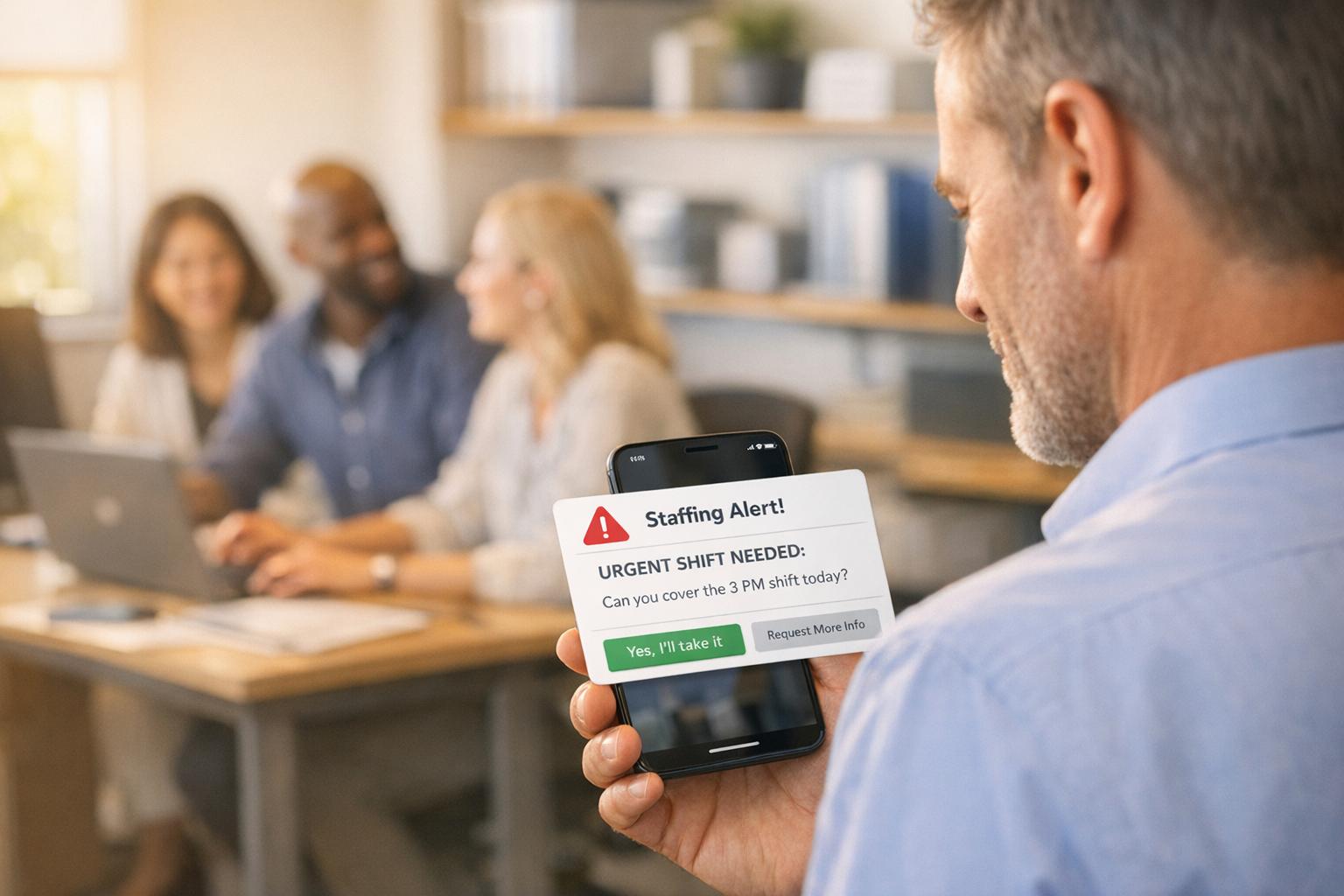
When you’re dealing with last-minute staffing issues, every second counts. Automated notification systems, like Quickstaff, make it easier to fill open shifts quickly and accurately by sending instant alerts to multiple staff members at once. This eliminates the chaos of manual vs digital scheduling methods like phone calls, texts, and spreadsheets, which are slow, error-prone, and time-consuming.
Compared to outdated communication methods, automated systems reduce stress, improve staff engagement, and ensure smoother event operations. For businesses that rely on last-minute staffing, automation is the smarter, more reliable choice.

Quickstaff takes the headache out of scheduling with a simple three-step automated process. Here's how it works: managers create an event, assign staff roles (like servers or bartenders), and the system sends out automated email notifications. Staff can quickly accept or decline their shifts, and the dashboard updates in real time to show who’s confirmed and who hasn’t responded yet.
The results are impressive. Managers can now respond to client inquiries about staffing for events - sometimes months in advance - in just 2 minutes. Since its launch in 2013, Quickstaff has been used to schedule staff for over 20,000 events. It’s not just about speed; the platform also reduces the likelihood of errors that often come with manual scheduling.
Quickstaff helps managers avoid common scheduling problems by streamlining the process. Staff can mark their unavailable dates in advance, so managers only see candidates who are actually free to work. Automated conflict checks prevent double-booking or other scheduling mishaps before shifts are finalized.
The platform also integrates with major calendar providers, cutting down on no-shows caused by forgotten assignments. Event details - like notes, directions, and updates - are sent directly through the app to specific roles or the entire team, ensuring everyone stays in the loop. Kelly from The Abbot KC shared:
The time that we have been able to save by using this staff scheduling software has allowed us to tackle the other issues that we face thereby improving our overall events!
By improving both speed and accuracy, Quickstaff makes it easier to handle a higher volume of events without added stress. When evaluating options, use a checklist for choosing shift assignment software to ensure the tool meets your specific needs.
Quickstaff is built to handle growth effortlessly. Its centralized dashboard provides a clear view of staffing levels for all upcoming events, eliminating the need for scattered spreadsheets and sticky notes. Managers can send unlimited messages to all staff or specific groups - like only servers - making it easy to communicate quickly during emergencies.
The mobile-friendly design allows both managers and staff to respond to changes on the go, which is a lifesaver for last-minute adjustments. Jennifer Manley, a Staffing Coordinator, highlighted this benefit:
My time spent scheduling has shrunk majorly, leaving me more time to focus on recruiting, on-boarding and training
Handling last-minute staffing changes with traditional tools like phone trees and spreadsheets can be a logistical nightmare. When an employee calls out, supervisors often find themselves bogged down, juggling spreadsheets and making a series of individual phone calls just to fill a single shift. This manual back-and-forth not only eats up valuable time but also increases the likelihood of scheduling errors. Automated systems, by contrast, streamline this process, making them far more efficient.
Manual scheduling is a breeding ground for mistakes. Without real-time updates on staff availability, managers often double-book employees or assign shifts to those who are unavailable. The constant switching between tools and manually entering data only worsens the problem, leading to data entry errors.
These errors are more than just minor inconveniences - they can disrupt operations significantly. Automated systems, on the other hand, cut down scheduling confusion by up to 85% compared to manual methods. Traditional approaches also struggle with tracking compliance, such as ensuring adequate rest periods or adhering to labor laws, which can result in costly violations and penalties.
Traditional systems hit a wall when it comes to scaling. As businesses grow, manual tracking becomes too complex, especially when factoring in union agreements or fatigue rules.
"While the retail, healthcare, and transportation sectors have all embraced more advanced scheduling tools, the manufacturing world has been slow to do so and is now starting to realize the potential it brings in better managing their workforce."
- Jenine Bogrand, Manufacturing Leader, Deloitte Consulting
Scaling up with traditional methods often means hiring more administrative staff, which drives up costs without addressing the root inefficiencies. Instead of focusing on strategic tasks, these larger teams end up drowning in repetitive administrative work.
Last-minute phone calls disrupt employees' personal time and create unnecessary stress. Workers often feel pressured to take on shifts they aren’t ready for, which can harm their work-life balance and overall job satisfaction.
The way organizations communicate also plays a big role in staff engagement. Companies that adapt to employee preferences - like using event staff apps for availability tracking - see engagement jump by 65%. Traditional methods, which rely heavily on phone calls and emails, often result in missed or ignored messages, especially in urgent situations. This inefficiency highlights the importance of automated notifications for smoother and more effective staffing.

Automated vs Traditional Staffing Methods: Speed, Accuracy and Efficiency Comparison
When you're deciding how to handle last-minute staffing, it's helpful to compare your options side by side. Automated tools like Quickstaff and older communication methods each bring their own strengths and weaknesses, but the difference in efficiency is hard to ignore.
Here’s a breakdown of the key differences between automated notifications and traditional methods:
| Feature | Quickstaff (Automated Notifications) | Traditional Communication Methods |
|---|---|---|
| Speed | Sends instant alerts via SMS, email, and push notifications. Open shifts are filled up to 3x faster. Works 24/7 with a simple three-step process. | Slow and time-consuming; notifying staff involves making individual calls or texts, which can take hours for large teams. |
| Error Rates | Low; cuts schedule confusion by up to 85% and reduces no-shows by 35%. Automated conflict checks prevent double-booking. | High; manual processes are prone to entry errors and double-bookings, which can disrupt entire events. |
| Scalability | High; adapts to scalable event scheduling for teams of any size, freeing managers to focus on strategy rather than scheduling. | Low; as teams grow, manual processes become overwhelming and may require additional admin support. |
| Staff Engagement | High; employees can accept or decline shifts with one click. Staff are 65% more likely to respond via their preferred mobile channels. | Variable; fragmented communication methods often result in missed updates or responses. |
Automated platforms like Quickstaff completely change how staffing is managed. Managers using Quickstaff report spending up to 70% less time on communication tasks. Kirti Shenoy, Co-founder & CEO of Zeal, captures it well:
When you don't want to risk an error, automation is your tool of choice
.
In urgent situations, Quickstaff notifies all eligible employees instantly, while traditional methods rely on slow, one-by-one outreach, increasing the chance of missing available staff. This speed advantage can mean the difference between a fully staffed event and a last-minute scramble.
When it comes to managing last-minute staffing challenges, the contrast between automated notifications and traditional methods is stark. The numbers tell the story: managers using manual methods spend 4–6 hours each week dealing with schedule gaps, while automated systems can fill up to 85% of open shifts without any direct involvement.
Speed is a game-changer here. Automated systems resolve open shifts much quicker than phone calls or scattered text messages. If a staff member calls out just an hour before an event, every second matters, and automation ensures those seconds are used wisely.
Beyond speed, automated notifications help businesses avoid costly overtime rates, which can range from 1.5 to 2 times the standard pay. Brett Patrontasch, CEO of Shyft, sums it up perfectly:
Automation transforms callout management from a labor-intensive process to an efficient system that requires minimal administrative intervention
.
For event businesses facing the pressure of last-minute staffing, the solution is clear: adopt automated notifications. These systems offer instant reach, reduce errors, ensure compliance, and empower employees with self-service tools - all while working 24/7. With 87% of meetings and events now happening in person, having reliable on-site staffing is no longer optional. Tools like Quickstaff are designed to keep your staffing needs covered, even in the most high-pressure situations.
Automated notification systems, such as Quickstaff, simplify handling last-minute staffing changes by making the process faster and more straightforward. These tools send instant mobile alerts and reminders, allowing staff to confirm their availability without the hassle of endless back-and-forth communication.
By managing schedules in real time, these systems help avoid double-bookings, quickly address staffing gaps, and ensure everyone is aligned. This organized approach not only saves time but also reduces mistakes and keeps events running seamlessly, even when unexpected changes arise.
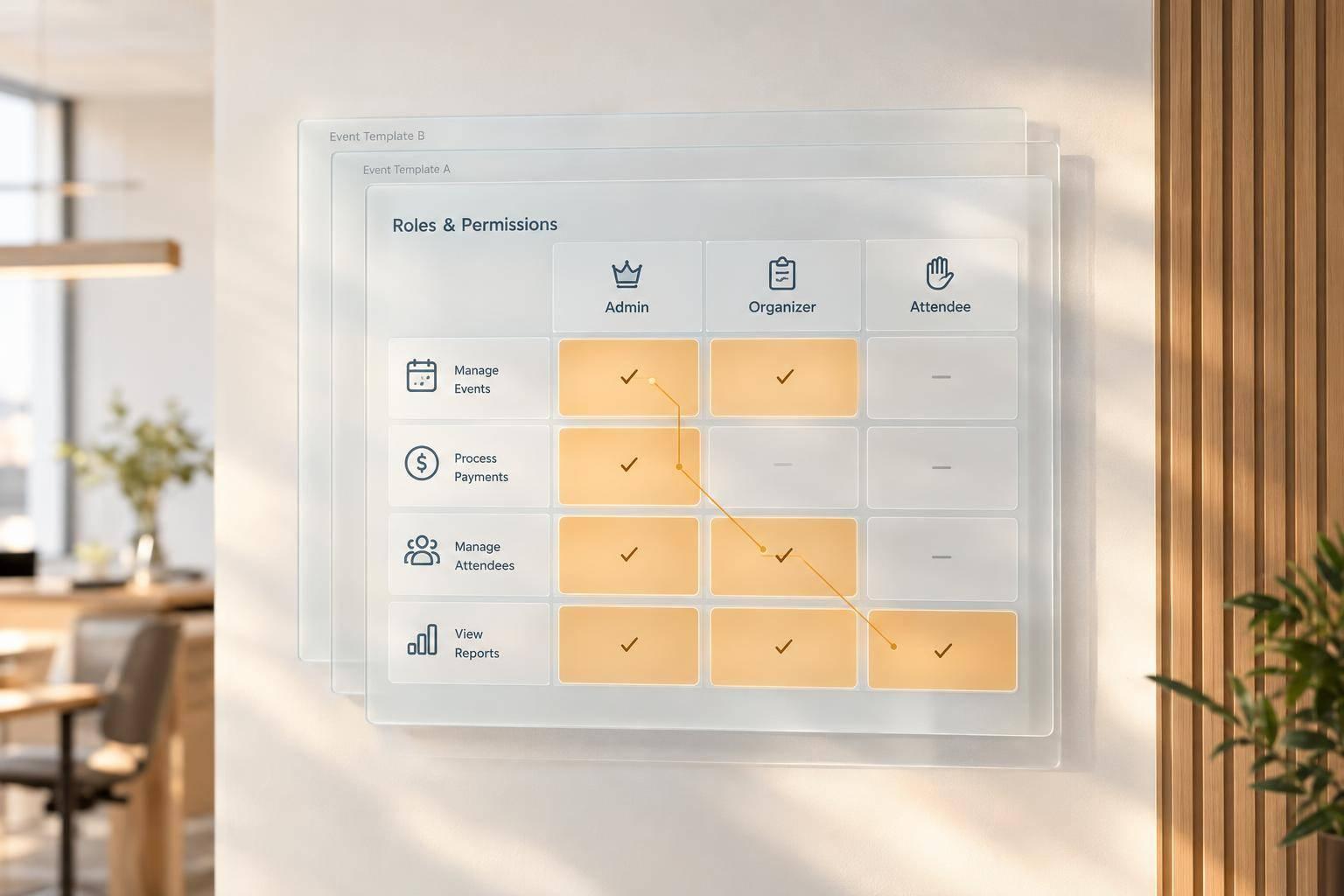
Quickstaff helps reduce scheduling errors by offering real-time availability tracking, automated reminders, and mobile notifications to ensure everyone stays updated. With tools like role-based scheduling templates and a centralized dashboard, you can easily check staff availability and block off dates when someone isn't available. Plus, its built-in waitlist management lets you fill last-minute openings quickly and effortlessly.
Together, these features simplify communication and make handling staffing changes smoother and less stressful.
Quickstaff makes it easy for your business to grow by bringing schedules, staff profiles, and communications together on a single cloud-based platform. Managers can quickly add events, locations, or new team members without juggling spreadsheets. Plus, any updates are instantly accessible to everyone, no matter what device they’re using.
To simplify operations, Quickstaff offers tools like reusable templates for recurring events, automated notifications, and real-time availability tracking. These features help keep even large teams on the same page and avoid problems like double-booking, no matter how much your roster expands. Pricing starts at $49/month for up to 35 staff, offering a scalable solution that keeps your business running smoothly and efficiently.