What AI Scheduling Means for Staffing Agencies
June 23, 2026

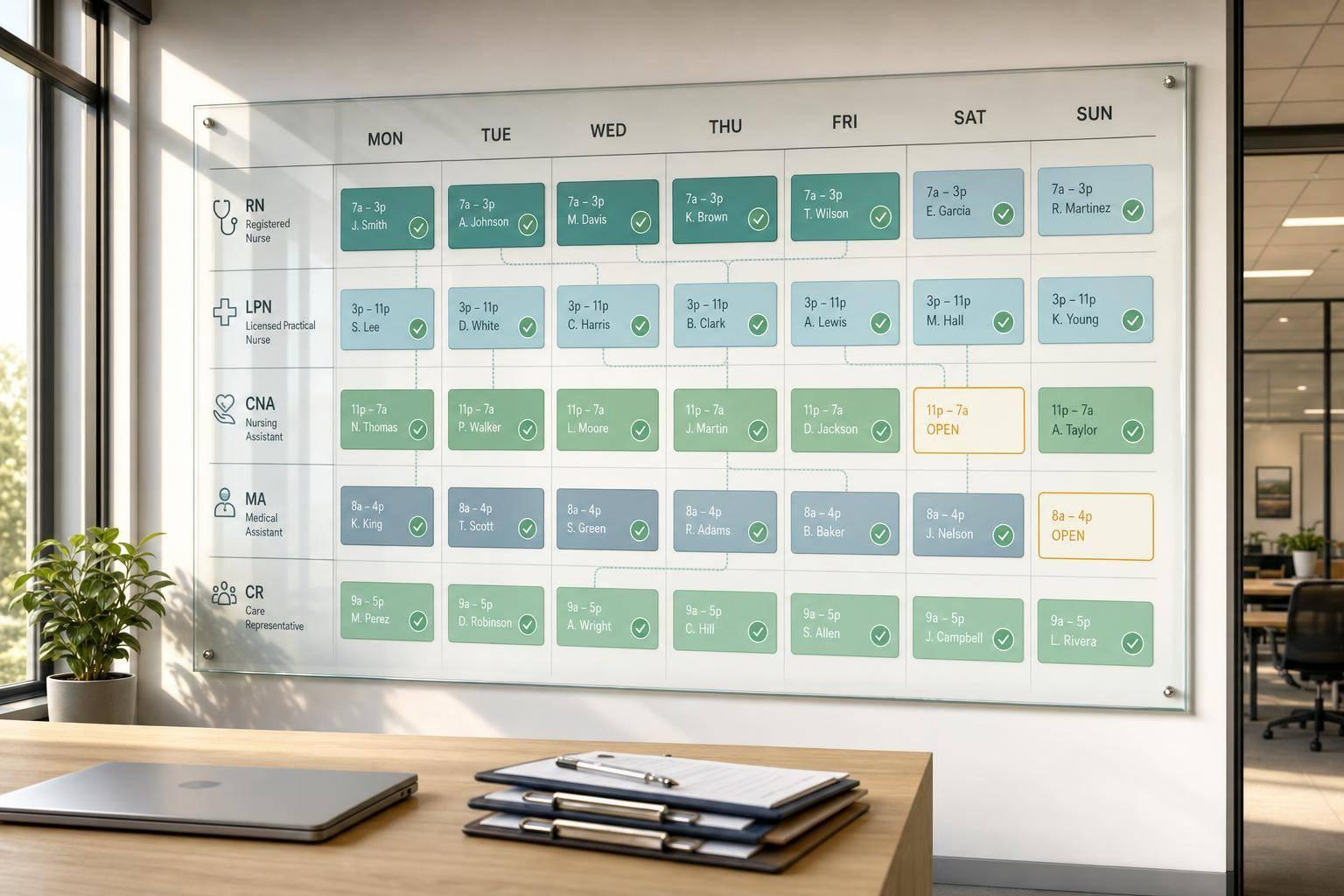
AI scheduling can cut scheduling admin time by 60% to 75%, turn a 45-minute fill into about 4 minutes, and help lower labor costs by 5% to 15%. For staffing agencies, that means less time chasing replies, fewer open shifts, and tighter payroll data.
If I had to sum it up in plain English, it’s this:
A few numbers stand out fast:
Here’s the core idea: AI scheduling is not just about automation. It’s a workflow change. I’d treat it as a system for faster shift fills, cleaner checks, and better use of staff - while keeping managers in charge of judgment calls.

AI Scheduling for Staffing Agencies: Key Stats & Benefits
AI scheduling pulls together worker data, event details, and labor rules to build schedules with less manual work. The payoff shows up in day-to-day choices: who gets assigned, who gets contacted first, and where managers still need to step in.
An AI scheduling system is only as good as the data it gets.
Worker data usually includes skills, certifications, seniority, location, and real-time availability. Event data covers the job site address, shift times, role requirements, travel distance, and client preferences. Compliance data tracks overtime limits, pay rules, and certification expiration dates. Historical data helps the system estimate who is most likely to accept a shift and actually show up.
Geographic data also plays a big part. A system can compare a worker’s location with the job site address, and some tools use GPS or geo-fencing at clock-in to confirm attendance.
There’s no way around it: clean, current data matters. If credentials are out of date, availability windows haven’t been updated, or skill tags are missing, the system will make weak recommendations. Garbage in, garbage out still applies.
With that data in place, the system can take over the repetitive parts of scheduling.
Once the data is set up, AI can handle a lot of the routine work. It can:
That said, AI tends to struggle with gray-area requests. Client preferences, interpersonal issues, checks on fair treatment, and relationship management still need a person’s review. Requests that depend on judgment, like temperament or client fit, still come down to a manager’s call.
The working rule is pretty simple: let the system run the logistics, and keep people focused on judgment and relationships.
AI works best when event data, staff records, and availability all sit in one place. Quickstaff gives agencies a central system for event data, availability, waitlists, reminders, and staff communication. That helps keep AI inputs clean, which makes the next scheduling step faster and more dependable.
Once the data is clean, AI can take a lot of pressure off the day-to-day work. Agencies can fill shifts faster, cut down admin time, and keep coverage steady. That matters most when a client needs help NOW, a worker drops out, or payroll has to go out without errors.
The biggest win is speed. A task that used to eat up 45 minutes of phone calls and text messages can shrink to a 4-minute automated fill.
That kind of time savings has a ripple effect. AI shortens time-to-fill, reduces recruiter hours, improves placement accuracy, lowers no-shows, and helps payroll move faster.
Agencies using AI report a 60–75% drop in time spent on scheduling logistics. Quickstaff helps make that possible by using event staff apps for availability tracking to keep waitlists and event details in one place. So when a shift opens up, managers aren't hunting for scattered info. It's already there.
Speed alone doesn't solve the problem. A fast fill only works if the right person actually shows up.
AI improves matching by filtering for skills, certifications, location, seniority, and past performance, not just whoever happens to be free. That's a big deal for staffing agencies. Sending the wrong person can hurt client trust fast.
Automated check-ins also help spot no-shows early. Instead of finding out at the last second, managers get a heads-up and have time to react. In one California catering company with more than 200 part-time staff, attendance issues fell 90% within 60 days after automated scheduling and check-in bots were added. SMS reminders also beat email here and can cut no-shows by 20%–30%.
Bad scheduling hits both sides. Too many people on a slow Tuesday wastes money. Too few on a busy Saturday hurts service and can lead to overtime.
AI scheduling helps agencies thread that needle by using past data to forecast demand with more accuracy. Organizations that put AI-based workforce management in place often report a 5–15% drop in labor costs during the first year. Most of that comes from tighter shift planning and less unneeded overtime.
Payroll and invoicing also get cleaner when clock-ins flow straight into those systems instead of being typed in by hand. The Maverik Center, which manages 328 personnel across security, medical, and janitorial roles, cut its payroll team's weekly hours from 65+ to 40, a 50% drop, after linking AI scheduling with automated time tracking. For agency owners, that means cleaner billing and an easier view of margins.
These results don't happen by magic. They depend on clean data, payroll integration, and clear rules, with managers still checking edge cases.
The payoff from AI scheduling comes down to setup. If the data is messy, the systems don’t talk to each other, or labor rules aren’t built in, the output will be messy too.
AI scheduling starts working after you put the basics in place: clean data, budget-friendly staff scheduling tools, and rule-based guardrails.
Clean worker profiles are a must. If availability, skills, or credentials are out of date, the system will make poor matches.
Plan 4–8 weeks for rollout, depending on data quality. A smart first step is to upload 6–12 months of historical scheduling data before go-live. That gives the system enough context to spot patterns and make stronger suggestions.
If payroll and time tracking aren’t synced, teams end up re-entering data by hand. That creates billing mistakes fast. In staffing agencies, manual payroll re-entry is the top cause of billing errors. The goal is simple: scheduling, time tracking, and payroll should move in one connected flow so no one has to touch the same data twice.
Compliance is just as important. U.S. cities including New York City, Chicago, and Seattle have predictive scheduling ordinances that require 14 days of advance notice and "predictability pay" for last-minute changes. Overtime rules and break requirements also change from state to state. AI scheduling should include guardrails that stop non-compliant shifts before they go live.
AI scheduling can repeat unfair patterns if the data behind it is flawed. Only 29% of organizations audit their AI hiring tools for bias, so bias review needs to happen before full deployment. If no one checks the system, agencies can end up with uneven assignments and weaker fill rates. On the flip side, agencies using well-audited AI tools report 25% more diverse candidate pools.
Trust from staff matters just as much as system accuracy. Coordinators are more likely to use the system when they help set matching criteria and shift templates during setup. A good rule of thumb: let AI handle routine matching, and keep managers focused on exceptions and client fit.
"AI should take paperwork off managers' plates, not take people out of people processes. Give the team speed and precision, keep humans in the loop on the decisions that need judgment." - Teambridge
Once data, rules, and integrations are steady, start small. Pick one high-volume team or client segment, then run AI and manual schedules side by side for two weeks. That gives you room to catch setup problems without throwing live work off track.
During the pilot, watch fill rates and manager hours saved. Those two numbers can tell you pretty fast if the system is helping or if the guardrails need work.
Here’s a simple view of the main risks and what to do about them before they turn into bigger problems:
| Risk | Mitigation |
|---|---|
| Data Quality Gaps | Conduct a data hygiene project and establish ongoing data entry standards before go-live |
| Compliance Violations | Encode local labor rules directly into AI guardrails so non-compliant shifts are blocked before publication |
| Algorithmic Bias | Run bias audits before full deployment and keep humans in the loop on AI-generated shortlists |
| Staff Resistance | Involve staff in configuration and focus AI on busywork so coordinators can focus on relationship work |
| Integration Silos | Prioritize bidirectional API connections between the AI and core systems |
These controls set the base for broader automation later.
Once the basics are set, the next step is more autonomous scheduling. The shift is pretty clear: AI is moving from tools that suggest actions to tools that do the work. That means systems that can fill shifts, check credentials, and flag timecard issues with limited human input. Early rollouts already point to faster recruiter workflows and better fill rates.
| Trend | What It Means | Implications for Staffing Agencies | Expected Time Horizon |
|---|---|---|---|
| Agentic AI | Software that completes scheduling tasks automatically | Cuts manual coordination and supports 24/7 capacity | 2026–2027 |
| Predictive Demand Forecasting | Models that forecast staffing needs from past demand and live inputs | Cuts overstaffing and reduces reactive guesswork | Immediate / Ongoing |
| Mobile AI Assistants | Bots that send confirmations, reminders, and check-ins | Cuts no-shows by up to 90% within 60 days and reduces manual follow-up | Immediate |
| Preference-Based Matching | Algorithms that match shifts to worker history and preferences | Improves retention by giving staff more control over their schedules | 2026–2028 |
| Built-In Compliance Checks | Blocks that stop noncompliant shifts before publication | Cuts legal exposure and helps avoid last-minute scrambles over expired certifications | By August 2026 |
For agencies, the main question isn't whether AI will take on more scheduling work. It's what to get ready now.
Near-term results will come from clean data and clear rules, not from piling on more features. The highest-leverage move is to address common scheduling problems by centralizing data. If scheduling, time tracking, and payroll sit in separate systems, AI has a weaker picture of what's happening and less usable data to learn from.
Real-time availability tracking matters too. Self-service tools that let workers update block-out dates and location preferences give the system better inputs. They also cut the back-and-forth that eats up coordinator time. Add clearly defined scheduling rules, like fatigue limits and certification requirements, and the AI has enough structure to act in a steady way.
For event teams, Quickstaff centralizes event creation, waitlists, mobile communication, and scheduling data.
Human oversight still matters. Keep people in control of final rosters and credential overrides. That's not just smart process design - it's more and more becoming a legal requirement.
AI scheduling is moving from a support tool to an operating layer. Agencies that treat it like a plug-and-play fix will likely be let down. The ones that treat it as a workflow upgrade - one that still needs human judgment at the edges - are more likely to see the fill rate gains, labor cost cuts, and time savings that early adopters are already reporting.
The setup matters just as much as the software. Agencies that prepare now will be in a better spot for faster fills, tighter control, and less manual work.
AI scheduling does more than check who’s free.
It assigns shifts by filtering candidates based on details like:
That makes it easier to spot the people who are best suited for the shift and most likely to show up. It can also send automated alerts to the eligible pool.
Before you roll out AI scheduling, fix the data first. Credential, compliance, screening, labor rule, and qualification data should be digitized, stored in one place, clearly labeled, and aligned with local regulations.
It also helps to get pre-day-one work in order. That means training, documentation, and equipment prep should be ready before a staff member starts. When people show up ready to work, scheduling tends to run more smoothly at scale.
Human review still matters in complex situations where nuance, judgment, and personal relationships shape high-quality staffing.
AI can take care of repetitive work like data entry, candidate screening, scheduling coordination, and status updates. But recruiters should stay in charge of the final shortlist and the client relationship.





