Event Calendar Template
October 8, 2026

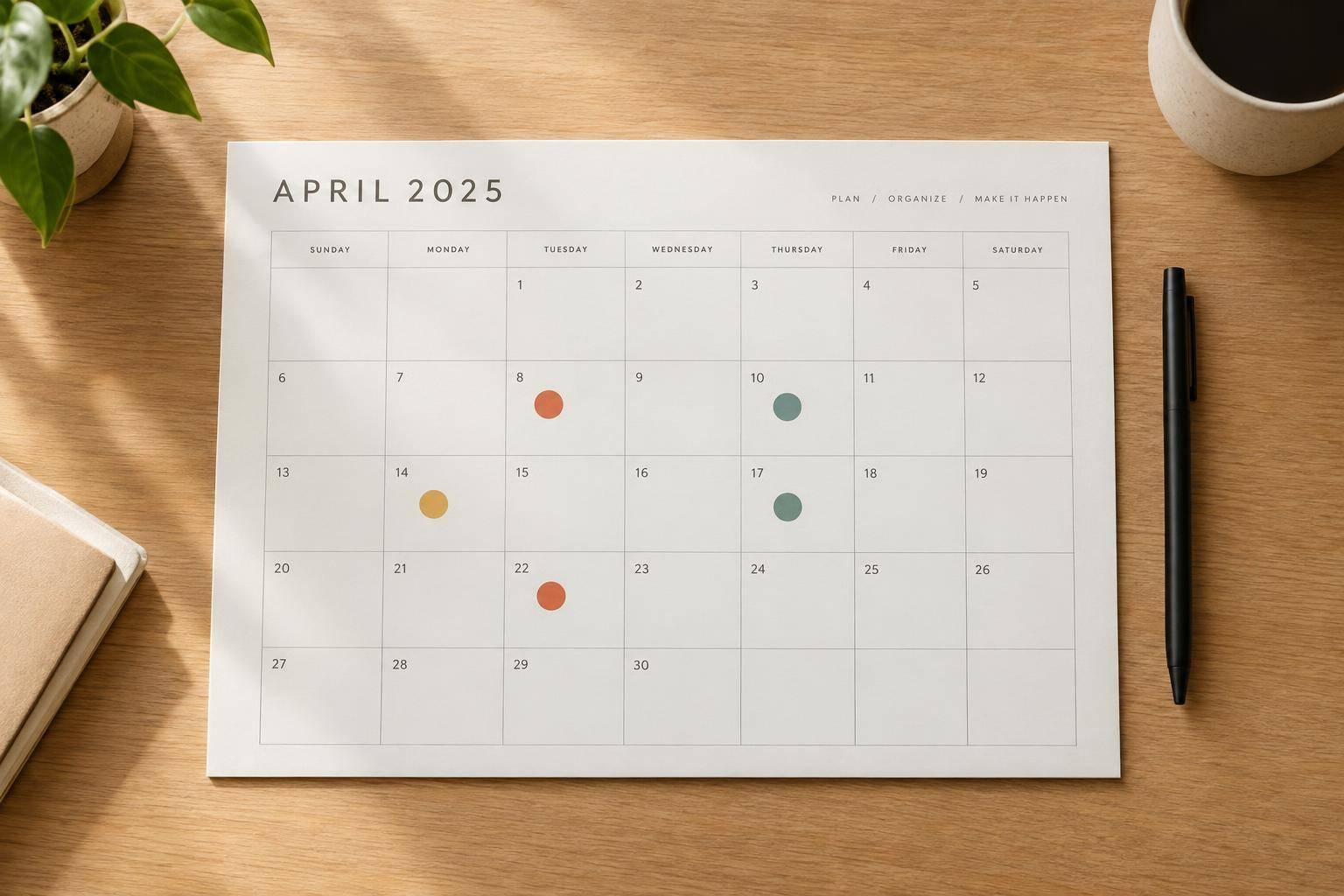
A well-made event calendar template helps teams, schools, workplaces, and community groups stay organized without adding extra complexity. This tool is built for simple planning: add your calendar title, enter events, and choose whether you want a monthly layout or an agenda-style list. It works just as well for staff schedules, classroom activities, volunteer planning, or public event tracking.
You can add dates, titles, optional times, locations, categories, and notes, then display everything in a clean format that's easy to scan. If an activity repeats, the recurring event option saves time by automatically placing it throughout the selected range. When multiple items land on the same day, the calendar keeps them ordered and readable.
A good event calendar template shouldn't lock you into a static layout. This one stays editable, so you can revise details, change views, and keep your schedule current without starting over. Whether you need a simple monthly planner or a straightforward event list, this online calendar builder gives you a practical way to organize dates and share plans more clearly.
Yes. If you leave the time fields blank, the event will appear as an all-day style entry. That's helpful when you're planning early drafts, school activities, community events, or workplace schedules that still need final timing.
When you choose a recurring option like daily, weekly, or monthly, the tool repeats that event across the dates shown in your selected month or custom range. It keeps the structure simple, so you can quickly build schedules for regular meetings, classes, shifts, or club events without entering the same details over and over.
Monthly view shows events inside a familiar calendar grid, which is great for seeing the big picture at a glance. Agenda view lists events in date order, which works well when you want a cleaner reading format for handouts, planning docs, or detailed review. You can choose the layout that fits the way your team or group plans best.