

Quickstaff helps venues and banquet halls staff every wedding, gala and private event from one pool of part-time staff, with no double bookings and reminders that send themselves.
Start your free 14-day trial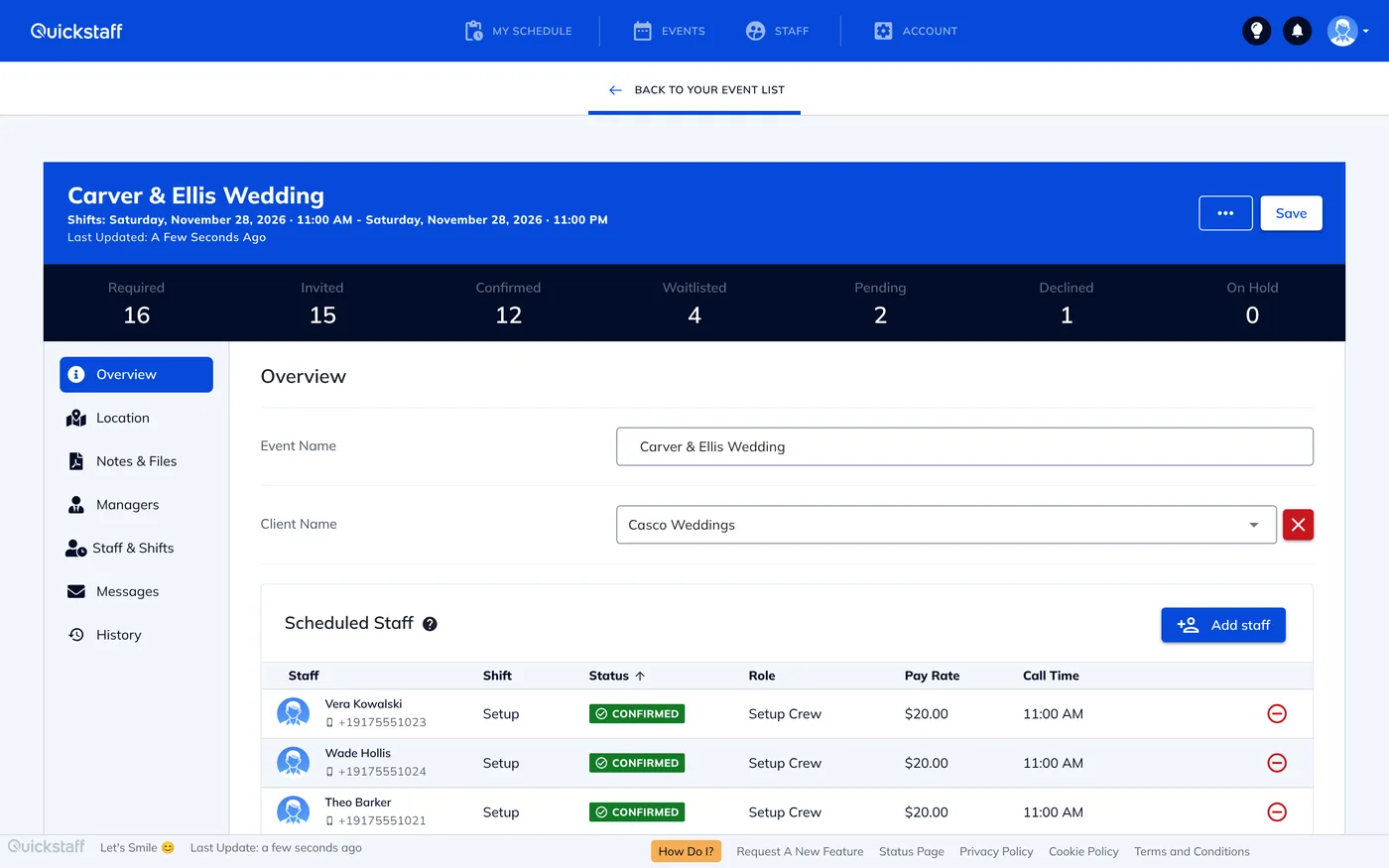
A busy venue can have a wedding in the ballroom, a rehearsal dinner on the terrace and a corporate lunch on Monday, all drawing on the same part-time servers, bartenders and captains.
When the schedule lives in a spreadsheet and a group chat, it's easy to book the same server in two rooms at once, and hard to know on Friday afternoon whether Saturday's bar is covered.
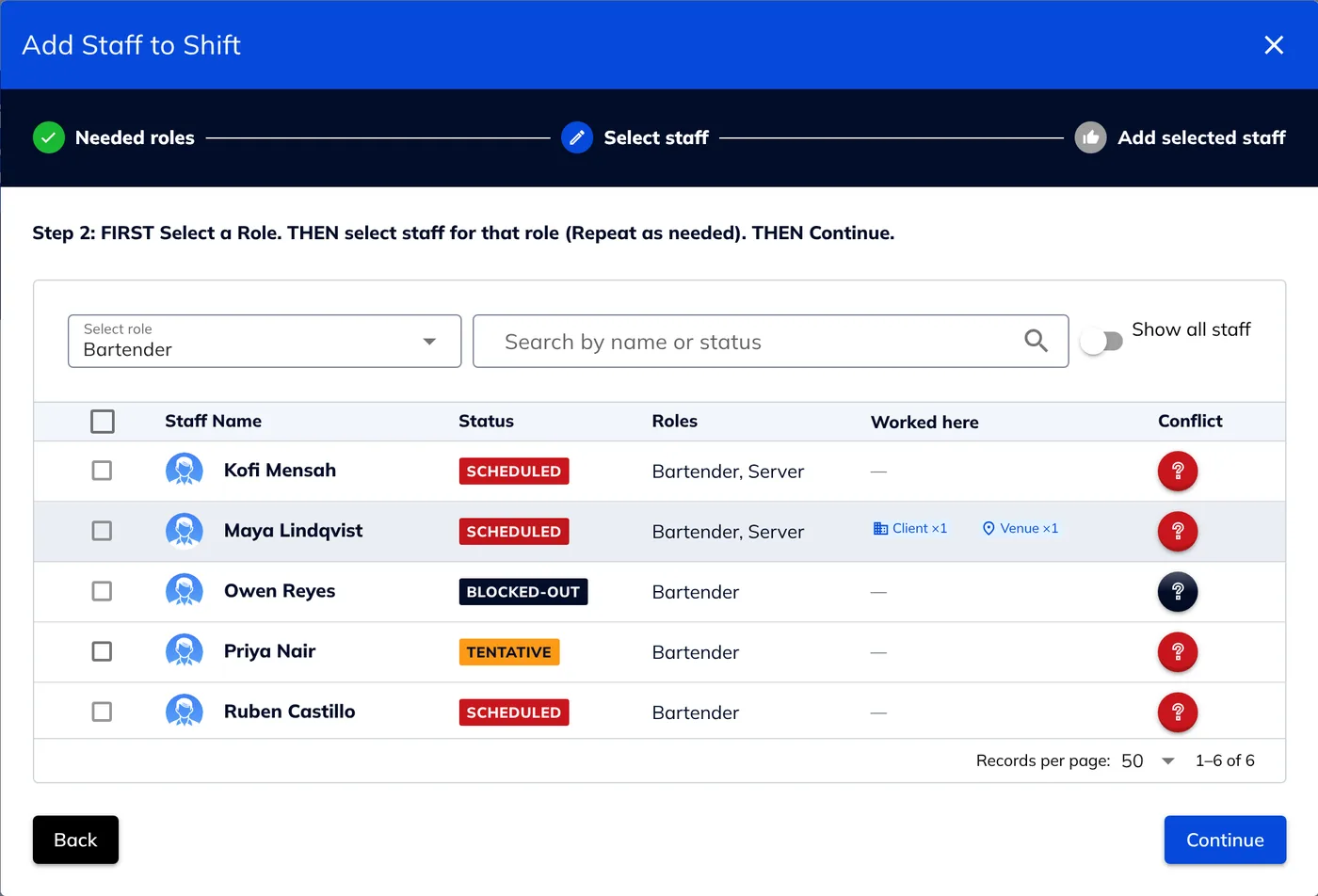
Quickstaff won't let you book the same person for two shifts that overlap, even when they're at different events in different rooms. Anyone already booked, or who has blocked out the time, can't be selected until you release them.
Save a wedding, a plated dinner or a cocktail reception as a template with its shifts and roles, or duplicate a past event, so a new booking takes minutes.
Print a call sheet for any event as a PDF, organised by shift or by staff member, with staff photos and phone numbers if you choose.
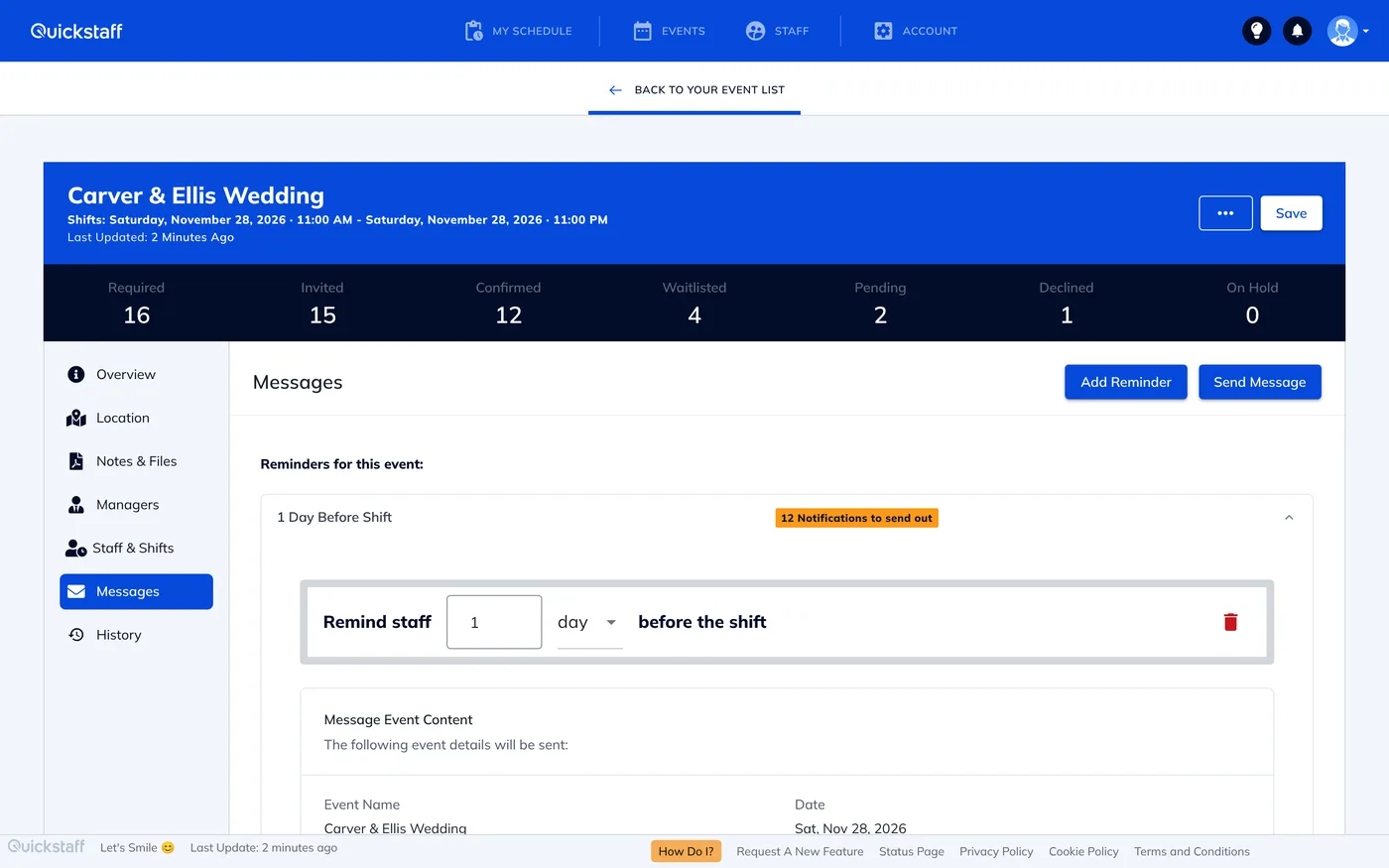
Set a reminder once per event and Quickstaff emails it before the shift, to confirmed staff or to anyone who hasn't replied yet.
Save your rooms, buildings or off-site locations with their address and notes, and attach one to each event.
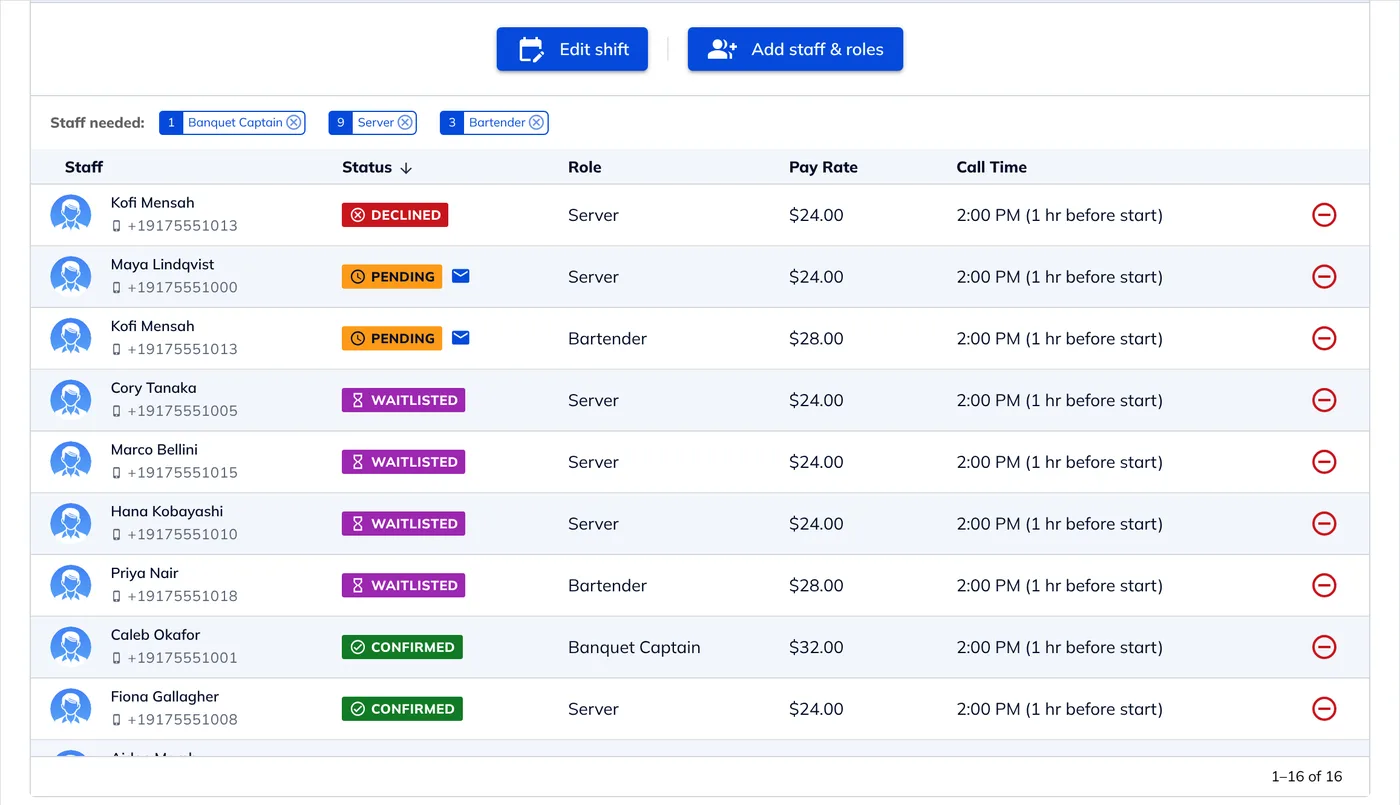
Turn on the acceptance limit and, once a shift is full, later acceptances go on its waitlist. If a confirmed person drops out, you get an email that lists who is waiting.
Staff don't need to install anything. Each work offer arrives by email with the event details and buttons to accept or decline, and it works in any phone browser.
From their phone, staff can see their upcoming schedule, mark the dates they can't work, and add a shift to Google Calendar, Outlook, Yahoo or any calendar that takes an .ics file.

The time that we have been able to save by using this staff scheduling software has allowed us to tackle the other issues that we face thereby improving our overall events!
Every plan includes every feature, with no per-staff fees: $49 a month for up to 35 staff, $99 for up to 70 and $249 for up to 175. Larger teams get a custom quote. Try it free for 14 days, no credit card needed. See pricing.
Setting service standards for a new team? Our guide to banquet service standards managers need to know covers the basics, and how many servers per guest covers staffing ratios by service style.
Yes. By default, anyone already booked for an overlapping shift, at any of your events, or who has blocked out that time, can't be selected for a new shift until you release them from the other one.
No. Staff get their work offers by email and accept or decline in their phone's browser.
Yes. You can save an event as a template, or duplicate a past one, with its shifts and roles.
Yes. Every event has a printable call sheet PDF, by shift or by staff member, and you can include staff photos and phone numbers.
No. Work offers, reminders and change notices all go by email.
$49, $99 or $249 a month for up to 35, 70 or 175 staff, with every feature included and a 14-day free trial. Larger teams get a custom quote.


