

The biggest difference between event staffing tools is how a shift gets filled. Here's how seven tools do it, what they cost and who each suits.
Try Quickstaff free for 14 days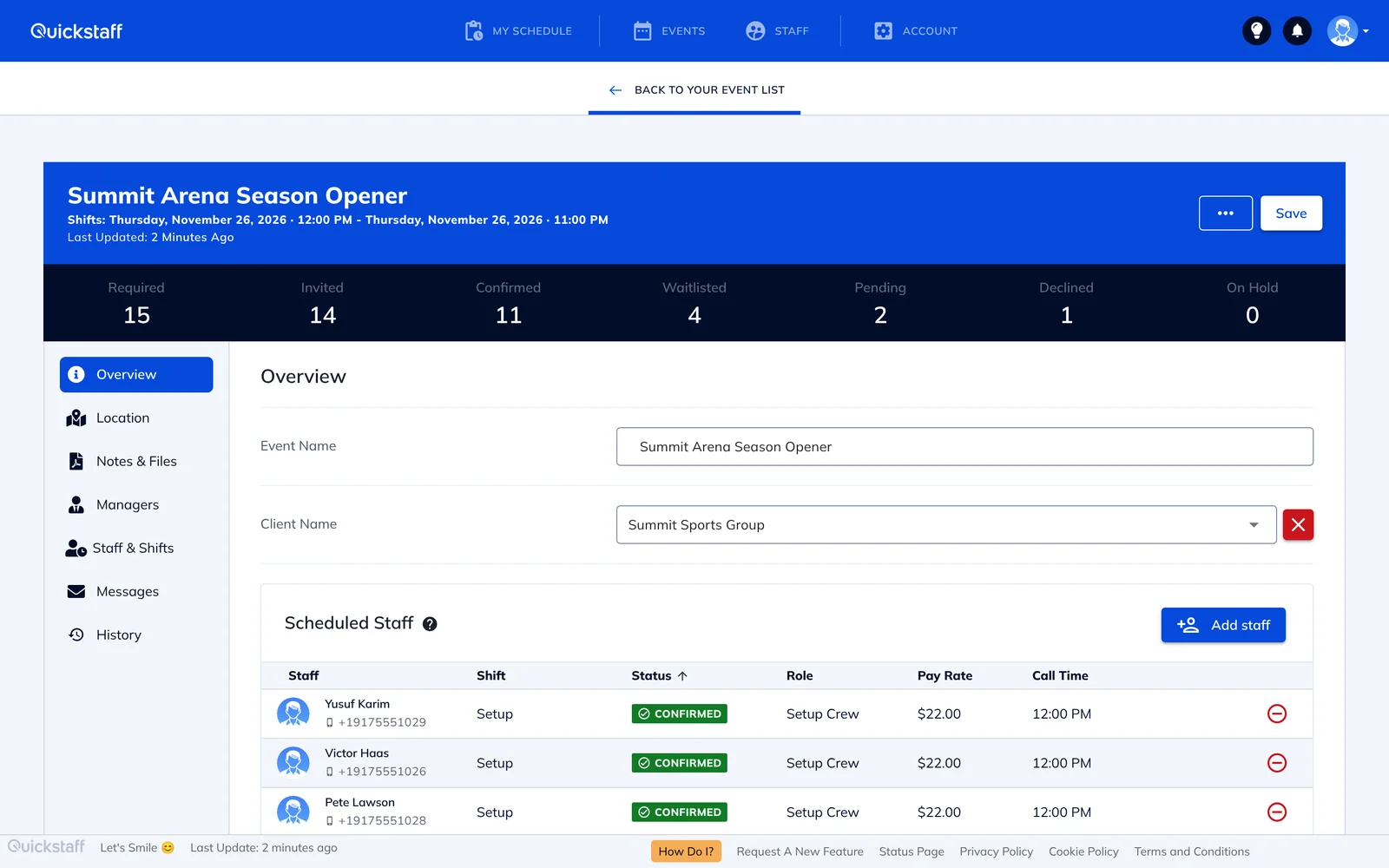
Most "best event staff software" lists are general shift-scheduling tools built for a fixed team on a weekly rota. Events work differently: each one needs its own crew, in different roles, filled from a pool of part-time or on-call staff. If that's your business, the biggest difference between tools is how a shift actually gets filled.
We make Quickstaff. Facts about the other tools come from each company's own website or help center, with a link and the date we read it.
Offer and book is one step: the shift fills as people accept, without you choosing or approving each person.
Price: $49 a month for up to 35 staff, $99 for up to 70, $249 for up to 175. 14-day free trial, no credit card. Quickstaff pricing, as of 18 Nov 2026.
Not included: time clock, payroll, text messages and a native phone app.
Built for event staffing agencies and suppliers. You book or invite crew to a role, or crew apply on a private job board, and they confirm in the Crew App. Double bookings are flagged, and it adds GPS check-in, timesheets and crew invoices. Liveforce scheduling, as of 18 Nov 2026.
Price: Starter from $100 a month with 1 admin and 200 crew, Growth from $225, Pro+ from $275 (US prices). Extra admins $60 a month each; texts cost extra. 14-day free trial. Liveforce pricing, as of 18 Nov 2026.
What reviewers mention: setup took some trial and error, the mobile view is limited, and a few reviewers wanted more features. It has a small number of reviews. Liveforce on Capterra.
Built for restaurants; 7shifts says it's trusted by 55,000+ restaurants. Managers publish the schedule; staff bid on open shifts in the Shift Pool, and the manager decides who gets each shift. Time clock, tip management and payroll are available, some as paid add-ons. How to bid on an open shift, as of 18 Nov 2026.
Price: per location. Free for one location with up to 15 employees. For 31 or more employees: Pro $89.99 per location a month for up to 60 employees, Premium $179.99 for unlimited, on monthly billing (10% off yearly). Payroll is $39.99 per location plus $6 per employee paid, and tip management $49.99 per location, unless you're on Premium. 14-day free trial. 7shifts pricing, as of 18 Nov 2026.
What reviewers mention: key features locked to higher plans, scheduling that can feel cumbersome, and a separate app for the time clock. 7shifts on G2.
Scheduling, GPS time clock, chat and HR, each sold as a separate hub. Staff claim open shifts with your approval and set their availability in the app. Free for up to 10 users; the Operations hub starts at $29 a month billed yearly ($35 monthly) for 30 users, then $0.80 to $1.00 per extra user. Connecteam pricing, as of 18 Nov 2026.
What reviewers mention: costs that climb past a small team or with add-ons, frequent upselling to higher plans, a lot of features and settings to learn, and notifications that come too often or arrive late. Connecteam on Capterra and Trustpilot.
Auto-scheduling, open shifts, shift swaps, geofenced clock-in and a payroll add-on. $5 to $9 per user per month, with a $30 monthly minimum and per-message charges for texts. Deputy pricing, as of 18 Nov 2026.
What reviewers mention: the app can be slow to load, especially at clock-in, and unusual shifts can be clunky to schedule. Deputy on G2.
Open shifts, shift swaps, team messaging and apps, with time tracking as an add-on. $2.50 to $8 per user per month; 14-day free trial. When I Work pricing, as of 18 Nov 2026.
What reviewers mention: the app can be slow or buggy after updates, and it feels limited if you need advanced features or reporting. When I Work on Capterra.
Availability checks, timesheets, client management and payroll on higher plans, with crew and manager apps. Prices by quote only. Ubeya pricing, as of 18 Nov 2026.
What reviewers mention: the clock-in screen could be easier, and some wanted more integrations. Ubeya on Capterra.
Review themes are what several reviewers mention on Capterra or G2, as of 18 Nov 2026. They aren't the experience of every customer.
List prices, monthly billing, one location, as of 18 Nov 2026.
It's software for staffing events: you create an event, set how many people you need in each role, offer the shifts to your staff, and track who is booked. It replaces the spreadsheet, group texts and phone calls most event teams start with.
Regular scheduling tools are built around a weekly rota for a fixed team, with open shifts that a manager approves. Event tools are built around one-off events filled from a pool of part-time or on-call staff.
In Quickstaff, when a staff member accepts a work offer, they're confirmed for the shift straight away. In open-shift tools such as 7shifts or Connecteam, a manager approves who gets the shift; in Liveforce, the manager books crew and they confirm.
For a very small team, Connecteam is free for up to 10 users and 7shifts is free for one location with up to 15 employees. For 50 staff on monthly billing, at list prices as of 18 Nov 2026: Connecteam about $55, 7shifts Pro $89.99 per location, Quickstaff $99, Liveforce from $100, When I Work $125 and Deputy $325.
Not with Quickstaff: staff get offers by email and use their phone's browser. The other tools here work mainly through their own apps.
We read each vendor's own pages on 18 Nov 2026 and check them again every quarter. Prices change, so check the vendor's site before you buy.


