

Two tools built for event staffing. In Liveforce you pick and book crew, then they confirm. In Quickstaff, the shift fills as staff accept your offer.
Try Quickstaff free for 14 days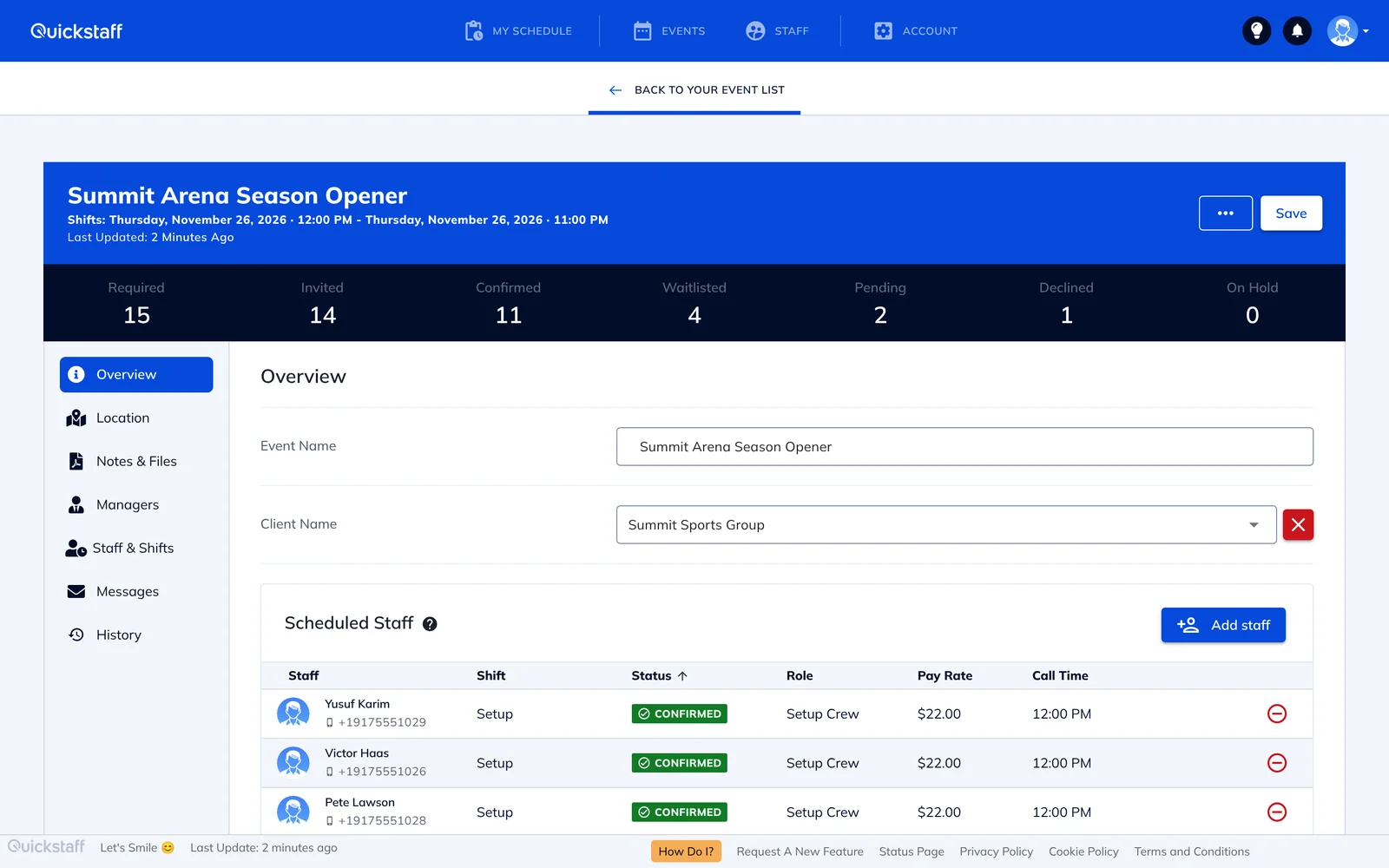
Liveforce: you choose, then crew confirm. You book or invite crew straight to a role, or post the role on your private job board for crew to apply, and crew confirm in the Liveforce Crew App. You can also provisionally book people and confirm them later. Liveforce scheduling, as of 18 Nov 2026.
Quickstaff: the shift fills as people accept.
With Liveforce, you pick each person and wait for their confirmation. With Quickstaff, you offer the shift to the people who are free and the first to accept are booked.
Monthly list prices as of 18 Nov 2026, from Liveforce pricing (US prices) and Quickstaff pricing.
For a team with two managers and 50 staff, that's $99 a month with Quickstaff against $160 or more with Liveforce.
On Capterra, reviewers say setup took some trial and error and the mobile view is limited, and a few wanted more features. It has a small number of reviews. Liveforce on Capterra, as of 18 Nov 2026.
If you want GPS check-in, timesheets and crew invoices in the same tool, prefer to hand-pick every booking, or need texts and a native app for your crew. Quickstaff doesn't track hours or pay.
Who decides who works. In Liveforce, the manager books or invites crew, or picks from job board applicants, and crew confirm. In Quickstaff you send work offers to the staff who are free, and the people who accept are booked straight away.
At US list prices as of 18 Nov 2026, yes: Quickstaff is $49 to $249 a month with every feature included, while Liveforce starts at $100 a month for one admin and charges $60 a month for each extra admin.
Yes. By default, anyone already booked for an overlapping shift, or who has blocked out that time, can't be selected until you release them from the other shift.
No. Staff get offers by email and use Quickstaff in their phone's browser.
No. If you need GPS check-in, timesheets or crew invoices in the same tool, Liveforce offers them.
Yes. Every plan has a 14-day free trial, and you don't need a credit card to start.


