How to Set Up Emergency Alerts for Event Staff
February 23, 2026


Emergencies at events - like severe weather, security threats, or medical crises - require fast, clear communication to keep everyone safe. Traditional methods like emails or phone trees are too slow, with emails having just a 20% open rate compared to text messages, which are read 98% of the time. A well-designed emergency alert system ensures your event staff receives critical updates instantly, enabling them to guide attendees effectively.
Here’s how to set up a reliable emergency alert system:
Systems like Quickstaff streamline this process by combining scheduling and alert functionalities, ensuring faster and more accurate communication. By preparing ahead, you can cut response times by up to 23 minutes, keeping your team and attendees safe when it matters most.
Choose an alert system that ensures every staff member receives critical messages instantly, no matter the device they use. In emergencies, even a small communication gap can have serious consequences.
A reliable system should send alerts through multiple channels - like SMS, voice calls, push notifications, email, and collaboration tools - while also supporting two-way communication for real-time updates and confirmations. Given that nearly every adult in the U.S. owns a cell phone, a mobile-friendly design is essential. However, relying on just one method is risky. Phones might be on silent, staff could be in noisy areas, or poor signal might delay messages.
Two-way communication has proven to be more effective, with organizations reporting 81% higher response rates compared to one-way alerts.
Advanced features like role-based targeting and geofencing allow you to send alerts only to the relevant team members. For example, if there’s a fire in the kitchen, the catering team needs immediate instructions, while other staff can be notified later.
Time is critical in emergencies. Pre-built templates for scenarios such as severe weather, medical incidents, or security threats can save up to 23 minutes, cutting response times by over 10 minutes.
After securing a robust alert system, boost its efficiency by integrating it with your scheduling platform. This connection ensures real-time updates for staff contact details and availability. When staff update their phone numbers or schedules in the platform, those changes automatically sync with the alert system, eliminating outdated contact risks.
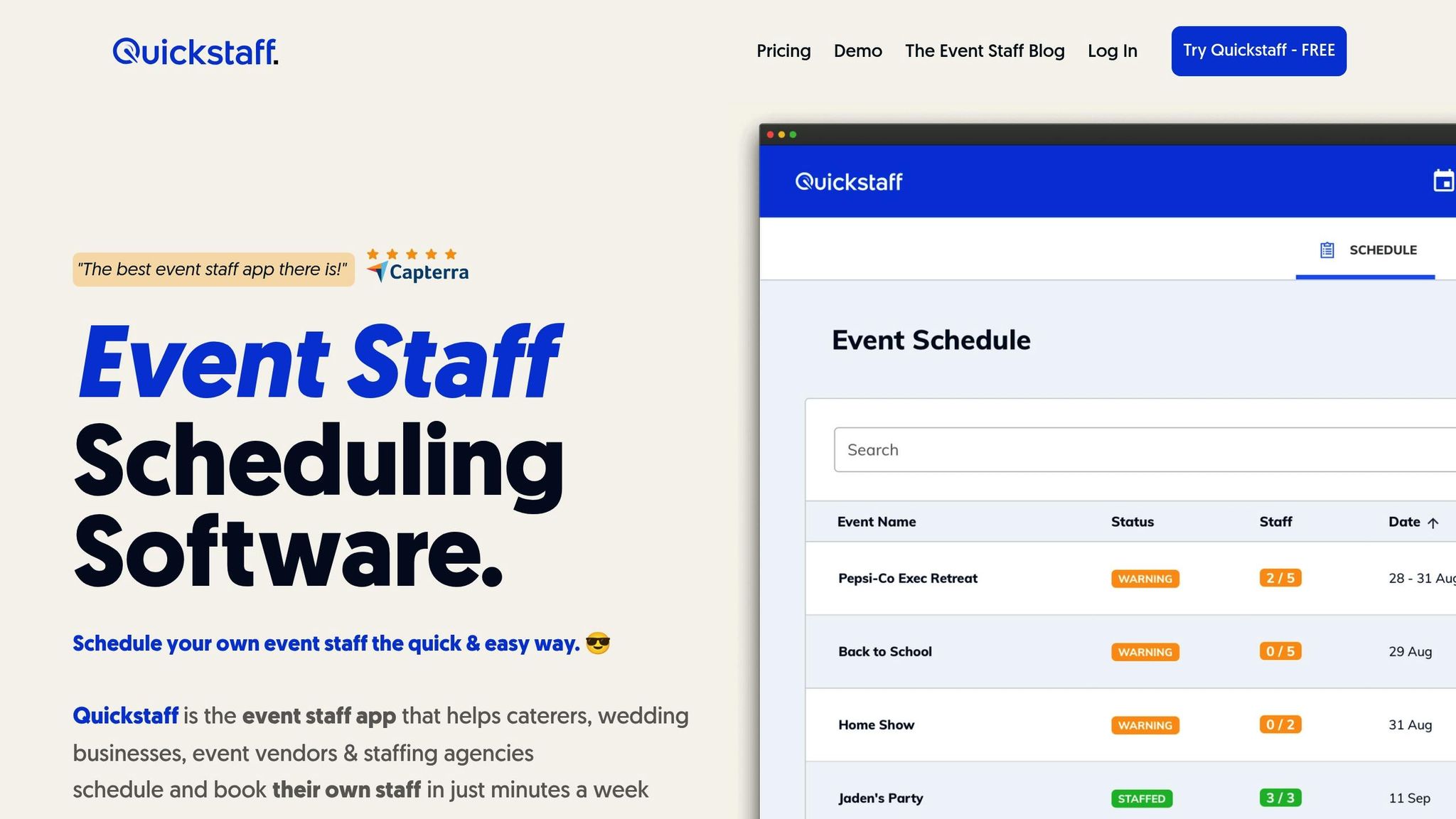
Real-time presence awareness takes this a step further. By linking your alert system with scheduling software like Quickstaff, you can see who’s checked in, who hasn’t arrived yet, and who’s actively working at specific event locations. This integration allows you to send alerts only to on-site staff, avoiding unnecessary notifications to the entire team.
Dynamic audience segmentation also simplifies targeted communication. You can quickly alert specific groups - like bartenders at one venue or security personnel across multiple events - without manually recreating lists under pressure.
For event teams using Quickstaff, this integration streamlines emergency communication. Existing staff groupings, event profiles, and contact details automatically serve as the backbone of your alert system. This eliminates duplicate data entry, reduces outdated information, and ensures precise communication when every second matters.

4-Step Guide to Setting Up Emergency Alerts for Event Staff
Quickstaff makes managing emergency alerts easier by centralizing staff groups and event profiles. By eliminating duplicate data entry and keeping contact lists up-to-date, it ensures that alerts are sent quickly and to the right people - critical during a crisis.
Start by grouping your team based on their roles, such as security, catering, production, or medical staff. This way, each group only receives instructions relevant to their responsibilities. For large-scale events, you might want to create a smaller core group of 10–15 key personnel who will handle detailed technical alerts, while broader groups receive simpler instructions.
For example, during a 17,000-person event in 2018, Keller Williams' Events Manager Andre Lico divided 300 staffers into specialized groups. A core team of 13 received detailed WhatsApp alerts, while the rest were sent role-specific instructions via the InitLive app.
To save time, you can import staff contact details from spreadsheets into Quickstaff. Be sure to brief everyone on their group assignments before the event begins so they know what to expect.
Prepare templates for common emergencies - like severe weather, medical incidents, fire evacuations, or security threats - that can be sent out instantly. Each message should include clear, actionable instructions for staff and calm guidance for attendees. Keep the messages short and direct, and consider adding simple reply options (e.g., "1" for "I need help" or "2" for "I am safe") to track responses in real time.
Set expiration dates for alerts to prevent late-arriving staff from receiving outdated notifications. Since 98% of text messages are opened and SMS is preferred for urgent communication, it should be your primary channel.
Quickstaff allows you to send alerts through SMS, email, and push notifications simultaneously. This multi-channel approach ensures messages get through, even if someone’s phone is on silent, the environment is noisy, or the signal is weak. You can opt for concurrent delivery (all alerts sent at once) or sequential delivery (alerts sent until acknowledged), which helps reduce notification fatigue. Enable confirmation tracking to monitor who has read the alert and follow up with those who haven’t.
Regular testing is key to ensuring your alert system works when it’s needed. Use non-emergency "ping" messages to test functionality across all channels. After each drill, collect feedback from staff about message clarity, delivery speed, and any issues they encountered. Use this input to fine-tune your templates, adjust settings, and update contact information, keeping the system ready for real emergencies.
Before any event, it's essential to brief your team on their roles, evacuation plans, and how to operate alert devices. Make sure everyone knows their responsibilities and can locate and use all emergency communication tools effectively.
To build confidence, send out non-emergency messages regularly. This helps staff get comfortable with the system's interface and alert sounds. Drills are another key step - they allow you to test acknowledgment workflows and ensure staff can respond calmly and decisively. When your team is well-trained, adding backup communication channels becomes an extra layer of security for your emergency response.
Relying on just one communication method during an emergency can be risky - what if cell service goes down or the environment is too noisy? A layered approach works best. Combine SMS, PA announcements, visual signage, and radios to ensure everyone gets the message. Visual signals are particularly helpful in loud settings or for team members with hearing impairments. Emergency lights, for example, should have an intensity of at least 75 candela to remain visible.
For office-based staff, desktop alerts can override locked screens, cutting through notification fatigue. Two-way communication tools are also invaluable - they allow staff to check in or respond to alerts, giving leadership real-time updates on who is safe and who might need help. Elizabeth Rupert from Joffe Emergency Services highlights the importance of combining tools effectively:
"What worked that day wasn't just the tools, but how they worked together... a safety net was created when they were layered together correctly."
Backup systems should be tested often. For example, audible alarms must exceed the ambient noise level by at least 6 decibels, and non-supervised alarm systems should undergo reliability checks every two months.
Once your team is trained and your backup systems are in place, documenting alerts becomes the next critical step. Tools like Quickstaff can log alert times, delivery statuses, and acknowledgments, ensuring compliance and supporting post-event reviews. Quickstaff also simplifies real-time alerts, making it easier to analyze performance after an event.
After every drill or real emergency, review key metrics like acknowledgment rates, delivery delays, and how often alerts had to be escalated to alternate contacts. High escalation rates could mean your contact information needs updating or that your alert triggers should be adjusted. Post-drill surveys are another great way to assess how clearly and quickly messages were delivered.
It's worth noting that nearly 60% of American adults admit they haven't practiced workplace disaster procedures in the past year. Regular testing, documentation, and analysis can help close this gap. As AlertMedia puts it, "The most prepared organizations are those who learn from the past and take those lessons to improve".
Having a reliable emergency alert system is crucial for protecting lives and ensuring the success of your event. The best systems use multiple communication channels, offer two-way confirmation, and provide role-based messaging so every team member gets the right instructions at the right time.
Statistics highlight the importance of these systems. Organizations using dedicated alert platforms send emergency notifications 23 minutes faster on average, with 70% reporting response time improvements of at least 10 minutes. With text messages boasting a 98% open rate, compared to emails' 20%, a mobile-first strategy becomes indispensable. Combining SMS with app notifications, visual signage, and PA systems adds the redundancy needed for situations where single-channel communication may fail, such as during network outages or in noisy environments.
Tools like Quickstaff enhance this process by integrating emergency alerts with staff scheduling. This ensures that only active, on-site team members receive critical instructions. Its mobile-friendly platform simplifies alert delivery, tracking, and compliance, making it an effective choice for event staff management.
Beyond setting up the system, regular drills and performance reviews are key to maintaining a strong emergency response. Successful organizations don’t just implement systems - they test them frequently, document each drill, and refine their strategies based on real-world data. Start by grouping staff, creating clear alert templates, enabling multi-channel communication, and conducting regular tests. Your team's safety depends on a system that performs flawlessly under pressure, and that level of reliability comes from consistent practice and ongoing improvements.
When setting up alerts for an event team, having a dependable communication system is non-negotiable for handling emergencies. At its core, this involves tools that can send instant alerts through text messages, emails, or voice calls. Using pre-approved templates and tailoring messages to specific groups can help speed up response times when every second counts.
For wider reach, it's smart to use a mix of communication methods. This could include text alerts, app notifications, and PA announcements to make sure no one misses critical updates. Combining these ensures the message gets through, no matter the situation.
Testing emergency alerts every quarter is a common and effective approach. Regular testing helps confirm the system works as expected, minimizes the chance of mistakes during real emergencies, and keeps staff confident and prepared. While quarterly tests are a good starting point, you can adjust the schedule to fit your organization’s specific requirements. Just make sure to announce test times ahead of schedule - this reduces confusion and keeps everyone on board.
To make sure emergency messages reach the right people, set up your alert system to focus on employees based on their assigned work location. Tools like SMS notifications or geofencing can help send alerts specifically to staff at particular sites. Double-check that staff records have up-to-date phone numbers and location details. By enabling targeted messaging, you can ensure that only those physically present on-site receive alerts during emergencies.


