Why Event Managers Need Centralized Dashboards
June 12, 2026

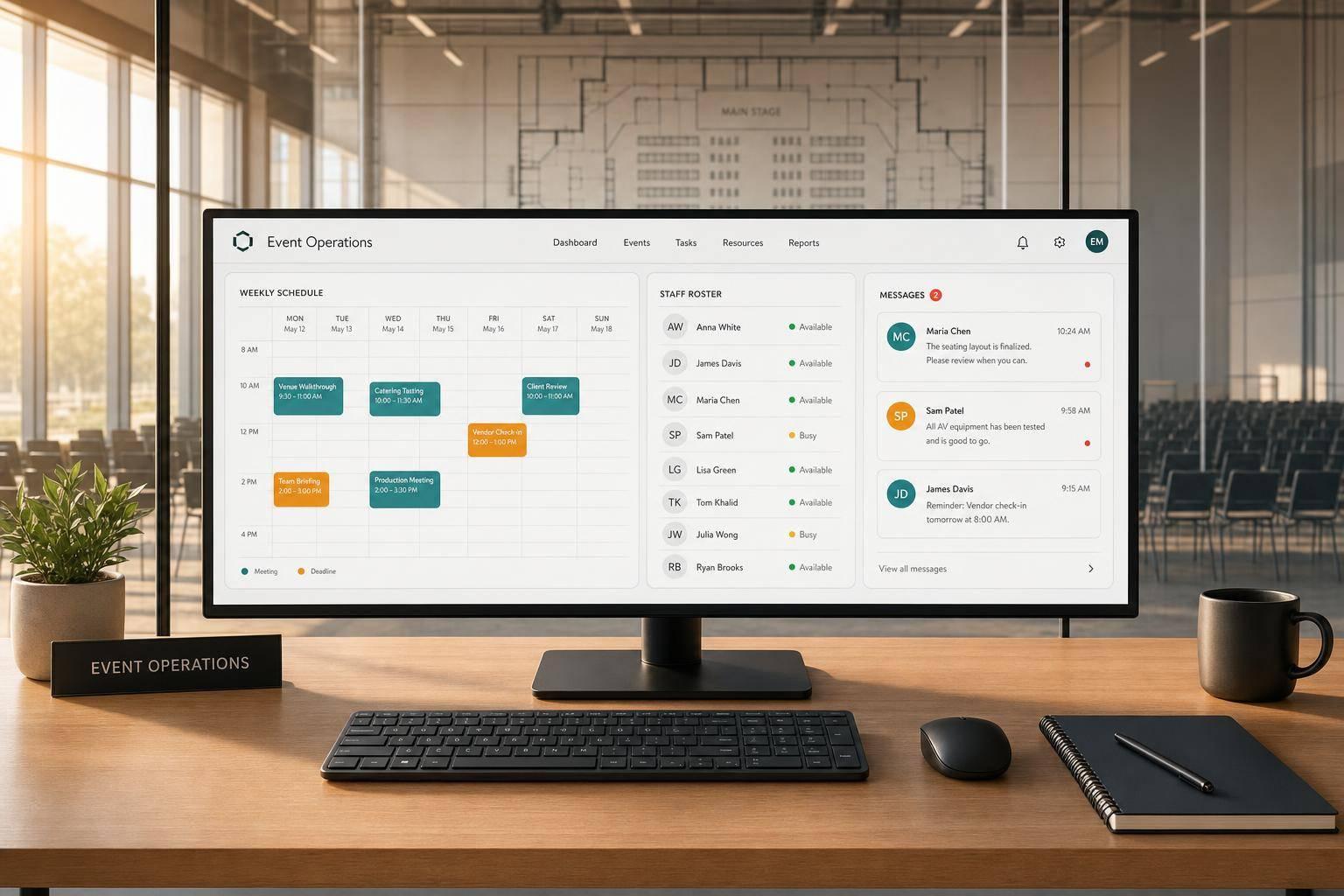
If I manage staff across texts, spreadsheets, and email, I’m wasting time and setting up mistakes. A centralized dashboard puts schedules, availability, assignments, reminders, and event details in one place, which helps me cut admin work, spot conflicts early, and react faster when plans change.
Here’s the short version:
The numbers make the case plain:
At a basic level, this comes down to one thing: less chasing, more control. Instead of patching together updates from different places, I can work from one screen and make staffing calls with less confusion.
If I’m choosing a dashboard, I’d look for:
Quickstaff fits that setup by putting event creation, staff availability, scheduling by role, waitlists, notifications, and mobile coordination into one system. That means fewer manual steps and fewer event-day surprises.
![The Hidden Cost of Fragmented Event Staffing [By the Numbers]](https://cdn.prod.website-files.com/6179e204627a03fe2a7ebc9f/6a2cb40b621edbfdccbbe646_6a2ca01486c50afdb5bee5f7-1781312553333.jpg)
The Hidden Cost of Fragmented Event Staffing [By the Numbers]
The first thing that breaks is version control.
When staff availability sits in different places, updates crash into each other and shift data gets old fast. One coordinator edits a spreadsheet. Another gets a text confirmation. Someone else replies in an email thread. Suddenly, you’re looking at conflicting shift records and trying to figure out which one is right.
Managing 20 events a year can eat up about 8 hours a week, or 416 hours a year. And once your team gets bigger, the odds of a missed update, duplicate entry, or booking conflict go up with it.
That same mess shows up again when it’s time to lock in staffing.
Without one place to see everything, filling a roster turns into a chase, but event staff scheduling doesn't have to be difficult. You’re digging through texts, email chains, and voicemails just to confirm who’s in.
Blind spots make the problem worse. If you can’t see that someone is unavailable before assigning a shift, double-bookings slip through and often don’t show up until it’s hard to fix.
Then there’s the timing issue. If staff check-ins aren’t tracked in real time, a no-show might not be noticed until service has already started. At that point, you’re scrambling for backup. Having an event day checklist can help you stay prepared for these last-minute crises. That usually means last-minute coverage, extra overtime, and a bigger bill. Overtime rates in the industry have climbed more than 12% since 2022, so every last-second coverage call costs more than it used to.
And the problems don’t end when the event wraps.
Messy records also make the next event harder to staff.
If no-show history, attendance patterns, and busy staffing periods are buried in old spreadsheets and text threads, there’s no clean way to pull useful data. You can’t easily tell which staff members show up every time, which roles tend to run short for certain event types, or which weekends are your busiest.
That puts planning in reaction mode. Budgeting becomes guesswork, and the same staffing mistakes keep showing up.
When staffing data sits in one place, you can see updates the moment they happen. A centralized dashboard gets rid of guesswork and gives you one live view of staffing. You can filter by date, role, or status to check who is confirmed, tentative, or unavailable.
That single view cuts a lot of back-and-forth and helps teams make staffing calls faster.
Conflict detection is another small feature that does a lot of work. If the system flags a double-booking or an overlap in availability with a visual alert, you can fix the issue before it turns into an event-day problem.
Plans change. Someone declines a shift. A worker calls out the morning of an event. A venue runs long, and coverage needs to stay in place longer than expected.
A centralized dashboard makes those changes easier to handle in the moment. You can send an open shift to available staff and collect confirmations in real time, with no phone calls needed. Managers can fill open shifts faster and keep coverage in view as things move around. On event day, real-time check-in tracking shows who has clocked in, who’s running late, and which shifts are understaffed while the event is still happening.
Overtime alerts help here too. When a worker is getting close to their threshold, the system notifies you before the extra cost lands. That gives managers time to reassign coverage instead of scrambling after the fact.
Every event leaves behind useful data, from attendance to short roles to overruns. A dashboard keeps that data searchable for the next round of planning. You can compare what you planned with what actually happened and use those records to adjust budgets, timelines, and staffing for the next event.
Dashboards with planned-vs.-actual reporting also give managers a clearer baseline for labor cost forecasting. What used to feel like guesswork becomes a process you can repeat and improve over time.
That history only helps if people can get to it without digging. The records matter most when the dashboard makes them easy to review before the next event.
Once you know why centralization matters, the next step is picking features that save time. The right dashboard should cut steps out of your workflow, not dress up the same mess in a nicer screen.
The most useful thing a dashboard can do is keep everything in one place. Venue notes, load-in times, parking info, vendor contacts, and access details should live in a single record. Staff profiles should also include roles and checklists so managers can make assignments faster.
That said, keeping details together isn't enough on its own. Availability has to sit right next to them, or you're still bouncing between systems.
If a dashboard doesn't include availability tracking, you'll still run into coverage gaps. You need one view that shows who's free, who's already booked, and where coverage is thin. Automated waitlists help too, because backups can be notified as soon as spots open up.
Role-based scheduling views matter just as much, especially when you're staffing several stations or overlapping events. When shifts are grouped by role instead of only by staff name, it's much easier to catch gaps before event day.
The best setup should also work when managers aren't sitting at a desk.
A dashboard that only works on desktop is only half useful. Managers need to edit shifts, message staff, and confirm updates from the venue and while on the move, not just from an office. Built-in messaging and automatic reminders help keep everything in sync. When confirmations, schedule changes, and last-minute updates come from the same system that holds the schedule, there's less chance a reminder points people to old info.
Here's a simple gut check:
...the dashboard is adding work, not removing it.
Choose a system that keeps scheduling, messaging, and reminders inside one live view.
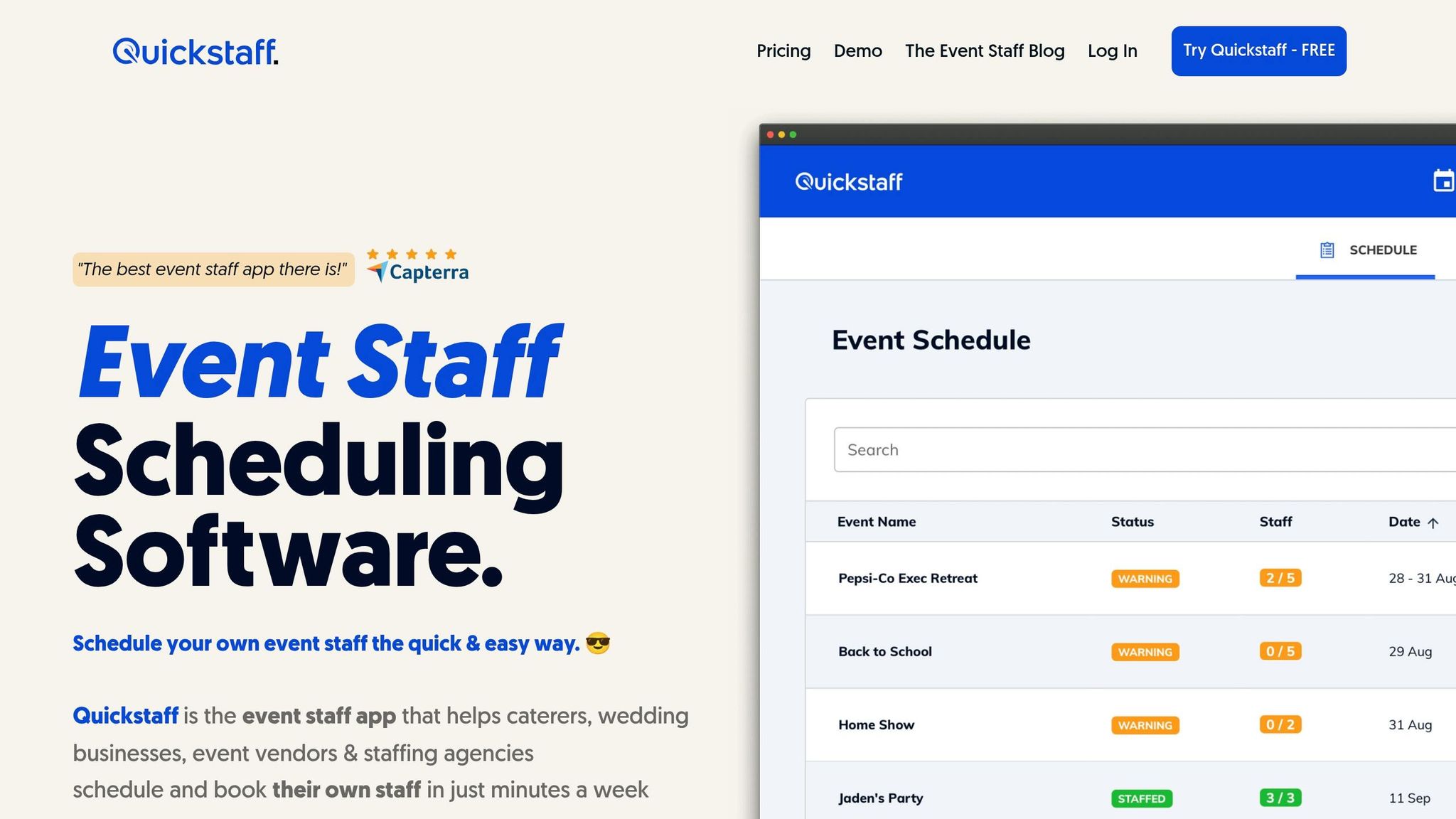
Quickstaff brings event creation, scheduling, and staff availability into one place for caterers, wedding businesses, event vendors, and staffing agencies.
Quickstaff turns those core dashboard features into one clear workflow. You can add event details, attach PDFs, and include dress codes right inside the event profile. Then scheduling happens by role—addressing common event staff scheduling challenges— - Server, bartender, Photographer - so each shift starts with the right people in the right spots.
Staff can block off dates when they can't work, which means unavailable team members won't show up as scheduling options. That saves time and cuts down on mistakes. There’s also a dedicated event calendar that shows scheduled events and staffing levels at a glance.
Quickstaff also helps with the day-to-day back and forth that usually eats up time. Its automated waitlist lets managers invite more staff than they need, then fills open spots as people accept. Staff get invitations with a one-click accept or decline option, and automated notifications send each person the details they need, including call times, location, role, and manager notes.
On mobile, staff can block dates, get directions, confirm invitations, and receive reminders.
"I used to be on the phone all the time to schedule staff. Now, within a few minutes, I can schedule all the staffing I need for my events. Quickstaff is easily the best event staff app out there" - Steven Townsend, Event Manager
Fragmented scheduling - spreadsheets, group texts, and email chains - eats up time and can drain as much as 3% of annual revenue.
A centralized dashboard cuts through that mess. Instead of chasing confirmations across five different places, you get one clear view of availability, assignments, and communication. And integrated workforce management platforms can cut the time spent on staff scheduling by up to 80%.
That means cleaner data, faster decisions, and fewer last-minute surprises. Tools like Quickstaff pull that workflow into one hub.
That’s what a centralized dashboard delivers.
A centralized dashboard helps event managers avoid scheduling conflicts by showing staff availability, event timelines, and resource allocation in real time.
With everything in one place, it’s much easier to coordinate schedules, prevent overlaps, and keep everyone on the same page.
The most important features are centralized staff schedules and availability, real-time updates, and clear event management across multiple events.
It also helps to have built-in communication tools, like reminders and messaging, along with waitlists, booking management, and mobile access. Those features make it easier to handle last-minute changes and keep everyone on the same page.
Consider switching when event operations get too messy to run by hand and real-time visibility becomes a must. Spreadsheets and disconnected tools often lead to data delays, crossed wires, and slower responses.
This matters even more as your team gets bigger, your event calendar fills up, or shift-based work changes all the time. Making the move sooner can help cut overtime, no-shows, and compliance risks while improving accountability and decision-making.





