Former Staff Access Creates Data Risk
August 25, 2026

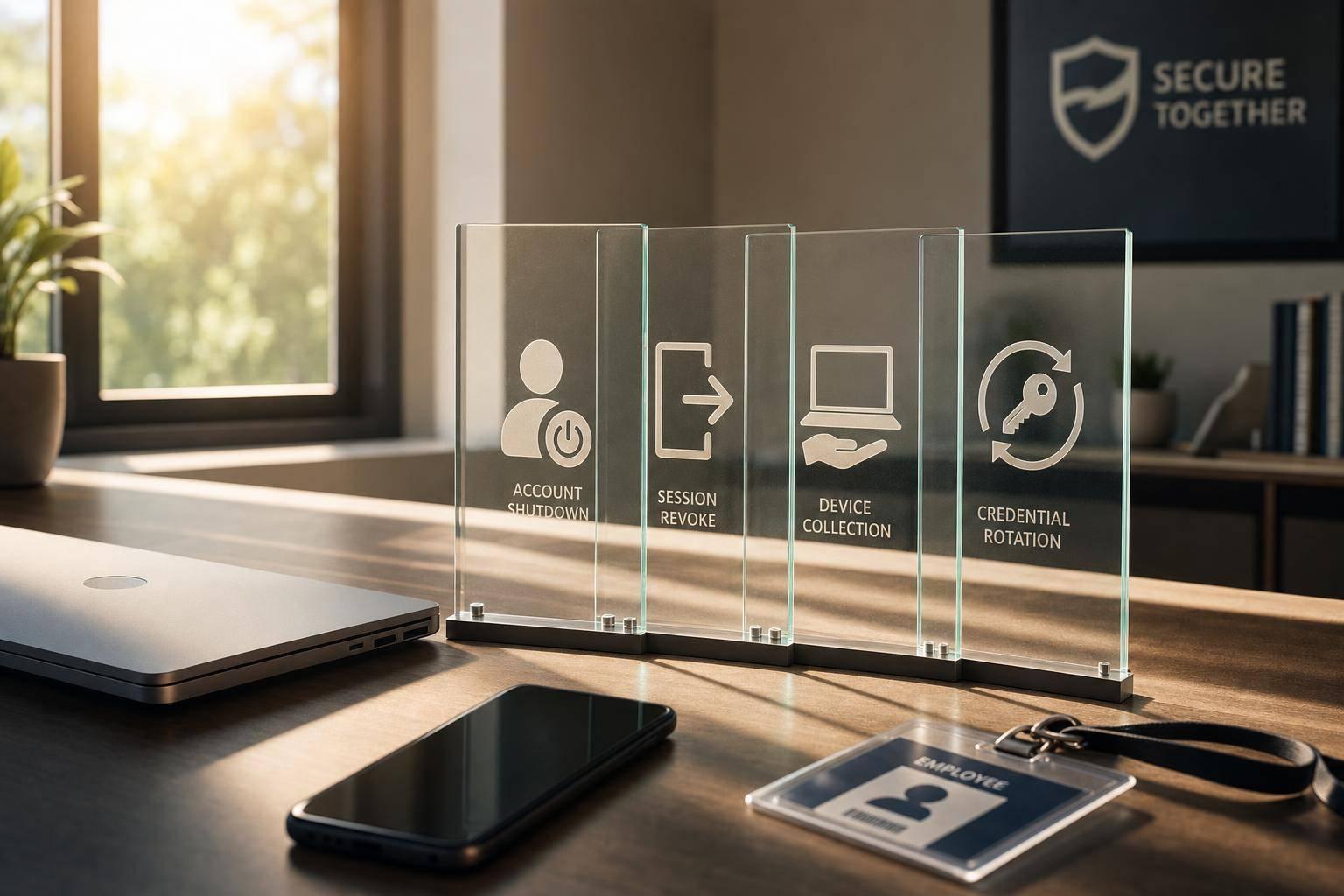
If access stays open after someone leaves, your data is still exposed. In many companies, 83% to 91% of former workers still have access to at least one account, and 59% of companies have dealt with a breach tied to weak offboarding.
If I boil this down, the fix is simple:
This risk hits event staffing teams hard because people come and go fast, roles change often, and phones stay logged in. That means a former worker may still see rosters, client names, event notes, contact details, and pay info even after they stop working.
In this article, I walk through where offboarding breaks, what to lock down first, and how Quickstaff helps me remove future shifts, clean up message access, and shut off leftover access before it turns into a data leak.
Most offboarding problems don’t look dramatic. They’re quiet, easy to miss, and often caused by one of the biggest event staff scheduling challenges: no one owns the full shutdown. When that happens, the weak spots tend to show up in three places: systems, sessions, and permissions.
Offboarding has to cover every system a former staffer could still get into. In practice, that almost never happens in one clean pass.
A manager may remove someone from the shift schedule and think the job is done. But the same person might still be able to log in to the payroll portal, still get automated event invites by email, and still view shared files with client notes and venue details. Every missed tool leaves company data exposed.
A 2025 Wing Security study found that 63% of businesses have former employees who still have access to company data through cloud apps that were never shut off.
Even one missed system is enough to leave former staff with working access.
Removing someone from a roster doesn’t always cut off access. If an app session is still active on a personal phone, that person may still be inside.
Shared logins make this messier. If a team uses one login for a vendor portal or a group calendar, a departing staffer who knows the password keeps full access until someone changes it. And during a packed event season, password rotation often gets bumped down the list until it disappears.
That means mobile access can stay open even after the account itself is removed.
Temporary admin access has a bad habit of sticking around. A manager gives a coordinator admin rights to handle a busy weekend, then never goes back to remove them. Six months later, that person leaves with admin access they should have lost long ago.
The same issue shows up in role-based groups and permission sets. A former staffer may still sit inside those groups, which means they keep getting internal updates like shift changes, client notes, and venue instructions without anyone noticing. Another report notes that 65% of companies have more than 1,000 stale user accounts. In staffing settings, where roles change often and turnover runs high, that kind of leftover access can pile up fast and sit there for a long time.
Those leftovers are exactly what offboarding needs to catch.
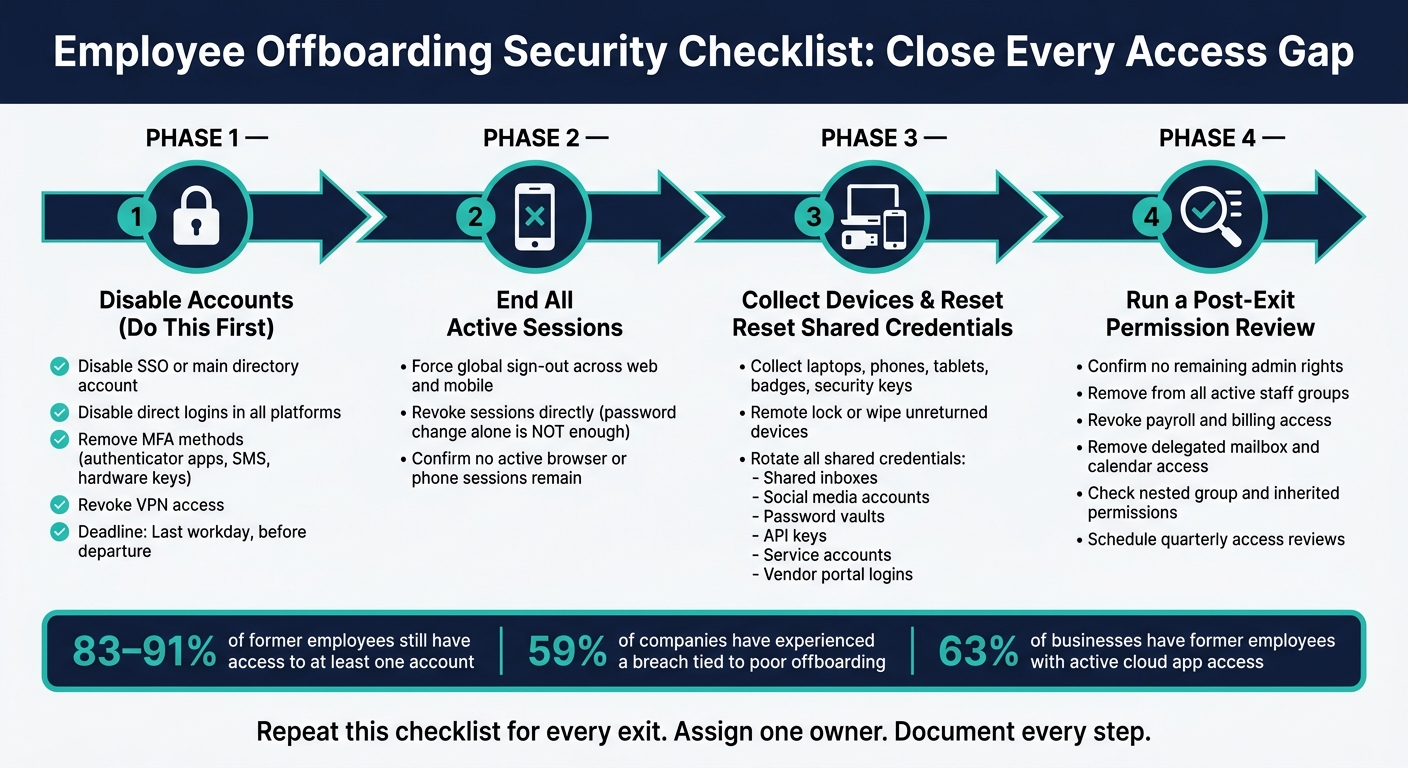
Employee Offboarding Security Checklist: Close Every Access Gap
Speed matters here. Every extra hour that access stays open gives a former staff member one more chance to get into systems they should no longer reach. The best way to avoid that problem is simple: use the same offboarding sequence every time. That routine helps shut the common gaps left by partial offboarding, including accounts, live sessions, devices, and permissions.
Start with identity, not hardware. When you disable a person’s SSO or main directory account first, you cut off federated access across connected apps in one move. Then disable any direct logins in your main platforms, remove registered MFA methods such as authenticator apps, SMS numbers, and hardware keys, and revoke VPN access. Do this on the last workday, right before departure.
Once accounts are disabled, force a global sign-out across web and mobile sessions. This part gets missed all the time. A password change does not end active sessions on its own, so you need to revoke those sessions directly to cut off access from phones and browsers. That order closes the main exit routes: identity, sessions, and mobile access.
After accounts are shut down, collect company devices and access tools. That includes laptops, phones, tablets, badges, and security keys. If something isn’t returned, lock or wipe the device remotely and record what you did.
Shared credentials need the same level of urgency. If the departing employee could reach any shared resource, rotate that access at once. That includes:
One stale shared login can undo the rest of your offboarding work.
Before you close the record, run one final post-exit checklist. Confirm the former staff member has no remaining admin rights, no membership in active staff groups, no payroll or billing access, and no delegated access to shared mailboxes or calendars. Check inherited permissions too, along with nested group access. Those hidden paths are often where leftover access sticks around.
It also helps to schedule a quarterly access review to catch stale admin, seasonal, payroll, and billing access. This matters even more after busy stretches like wedding season or the holiday rush, when temporary accounts often get created fast and left behind.
Centralized staff records make these checks much faster.
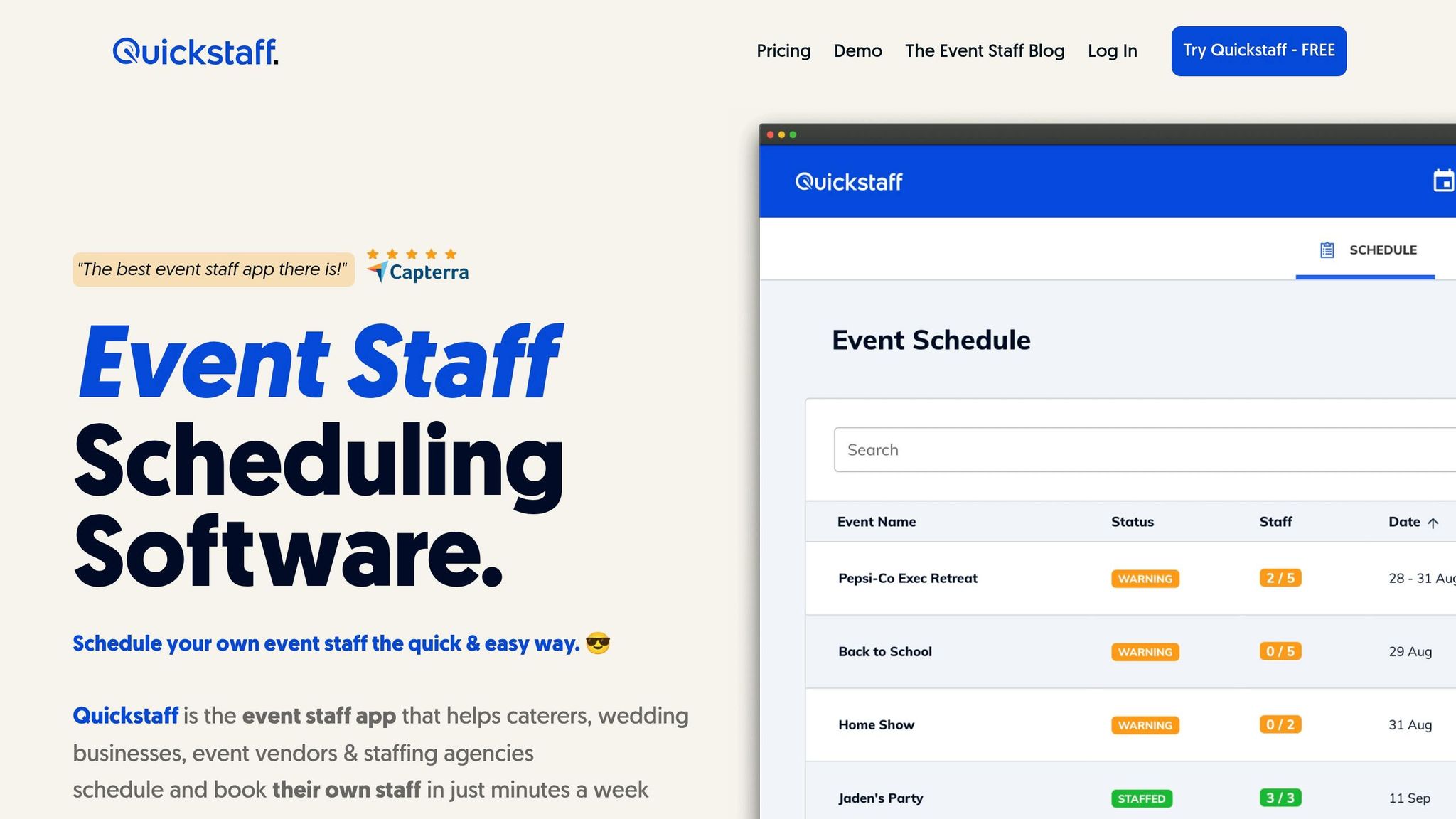
These steps only work if you can see every place a former staffer still has access. Quickstaff puts that information in one place, so it’s much easier to spot leftover access before it turns into a data leak.
Quickstaff cuts down offboarding time by showing every event and message tied to one staff profile. When someone gives notice, a coordinator can open that profile and quickly see upcoming events the person is assigned to, any waitlist spots they hold, and the message threads tied to those events.
From there, filter for future dates starting after the worker’s last shift. Then confirm each assignment before disabling the account.
Once you’ve mapped those assignments, the next job is shift coverage.
After you spot every event tied to the departing worker, Quickstaff’s availability filters make it easier to find replacements. Filter by role - bartender, server, captain - and check who’s free on those dates. If you keep a waitlist for critical events, you can move a backup into a confirmed spot and keep coverage in place.
After that, use the Send Messages tool to brief the replacement. Say a lead server resigns the week of a wedding. The coordinator can reassign the role and send the new lead the arrival instructions, dress code, and any event-specific notes.
Then do one more check. Make sure the departing staffer no longer appears on any future roster, waitlist, or thread. Search the worker’s name across future rosters, waitlists, and message threads, and remove any remaining appearances. After that, deactivate the profile to stop reminders and block access to event notes and directions.
Former staff access is preventable. When it happens, it should be treated as a control failure. Research shows that 59% of companies have dealt with a data breach tied to poor employee offboarding, and about 1 in 5 data breaches involve a former employee. In most cases, the breach starts with offboarding steps that were skipped or delayed.
The pattern is straightforward: access stays open, sessions aren’t revoked, and permissions last longer than the person’s job. That’s why offboarding needs a written process, a clear owner, and a firm deadline.
The fix is pretty simple, but it only works if one person is clearly in charge of a written checklist. That checklist should require:
Centralized records make the process much easier to carry out. A quarterly access review helps teams catch missed access before it turns into a bigger issue. Quickstaff centralizes staff records, shift assignments, and event messages, so offboarding and shift coverage can happen in one workflow.
Offboarding should sit with your organization, not only the software vendor. After all, you control identities, access rules, and the systems that hold your data.
The main aim is simple: cut risk by removing access fast. That’s where automated offboarding helps. Tools like SSO and fast lockout tied to time-to-lockout SLAs can shut down access as soon as someone leaves.
Manual deactivation is slower, and that delay can create a gap where former staff may still get in.
Remove temporary staff access as soon as their role ends. If access can't be revoked automatically, or if someone moves into a new role, remove any extra or unneeded access within five business days.
This helps enforce time-bound and role-based access, so people keep only the permissions their job calls for.
Review access on a set schedule: before initial access is granted, at least once a year, and whenever policies, systems, features, or security incidents change.
If an employee changes roles, or if automatic revocation isn’t possible, remove any extra or unneeded access within five business days to cut risk.