Illinois Labor Posting Checklist for Event Caterers
October 30, 2026

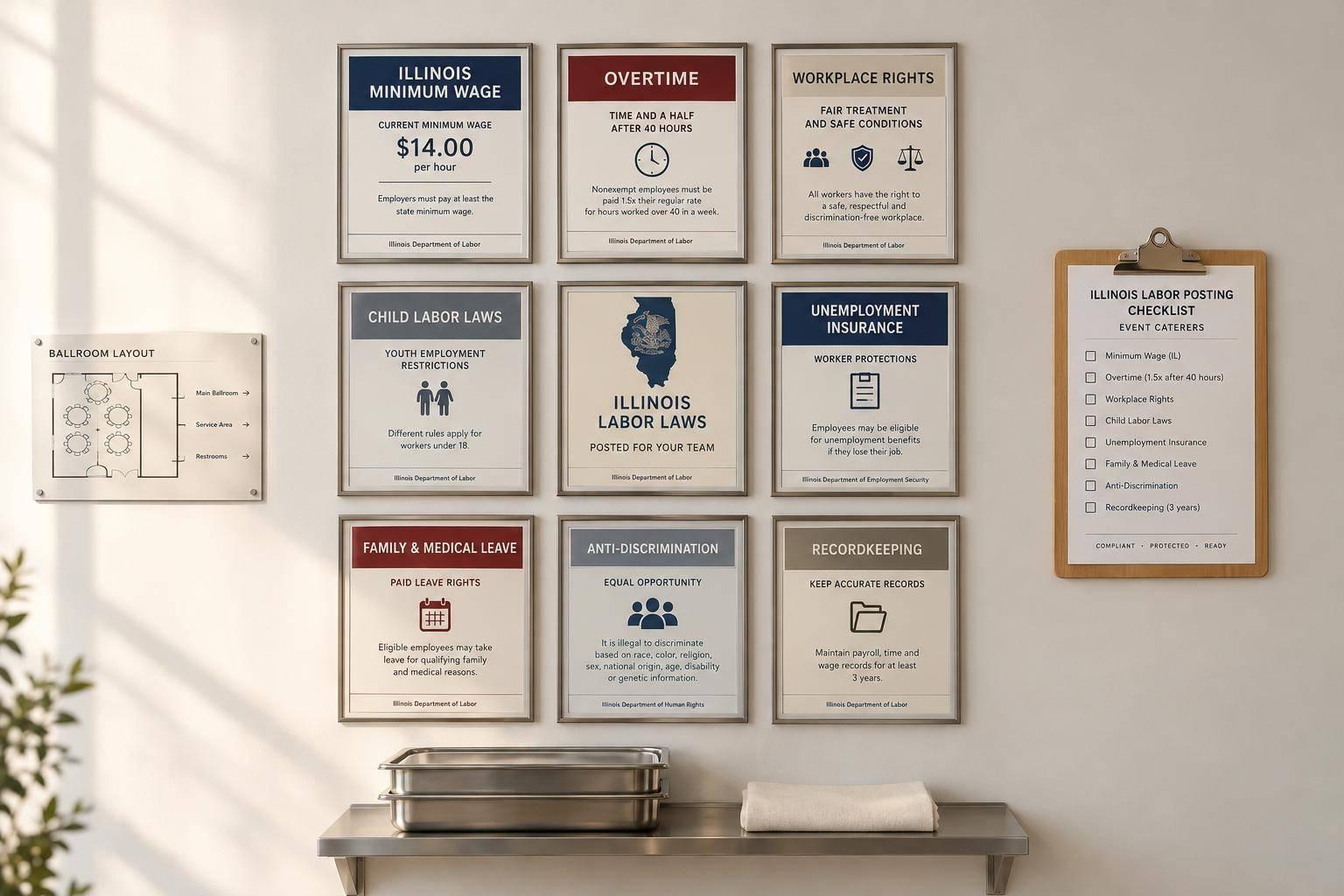
I start every Illinois catering posting review with 3 checks: state, federal, and local rules. Before crews arrive, I confirm which notices apply, where employees can read them, and who will fix any gaps.
My catering staff scheduling checklist covers:
<u>I don’t assume a venue’s posters cover my duties.</u> I check official guidance, keep digital copies as backup unless electronic posting is allowed, and use Quickstaff for scalable event scheduling to assign reviews and reminders - not to make compliance decisions.
This checklist supports internal review; it is not legal advice.

Illinois Catering Labor Posting Review Checklist
☐ Check each notice on the consolidated poster. Review minimum wage, wage payment, child labor, equal pay, VESSA, weekly rest, and any paid-leave notice separately. Mark each as included, posted separately, or not applicable - and record why. A consolidated poster alone does not prove that you’ve covered every notice requirement.
☐ Check the Paid Leave for All Workers Act notice separately. Confirm whether the law applies and that the current notice matches your policy, payroll, and posting language. For every checklist item, record the issuing agency, official link, revision date, required languages, exact placement, and verification date.
☐ Verify workers’ compensation and unemployment insurance notices. Check carrier, policy, contact, and account details wherever required.
☐ Review pregnancy-rights, discrimination, and sexual-harassment notices. Track wall posters separately from employee handouts, and make sure kitchen and event crews can access them.
☐ Audit recruiting disclosures. If you have 15 or more employees, check that covered job postings made or republished since January 1, 2025, include a pay scale and a general description of benefits. Review website listings, job boards, social posts, and internal postings tied to Illinois work or reporting locations. Document the required employee notice for covered external postings, including whether you met the 14-day deadline.
☐ Check whether temporary-labor rules apply. Separate direct hiring from using an agency or running a covered agency. Confirm that covered agencies display Department-supplied notices at every branch or location in a public area employees can easily access. Check required language versions, assignment disclosures, and paycheck disclosures. Verify the agency’s posting duties separately - a venue poster does not cover them.
Next, compare these Illinois postings with federal, local, and event-site notice rules.
☐ Check coverage - not just poster availability. Use the U.S. Department of Labor Poster Advisor to identify required notices for each worksite. Check city, county, and event-site rules through the relevant official guidance, too. Verify current FLSA, OSHA, EEOC “Know Your Rights,” EPPA, FMLA, and federal-contractor notices where applicable. If FMLA applies, display its general notice at every location.
☐ Verify format and access. OSHA reproductions must measure at least 8.5 × 14 inches and use at least 10-point type. Where Executive Order 13496 applies, use the required 11 × 17-inch format and post the notice in required physical and electronic locations. Check language and accessibility requirements for each notice so employees can access and read the information.
☐ Check the city or county rules for each work address. Use current official sources to review minimum-wage, paid-leave, paid-sick-leave, human-rights, and fair-workweek notices. Treat Chicago and Cook County as separate jurisdiction checks, not statewide requirements. Verify employer size, covered workers, exemptions, municipal participation where relevant, effective dates, and how local leave rules interact with Illinois requirements.
☐ Confirm who posts notices and where caterer employees can see them. Check every office, kitchen, commissary, recurring venue, and temporary event site. Ask the venue in writing who supplies required notices, where employees can access them, and whether the contract assigns posting duties. Posters at headquarters - or a venue bulletin board available only to venue employees - may not meet the caterer’s obligations. Record the result immediately for each location in your scheduling system, including the notice owner, review date, and missing items.
☐ Keep digital copies as backup unless the rule allows electronic posting. Check the specific rule before replacing physical notices with email or a staff portal. Some contractor rules require electronic posting in addition to physical notices. Keep labor notices separate from evacuation instructions, food-safety materials, and health-department postings so employees can find each quickly.
Once you confirm which notices apply, log each one by address and owner.
Assign a reviewer and backup for each address. Create a separate record for every notice rather than one entry for the entire poster board. Record inspection findings, corrective action, the replacement deadline, and the completion date. Mark uncertain coverage pending applicability review, and document the reason for every “not applicable” decision.
| Notice | Jurisdiction | Applicability | Required location | Language or size rule | Last verified date | Review owner |
|---|---|---|---|---|---|---|
| Your Rights Under Illinois Employment Laws | Illinois | All Illinois employers | Conspicuous employee-accessible area | Current official version; required language access | MM/DD/YYYY | Office manager |
| Paid Leave for All Workers Act Notice | Illinois | All Illinois employers | Workplace notice area | Use the current official version | MM/DD/YYYY | HR lead |
| City or county notice | Local | Depends on the workplace jurisdiction | Per local rule | Confirm current local rule | MM/DD/YYYY | Operations manager |
Document the physical inspection. Keep current official notices, dated inspection findings, and size verification when required. Retain permitted photos and replacement history as an internal practice, separate from legally required records or proof of distribution.
Use your scheduling system to assign a reviewer to each site.
Use Quickstaff to assign reviewers, link each event’s address and date, and send reminders. Quickstaff helps coordinate this work. It does not replace compliance records or legal review.
Use the same tracker to flag follow-up reviews.
Set monthly kitchen checks or quarterly office checks as internal benchmarks. Schedule additional reviews when posters or laws change, employee counts cross coverage thresholds, new venues or jurisdictions are added, temporary-labor arrangements change, or covered contracts begin.
Assign immediate correction for missing, unreadable, obstructed, or outdated required notices. Name the person responsible for replacement, and have HR or operations verify completion. Escalate unresolved issues before the event. Keep each task open until the correction and completion date are recorded.
Check each covered location and address any gaps. Get current notices from official sources and use the U.S. Department of Labor’s Poster Advisor to confirm which federal posters apply.
Close each review with a dated sign-off, separating Illinois, federal, and local/site rules. Record the site, reviewer, sources checked, corrections made, and next review date.
Flag any uncertain items for confirmation. Use Quickstaff to assign the follow-up review, send reminders, and track completion before the next event. Leave the compliance decision to a qualified company representative or adviser.
For one-day Illinois events, give staff written assignment notices before dispatch. Include each worker’s name, duties, wages, full worksite address, transportation terms, and meal or equipment information. Update these notices before material changes take effect.
Give applicants who aren’t assigned work written receipts documenting their details and the jobs they sought. Use Quickstaff to keep notices in one place, and retain required documentation for at least three years.
When state and local leave requirements overlap, follow the rule that gives employees the most favorable outcome or sets the strictest standard. Check leave, wage, and scheduling rules for every event location where employees physically work. Coverage varies by jurisdiction.
Staff management software can keep schedules and attendance records in one place, helping you manage compliance across venues and jurisdictions.
For last-minute venue changes, update the worker’s written assignment notice before the new terms take effect. Illinois law requires written notice of material changes to pay, duties, or the worksite address before the worker starts under those terms.
Use Quickstaff to keep event details, assignments, and communications in one place. Save records of updates and shift changes so they’re ready for an audit. Software does not replace required written notices.