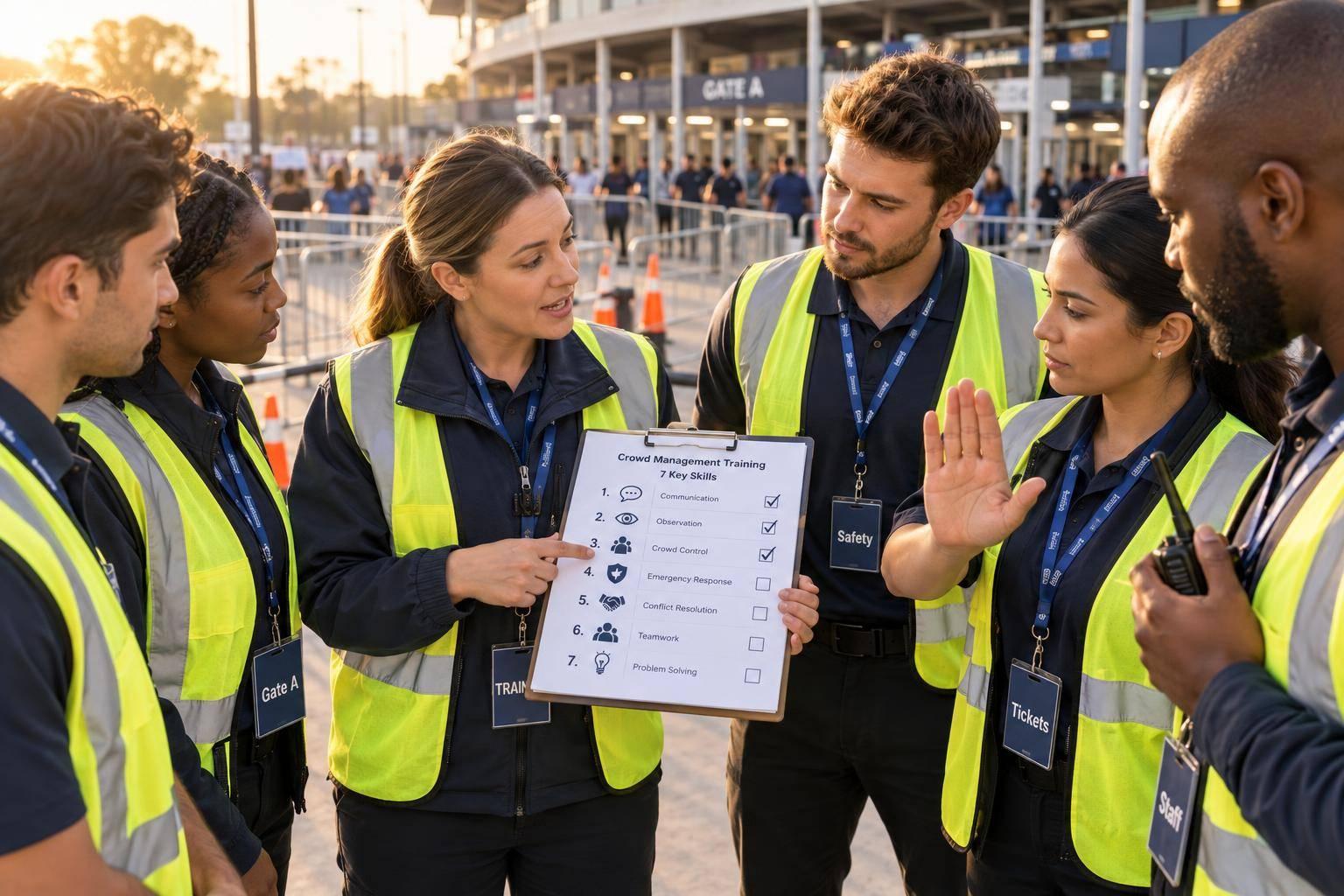
Crowd Risk Assessment Training for Event Staff
October 19, 2026

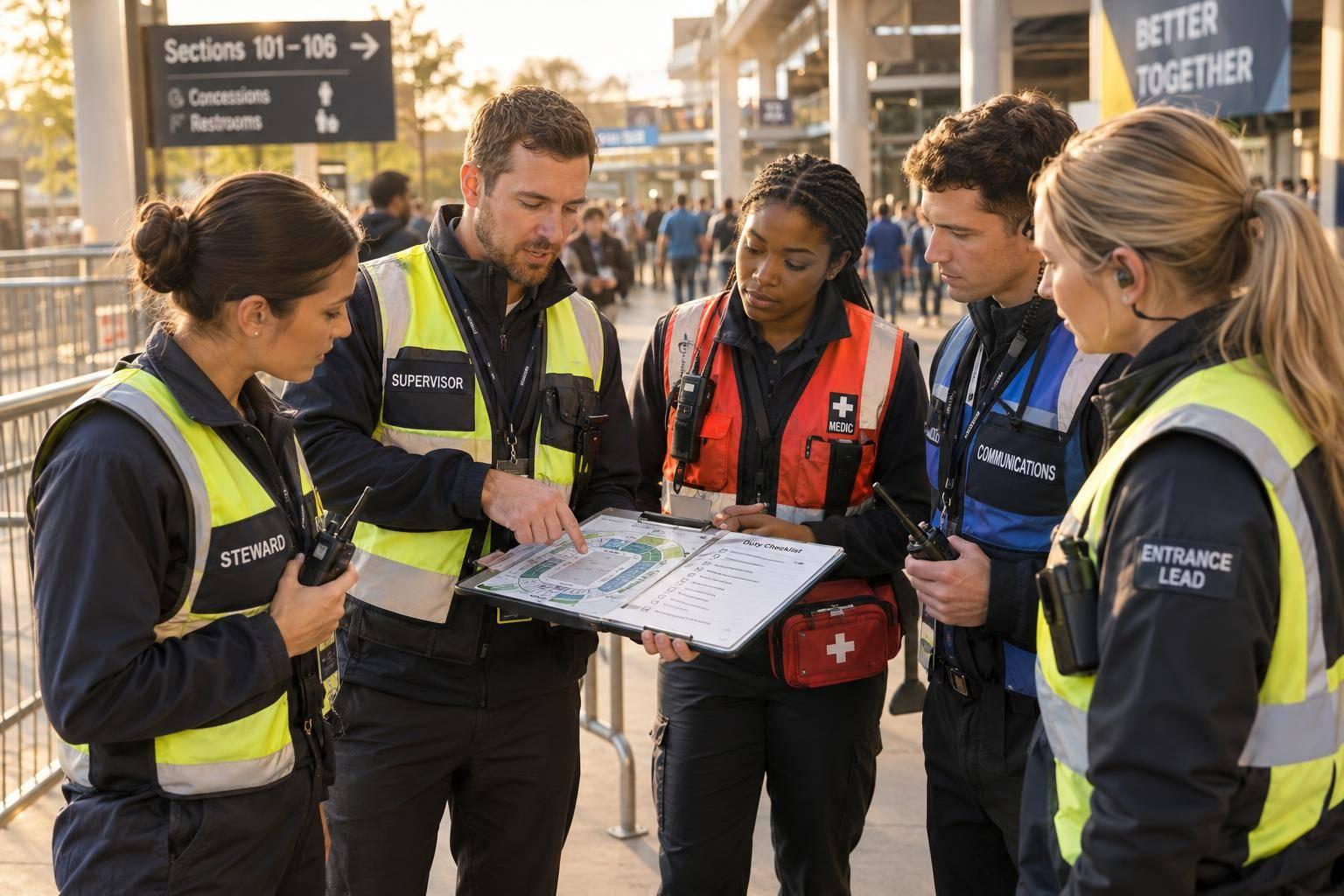
I check what staff can do - not just whether they attended training. Before assigning a post, I ask each worker to locate two exits, use the radio, and explain when to call for help.
My crowd safety training plan covers five steps:
My rule: <u>an immediate threat never waits for a risk score or internal approval</u>. Practice, clear duties, and verified skills come before deployment.

Crowd Risk Assessment Training: 5 Steps to Staff Readiness
Use the site walk as a live skills check. Follow the event sequence: arrival/parking, entry/screening, circulation, peak activity, departure. On the site plan, mark bottlenecks, screening delays, opposing foot traffic, vehicle-pedestrian conflicts, stairs, poor lighting, unstable barriers, and blocked exits. Look beyond total attendance: watch for surges, falls, pushing, and people being compressed against walls or barriers. Check whether catering carts, tables, or queues narrow walking routes or emergency exit paths.
Check for medical distress, impairment, conflict, accessibility barriers, heat, severe weather, fire, electrical hazards, and structural issues. For each hazard, record its exact location, who is exposed, warning signs, current safeguards, the responsible owner, and the review time. Repeat checks whenever queues, weather, equipment placement, or crowd movement change. Use these findings to score each hazard.
Use the event’s approved matrix. The following likelihood scale is an example:
Severity ranges from:
Multiply likelihood by severity.
An immediate threat overrides the score. Crowd compression, fire, structural failure, a blocked emergency exit during evacuation, or a person in acute medical distress requires immediate action and escalation.
The risk bands below are examples, not a universal legal standard. Use the same matrix for every report so staff follow one process across the event.
| Risk band | Score | Typical controls | Escalate when | Lead |
|---|---|---|---|---|
| Low | 1–3 | Monitor, correct housekeeping issues, keep routes clear, and record the observation. | Conditions worsen or controls fail. | Assigned event staff or supervisor |
| Moderate | 4–7 | Add staff, separate flows, pause a queue, improve lighting or signage, and verify the correction. | Notify the area lead and safety coordinator promptly. | Area lead with safety coordinator |
| High | 8–12 | Stop or restrict the affected activity, open an alternate route, deploy trained crowd managers, and involve medical, security, facilities, or fire personnel as appropriate. | Immediately notify the event safety lead and operations manager. | Safety lead or operations manager |
| Critical | 13–16 | Protect life immediately, call emergency services when needed, stop entry or movement, and initiate the approved emergency plan. | Immediately; do not wait for scoring or approval to report an imminent threat. | Incident commander or designated emergency authority |
After scoring, move straight to controls and documentation.
Use barriers, queue pauses, or shutdowns only under the authority set out in the event plan. Front-line staff report hazards and request action; they do not move critical barriers or close the event on their own. Supervisors authorize controls within their assigned authority and escalate as required above.
After a correction, check that it has not created another bottleneck. Update the risk register with the initial and residual scores, controls, owner, escalation contact, status, verifier, and next review time.
After scoring hazards, assign who reports, who verifies, and who can escalate. Give every worker a one-page role card covering their area, hazards, allowed and prohibited actions, supervisor, backup contact, radio channel or phone number, emergency location, and triggers for calling 911. Specify who can authorize evacuation, sheltering, or shutdowns, and name one lead for each shift and post.
Match each role to the hazards staff are likely to face at that post.
| Role | Training | Actions | Report to | Check |
|---|---|---|---|---|
| All staff, including temporary staff | Orientation, emergency procedures, exits, hazard recognition, guest assistance, communications, accessibility | Keep routes clear, guide guests, spot distress, assist within training, report hazards, follow instructions | Assigned supervisor or radio channel; 911 for immediate life threats | Post-specific hazard-report scenario |
| Ushers or marshals | Crowd flow, entry and exit, occupancy, de-escalation, evacuation, sheltering | Monitor queues and density, guide guests, prevent obstructions, sound alarms | Crowd supervisor or operations command | Blocked-exit and accessible-route drill |
| Security | Security plan, violence prevention, de-escalation, access control, incident documentation, police and EMS coordination | Address threats within training and legal authority, establish safe perimeters, protect exits, request police support | Security supervisor and event command | Security-response scenario |
| Supervisors or crowd managers | Crowd management, risk assessment, emergency plan, resource deployment, accessibility, command coordination | Verify reports, adjust staffing and barriers within authority, coordinate evacuation or sheltering, direct teams | Operations lead or incident commander | Lead a crowd-risk drill |
| Operations leads | Emergency plan, command structure, agency coordination, emergency communications, evacuation and shelter decisions, after-action review | Authorize major controls, stop activities, request mutual aid, coordinate responders, approve evacuation or sheltering under the plan | Venue command, event organizer, public-safety agencies | Command exercise |
Temporary staff should not restrain guests, enter unsafe areas, or provide care beyond their training. Supervisors should verify concerns when safe and tell affected posts about changes. Operations leads handle decisions beyond supervisors’ authority. Neither verification nor internal approval should delay an urgent call for help.
Train staff to use the same hazard-report format at every post.
Use a six-part report: location, time, issue, action taken, help needed, trend. Give the exact location and time. Describe what moved, what was blocked, who was hurt or distressed, and what behavior changed. Explain what staff have done, what help they need, and whether conditions are stable, worsening, or improving. Clear reports help supervisors choose the right control before crowd conditions worsen.
The supervisor should repeat the location, assign next steps, and confirm the request. Require read-backs for evacuation, shelter, and route-change instructions. If no one answers a message, repeat it once. Then use the designated backup phone, radio channel, or a runner if safe. Call 911 directly for an immediate life-safety threat.
Use this format in both drills and live incidents to keep messages brief and consistent.
Practice reporting blocked exits, crowd pressure, medical emergencies, violence, fire, severe weather, and structural issues. Use drills to check that assigned responses match the site’s risk controls and the authority levels recorded in the risk register.
Staff should protect themselves, guide nearby guests away from immediate danger when safe, and summon responders. Designated leads authorize evacuation, sheltering, or shutdowns. Rehearse assigned routes, shelter locations, and procedures for accounting for personnel.
When providing accessible assistance, ask before helping and follow the guest’s instructions. Avoid separating companions or service animals, and report anyone who still needs assistance.
After each drill, record reports, response times, missed calls or radio traffic, and corrections. Use the results to update role cards, call trees, and post assignments.
Once roles and reporting duties are set, check that each worker is qualified for the assigned post. Before deployment, combine a briefing, walkthrough, EAP review, role practice, and radio practice. Then check learning with a short knowledge check and an observed exercise. Supervisors should sign off only after coaching and a retest confirm the required skills.
Give staff plain-language instructions, readable maps, translated materials when needed, and accessible communication formats. Update training when the venue layout, weather exposure, alcohol service, crowd profile, or emergency procedures change. Require a new sign-off if a change affects a worker’s route, decision authority, equipment, or reporting duty.
Keep a supervisor-controlled training register separate from the schedule. Record completed modules, training dates, observed skills, restrictions, and supervisor approval.
Use clear status labels: eligible, needs coaching, expired, and not qualified. Finishing instruction alone shouldn’t make someone eligible. Check the register before approving staff, and approve only those who meet the post’s requirements.
Scheduling software helps confirm assignments - it doesn’t replace supervisor judgment. Use Quickstaff to create events, schedule staff by role, track availability, and share event details. Before confirming any assignment, check it against the separate training register. Quickstaff handles scheduling; the supervisor register controls qualification approval.
Check every replacement against the vacant post’s requirements, even if that person is already scheduled elsewhere. After supervisor approval, update the assignment. Use messages and reminders to send the reporting time and time zone, venue address, check-in location, assigned post, supervisor, briefing time, required equipment, and reporting instructions.
Before doors open, compare the final roster with the training register and confirm that an approved staff member fills every critical post.
Once qualified staff are assigned, run one final readiness check before doors open. Confirm the hazard assessment is current, the risk register is updated, and every assigned role has qualified staff. Check break coverage, emergency contacts, tested communication gear, clear primary and secondary routes, and the final staff briefing.
Walk through the site to confirm that controls match conditions. Repeat the walkthrough after changes in weather, layout, or crowds. Assign each unresolved hazard an owner, deadline, and escalation path. Address blocked exits before admitting guests.
After operations end, hold a debrief before staff leave or as soon as practical. Record incidents and near misses, then compare the planned response with what happened. Document what worked, what failed, and where training gaps appeared. Use those findings to update future briefings and role checks.
Give each finding a corrective action with an owner, due date, and status. Update risk scores, controls, and briefing materials. Verify completed fixes. Before approving their next assignment, retrain staff who missed procedures or exceeded their role limits.
Review your venue, crowd density, audience demographics, and expected weather. Match each role to the skills it requires, including crowd flow management, emergency response, and de-escalation. Adjust classroom briefings, tabletop exercises, and venue walk-throughs to fit your event’s scale.
Use Quickstaff to track training completion and role eligibility, then assign qualified staff to high-risk zones. Before the event, hold a site-specific briefing that covers reporting lines and emergency procedures.
Use standard definitions of likelihood and impact, the hazard log, and established evaluation criteria to work through disagreements. Keep the discussion grounded in objective data and the pre-event risk register. The goal is to improve systems, not assign blame.
If disagreements continue during live operations, defer to the zone supervisor or designated decision-maker so all staff follow the same course of action.
Use Quickstaff staff profiles to track completed training, certifications, and expiration dates. Add tags or custom fields, such as “Crowd Mgmt 2026,” to mark qualified workers. Then filter your staff list to invite only people who meet the role requirements.
Quickstaff blocks assignments for staff who lack required credentials. Automated reminders help you manage renewals before those credentials expire.