California Final Pay Guide for Staffing Firms
October 11, 2026

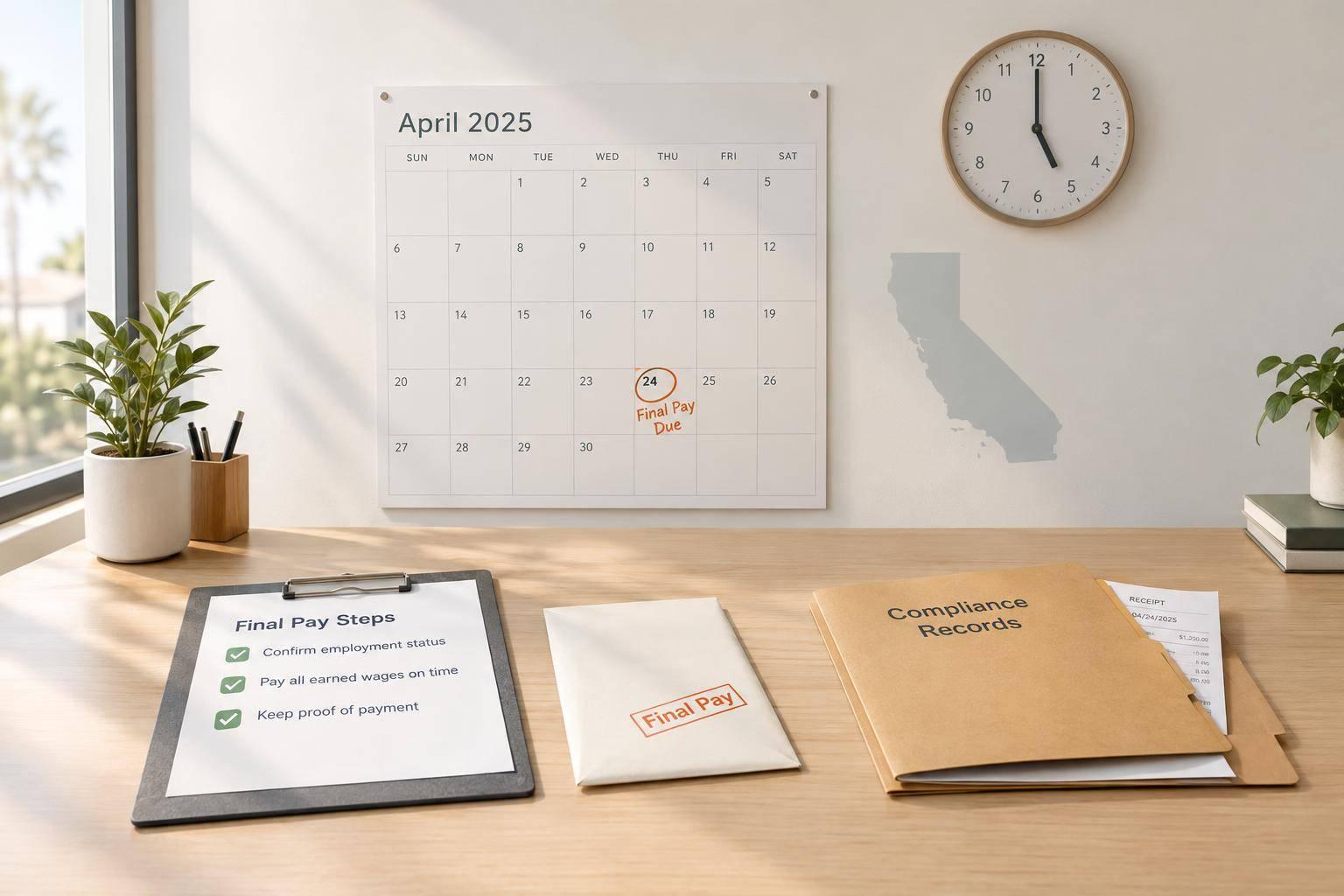
I check whether employment ended - not just the event - before applying California’s final-pay deadline. A discharge generally requires immediate payment. Willful late payment can trigger penalties of up to 30 days of wages.
Here’s what I check before closing payroll:
My rule: <u>confirm status, pay on time, and keep proof</u>. Scheduling tools such as Quickstaff can support the record, but they don’t decide whether employment ended.

California Final Pay Deadline Decision Guide
Record two dates: when the assignment ended and when employment ended, if they differ. Completing an assignment doesn’t always end employment. A discharge, employment-ending layoff, or resignation does. For single-event hires, check whether the agreement ends employment when the event ends or keeps it in place afterward.
Client removal, roster labels, and active status don’t tell the whole story. Review the agreement, internal messages, logs, and rehiring history to determine who controlled the work and who ended the relationship. Document whether the client requested assignment completion or worker removal, whether the agency offered more work, and whether anyone told the worker that employment had ended.
Confirm the worker’s status before applying the California Labor Code. 72 hours means elapsed hours - not three business days. If a worker quits without 72 hours’ notice and requests a mailed final check, the mailing date counts as the payment date. Don’t assume this exception applies to a discharge.
Match the confirmed status to the deadline below.
| Worker status | Payment deadline | Governing rule | Delivery requirements |
|---|---|---|---|
| Agency discharges the worker or the assignment end functions as a termination | Immediately at termination | Section 201 | Final wages are due at termination |
| Worker resigns with at least 72 hours’ notice | At the time of quitting | Section 202 | Final wages are due when the worker quits |
| Worker resigns without 72 hours’ notice | Within 72 hours after quitting | Section 202 | Mailing is allowed if the worker requests it |
| Qualifying assignment ends, but employment continues | By the next regular weekly payday | Section 201.3 | Weekly pay applies unless a daily-pay exception applies |
Section 201.3 applies only if the firm meets California’s definition of a temporary-services employer. That definition depends on client negotiation, worker assignment, pay control, payroll source, and hiring and termination authority.
For qualifying assignment wages, weekly pay generally applies. Daily payment applies to specified daily dispatch arrangements involving office reporting or assembly, client dispatch, and no substantial other employment. It also applies to assignments involving a trade dispute.
If the firm doesn’t meet the definition, don’t apply Section 201.3’s weekly-pay rule.
After confirming the event worker’s status and payment deadline, check the full unpaid balance. Include wages from every assignment, unpaid overtime, and any meal or rest premiums. Track mileage, required phone use, and equipment reimbursements separately under Labor Code § 2802.
If timesheets are late or disputed, check hours against gate logs, internal messages, and shift reports. Pay undisputed wages on time while you resolve the rest.
Once you verify the balance, assign the final payroll review. Staffing firms can share wage liability with client sites, so don’t wait for client timesheet approval if it would delay final pay beyond the deadline. Check discrepancies promptly. Later corrections don’t erase liability for an initial underpayment.
| Payroll item | Correction method |
|---|---|
| Hours and overtime | Check gate logs, messages, and shift reports against payroll records; pay all earned wages. |
| Meal and rest premiums | Add one hour of premium pay for a meal-break violation and one for a rest-break violation, up to two hours per workday. |
| Reimbursements | Pay mileage, required phone use, and equipment costs separately under Labor Code § 2802. |
Use the worker’s normal payment method if legally authorized. Otherwise, pay at the required location or mail the check to the designated address when permitted. Include an itemized final wage statement showing hours, premiums, reimbursements, and deductions.
Missing the deadline can be costly: waiting-time penalties for willful nonpayment can reach 30 days of daily wages. Record the payment details and any corrections in the payroll file.
After calculating final pay, lock the file with the status decision and proof of payment.
Record the separation decision in the case file. Include the worker’s name, role, event, assignment dates, separation date and time, notice, reason, and relevant messages. Note who had authority to end the assignment, who decided to discharge the worker, and who told them. Actual control still matters.
Review any client removal rather than defaulting to “assignment completed.” Keep the client’s performance and grievance records in the agency file. Store time records, wage calculations, wage statements, and payment evidence with the case file. A status dispute never pauses the payment deadline.
Before weekend events, assign an on-call decision-maker and payroll contact so a discharge can be paid immediately.
Use scheduling records to support the timeline and show who was assigned.
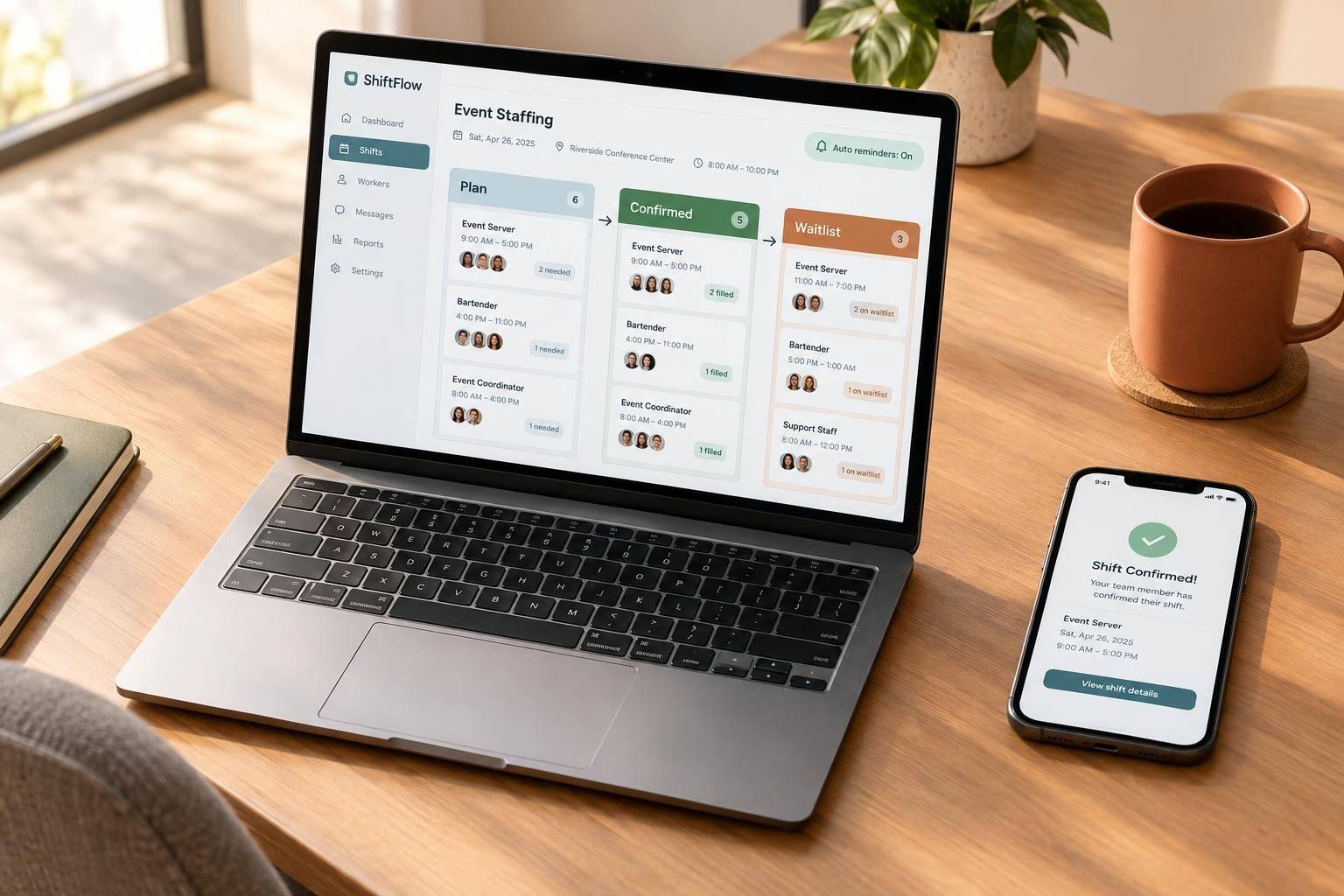
Quickstaff stores event details, assignments, availability, reminders, and messages that support the case file. Use it to document the status decision and payroll record. It does not determine employment status.
Before closing payroll, confirm whether the assignment ended or employment ended. Then apply the final-pay deadline that fits the situation.
Missing that deadline can trigger waiting-time penalties under Labor Code section 203 of up to 30 days of wages.
Keep proof of payment and the last day worked in the same file as the separation record.
Yes. Under California law, earned but unused vacation time counts as wages and must be paid out when employment ends. For event staff, include the cash value of any accrued, unused vacation in their final paycheck.
Failing to pay these earned wages can lead to waiting-time penalties of up to 30 days of the employee’s daily wages.
California’s final pay deadlines apply even on weekends and holidays. If an employee’s last workday falls on a weekend, you still need to meet the state’s payment deadline.
Plan ahead so payroll can issue final checks or direct deposits any day of the week. Late payment can lead to waiting-time penalties of up to 30 days of the employee’s daily wages.
You still have a legal obligation to pay them. Don’t withhold wages because a worker hasn’t returned property or picked up their check.
Keep records of your payment delivery attempts, including mailed checks and correspondence about unpaid wages. These records help show compliance and protect against potential wage claims or penalties.
Quickstaff’s centralized event management and communication tools help you keep these records.