Work Schedule Calculator
June 2, 2026

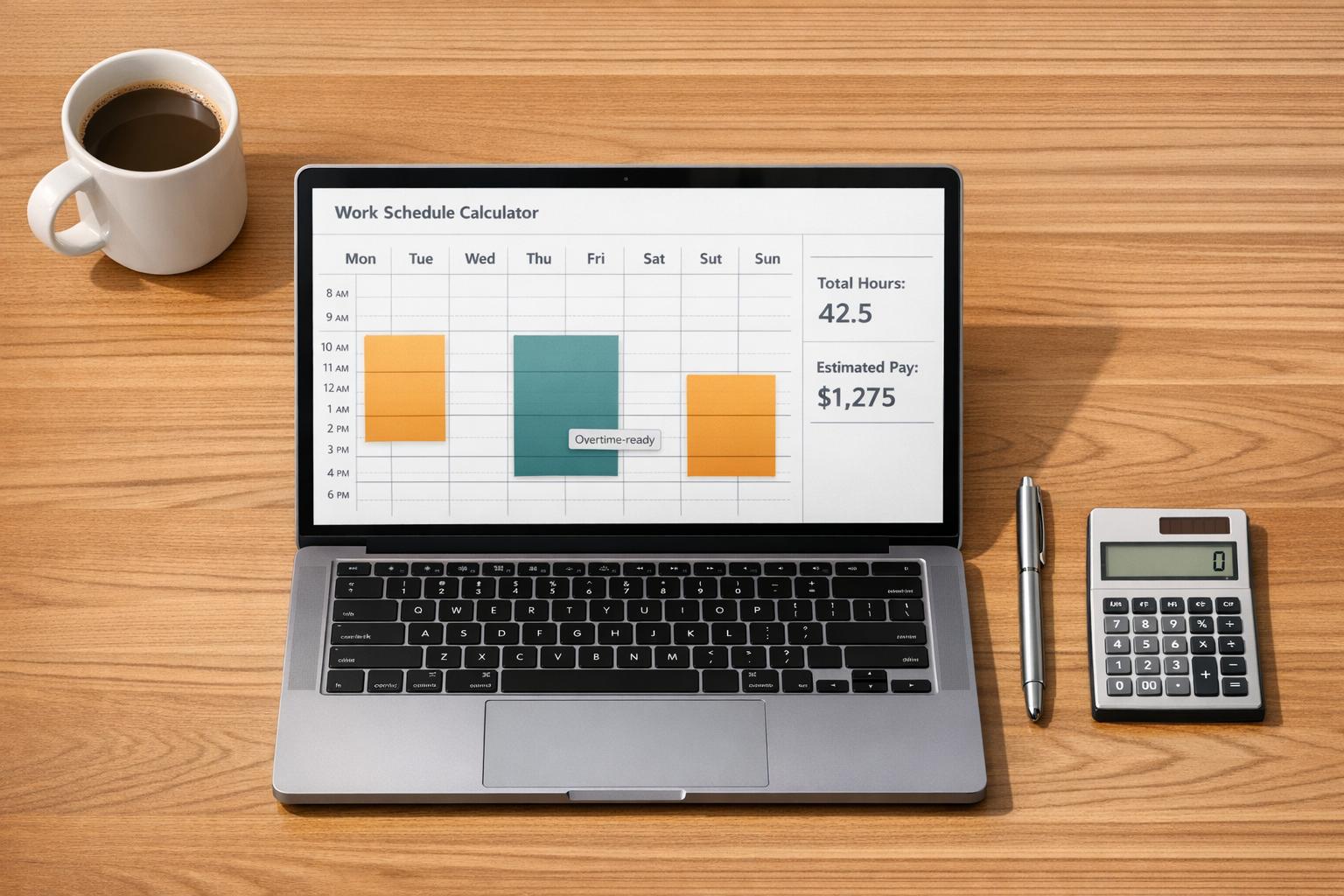
Keeping up with shift totals can get messy fast, especially when your hours change from week to week. A Work Schedule Calculator helps you map out your time clearly by turning shift details into accurate daily, weekly, and full-range totals. Instead of manually counting hours or building formulas in a spreadsheet, you can enter your start time, end time, unpaid break, and schedule type, then see results right away.
Some people work the same pattern every week, while others juggle rotating shifts, split days, or date-specific schedules. This tool supports both. You can create a standard weekly plan and apply it across multiple weeks, or add custom workdays one by one for a precise date range.
The calculator also handles overnight shifts correctly, which is essential for hospitality, healthcare, security, and other late-hour roles. Each shift is reduced by unpaid break time, then rolled into weekly summaries and total scheduled hours. If you want a quick earnings estimate, just add your hourly rate. A reliable work hours calculator like this saves time, reduces mistakes, and makes schedule planning feel much more manageable.
Yes. If a shift starts late in the evening and ends the next morning, the calculator treats it as an overnight shift automatically. It measures the full time span across midnight, subtracts the unpaid break you entered, and shows the correct worked hours for that day or date.
A recurring weekly schedule is best when your hours repeat in a regular pattern. You enter one standard week, then the tool multiplies those hours across however many weeks you choose. A custom date-based schedule is better when your shifts change often, since you can enter each workday separately with its own times and break length.
Estimated pay is based on your total scheduled hours after unpaid breaks are removed. Once you enter an hourly rate, the calculator multiplies that rate by the final worked hours across the selected schedule. It’s a helpful estimate for planning, though actual payroll may differ if your employer uses rounding rules, overtime premiums, or different pay codes.





