Time Card Calculator
May 30, 2026

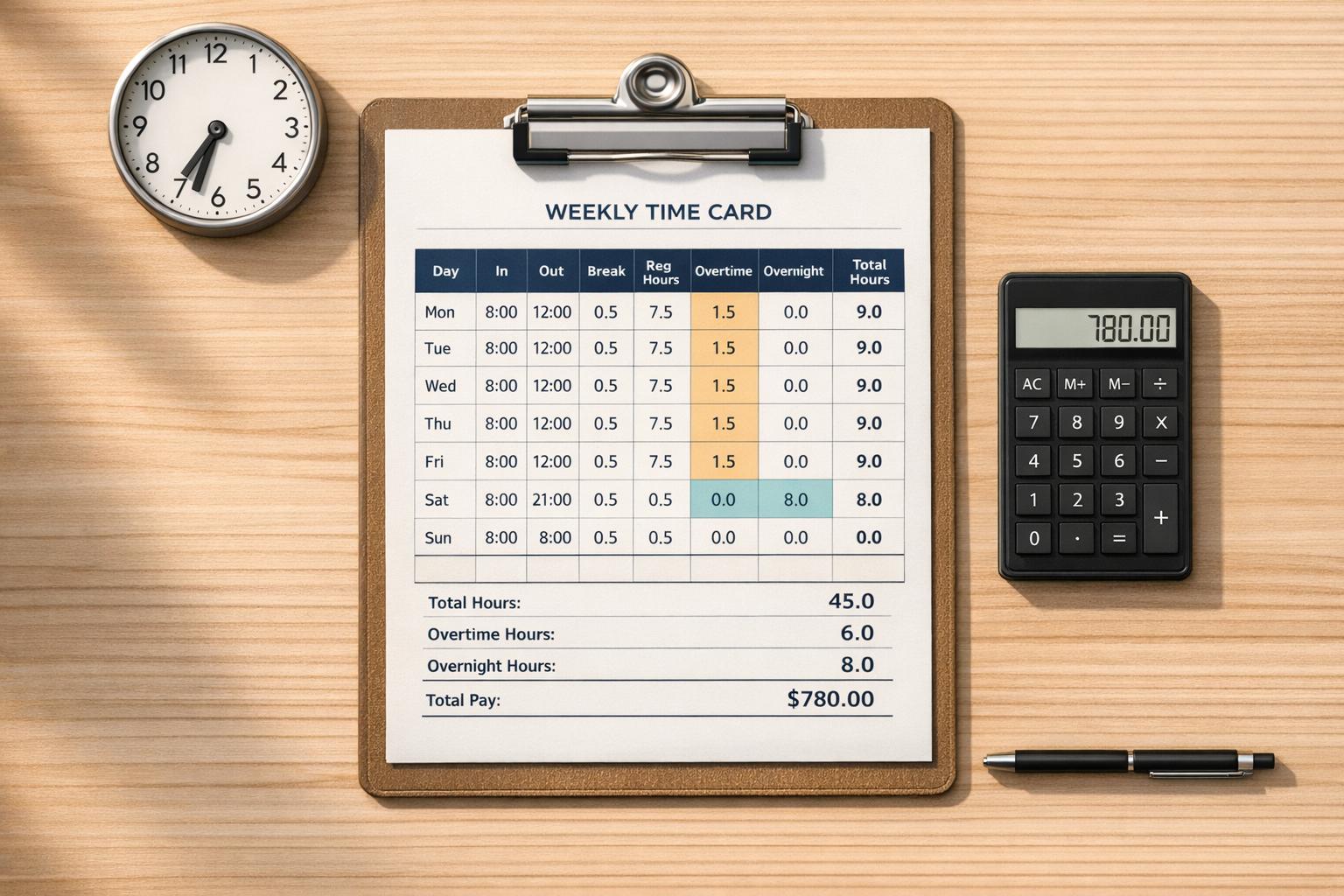
A reliable time card calculator can save a lot of frustration when you're trying to total shifts, account for breaks, and estimate earnings. Instead of doing mental math or building a spreadsheet from scratch, you can enter each workday, add split shifts when needed, and instantly see daily and period totals.
Not every shift fits a simple start-and-end pattern. Some jobs involve overnight work, meal breaks, paid rest breaks, or multiple clock-in and clock-out times in the same day. This tool is designed to handle those details cleanly, so your totals stay accurate even when the schedule gets messy.
Whether you're reviewing your own timesheet or checking labor hours for a team, a good work hours calculator makes the process faster and easier to trust. You can see regular hours, overtime, double-time where applicable, and gross pay estimates all in one place. If you don't want to enter pay information, the tool still works perfectly for hour tracking alone.
For anyone who needs a practical time card calculator for a week or pay period, this gives you a straightforward way to verify hours and stay organized.
Yes. If your clock-out time falls after midnight, the calculator treats it as an overnight shift and calculates the hours correctly. That means you can enter a late evening start and an early morning end without manually splitting the shift into two entries.
Unpaid breaks are deducted from total worked time before hours and pay are calculated. Paid breaks stay included in paid hours, so they don’t reduce your totals. This helps the calculator reflect how many employers and payroll teams actually handle break policies.
Absolutely. If you leave pay-related fields blank, the calculator can still total your hours accurately for each day and for the full period. It’s useful for checking a timesheet, verifying hours before payroll, or planning schedules even when you only need time totals.





