Staff Communication Template
September 21, 2026

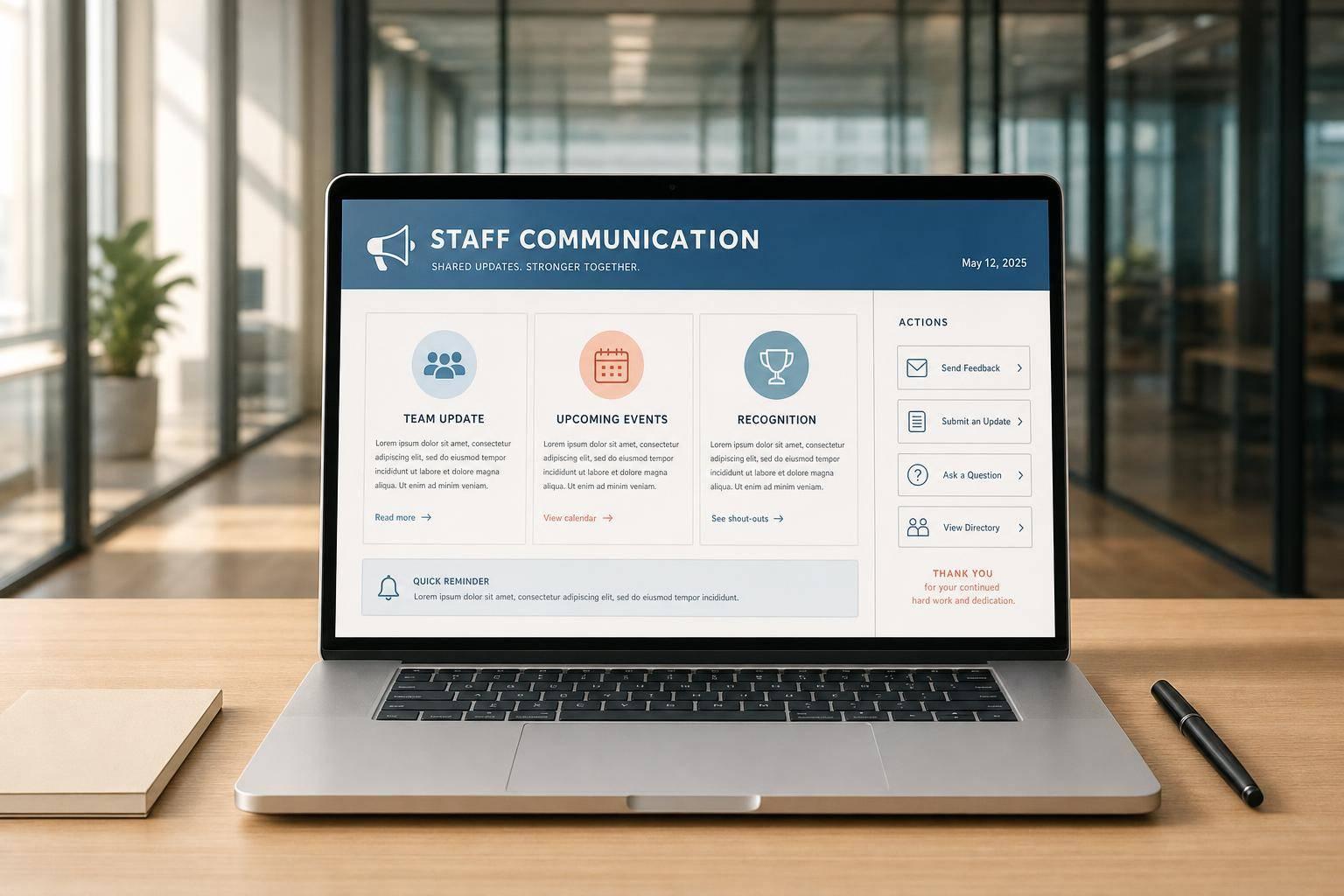
Managers and HR teams often need to send updates quickly, but writing every message from scratch can slow things down and create inconsistency. A staff communication template helps standardize the structure so important details don't get buried or forgotten. Whether you're sharing a schedule change, a meeting notice, holiday hours, or a policy update, the right format makes the message easier for employees to read and act on.
This tool creates practical internal messages with a strong subject line, a clean body section, and a concise closing. It also adjusts the tone based on your preference, so a note can feel more formal, neutral, or friendly without losing professionalism. When dates, deadlines, or action steps matter, they're placed where people can spot them fast.
A reliable staff communication template is especially useful when multiple people are responsible for sending employee updates. It keeps workplace communication clear across departments while still allowing flexibility for different situations. If you need a quick employee announcement, team notice, or internal memo, this tool gives you a simple starting point that saves time and improves clarity.
It covers common internal communication needs such as schedule changes, policy updates, shift reminders, meeting notices, holiday hours, event notices, and general announcements. If your message doesn't fit a preset category, the custom option uses a flexible format that still reads clearly and professionally.
No. The tool is designed to create natural workplace communication that feels polished without sounding stiff. The structure stays consistent, but the wording shifts based on your selected tone, and optional sections only appear when they're actually useful, which helps the final message feel more human and relevant.
Yes. You can tailor the message for all staff, a department, a team, or specific employees. That makes it useful for broad internal announcements as well as smaller operational updates where clarity, timing, and consistency still matter.