Staff Availability Checker
December 15, 2025

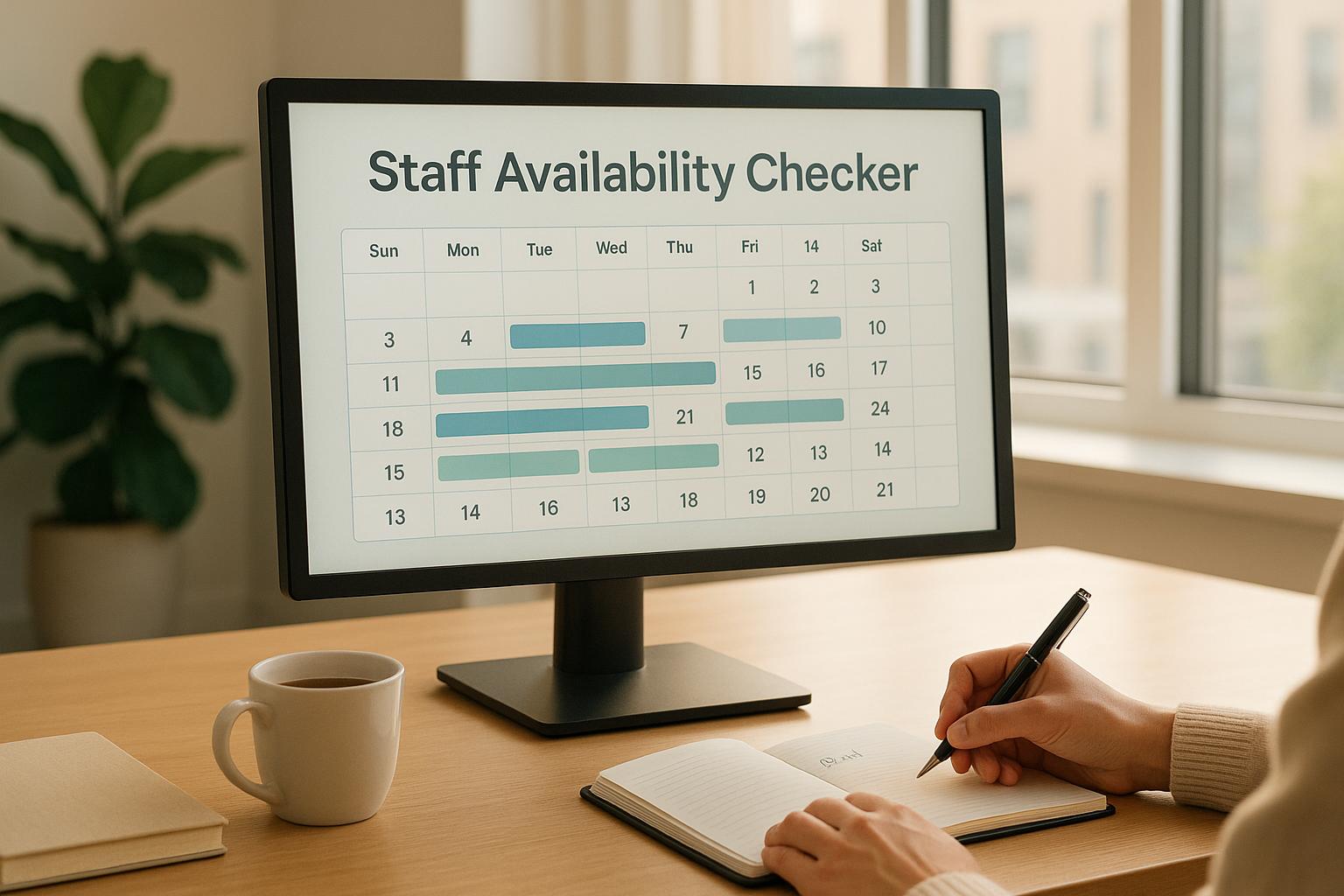
Organizing an event is no small feat, especially when it comes to coordinating your team. A reliable staff availability checker can transform the way you manage schedules, ensuring you’ve got the right people in place when it matters most. Whether you’re planning a wedding, corporate gathering, or community festival, knowing who’s free to work is the first step to a smooth operation.
Manually tracking everyone’s availability through emails or spreadsheets is a recipe for chaos. Missed messages, double bookings, and last-minute cancellations can derail even the best-laid plans. That’s where a tool designed for checking staff schedules shines. It simplifies the process by letting you input names, dates, and time ranges, then delivers a clear breakdown of who can commit fully, who’s got partial openings, and who’s unavailable. Plus, with handy notes on limited availability, you’ll know exactly who to reach out to for a quick chat.
Event planners juggle countless details, and staffing shouldn’t add to the burden. By using a solution tailored for team coordination, you can focus on creating memorable experiences instead of wrestling with logistics. Try it out and see how much easier planning becomes!
You can input up to 20 staff members at a time. If you’ve got a larger team, just run the tool again for the next batch. It’s quick and easy to repeat the process, so you won’t lose any time managing bigger events.
No worries! You can mark them as partially available and specify their free hours. The tool will note their limited window in the summary table, like ‘Available from 2 PM to 5 PM only,’ so you know exactly who to follow up with for confirmation.
Absolutely, though it’s designed for single-event checks. Just run it for each date separately to map out availability. It’s a straightforward way to stay on top of scheduling, even if you’ve got multiple events lined up over a few weeks.