Shift Schedule Generator
May 29, 2026

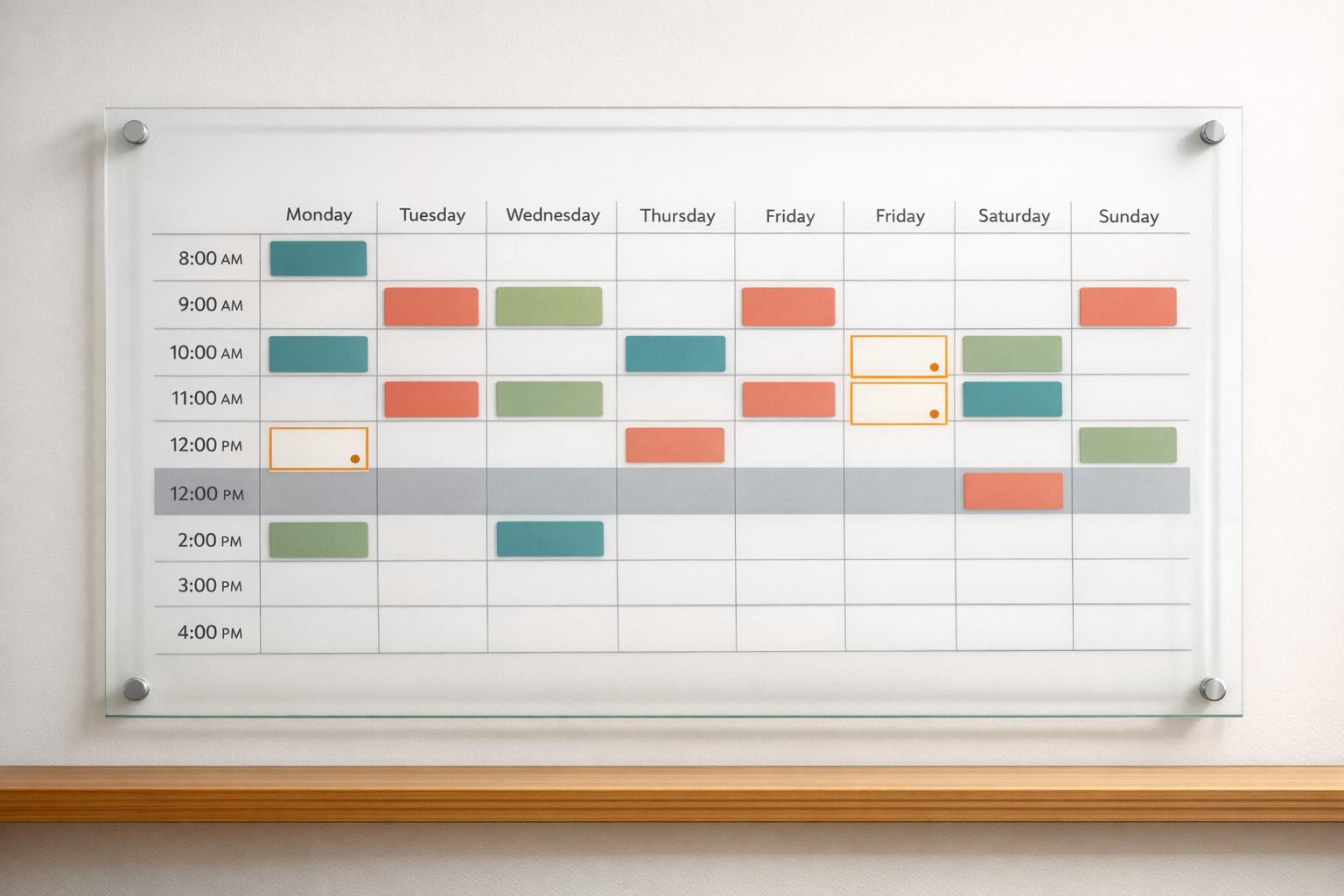
A reliable Shift Schedule Generator can save hours of manual work and make staffing decisions much easier to manage. Instead of juggling availability notes, hour limits, shift caps, and role coverage across multiple tabs, managers can build a schedule that reflects how the team actually works. This is especially useful for restaurants, retail teams, healthcare support staff, warehouses, and any workplace where coverage changes by day or shift.
This staff scheduling tool helps you create weekly or monthly rosters based on employee availability, preferred working days, maximum hours, rest rules, and staffing requirements. It can also balance weekends and less desirable shifts more fairly, which helps reduce frustration across the team. If coverage can’t be met, the system flags open shifts clearly rather than forcing invalid assignments.
A good Shift Schedule Generator should do more than produce a grid. It should give you a usable plan, highlight conflicts, and let you make quick edits when things change. With automatic recalculations for hours, coverage, and rule violations, this shift planning solution helps managers stay accurate without slowing down.
Yes. You can assign each employee a role or department, then set staffing needs by day and shift based on those requirements. The generator uses that information to match the right people to the right shifts, which is especially helpful when one team needs a cashier, another needs a supervisor, and another needs overnight support. It keeps the schedule practical instead of just filling slots with whoever is available.
The tool won’t force bad assignments just to make the schedule look complete. If a shift can’t be fully covered without breaking availability rules, hour limits, rest requirements, or role matching, it flags the uncovered slots clearly. That gives you an honest view of staffing gaps so you can adjust requirements, call in extra help, or make manual changes with full context.
Absolutely. Automatic generation gives you a strong starting point, but real scheduling often needs a human touch. You can manually move assignments, swap employees, or fill open shifts, and the tool will automatically recalculate scheduled hours, coverage totals, and any rule conflicts. That means you keep full control without having to redo the math every time you make a change.





