Schedule Maker
August 26, 2026

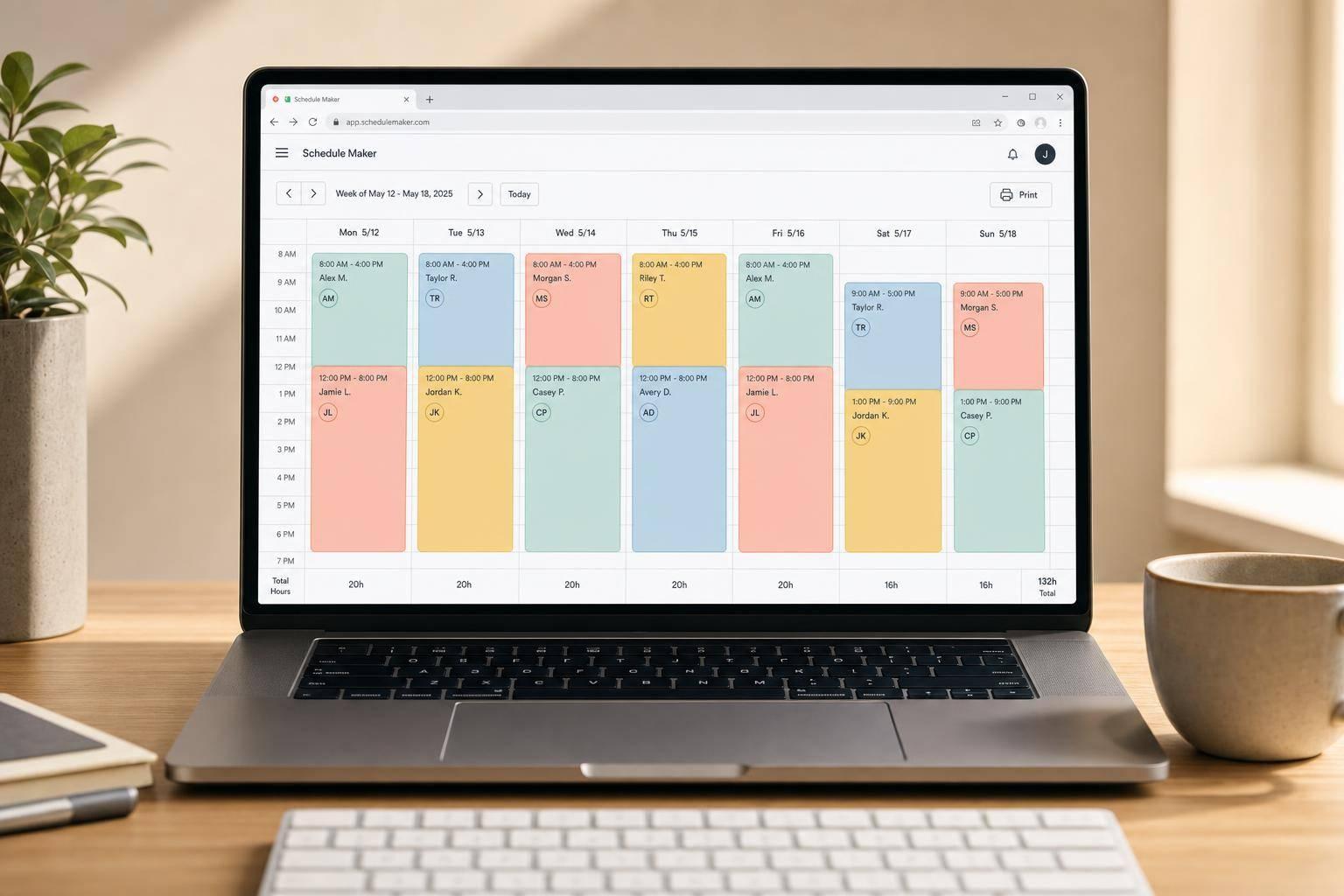
A good Schedule Maker should do more than fill boxes on a grid. It should help you plan time clearly, assign the right people or tasks, and catch problems before they turn into confusion. This browser-based tool is built for teams, teachers, organizers, and anyone who needs a reliable way to map out a week or set up a rotating plan.
You can choose a date range or use a recurring weekly layout, define your time slots, and add people, roles, events, or tasks with color labels for quick scanning. If availability matters, the tool helps surface assignments that fall outside preferred hours. It also checks for overlap, coverage gaps, break-time issues, and hour limits, making it easier to create a schedule that actually works in practice.
Because the main grid stays front and center, editing feels straightforward instead of cluttered. You can duplicate entries, make manual adjustments, and review totals by person or role in one place. Whether you need a class timetable, a staff rota, or a personal planning board, this scheduling tool keeps the process simple while giving you the structure needed to produce a clean, printable result.
Yes. It works well for team shifts, class timetables, event planning, volunteer coverage, study routines, and personal weekly planning. The layout is flexible enough to handle people, roles, tasks, or simple events, so you’re not locked into one type of schedule.
As you add or edit entries, the tool checks for common issues such as overlapping assignments for the same person, missing coverage, assignments outside someone’s available times, and hour totals that go past a limit you set. Instead of hiding those problems, it flags them clearly so you can fix them before sharing the final schedule.
No. The tool runs entirely in your browser, so you can start building a schedule right away without installing software. That makes it especially useful when you need a quick, printable planning tool that’s easy to access from different devices.