Hours Calculator
June 1, 2026

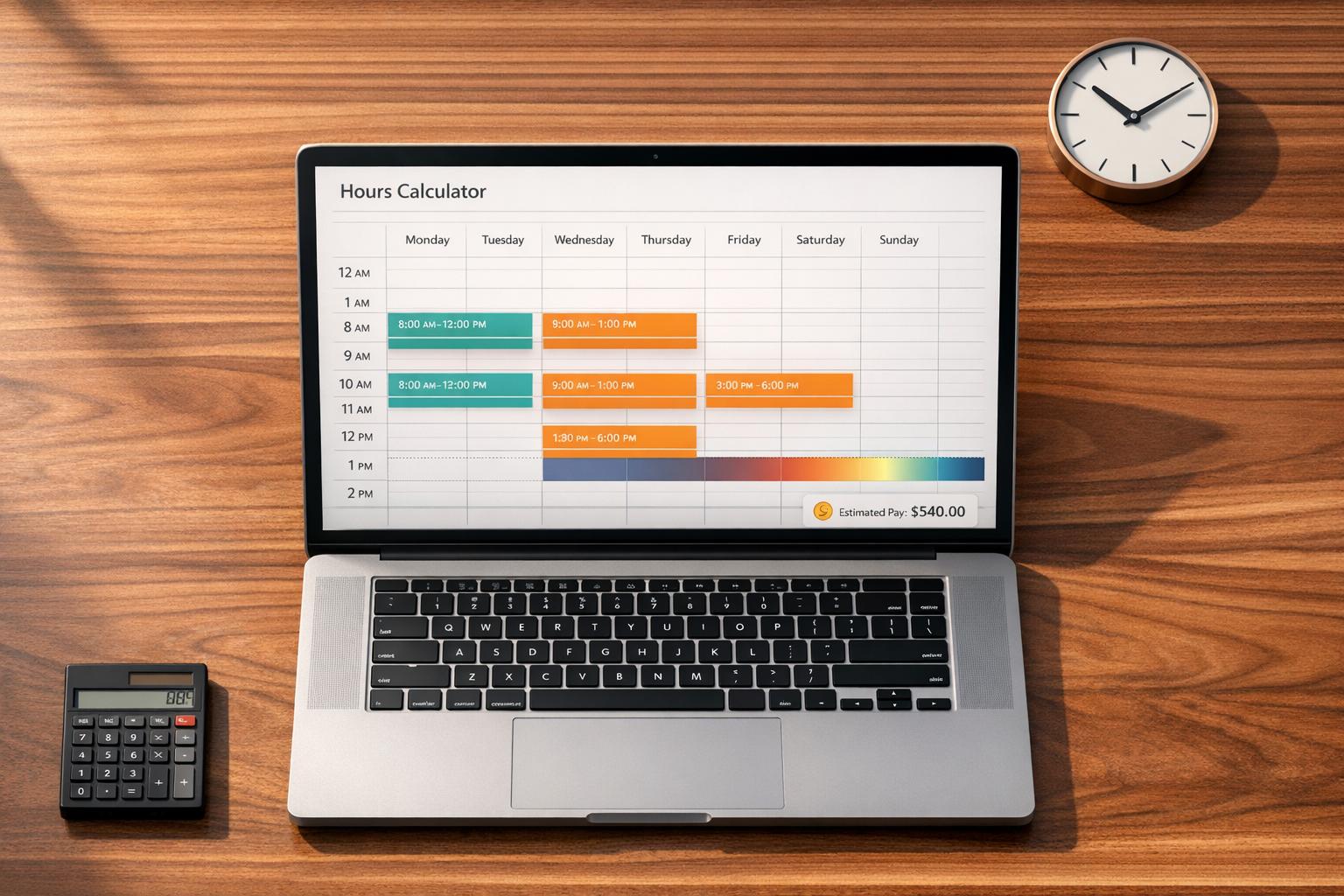
Keeping up with worked time shouldn’t take longer than the work itself. This Hours Calculator is built for people who need quick, reliable totals without digging through formulas or editing spreadsheets. Whether you’re logging employee shifts, freelance project time, or weekly work entries, it helps you calculate hours with less friction.
You can add multiple rows, include unpaid break minutes, and even account for overnight shifts that cross midnight. That makes it useful for restaurant staff, healthcare workers, contractors, remote teams, and anyone who needs accurate time totals. If you want a daily view, group entries by date. If not, combine everything into one simple running total.
A good hours calculator should do more than subtract one time from another. This one shows worked time for each entry, converts totals into decimal hours and hours and minutes, and estimates earnings when an hourly rate is added. It’s a practical fit for payroll checks, invoices, timesheets, and personal recordkeeping.
The goal is speed and clarity. Enter your times, review the totals, and move on with confidence using a work hours calculator that keeps the math easy.
Yes. If a shift starts late in the day and ends after midnight, the tool treats it as an overnight entry and calculates the time correctly. That means you can enter evening, night, or early-morning shifts without needing to split them into separate rows.
Decimal hours show time in a format like 7.5 or 8.25, which is useful for payroll, invoicing, and spreadsheets. Hours and minutes show the same total in a more familiar format, such as 7 hours 30 minutes. Having both side by side makes it easier to double-check your totals and use them wherever you need.
The calculator validates each entry so worked time can’t fall below zero. If the break entered is too long, or the shift setup would produce a negative duration, the tool should flag that row so you can fix the times before using the total. This helps prevent small input mistakes from throwing off your hours or pay estimate.





