Event Staffing Efficiency Analyzer
February 5, 2026

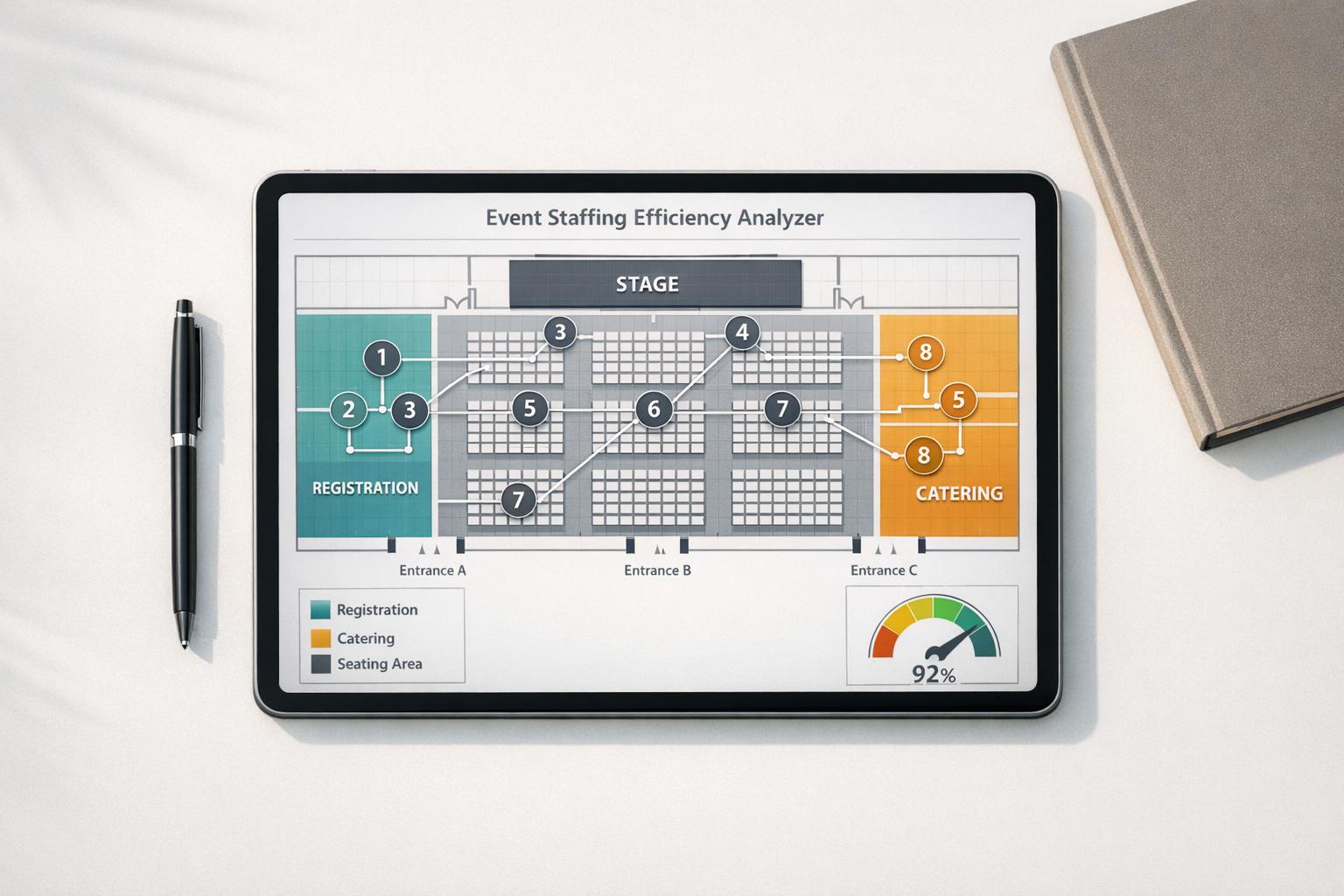
Planning an event is a juggling act, and getting the staff numbers just right can make or break the experience. Whether it’s a wedding, conference, or music festival, having too few hands on deck leads to chaos, while overstaffing eats into your budget. That’s where a smart approach to staff allocation comes in handy. By analyzing key factors like attendee count and task coverage, you can ensure every role is filled without waste.
A well-staffed event feels seamless—ushers guide guests, servers keep things moving, and security stays alert. But how do you know if your team is sized correctly? Using a tool to evaluate staff efficiency can reveal gaps or excesses in your plan. It’s not just about numbers; it’s about matching people to the workload. For instance, a crowded venue might need extra support at entry points, while a smaller gathering could run smoothly with a lean crew. Finding that sweet spot saves money and keeps everyone happy.
Take control of your next event by focusing on smart staff planning. With the right insights, you’ll avoid common pitfalls and create an unforgettable experience.
Great question! Our tool looks at the data you provide—like total event hours, staff numbers per role, and expected workload or attendee count. It then compares these against standard benchmarks, such as a 1:50 staff-to-attendee ratio for roles like ushers. From there, it generates an efficiency score as a percentage, showing how well your current staffing matches the event’s needs. If there’s a mismatch, it’ll point out where you’re over or understaffed.
Absolutely, it works for any size event! Whether you’re organizing a small corporate meeting with 20 attendees or a festival with thousands, the analyzer adjusts to the numbers you input. It’s all about ratios and workload balance, so you’ll get useful insights no matter the scale. Just make sure to enter accurate details for the best recommendations.
Yes, to an extent! The tool uses general benchmarks as a starting point, like common staff-to-attendee or staff-to-area ratios for different roles. But since you input specific tasks and coverage areas, the suggestions are tailored to your event’s unique setup. If you’ve got an unusual event format, the report still gives a solid baseline—you can tweak the final numbers based on your judgment.