Event Staff Shift Calculator
February 20, 2026

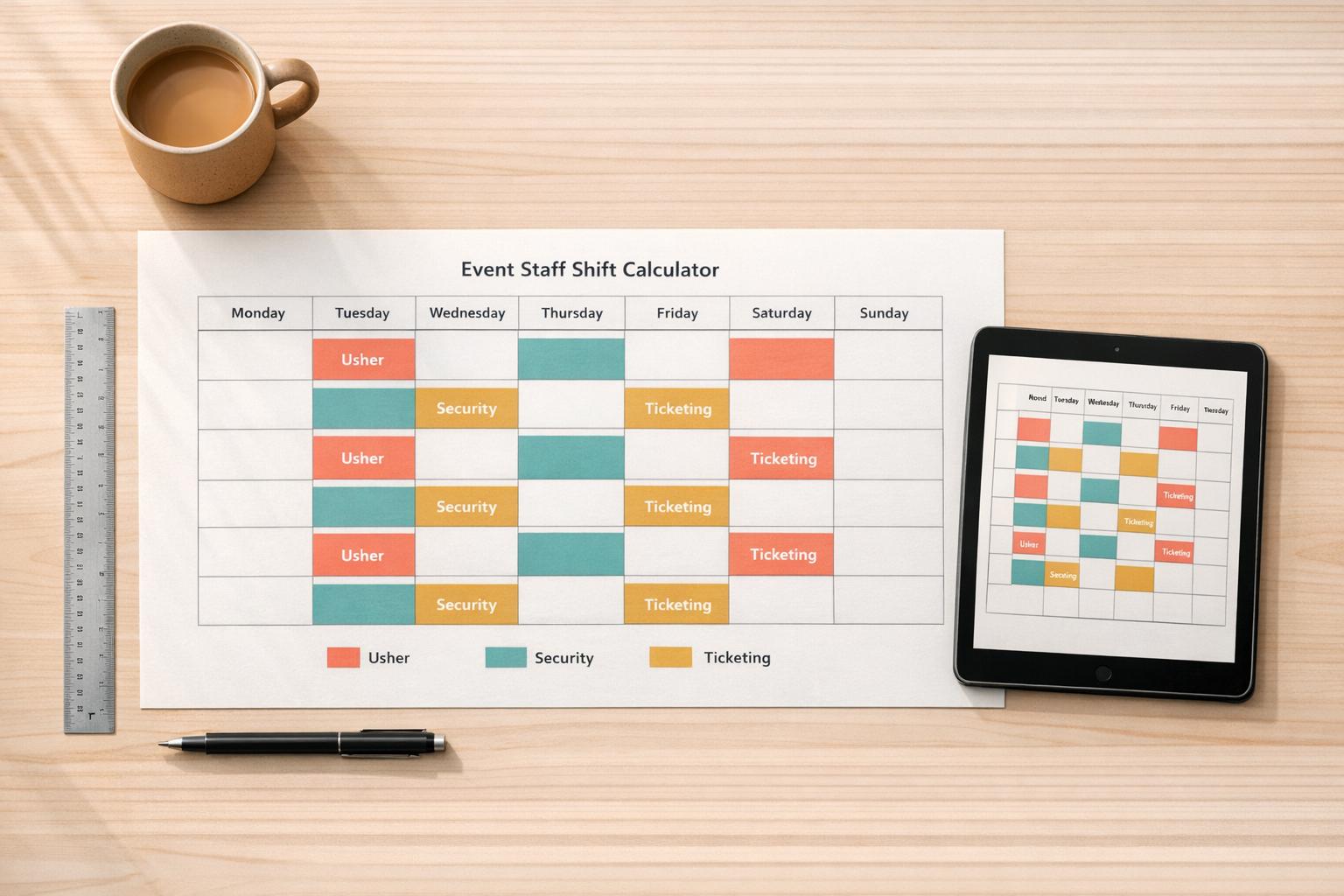
Organizing an event, big or small, comes with a laundry list of tasks, and figuring out staff schedules often feels like a puzzle. That’s where a tool like the Event Staff Shift Calculator shines. It’s designed to help planners map out exactly how many shifts are needed based on the event’s length, the roles involved, and how long each person works. No more overstaffing or awkward gaps in coverage—just a straightforward plan.
Getting the numbers right isn’t just about saving money (though that’s a perk). It’s about ensuring your event runs smoothly with the right people in place at the right time. Imagine a festival where security rotates seamlessly or a wedding where catering staff are always on hand. A solid staffing breakdown tool can make that happen without the headache of manual math. Plus, it’s flexible enough to handle any type of gathering, from corporate gigs to backyard parties. If you’re in the business of creating memorable experiences, having a reliable way to tally up personnel needs is a game-changer that keeps stress at bay and guests happy.
Great question! If a shift doesn’t divide evenly into the event duration, we round up to the nearest whole number. For example, if your event is 10 hours long and shifts are 4 hours, that’s 2.5 shifts per person. We’ll round it up to 3 to ensure you’ve got full coverage. It’s a small tweak that keeps your staffing airtight.
Absolutely, we’ve got you covered. If your event runs for 7.5 hours or a shift is 3.25 hours, the tool handles those decimals smoothly. It’ll still round up partial shifts to make sure you don’t end up short-staffed. Just plug in the numbers, and the results will be clear and practical for real-world use.
It works for any size event! Whether you’re organizing a small wedding with a handful of staff or a massive conference needing dozens of roles, this calculator adjusts to your inputs. It’s all about giving you a tailored breakdown, no matter the scale. Try it out and see how it fits your needs.





