Event Staff Cost Calculator
April 6, 2026

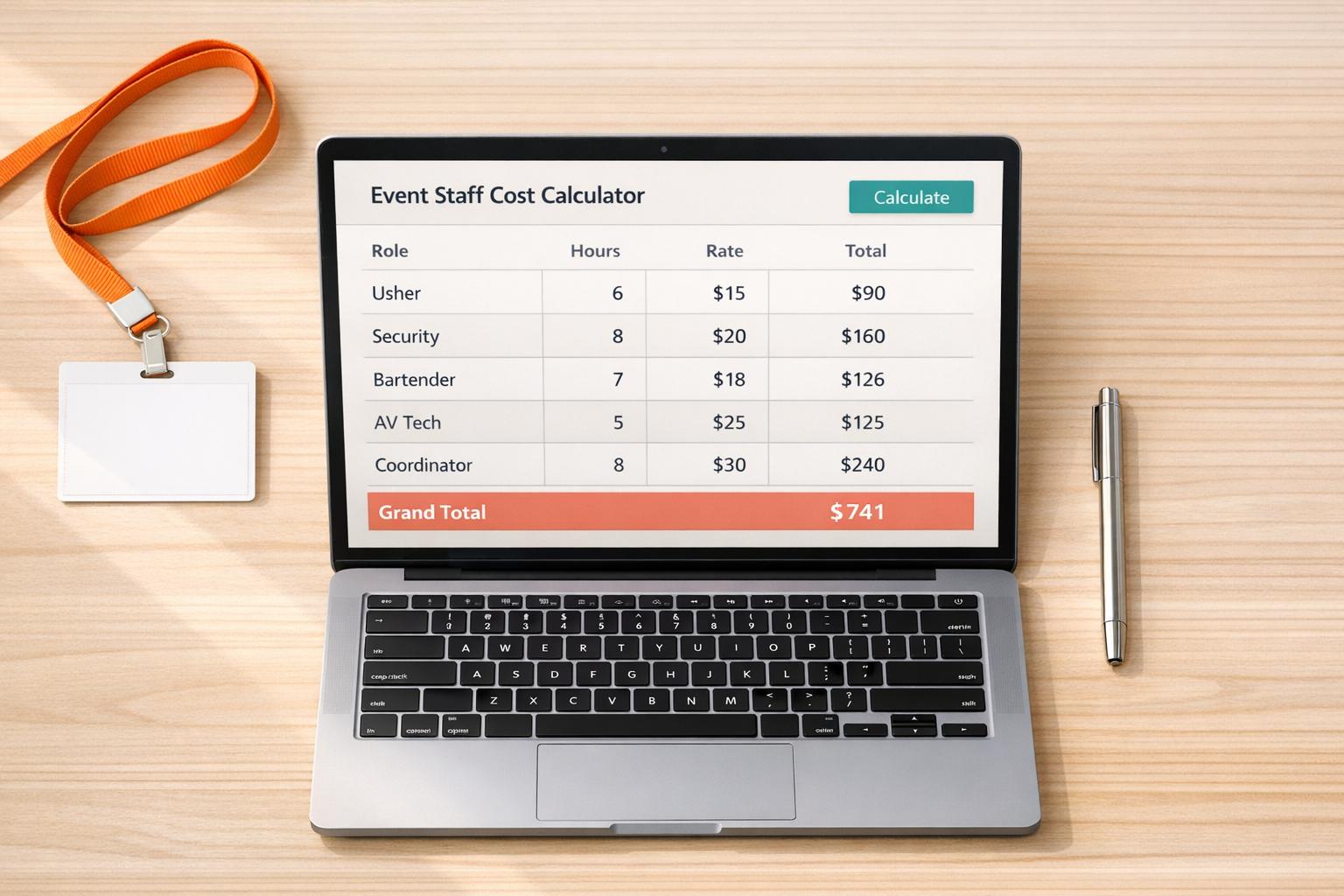
Plan Smarter with an Event Staff Cost Calculator
Organizing a successful event hinges on getting the details right, especially when it comes to budgeting for your team. If you’re an event planner or coordinator, estimating labor expenses can feel like a daunting task. That’s where a reliable tool to calculate staffing costs comes into play. By breaking down expenses for each role—whether it’s servers, security, or managers—you can gain clarity on where your money is going and avoid unexpected overruns.
Events thrive on smooth execution, and having the right number of staff at the right price is key. A tool designed for this purpose lets you input specifics like hourly wages, shift lengths, and staff numbers to see a full cost breakdown. This isn’t just about numbers; it’s about peace of mind. You’ll know exactly what to allocate for labor, leaving room to focus on other priorities like decor or guest experience. Plus, with a clear financial picture, you can confidently pitch your plans to clients or stakeholders. Take control of your next event by leveraging smart solutions for managing expenses.
Absolutely! Our tool lets you dynamically add as many roles as you need. Whether you’ve got servers, security, bartenders, or coordinators, just click to add a new role and fill in the details like staff count, hourly rate, and shift info. It’ll calculate everything separately and roll it into the total cost.
No worries—we’ve got you covered. The tool checks for invalid inputs like negative numbers or empty fields and will show a friendly error message to guide you. Just correct the input, and you’ll be back on track to getting an accurate estimate for your event staffing costs.
Yes, it sure does! You can enter decimal values for hourly rates, like $15.50 or $22.75, and the tool will calculate everything precisely. This ensures your budget reflects the real costs, down to the last cent, for each role and shift.





