Event Shift Schedule Generator
April 9, 2026

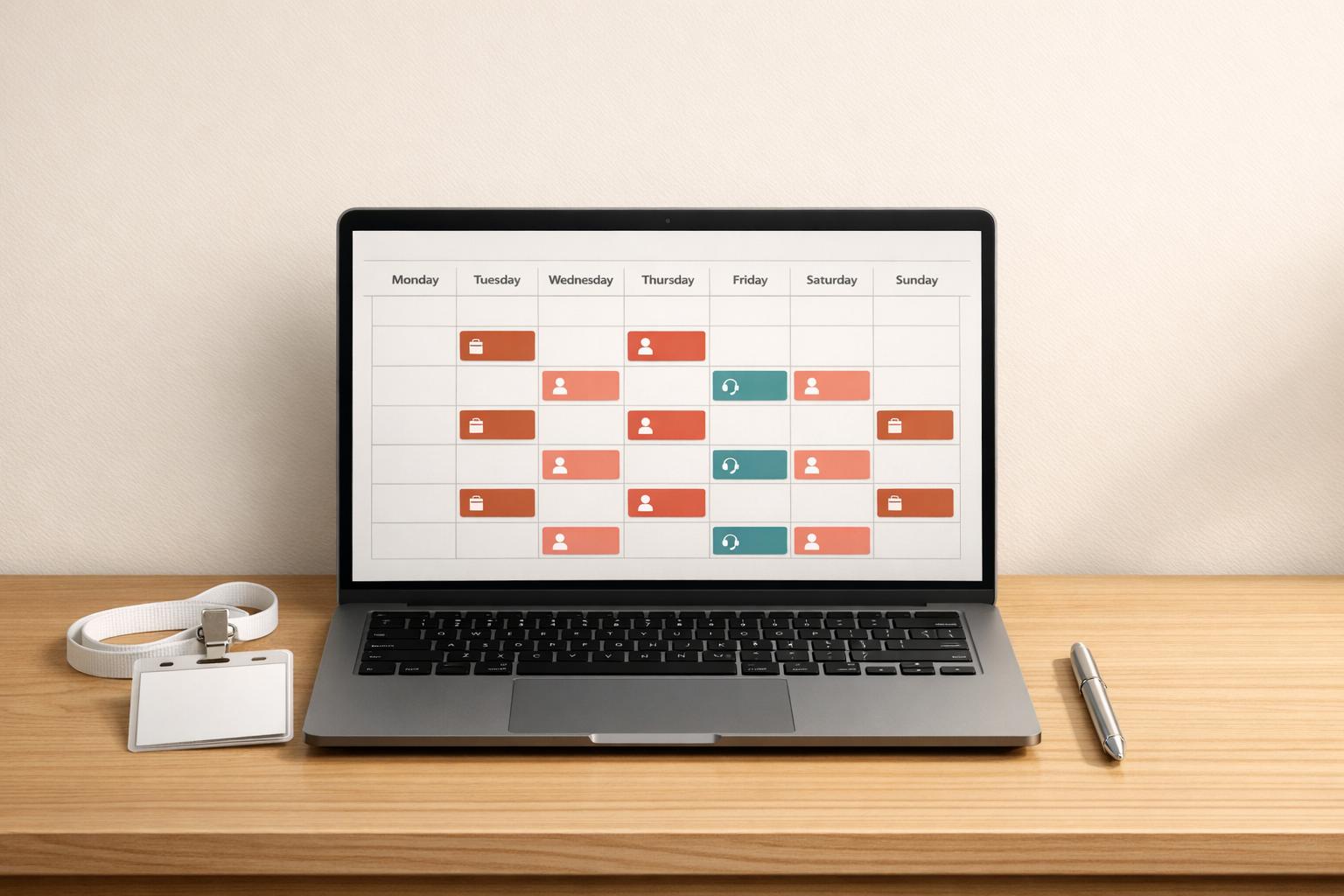
Organizing an event is no small feat, especially when it comes to managing staff. From weddings to corporate conferences, ensuring everyone knows their role and time slot is crucial for a smooth operation. That’s where a smart scheduling tool comes in handy, taking the guesswork out of creating a balanced roster.
Poor planning can lead to overworked team members or uncovered hours, risking the success of your event. A reliable solution automates the process, letting you input key details like dates, roles, and shift preferences. The result? A tidy timeline that assigns ushers, technicians, or any other positions without overlaps or gaps. Event managers can save time and focus on bigger priorities, knowing their crew is set.
Beyond just organizing shifts, this kind of tool offers peace of mind. It adapts to your unique needs, whether you’re handling a small gathering or a multi-day festival. Plus, with error alerts for staffing shortages, you’re always a step ahead. For anyone juggling multiple responsibilities, having a digital assistant for staff planning is a game-changer that elevates the entire experience.
Absolutely! You can input as many roles as your event requires, like ushers, technicians, or security. The generator will distribute staff across these roles based on the numbers you provide and the shift lengths you prefer. If there’s a shortage in any role, it’ll highlight that for you to tweak the plan or bring in extra help.
No worries—we’ve got error handling built in. If your staff count falls short of covering the event duration, the tool will flag the gaps in the schedule and suggest where you might need to extend shifts or hire additional hands. It’s designed to help you spot issues early so you’re not scrambling on the day of the event.
Yes, you can! While it’s optional, adding staff names lets the tool assign specific people to shifts, making the output super detailed. If you skip names, it’ll still create a schedule based on roles and numbers, leaving the final assignments up to you. Either way, you get a clear, organized timetable to work from.





