Event Shift Schedule Formatter
February 27, 2026

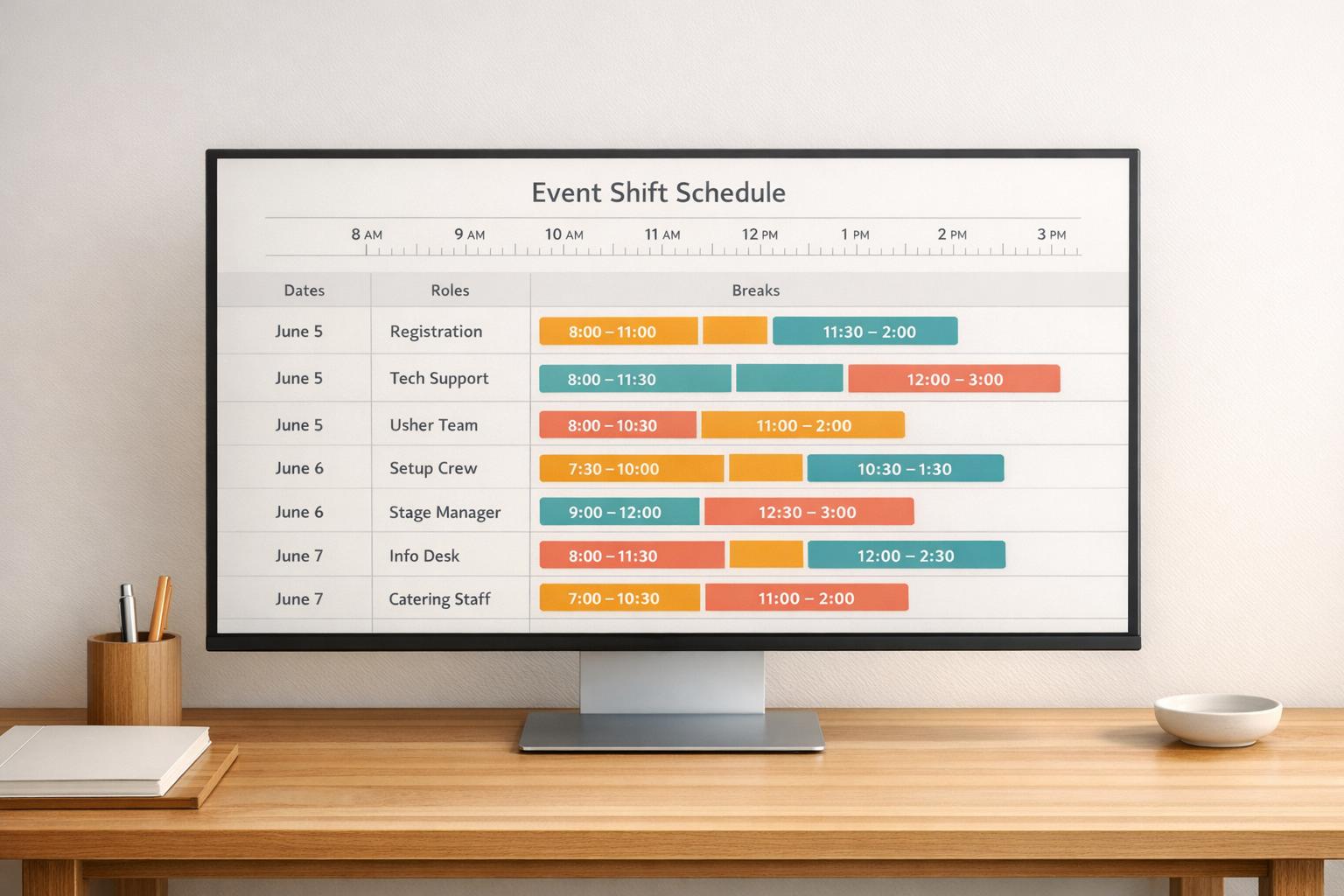
Planning an event is no small feat, especially when it comes to managing staff. From weddings to corporate functions, ensuring everyone knows their role and shift can make or break the day. That’s where a reliable scheduling solution comes in handy, helping event managers craft organized timelines without the usual stress.
A well-structured staff plan keeps operations smooth. Imagine a conference where servers miss their cues or a festival where setup crew overlap with no breaks—it’s chaos waiting to happen. Tools designed for event staffing take your input on dates, roles, and hours, then turn it into a clear layout. They handle the heavy lifting of dividing tasks and timing breaks, so you’re free to focus on the bigger picture.
Manually plotting out shifts often leads to mistakes or uneven workloads. Digital planners, especially those tailored for events, cut down on errors by automating assignments and spacing out downtime. For anyone juggling multiple teams, this kind of support is a game-changer, ensuring every detail aligns perfectly for a seamless experience.
Absolutely! If your event runs longer than 8 hours, the Event Shift Schedule Formatter automatically splits the duration into multiple shifts. It ensures staff are evenly distributed across the timeline while maintaining coverage, so no one’s overworked and every role is filled when needed.
It’s pretty straightforward. You input the roles—like bartenders or setup crew—and either specify ratios or let the tool divide staff equally. The goal is balance, so each role gets enough people to keep things running smoothly during the event.
Right now, the tool sticks to a simple setup with predefined break intervals, like 30 minutes every 4 hours, to keep things easy. It prioritizes clarity over customization, but you can tweak the output manually after downloading the schedule if you need specific changes.





