Event Role Compatibility Finder
February 20, 2026

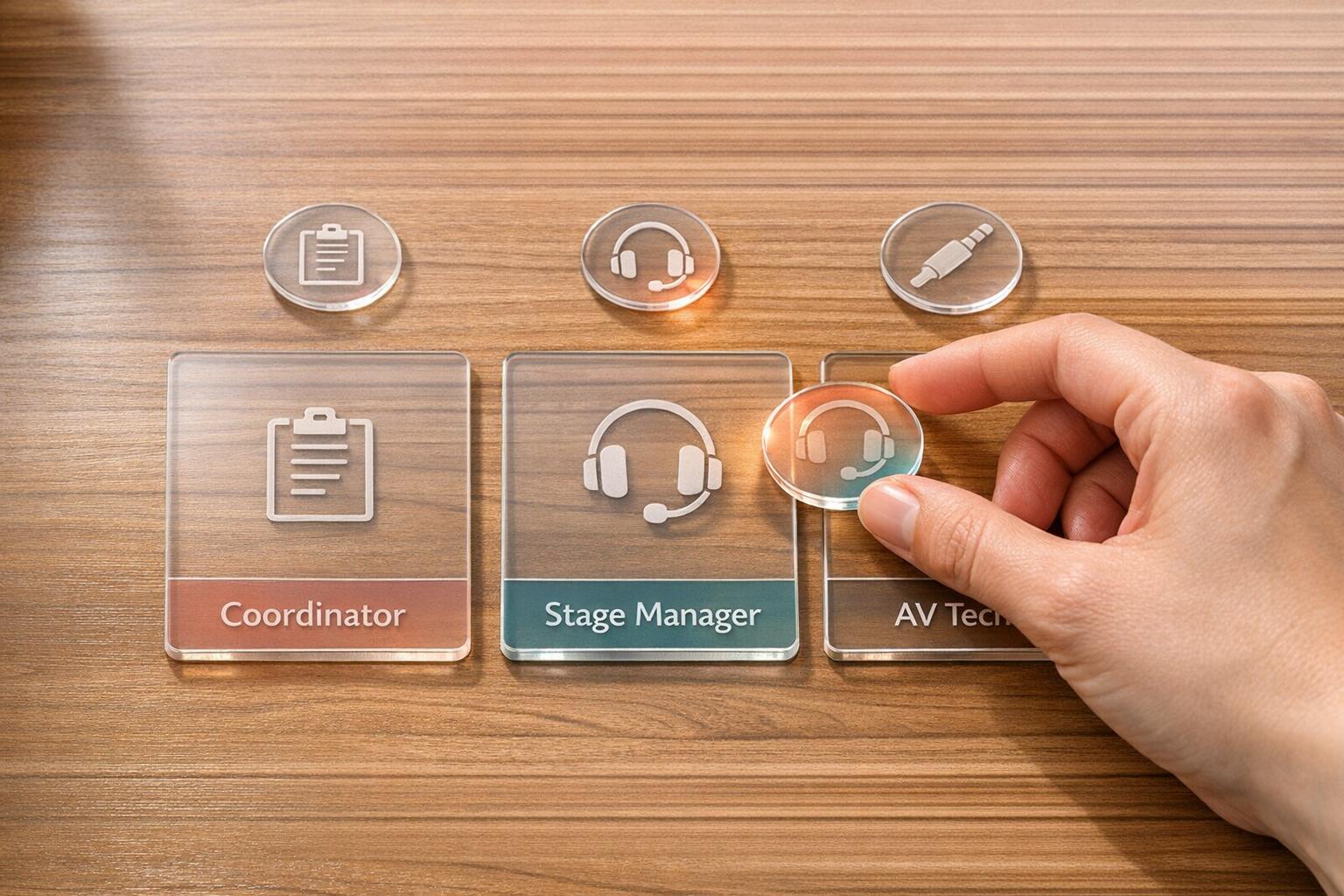
Organizing an event comes with a laundry list of challenges, from logistics to guest experience. One often-overlooked hurdle is figuring out who should handle what task. A poorly placed staff member can throw a wrench in your plans, but manually sorting through skills and preferences for the ideal fit takes forever. That’s where a smart solution for pairing team members with roles can be a game-changer.
Events thrive on smooth operations, and that starts with having the right people in the right spots. A greeter with stellar people skills can set a welcoming tone, while a technician with the know-how to troubleshoot gear prevents disasters. Guessing who fits where, though, risks chaos. Tools designed to analyze capabilities and match them to event needs cut through the confusion, letting you focus on the big picture.
Imagine having a system that instantly suggests which of your team fits best as a guard or setup crew based on their background. Not only does this approach save hours of planning, but it also builds confidence that your event will run like a well-oiled machine. Embrace tech to elevate your planning game!
Great question! The tool compares the skills and experience of your staff against the requirements for each role. It prioritizes folks who check the most boxes for a given position. If there’s no perfect fit, it’ll suggest partial matches and highlight what skills are missing so you can decide if training or a workaround makes sense.
No worries at all. If you’ve got extra staff, the tool will only assign the best matches and leave the rest unassigned for you to handle as backups or for other tasks. If you’ve got more roles than people, it’ll flag the unfilled spots and suggest partial matches where possible, so you know where to focus your recruiting efforts.
Absolutely, it works for any size event! Whether you’re organizing a small community gathering with five roles or a huge conference with dozens of positions, the logic scales to handle your input. Just pop in the details, and it’ll churn out suggestions tailored to your crew and needs.





