Event Shift Cost Estimator
April 15, 2026

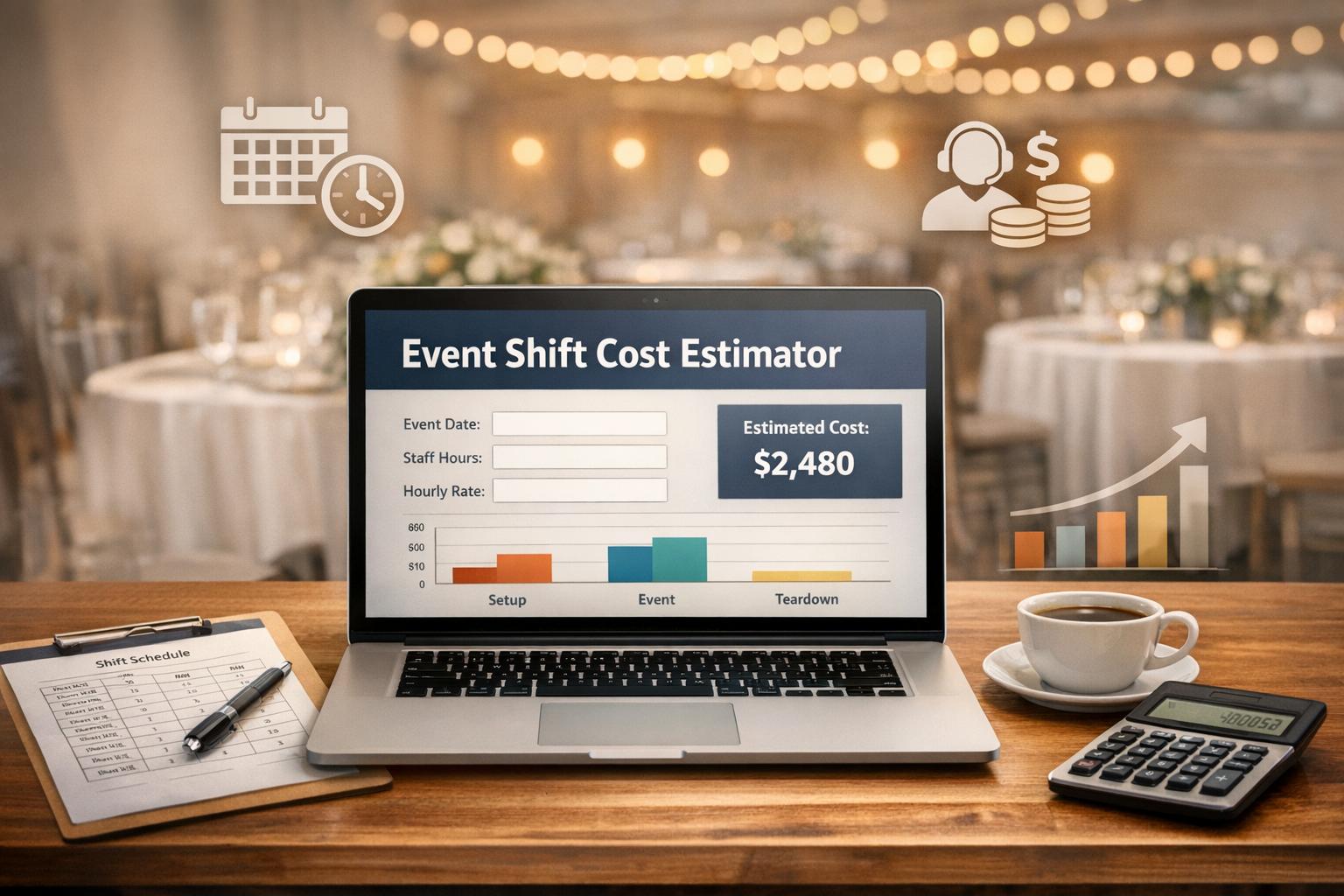
Organizing an event, whether it’s a cozy local gathering or a sprawling festival, comes with a laundry list of expenses. One of the biggest? Labor costs. Getting a handle on what you’ll owe your staff can make or break your budget, and that’s where a reliable tool for estimating staff expenses comes in handy. Instead of scribbling numbers on a napkin or guessing at overtime, you can use a dedicated calculator to map out costs with precision.
Labor is often the largest line item for events, especially if you’ve got long shifts or a big team. A single miscalculation on hourly rates or overtime thresholds can throw off your entire financial plan. By using a tool designed to break down regular and overtime pay, you gain clarity on what you’re spending before the event even starts. Plus, it helps you tweak variables like shift lengths or staff numbers to find savings. For anyone juggling event logistics, this kind of resource isn’t just helpful—it’s a game-changer that keeps surprises at bay.
Great question! The tool looks at the shift duration for each staff member. If the hours go beyond the overtime threshold you set (default is 8 hours), any extra hours are multiplied by the overtime rate (default 1.5x) to calculate the additional cost. So, if a shift is 10 hours with a threshold of 8, you’ll pay regular rates for the first 8 hours and the boosted rate for the remaining 2.
Absolutely, it’s super versatile. Whether you’re organizing a wedding, a corporate conference, or a music festival, just plug in the numbers that match your staffing needs. The tool doesn’t care what the event is—it just crunches the numbers for any shift setup you’ve got.
Nope, we keep it straightforward. The costs you see are purely based on the hours and rates you input, covering regular and overtime pay. Taxes, benefits, or other fees aren’t factored in, so you’ll want to account for those separately when finalizing your budget.





