Availability Form Template
September 1, 2026

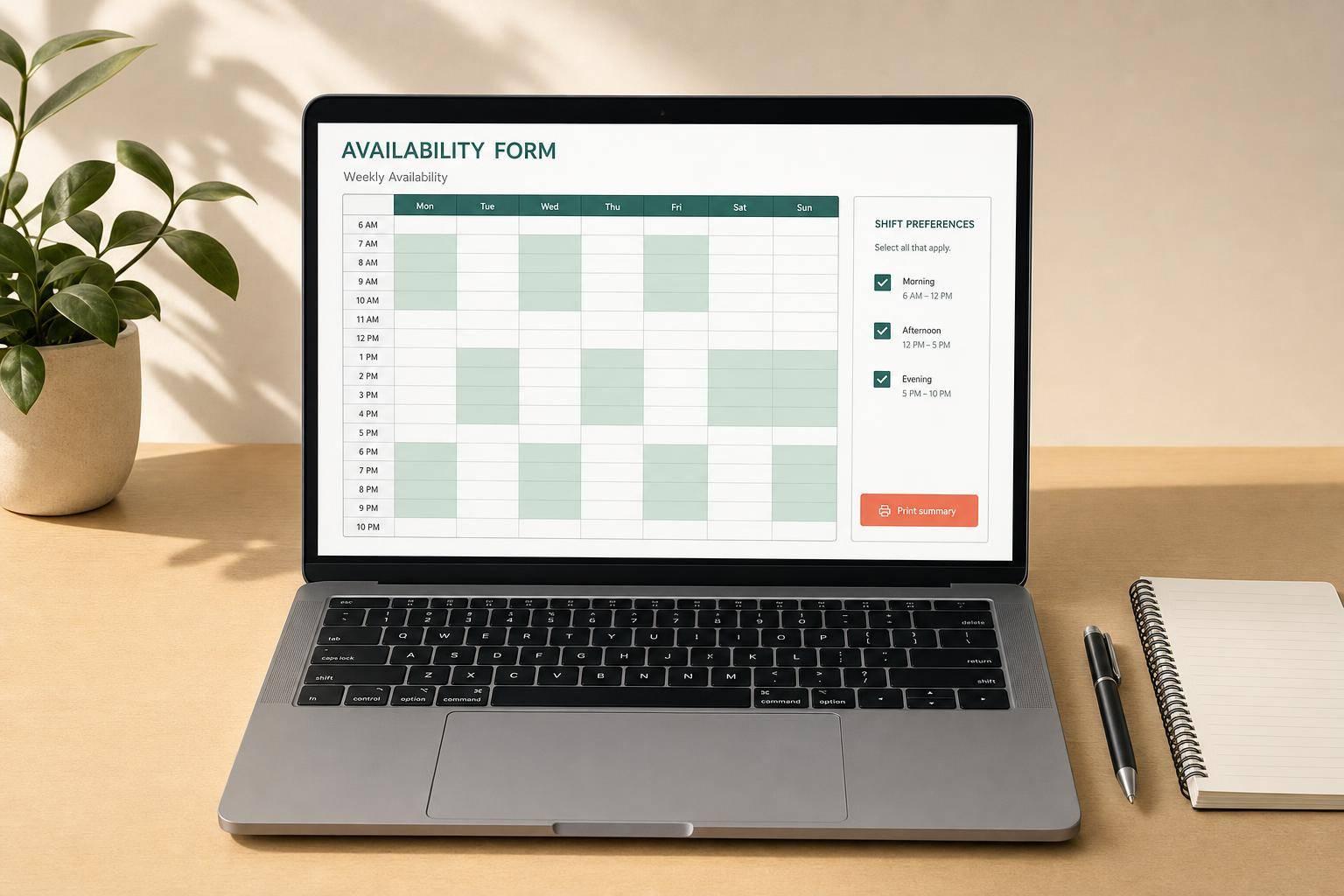
An availability form template helps you collect schedule details in a format that's easy for people to complete and easy for you to review. Whether you're coordinating employee shifts, class participation, volunteer schedules, or team assignments, this tool gives you a structured way to gather weekly availability without relying on messy email replies or inconsistent spreadsheets.
You can set the form's purpose, add a title, include instructions, and collect essentials like name, email, phone, role, and start date availability. The built-in weekly matrix makes it simple to mark each day as fully available, unavailable, or open only during custom hours. Optional fields for preferred shifts, weekly hour limits, recurring conflicts, transportation notes, and comments give you a fuller picture when scheduling decisions matter.
Once completed, the availability form template turns responses into a readable day-by-day summary and a standardized weekly schedule view. That means less time interpreting submissions and more time making decisions. If you need a practical availability form template for hiring, staffing, school coordination, or volunteer management, this tool keeps the process organized, clear, and ready to print or share.
It's built for anyone who needs a clear way to collect schedule information. Businesses can use it for hiring or shift planning, schools can use it for student programs or staff coordination, and teams or nonprofits can use it for volunteer scheduling. The form stays flexible, so it works whether you're collecting simple availability or more detailed weekly constraints.
Each day of the week can be marked as fully available, unavailable, or set to custom hours. That gives people a straightforward way to show broad availability while still allowing specific time ranges where needed. The tool then organizes those selections into a standardized weekly schedule view, making the final response much easier to read than a raw list of time entries.
Yes. The output is designed to be practical, not cluttered. After the form is completed, the tool generates a preview of the filled form, a summarized availability section by day, and a clear response view that can be copied or printed. That makes it useful for managers, coordinators, teachers, or administrators who need a clean record they can reference later.


